
Introduction
Thank you for choosing the Everest SMW-973 2.4GHz Shadow Pattern Wireless Mouse. This manual provides detailed instructions for setting up, operating, and maintaining your new wireless mouse. Please read this manual carefully before use to ensure optimal performance and longevity of your device.

Image: The Everest SMW-973 wireless mouse in white and blue, shown from an angled perspective, highlighting its ergonomic design and scroll wheel.
Package Contents
- Everest SMW-973 Wireless Mouse
- USB 2.4GHz Receiver
- User Manual (this document)
- Note: Batteries are not included and must be purchased separately.
Setup Instructions
- Install Battery:
Locate the battery compartment on the underside of the mouse. Open the cover, insert one AA battery (not included) ensuring correct polarity (+/-), and close the cover securely.
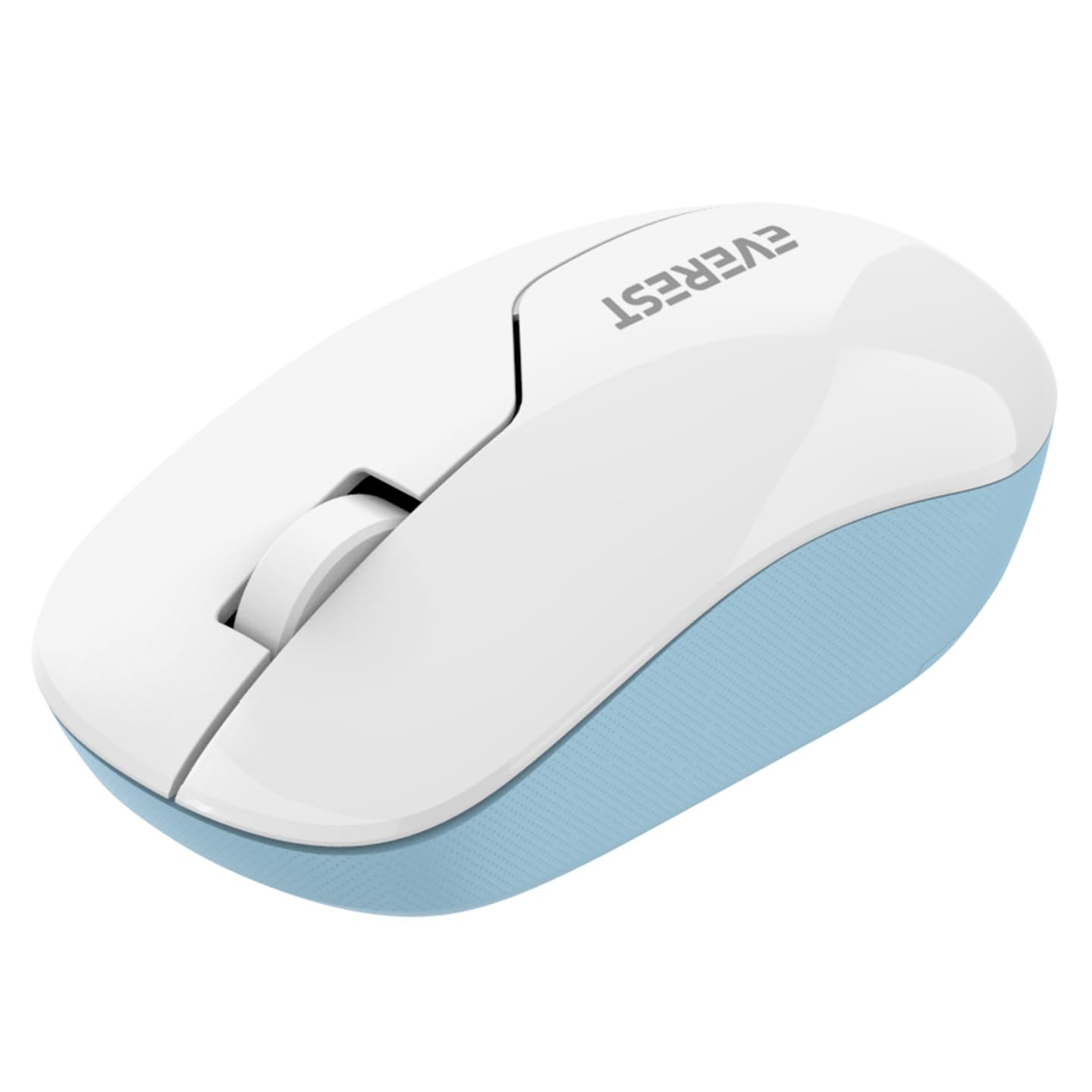
Image: The underside of the Everest SMW-973 mouse, revealing the battery compartment and the storage slot for the USB receiver.
- Connect USB Receiver:
Remove the USB 2.4GHz receiver from its storage slot on the bottom of the mouse. Plug the receiver into an available USB port on your computer.
- Power On:
Turn on the mouse using the power switch, usually located near the optical sensor on the bottom of the mouse. The mouse should automatically connect to your computer.
- Driver Installation:
Your operating system should automatically detect and install the necessary drivers. No manual driver installation is typically required.
Operating Instructions
The Everest SMW-973 mouse features standard controls for intuitive navigation.

Image: Top view of the Everest SMW-973 wireless mouse, clearly showing the left-click button, right-click button, and the scroll wheel.
- Left Button: Primary click function for selecting items, opening links, etc.
- Right Button: Secondary click function for context menus and additional options.
- Scroll Wheel: Scroll up or down through documents and web pages. Can also be pressed for middle-click functionality in some applications.
- 2.4GHz Wireless Connection: The mouse operates on a 2.4GHz frequency, providing a stable and responsive connection up to 10 meters (33 feet) from the receiver.
Maintenance
- Cleaning: Use a soft, dry cloth to clean the mouse. For stubborn dirt, slightly dampen the cloth with water. Avoid harsh chemicals or abrasive cleaners.
- Battery Replacement: When the mouse performance degrades or stops responding, replace the AA battery. Follow the battery installation steps in the "Setup Instructions" section.
- Storage: When not in use for extended periods, turn off the mouse to conserve battery life. Store the USB receiver in its dedicated slot on the mouse to prevent loss.
Troubleshooting
| Problem | Solution |
|---|---|
| Mouse not responding |
|
| Erratic cursor movement |
|
| Connection drops frequently |
|
Specifications
| Feature | Detail |
|---|---|
| Brand | Everest |
| Model | SMW-973 |
| Connectivity Technology | 2.4GHz Wireless (USB Receiver) |
| Movement Detection | Optical |
| Special Feature | Wireless |
| Color | White/Blue |
| Product Dimensions | 25.39 x 15.71 x 3.95 cm |
| Item Weight | 70 g |
| Batteries Required | Yes (1x AA, not included) |
Safety Information
- Do not expose the mouse to extreme temperatures or humidity.
- Avoid dropping or subjecting the mouse to strong impacts.
- Keep the mouse and its components out of reach of small children.
- Dispose of batteries according to local regulations.
Warranty and Support
For warranty information and technical support, please refer to the documentation provided with your purchase or visit the official Everest website. Keep your proof of purchase for warranty claims.


