Introduction
This manual provides detailed instructions for the installation, use, and maintenance of your atFoliX FX-Antireflex Screen Protector, specifically designed for the Meferi ME30K device. This film offers anti-reflective properties, shock absorption, and scratch resistance to protect your device's display.
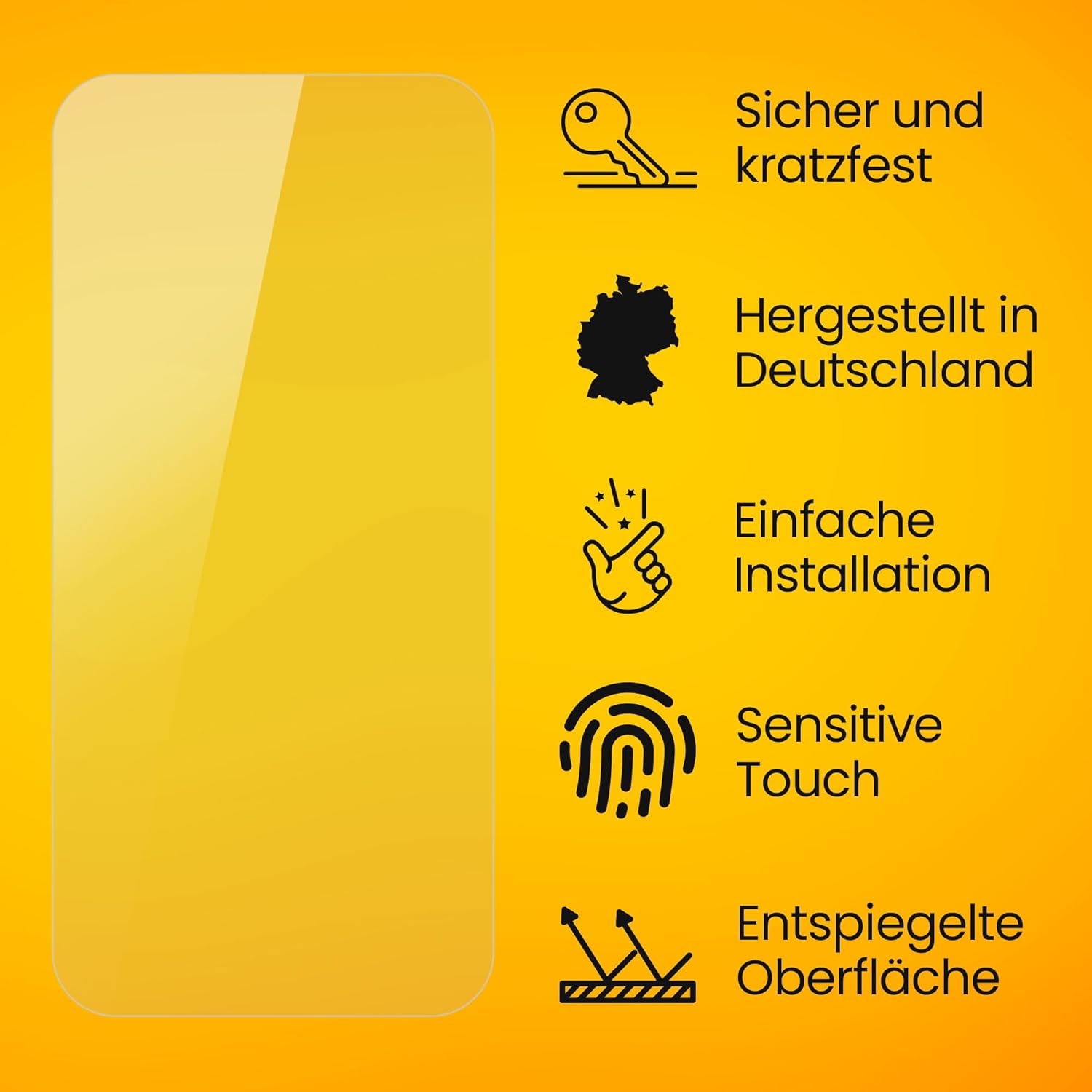
This image summarizes the key advantages of the atFoliX screen protector, including its safety, scratch resistance, German manufacturing, ease of installation, sensitive touch compatibility, and anti-reflective surface.
Installation Guide
Preparation
- Ensure your device's screen is completely clean and free of dust, fingerprints, and smudges. Use a microfiber cloth for best results.
- Work in a dust-free environment to prevent particles from getting trapped under the protector.
Application Steps

This image illustrates the simple three-step installation process for the screen protector, designed for easy, bubble-free application.
- Clean the Screen: Thoroughly clean the Meferi ME30K screen using the provided microfiber cloth and any cleaning wipes. Ensure no dust particles or smudges remain.
- Align the Protector: Carefully peel off the first protective layer (usually marked "1"). Align the screen protector precisely with the edges and cutouts of your Meferi ME30K screen.
- Apply and Smooth: Slowly lower the screen protector onto the screen. Use a squeegee or a soft card to gently push out any air bubbles towards the edges. Once applied, peel off the second protective layer (usually marked "2").

This image displays the typical contents included with your screen protector: the screen protection film, mounting tools, a microfiber cloth, and detailed installation instructions.
Key Features and Operation
Anti-Reflective Surface
The finely matte surface of the FX-Antireflex film significantly improves screen readability in bright light conditions, such as direct sunlight or strong indoor lighting, by effectively reducing glare.

This image highlights the matte finish of the screen protector, which helps to minimize fingerprints and smudges, keeping your display clear and readable.
Shock Absorption
Integrated PET absorber layers provide a high shock-absorbing effect, minimizing the risk of display breakage from accidental impacts or drops.

This image visually represents the shock-absorbing capability of the protector, indicating protection against drops up to 1 meter.
Scratch Resistance
With a surface hardness of 3H (pencil hardness), the protector offers maximum protection against scratches from everyday objects like keys or coins.

This image demonstrates the scratch resistance of the screen protector, showing its durability even against sharp objects.
Sensitive Touch & Clear Colors
The film maintains the original touch sensitivity of your Meferi ME30K display, ensuring smooth and responsive interaction. Despite the matte finish, it ensures clear and vibrant color reproduction.

This image illustrates that the screen protector allows for clear and vibrant color display, even with its matte, anti-reflective properties.
Care and Maintenance
To clean your screen protector, gently wipe it with a soft, lint-free cloth. For stubborn smudges or fingerprints, a slightly damp cloth (with water only) can be used. Avoid harsh chemicals, abrasive materials, or alcohol-based cleaners, as these may damage the film's surface.
Troubleshooting
- Bubbles after installation: Small bubbles often disappear naturally within 24-48 hours as the adhesive fully cures. For larger or persistent bubbles, gently lift the nearest edge of the protector and re-apply, pushing the bubble out with a squeegee or soft card.
- Dust particles trapped: If dust is trapped under the protector, carefully lift the protector near the dust particle using a piece of tape. Use another piece of tape to gently dab the dust off the screen or the adhesive side of the protector, then carefully re-apply.
- Misalignment: If the protector is significantly misaligned, it may be necessary to carefully remove it entirely and re-apply, ensuring proper alignment from the start. Ensure your hands are clean and free of oils.
Product Specifications
| Feature | Detail |
|---|---|
| Brand | atFoliX |
| Model Number | FX-Antireflex 4052225370563 |
| Compatible Devices | Meferi ME30K |
| Material | Polyethylenterephthalat |
| Item Hardness | 3H |
| Finish Type | Matt |
| Special Features | Anti-Reflective, Shock-Absorbing, Made in Germany, Residue-free removable, Very easy to apply |
| Product Dimensions | 8.5L x 5W Centimetres |
| Country of Origin | Germany |
Warranty and Support
This atFoliX screen protector is manufactured in Germany. For specific warranty information or support, please refer to the documentation included with your product or contact atFoliX customer service directly. The product is generally eligible for returns within 30 days of purchase, subject to the retailer's return policy.


