
Garage Outlet GO12122036
Garage Door Remote Instruction Manual
Garage Outlet Visor Remote for Wayne Dalton
Introduction
This manual provides detailed instructions for the proper setup, programming, and maintenance of your new Garage Outlet Garage Door Remote. Please read this manual thoroughly before attempting to use the remote to ensure correct operation and to maximize the lifespan of your device.
Product Overview
The Garage Outlet Visor Remote is a replacement garage door opener remote designed for compatibility with specific Wayne Dalton models. It features a compact design with three buttons for controlling multiple garage door openers or functions, and includes a convenient visor clip for easy access in your vehicle.

Image: Front view of the Garage Outlet 3-button garage door remote. The remote is black with three light gray rectangular buttons and a small blue LED indicator light above them. A metal visor clip is attached to the top.
Compatibility
This remote is compatible with the following Wayne Dalton garage door opener models:
- Classic Drive: Models 3012, 3016, and 3512
- Quantum: Models 3212, 3213, and 341
The remote operates on a frequency of 303 MHz.
Package Contents
Upon opening your package, please verify that all items are present:
- 1 x Garage Outlet Garage Door Remote
- 1 x Visor Clip
- 1 x Lithium Metal Battery (pre-installed or included separately)
- Step-by-step programming instructions

Image: The Garage Outlet remote with its battery compartment open, showing the green lithium metal battery pack. This illustrates where the battery is located or should be installed.
Setup
Your remote comes with a pre-installed lithium metal battery. If the battery needs to be installed or replaced, gently slide open the battery compartment cover on the back of the remote and insert the battery, ensuring correct polarity. Close the cover securely.

Image: Side view of the Garage Outlet remote, highlighting the durable metal visor clip attached to the top. This clip allows for convenient placement in a vehicle.
Operating Instructions: Programming Your Remote
This remote is designed for self-programming. Detailed, step-by-step programming instructions are included with your purchase. Please refer to these physical instructions for the specific programming sequence required for your Wayne Dalton garage door opener model.
Generally, programming involves placing your garage door opener into programming mode and then activating the remote to establish a connection. Follow the provided instructions carefully to ensure successful pairing.
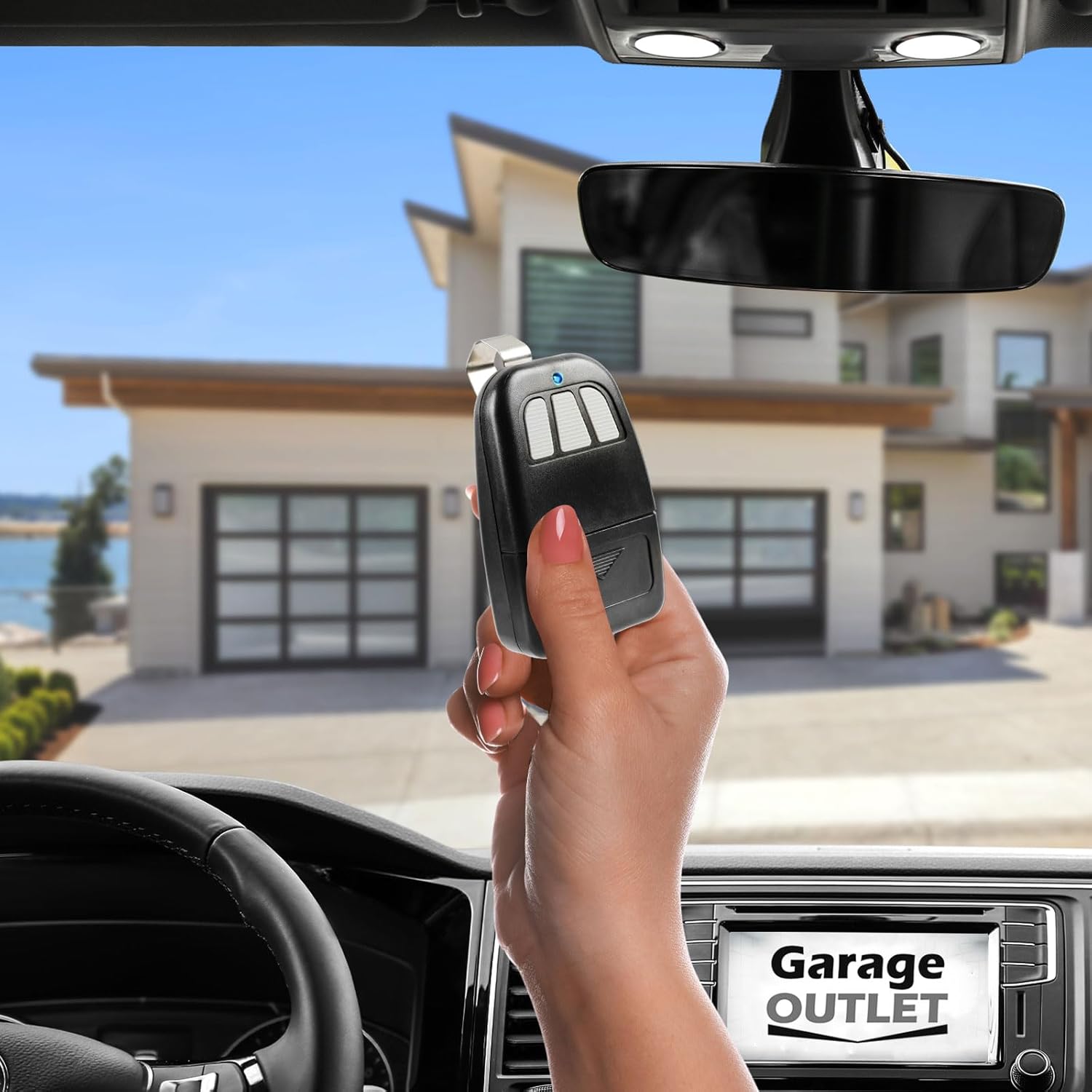
Image: A hand holding the Garage Outlet remote inside a car, demonstrating typical usage. A garage and house are visible through the windshield, indicating the remote's function for garage door operation.
Maintenance
To ensure optimal performance and longevity of your remote:
- Battery Replacement: The remote uses one Lithium Metal battery. When the remote's range decreases or the LED indicator light dims, it's time to replace the battery. Refer to the 'Setup' section for battery compartment access.
- Cleaning: Wipe the remote with a soft, dry cloth. Avoid using harsh chemicals or abrasive cleaners.
- Storage: Store the remote in a dry place, away from extreme temperatures and direct sunlight.
Troubleshooting
If your remote is not functioning as expected, consider the following:
- Remote Not Responding: Check the battery. Replace it if necessary.
- Limited Range: This often indicates a low battery. Replace the battery. Ensure there are no obstructions between the remote and the garage door opener.
- Remote Not Programming: Double-check the programming instructions provided with your remote. Ensure your garage door opener is in the correct programming mode. Verify the compatibility of your opener model with this remote.
- Interference: Other electronic devices or strong radio signals might interfere with the remote's operation. Try operating the remote from a different location.
Specifications
| Feature | Detail |
|---|---|
| Model Number | GO12122036 |
| Frequency | 303 MHz |
| Battery Type | 1 x Lithium Metal (included) |
| Item Weight | 3.2 ounces |
| Package Dimensions | 6.54 x 4.37 x 1.06 inches |
Support
For further assistance or if you encounter issues not covered in this manual, please contact Garage Outlet technical support. You can find contact information on the packaging or by visiting the official Garage Outlet store online.

Image: The Garage Outlet remote displayed alongside icons indicating available support resources: 'YouTube Program Videos' and 'Live Chat Available Technical Support'.
For more information and products, visit the Garage Outlet Store.
Related documentsGO12122036


Ask a question about this manual
Ask about setup, troubleshooting, compatibility, parts, safety, or missing instructions. Manuals+ will review the question and use this page’s manual context to help answer it.