
Introduction
These BITFUNX Button Caps are designed as replacement accessories for mechanical arcade pushbuttons. They are compatible with a variety of mechanical switches, offering a customizable and functional upgrade for arcade sticks and leverless controllers.
Product Features
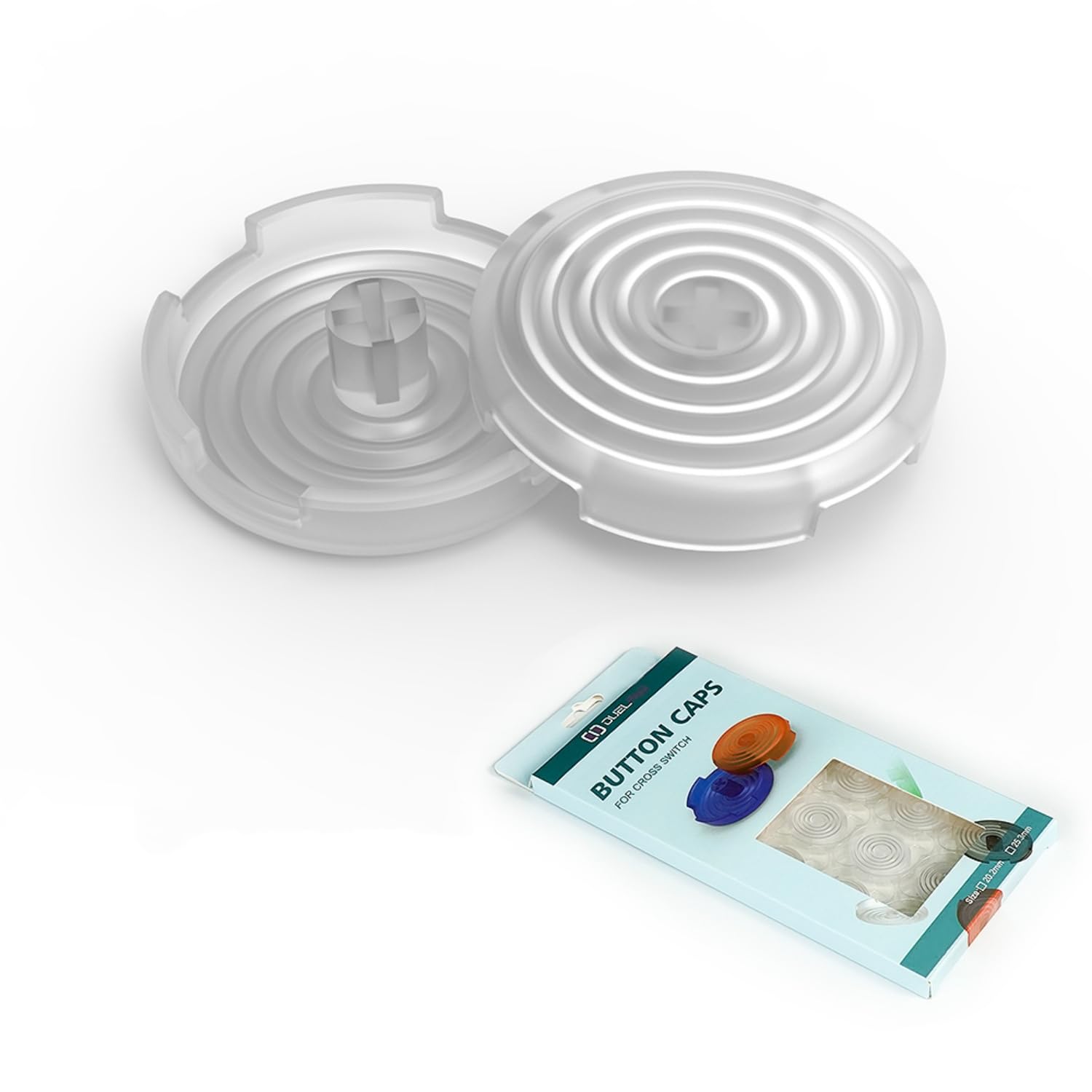
- High-Quality Material: Manufactured using injection molding for durability and a transparent finish.
- Surface Texture: Features a brushed surface designed to provide a tactile feel and resist fingerprints.
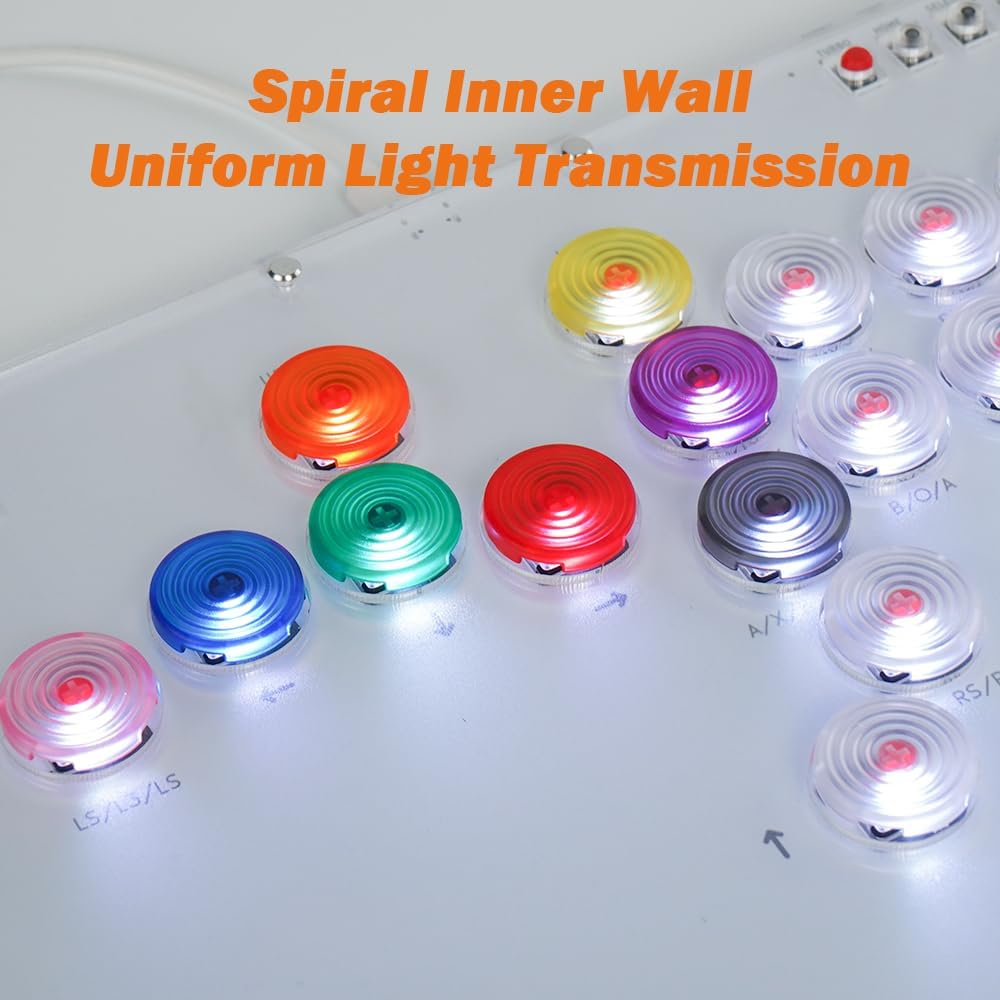
- Light Transmission: Incorporates a spiral inner wall design to ensure uniform light distribution when used with backlit switches.
- Color Variety: Available in multiple colors to suit user preferences.


Compatibility
These button caps are designed for mechanical switches with a cross-shaped stem. They are compatible with a range of popular switch brands and arcade setups:
- Switch Types: Kailh, Cherry, TTC, Akko, Glorious, and other cross-stem mechanical switches.
- Controller Compatibility: Suitable for use with sallybox, slimbox, flatbox, and various other arcade keyboards and leverless controllers.
Installation Guide
Follow these steps to install or replace your button caps:
- Identify Switch Type: Ensure your mechanical switches have a cross-shaped stem for proper fitment.
- Remove Existing Cap (if applicable): Gently pull upwards on the old button cap to detach it from the switch stem. Avoid excessive force to prevent damage to the switch.
- Align New Cap: Position the new BITFUNX button cap over the switch stem, aligning the cross-shaped opening on the underside of the cap with the stem.
- Press Down: Apply gentle, even pressure to push the new button cap onto the switch stem until it is securely seated. You should feel a slight click or resistance as it locks into place.
- Test Functionality: Press the button several times to ensure it actuates correctly and the cap does not wobble excessively.
Care and Maintenance
To maintain the appearance and functionality of your button caps:
- Cleaning: Use a soft, damp cloth to wipe the surface of the caps. For stubborn dirt, a mild soap solution can be used, followed by wiping with a clean, damp cloth. Avoid abrasive cleaners or solvents.
- Storage: Store unused caps in a clean, dry environment away from direct sunlight to prevent discoloration or material degradation.
Troubleshooting
If you encounter issues with your button caps, consider the following:
- Cap Feels Loose: Ensure the cap is fully pressed onto the switch stem. Verify that the switch stem is not damaged or worn, which could affect the fit.
- Cap Does Not Fit: Confirm that your mechanical switch has a standard cross-shaped stem. These caps are not compatible with non-cross-stem switches.
- Uneven Lighting: If using backlit switches, ensure the cap is correctly oriented and fully seated. The spiral inner wall is designed for uniform light transmission, but external factors like LED placement can influence appearance.
Technical Specifications
- Quantity: 14 pieces per set
- Dimensions:
- Smaller Cap Diameter: Approximately 20.2 mm
- Larger Cap Diameter: Approximately 25.3 mm
- Height (both sizes): Approximately 6 mm
- Material: Injection-molded plastic
- Surface: Brushed, anti-slip, anti-fingerprint
- Parcel Dimensions: 11.3 x 7.39 x 1.7 cm; 18 g
Warranty and Support
For information regarding product warranty, returns, or technical support, please refer to the official BITFUNX website or contact your retailer directly. Specific warranty terms may vary by region and purchase location.