Introduction
Thank you for choosing the Bontempi PlayKeys Toy Keyboard 37 Keys. This manual provides essential information for the safe and proper use, setup, operation, and maintenance of your new musical instrument. Please read this manual thoroughly before use and retain it for future reference.
The Bontempi PlayKeys Toy Keyboard is designed to introduce children to the world of music, fostering creativity and cognitive development through interactive play. It features 37 keys and includes a microphone for singing along.
Safety Information
Please observe the following safety precautions:
- This product is intended for children under adult supervision.
- Do not expose the keyboard to water or excessive moisture.
- Use only the specified 5V power adapter provided or recommended by Bontempi.
- Keep small parts, such as the microphone, away from very young children to prevent choking hazards.
- Do not attempt to disassemble or modify the keyboard.
- Ensure proper ventilation around the device during use.
Package Contents
Verify that all items are present in the package:
- Bontempi PlayKeys Toy Keyboard 37 Keys
- Microphone
- 5V Power Adapter (compatible with models 16 6110, 16 5415, 16 5425, 154909, 15 3790, 15 3785, 15 3220, 15 3780)
- Instruction Manual (this document)
Setup
-
Power Connection:
Locate the DC 5V input port on the back or side of the keyboard. Insert the small plug of the 5V power adapter into this port. Plug the other end of the power adapter into a standard electrical outlet.
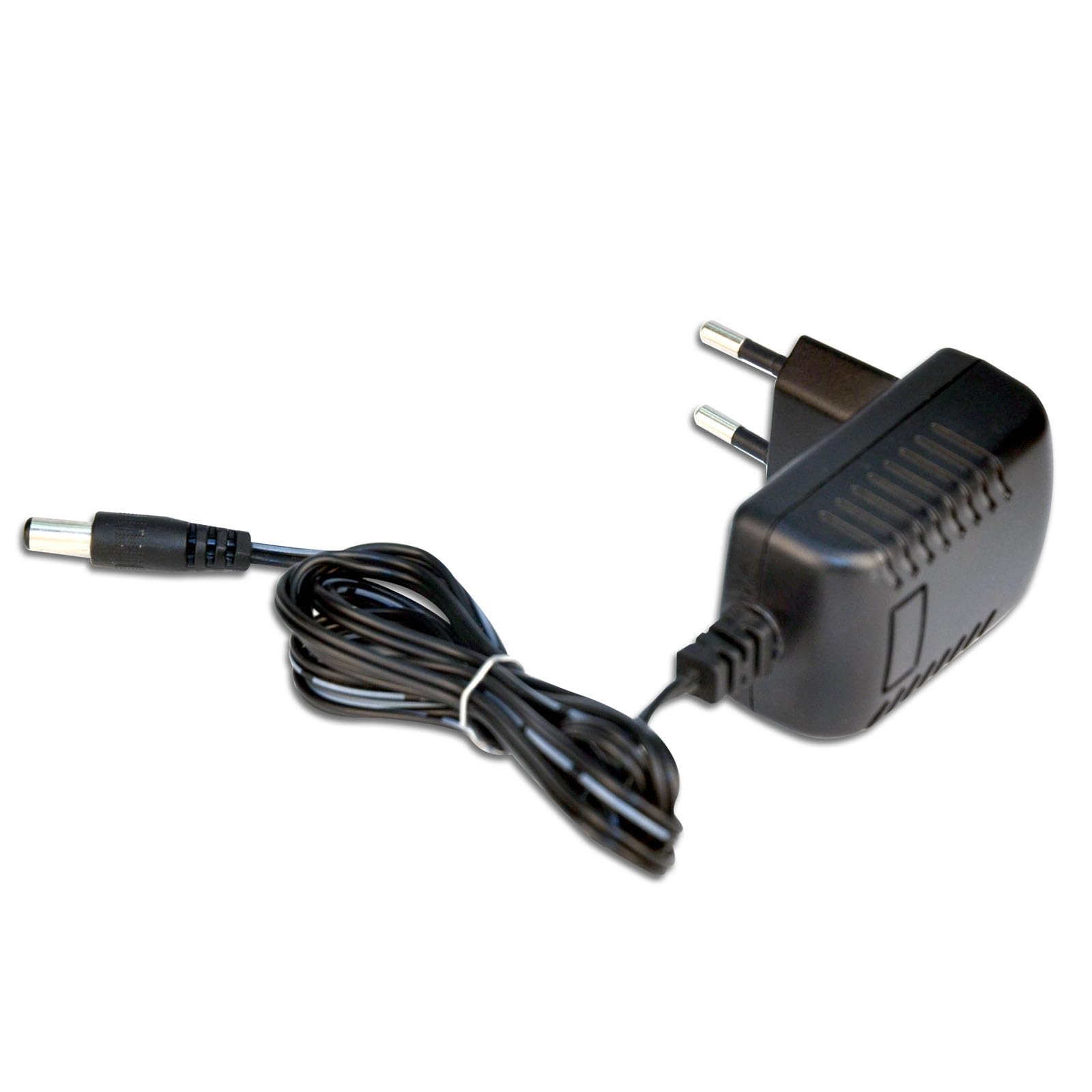
Image: The Bontempi PlayKeys Toy Keyboard, showing the power adapter connected to the appropriate port. The keyboard is multicolored with 37 keys and a microphone input.
-
Microphone Connection:
Identify the microphone input jack, typically located near the power input. Insert the microphone's plug firmly into this jack.
-
Power On:
Press the Power button, usually located on the front panel of the keyboard, to turn on the device. An indicator light may illuminate.
Operating Instructions
Once the keyboard is powered on, you can begin playing:
-
Playing Keys:
Press the 37 keys to produce musical notes. Experiment with different keys to create melodies.
-
Using the Microphone:
Speak or sing into the connected microphone. Your voice will be amplified through the keyboard's speakers, allowing you to sing along with your music.
-
Volume Control:
Adjust the volume using the dedicated volume controls (if present) on the keyboard's control panel. Start with a low volume and increase it gradually.
-
Other Functions:
Depending on the specific model, your keyboard may include additional features such as different instrument sounds, rhythm patterns, or recording functions. Refer to the labels on the control panel for these options.
Maintenance
Proper care will extend the life of your Bontempi PlayKeys Toy Keyboard:
-
Cleaning:
Wipe the surface of the keyboard with a soft, dry cloth. Do not use abrasive cleaners, solvents, or chemical sprays, as these can damage the finish.
-
Storage:
When not in use, store the keyboard in a cool, dry place, away from direct sunlight and extreme temperatures. Disconnect the power adapter when storing for extended periods.
-
Handling:
Handle the keyboard with care. Avoid dropping it or subjecting it to strong impacts.
Troubleshooting
If you encounter issues with your keyboard, refer to the following common problems and solutions:
| Problem | Possible Cause | Solution |
|---|---|---|
| Keyboard does not power on. | Power adapter not connected or faulty. | Ensure the power adapter is securely plugged into both the keyboard and the electrical outlet. Check if the outlet is functional. |
| No sound from the keyboard. | Volume is too low or muted. | Increase the volume using the volume controls. |
| Microphone not working. | Microphone not properly connected. | Ensure the microphone is fully inserted into its jack. |
| Distorted sound. | Volume too high or faulty connection. | Reduce the volume. Check all connections. |
If the problem persists after trying these solutions, please contact Bontempi customer support or your retailer for assistance.
Specifications
| Feature | Detail |
|---|---|
| Brand | Bontempi |
| Model Number | 65 0505 |
| Product Dimensions (Power Adapter) | 1.65 x 2.68 x 2.76 inches |
| Item Weight (Power Adapter) | 2.46 ounces |
| Keyboard Dimensions | 425 x 160 x 50 mm |
| Compatible Devices | Musical Instruments (Bontempi) |
| Included Components | Power adapter 5V mains (16 6110, 16 5415, 16 5425, 154909, 15 3790, 15 3785, 15 3220, 15 3780) |
| Special Feature | Travel |
| Color | Multicolored |
| Input Voltage | 230 Volts (for power adapter) |
| Wattage | 20 watts (for power adapter) |
| Output Current | 0.5 Amps (for power adapter) |
| Material | Plastic |
Note: Some specifications listed pertain specifically to the included 5V power adapter.
Warranty and Support
For warranty information and customer support, please refer to the documentation provided with your purchase or contact your retailer. You may also visit the official Bontempi website for further assistance.


