
Dpofirs Dpofirskgh572189x
Contents
Dpofirs 5K Ultra HD Video Camera User Manual
Model: Dpofirskgh572189x
Introduction
This manual provides comprehensive instructions for operating your Dpofirs 5K Ultra HD Video Camera. Designed for vlogging and capturing high-quality moments, this compact and portable camera features a 1/2.5" CMOS sensor, a 3.5" IPS touchscreen, and a long-lasting 3250 mAh battery. Please read this manual carefully before use to ensure proper operation and to maximize the camera's capabilities.
Setup Guide
1. Charging the Battery
The camera is equipped with a built-in 3250 mAh high-capacity battery. Before first use, fully charge the camera using the provided data cable. The camera supports simultaneous use and charging.
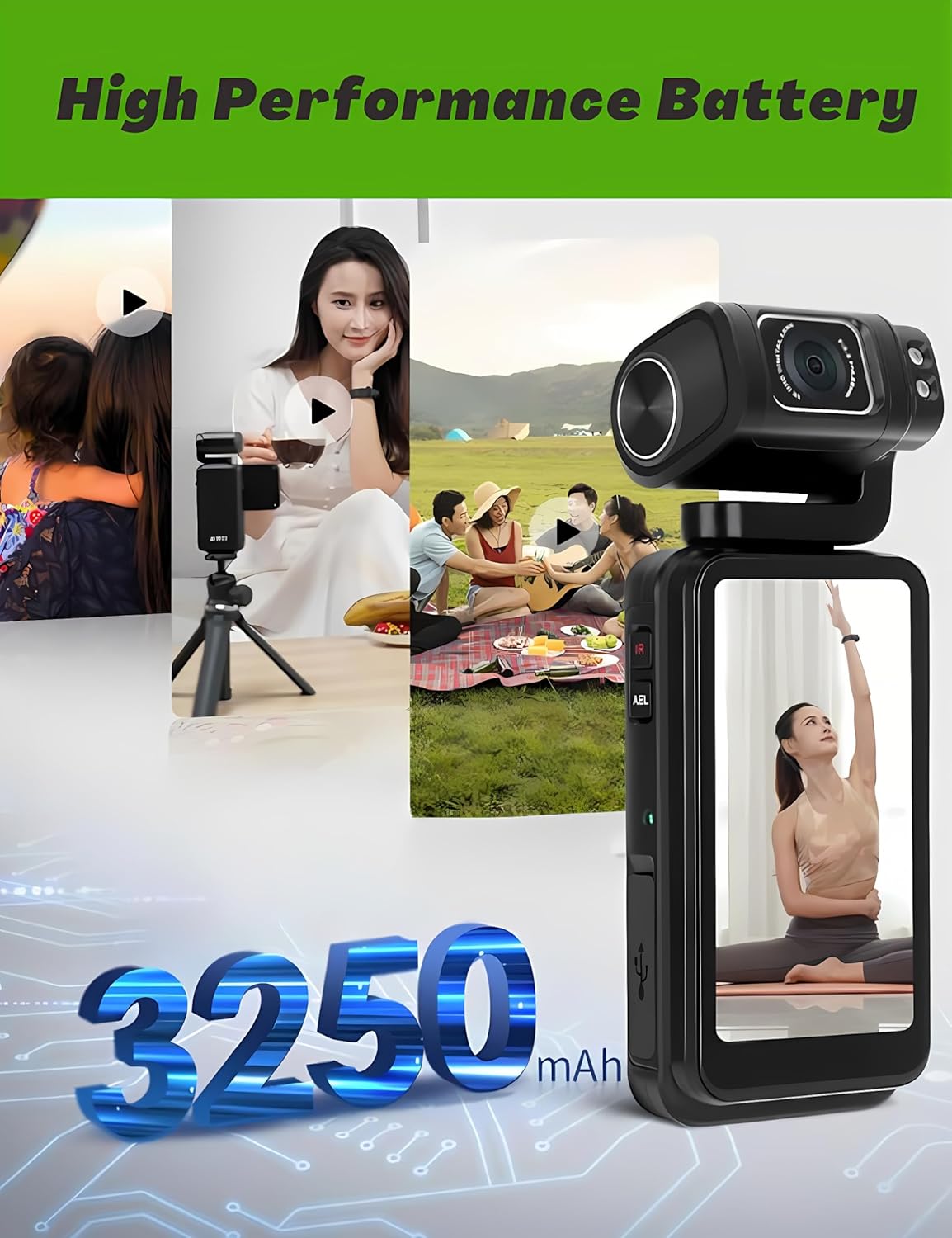
Image: The camera's high-performance 3250 mAh battery allows for extended recording times, up to 360 minutes of 5K 30fps footage on a full charge.
2. Inserting a Memory Card (Not Included)
Locate the memory card slot on the camera. Insert a compatible memory card (e.g., microSD) until it clicks into place. Ensure the card is inserted correctly to avoid damage.
3. Powering On/Off
Press and hold the power button to turn the camera on or off. The 3.5" IPS touchscreen will illuminate upon power-on.
Operating Instructions
1. Basic Recording and Photography
The camera supports both video recording and still photography. Use the dedicated buttons or touchscreen interface to switch between modes and initiate capture.

Image: The Dpofirs 5K video camera features a rotating screen, allowing for flexible shooting angles and easy self-recording.
2. Using the 3.5" IPS Touchscreen
The 3.5" IPS touchscreen allows for quick and easy adjustment of settings and real-time viewing of footage. The screen is foldable and can rotate 180 degrees, making it ideal for vlogging and precise image framing.
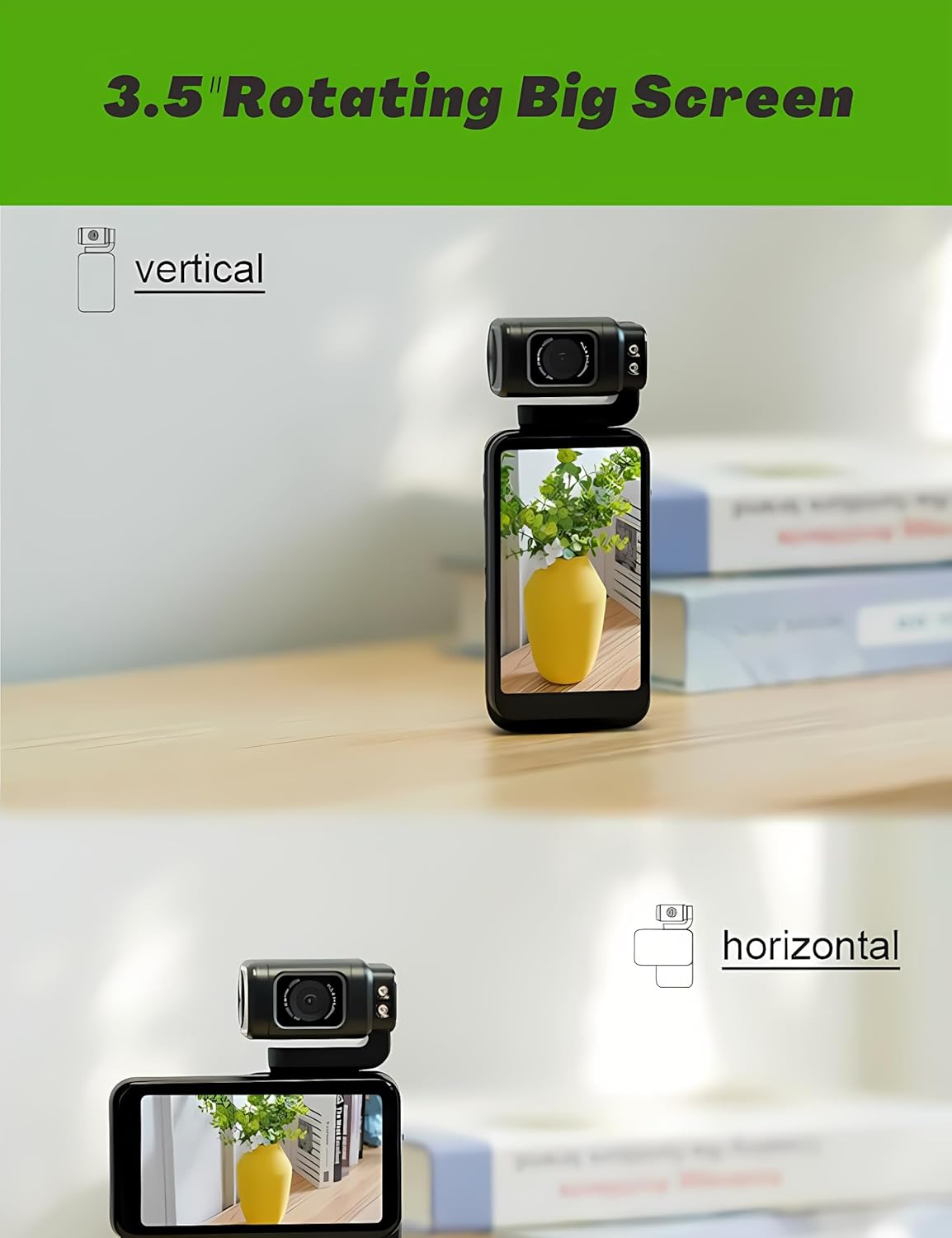
Image: The 3.5" rotating screen supports both vertical and horizontal shooting modes, adapting to various content creation needs.
3. Advanced Features
- 120-Degree Ultra-Wide Angle: The camera offers a 120-degree field of view, suitable for personal videos, outdoor travel, and family gatherings.
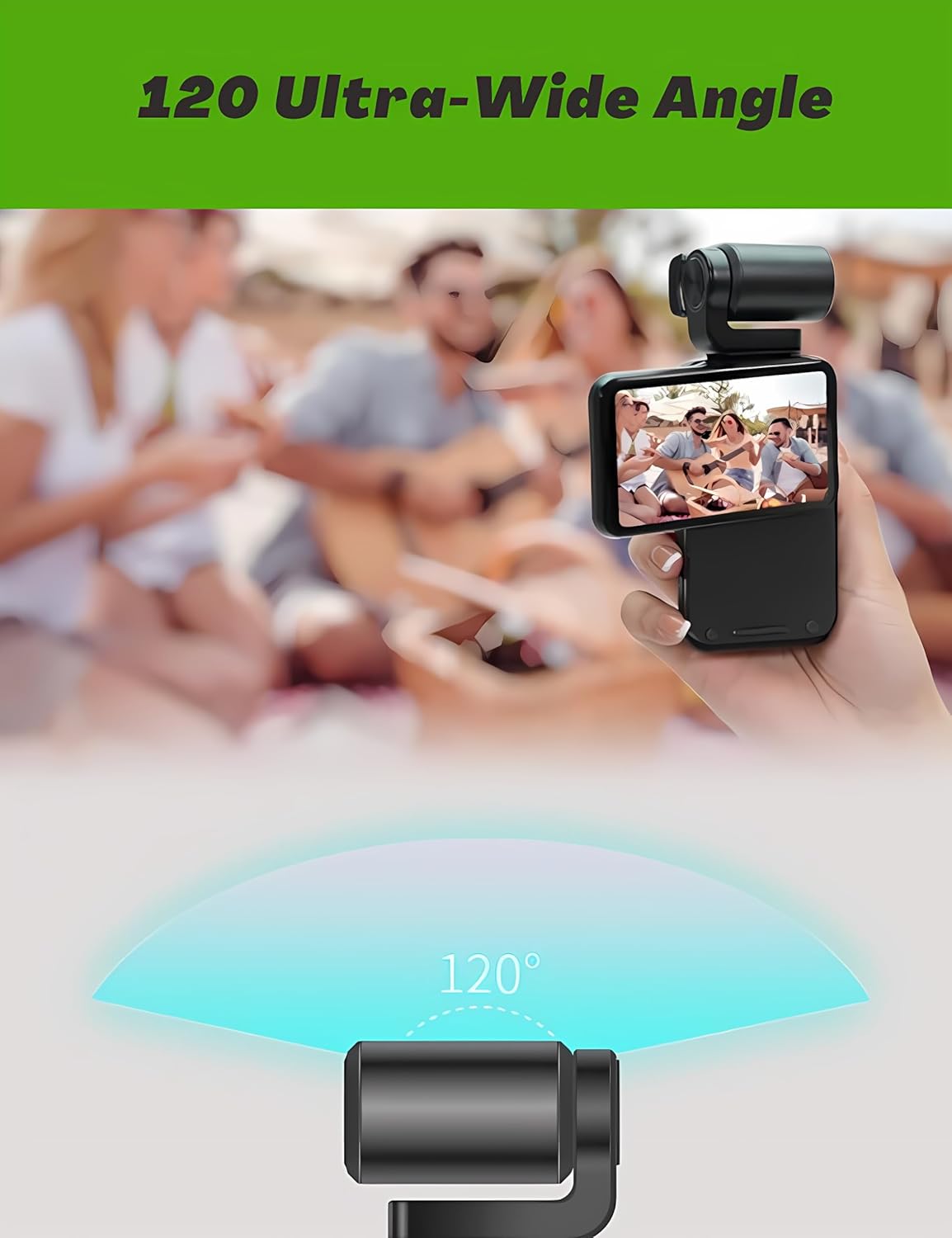
Image: The 120-degree ultra-wide angle lens captures a broader scene, ideal for landscapes and group shots.
- IR Night Vision Shooting: For low-light conditions, activate the infrared night vision mode to capture clear black-and-white images.
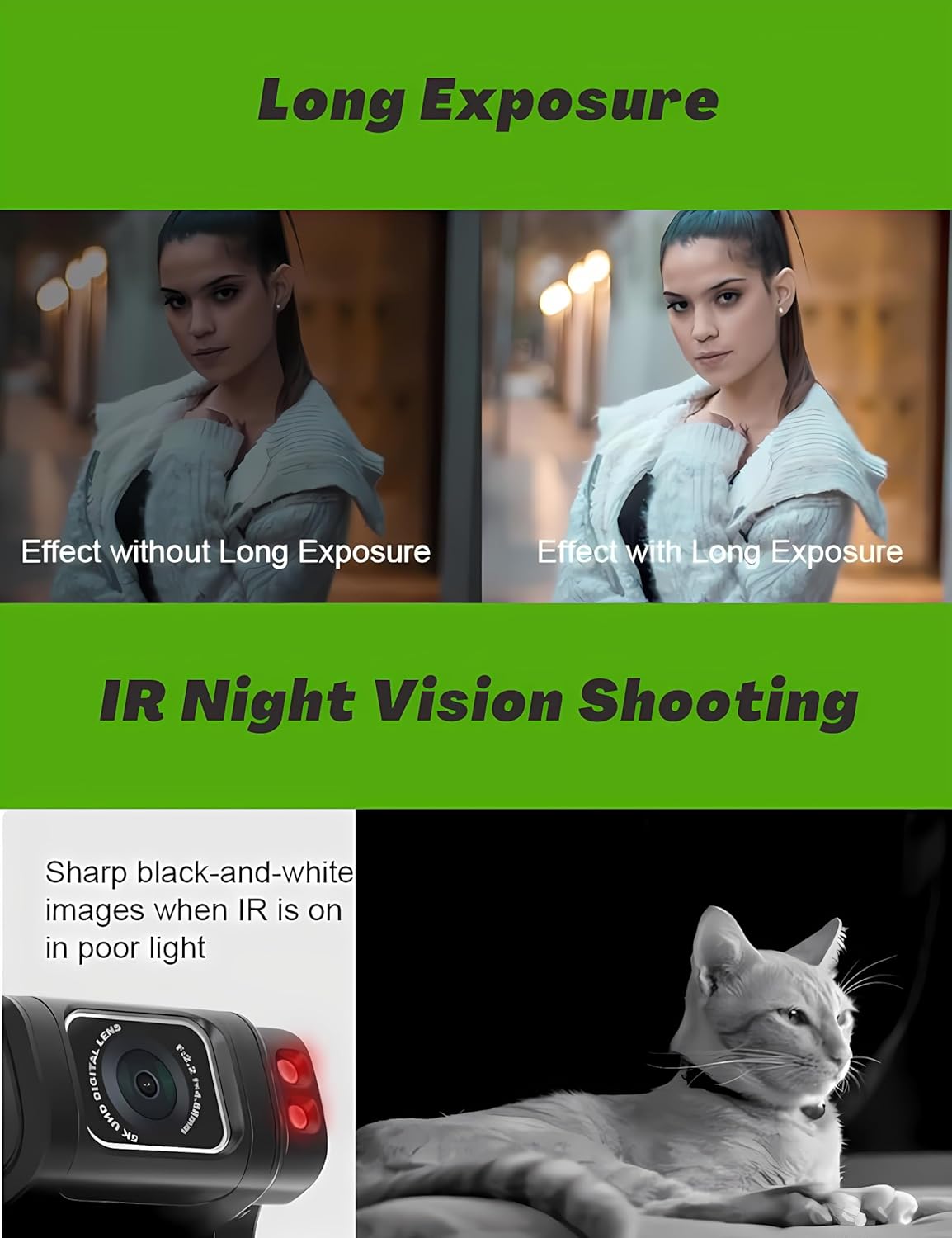
Image: Demonstrates the effect of long exposure and the sharp black-and-white output of IR Night Vision in poor light.
- 10x Digital Zoom: Utilize the digital zoom feature to get closer to your subject.
- WiFi Connectivity: Connect the camera to your smartphone or tablet via Wi-Fi for remote control, file transfer, and online video streaming.
- Time-Lapse Photography: Capture time-lapse sequences for creative video projects.
- Wide Dynamic Range (WDR): Enhance image quality in high-contrast scenes.
- Burst Mode: Take multiple photos in quick succession.
- AE L (Exposure Lock): Lock the exposure settings for consistent lighting.
- Long Exposure: Capture stunning images in low light with extended exposure times.
- White Balance: Adjust color temperature for accurate color reproduction.
- Slow Motion: Record videos in slow motion.
- EV Exposure Compensation: Manually adjust exposure levels.
4. Usage Scenarios
The Dpofirs 5K camera is versatile and suitable for a variety of scenarios, including:
- Yoga and Fitness Recording
- Travel Vlogging
- Conference Recording
- Gourmet Cooking Videos
- Camping and Outdoor Activities
- Parent-Child Moments
- Dinner Parties and Street Snaps
- General Vlog Shooting

Image: A visual guide showcasing the diverse applications of the Dpofirs 5K camera, from personal vlogging to professional recording.
Maintenance
- Keep the camera clean by wiping it with a soft, dry cloth.
- Avoid exposing the camera to extreme temperatures, dust, or moisture.
- Do not attempt to disassemble the camera, as this will void the warranty.
- Store the camera in a cool, dry place when not in use, preferably in the provided camera bag.
Troubleshooting
Camera Not Powering On:
- Ensure the battery is fully charged.
- Check if the power button is pressed and held sufficiently.
Poor Image/Video Quality:
- Clean the lens with a soft, lint-free cloth.
- Check lighting conditions and adjust exposure settings (EV compensation, Long Exposure).
- Ensure the correct resolution (e.g., 5K 30fps) is selected in settings.
Wi-Fi Connection Issues:
- Ensure the camera's Wi-Fi is enabled.
- Check your device's Wi-Fi settings and ensure it's connected to the camera's network.
- Restart both the camera and your connected device.
Specifications
| Brand | Dpofirs |
| Model Number | Dpofirskgh572189x |
| Product Type | Compact Video Camera |
| Screen | 3.5 inch IPS Touchscreen |
| Special Features | High-resolution video recording, Wi-Fi connectivity, IR Night Vision, 10x Digital Zoom, Time-Lapse, WDR, Burst Mode, Long Exposure |
| Focal Length | 4.88 millimeters |
| Aperture | f/2.2 |
| Connectivity Technology | Wi-Fi |
| Video Resolution | 5K 30fps Ultra HD |
| Compatible Devices | Personal Computer, Laptop, Smartphone, Tablet |
| Image Stabilization | No |
| Included Components | 5K Camera, Data Cable, Camera Bag, Wrist Strap, User Manual |
| Water Resistance Level | Not Waterproof |
| Focus Type | Auto Focus, Manual Focus |
| Effective Still Resolution | 36 Megapixels |
| Sensor Technology | CMOS |
| Flash Memory Type | Internal Flash Memory |
| Video Capture Format | MP4 |
| Battery Capacity | 3250 mAh |
| Dimensions (Approx.) | 13.5 x 5.6 x 3.8 cm (5.3 x 2.2 x 1.5 inches) |
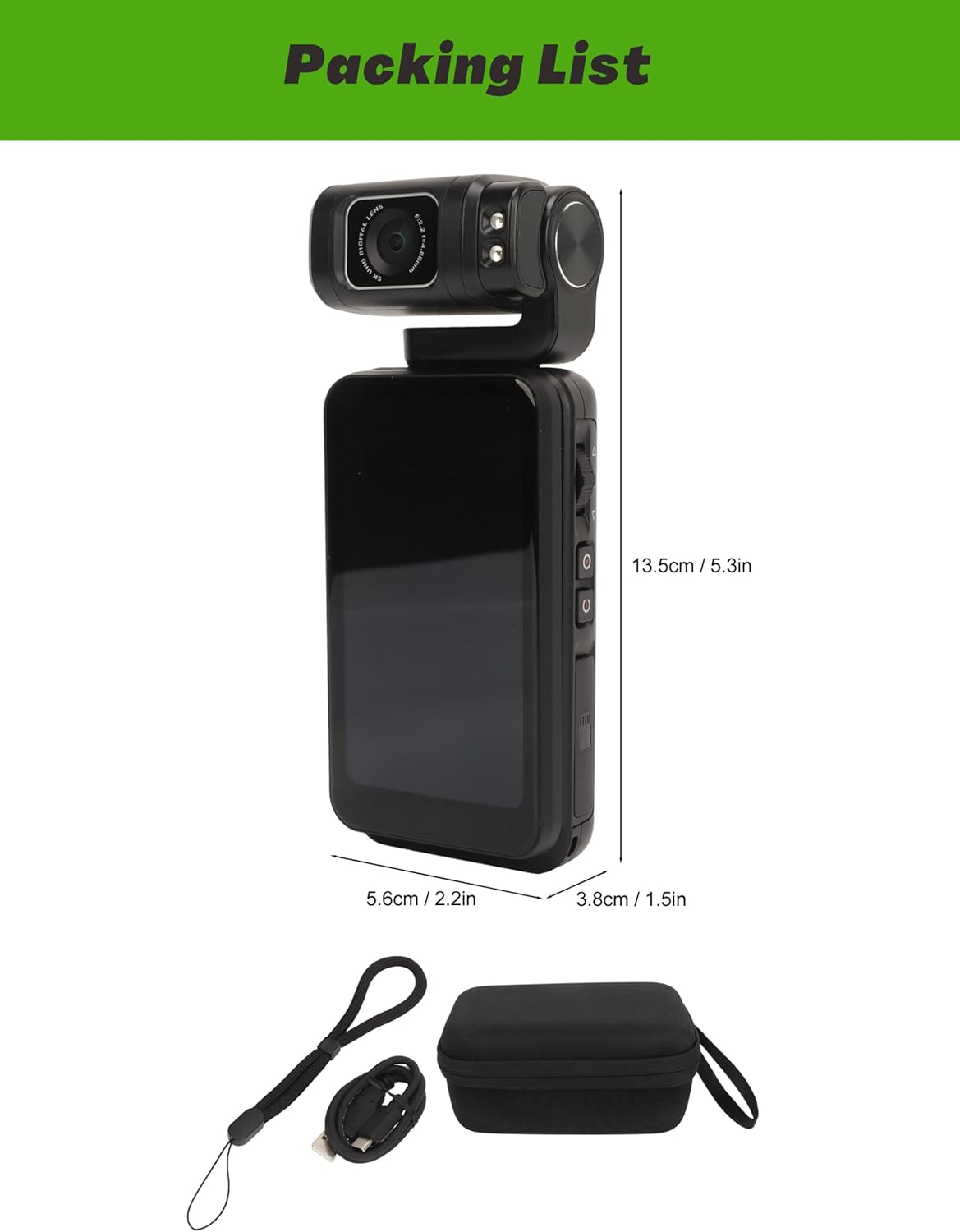
Image: The packing list includes the 5K camera, data cable, camera bag, and wrist strap, along with the camera's compact dimensions.
Warranty and Support
For warranty information and customer support, please refer to the documentation included with your purchase or visit the official Dpofirs website. Contact details for support may also be found on the product packaging.
Note: Information regarding software updates and spare parts availability is not provided in the product specifications.
Documents and downloads
Ask a question about this manual
Ask about setup, troubleshooting, compatibility, parts, safety, or missing instructions. Manuals+ will review the question and use this page’s manual context to help answer it.