Introduction
The NUROUM C50 is an all-in-one 360° video conference camera designed to enhance your virtual meeting experience. It integrates a high-definition camera, omnidirectional microphones, and a full-duplex speaker system into a single device. This manual provides detailed instructions for setting up, operating, and maintaining your C50 camera.

Image: NUROUM C50 camera and included accessories.
What's in the Box
- C50 All-in-One Conference Webcam
- User Manual
- Remote Controller
- USB Cable
Setup
- Placement: Place the C50 camera at the center of your conference table to ensure optimal 360-degree panoramic video capture. The 1/4-inch thread at the base allows for tripod installation if desired.
- Power Connection: Connect the provided multi-voltage power adapter to the power input port on the underside of the C50 camera. Plug the adapter into a power outlet.
- USB Connection: Connect the provided USB cable (USB-C to USB-A with adapter) from the C50 camera's USB-C port to an available USB port on your PC, desktop, or laptop computer.
- Driver Installation: The C50 camera is plug-and-play. Your operating system (Windows, macOS, Linux) should automatically detect and install the necessary drivers. No manual driver installation is typically required.
- Software Selection: Open your preferred video conferencing application (e.g., Zoom, Microsoft Teams, Google Meet, GoToMeeting). In the application's audio and video settings, select the NUROUM C50 as your camera, microphone, and speaker device.

Image: Easy setup with USB cable and power adapter.
Video: Official overview of the NUROUM C50 All-in-one 360 degree Conference Webcam, demonstrating its features and ease of use.
Operating Instructions
Camera Features
- 360-Degree Panoramic View: The C50 captures panoramic video in 1080P@30FPS, providing a wide field of view to include all participants in a group video call.
- 3 AI-Powered Capture Modes: The camera offers three intelligent modes for various conference scenarios, selectable via the remote control or soft keys on the device:
- Gallery Mode: Highlights up to three different participants in close-up views, suitable for group discussions.
- Manual Mode: Captures content within a 115° field of view without automatic adjustments, ideal for presentations.
- Speaker-Tracking Mode: Identifies and highlights the active speaker on the screen.

Image: Detailed view of the 360° panoramic lens system.
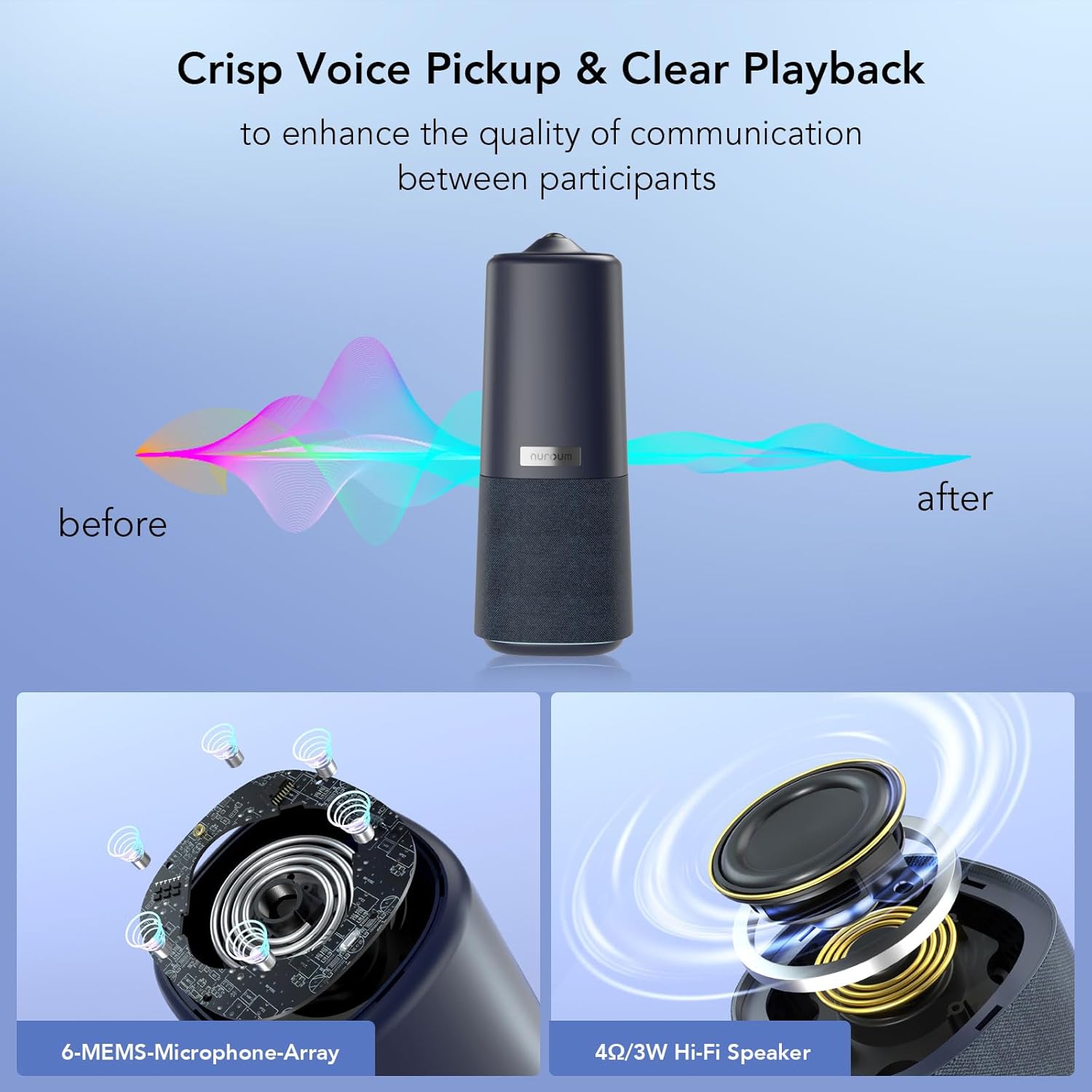
Image: Illustration of the three AI-powered video display modes.
Audio Features
- 6 Omnidirectional Microphones: The integrated microphones capture sound from all directions within a 5-meter radius, ensuring clear voice pickup.
- Full-Duplex Speaker: The Hi-Fi speaker system provides clear audio playback. Full-duplex technology minimizes background noise and echoes for natural conversations.
- Noise Suppression & Echo Cancellation: Advanced audio processing reduces unwanted background noise and eliminates echo for improved clarity.

Image: Internal view of the microphone array and Hi-Fi speaker.
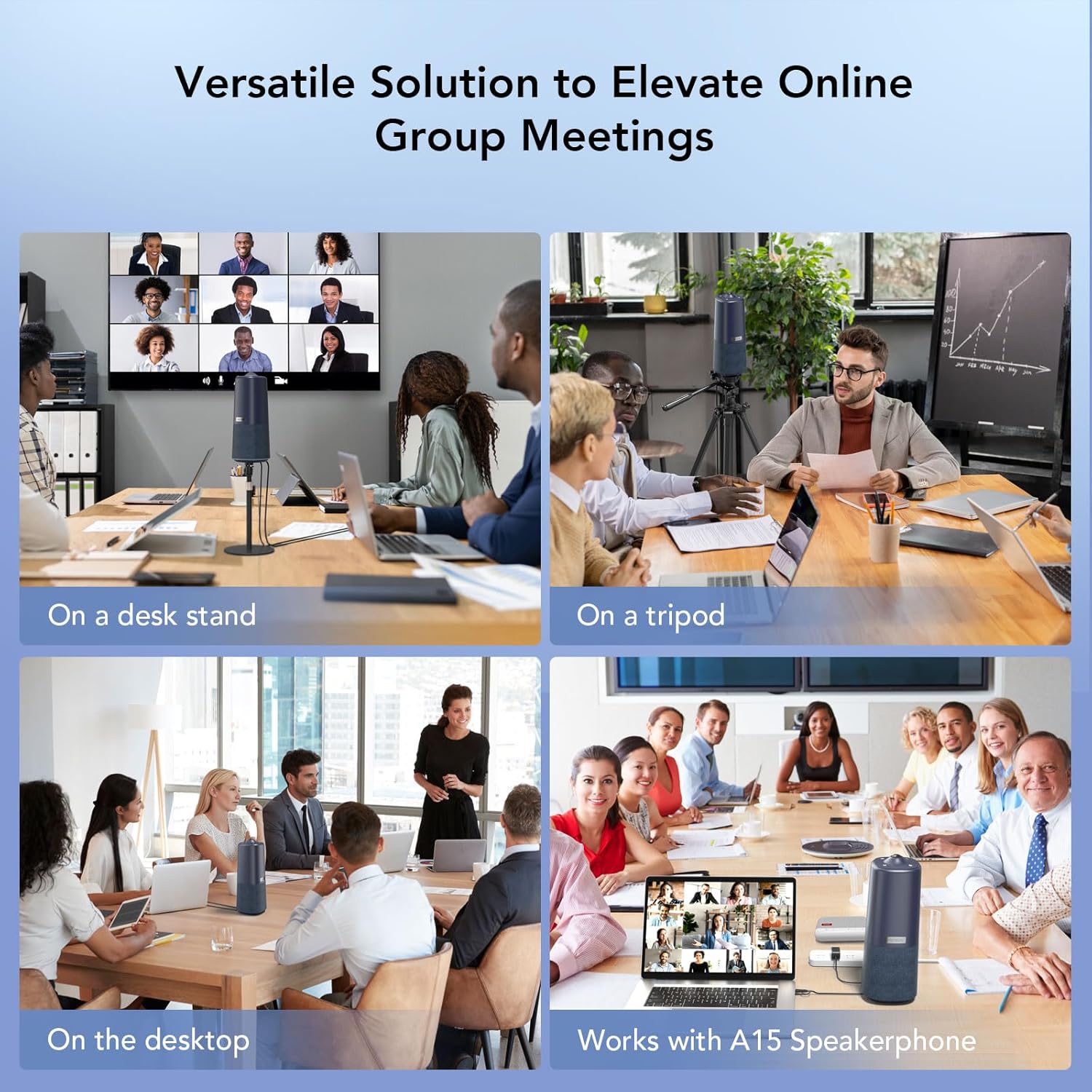
Image: Omnidirectional voice pickup with noise and echo reduction.
Controls
- Top Buttons: The soft-touch buttons on the top of the device allow for volume adjustment, mode switching, and muting the microphones.
- Remote Control: The included remote control provides comprehensive access to all camera functions, including mode selection, zoom in/out, audio mute, and video stop.
- Privacy Features: For privacy, you can quickly turn off the camera and mute the microphones using the dedicated buttons on the device or remote control.
Compatibility
The C50 camera is compatible with various operating systems and conferencing platforms:
- Operating Systems: Windows, macOS, Linux
- Conferencing Platforms: Zoom, Microsoft Teams, Google Meet, GoToMeeting, Skype, WhatsApp, FaceTime, Webex, Slack, Twitch, OBS Studio, YouTube.

Image: Universal compatibility with major platforms and operating systems.
Maintenance
- Cleaning: Use a soft, dry cloth to clean the exterior of the camera. Do not use liquid cleaners or aerosols.
- Software Updates: Periodically check the NUROUM official website for firmware or software updates to ensure optimal performance and access to new features. Updates can typically be applied via a connected computer.

Image: Device update interface for the C50 camera.
Troubleshooting
- No Video/Audio: Ensure the USB cable is securely connected to both the camera and your computer. Verify that the C50 is selected as the active camera, microphone, and speaker in your conferencing software settings.
- Poor Video Quality: Check your internet connection speed. Ensure the camera lens is clean and free from obstructions. Confirm that your conferencing software is set to use the highest available video resolution (1080p).
- Poor Audio Quality: Ensure the microphones are not muted. Check for excessive background noise in the environment. Verify that the C50 is selected as the active microphone and speaker in your conferencing software.
- Remote Control Not Responding: Ensure there are no obstructions between the remote control and the camera. Check and replace the remote control batteries if necessary.
- Device Not Recognized: Try connecting the camera to a different USB port on your computer. Restart your computer and the C50 camera.
Specifications
| Feature | Detail |
|---|---|
| Brand Name | NUROUM |
| Model Number | AW-C50 |
| Item Weight | 2.94 pounds |
| Package Dimensions | 13.62 x 5.83 x 5.51 inches |
| Special Features | 360 Degree Capture |
| Photo Sensor Technology | CMOS |
| Video Capture Resolution | 1080p |
| Maximum Focal Length | 1.41 Millimeters |
| Video Capture Format | YUV |
| Connectivity Technology | USB |
| Camcorder Type | Webcam |
Warranty and Support
Your NUROUM C50 camera comes with a warranty card included in the packaging. Please refer to this card for specific warranty terms and conditions. For technical support, product inquiries, or further assistance, please visit the official NUROUM website or contact their customer service.


