
Geeni GN-CW275-101
Contents
Geeni Look 720p Indoor Security Camera Instruction Manual
Model: GN-CW275-101
Introduction
The Geeni Look 720p Indoor Security Camera provides comprehensive home monitoring with high-definition video, two-way audio, motion detection, and night vision capabilities. Designed for ease of use, this camera integrates seamlessly with smart home ecosystems like Alexa and Google Assistant, offering convenient remote access and control. Its compact design and flexible stem allow for versatile placement within your home, ensuring optimal coverage and peace of mind.

Image: Geeni Look 720p Indoor Security Cameras and app interface.
What's in the Box
- Smart Camera
- Wall Adaptor with USB Cable
- 3M Mounting Disc
- User Manual
Features
- HD Video Monitoring: Stream high-definition 720p video in real time from anywhere using your smartphone or smart home display.
- Motion Detection Alerts: Receive push notifications whenever movement is detected, allowing for real-time monitoring.
- Night Vision & 2-Way Audio: See clearly in low-light conditions and communicate through the integrated microphone and speaker using the Geeni app.
- Voice Control Compatibility: Works with most Alexa and Google Assistant devices for hands-free control.
- Safe Storage Options: Save recordings via optional cloud storage or a MicroSD card (up to 128GB, sold separately).
- Flexible Stem: Allows for bending and mounting at various angles for optimal camera positioning.

Image: Key features of the Geeni Look camera.
Setup
- Download the Geeni App: Search for "Geeni" in your smartphone's app store (available on iOS and Android).
- Power On: Connect the camera to the wall adaptor using the provided USB cable and plug it into a power outlet. The camera will power on automatically.
- Connect to Wi-Fi: Open the Geeni app and follow the on-screen instructions to add your new camera. Ensure your Wi-Fi network is 2.4GHz for optimal compatibility. The app will guide you through the pairing process, often using a QR code scan.

Image: Simple setup steps for the Geeni camera.
Video: Product Overview and Setup Guide for the Geeni Look Camera.
Operating the Camera
Live Video Monitoring
Access real-time 720p HD video from your camera anytime, anywhere, directly from the Geeni app on your smartphone or smart home display. You can view live footage and monitor your home remotely.

Image: Live video monitoring via smartphone.
Motion Detection Alerts
The camera's built-in motion sensors will detect movement and send real-time push notifications to your mobile device. This feature allows you to stay informed about activity in your monitored areas.

Image: Real-time motion detection notifications.
Two-Way Audio and Night Vision
Utilize the integrated microphone and speaker for instant two-way communication. You can listen to sounds from the camera's location and speak through the camera to interact with pets or family members. The night vision feature ensures clear visibility even in low-light conditions, extending your monitoring capabilities around the clock.
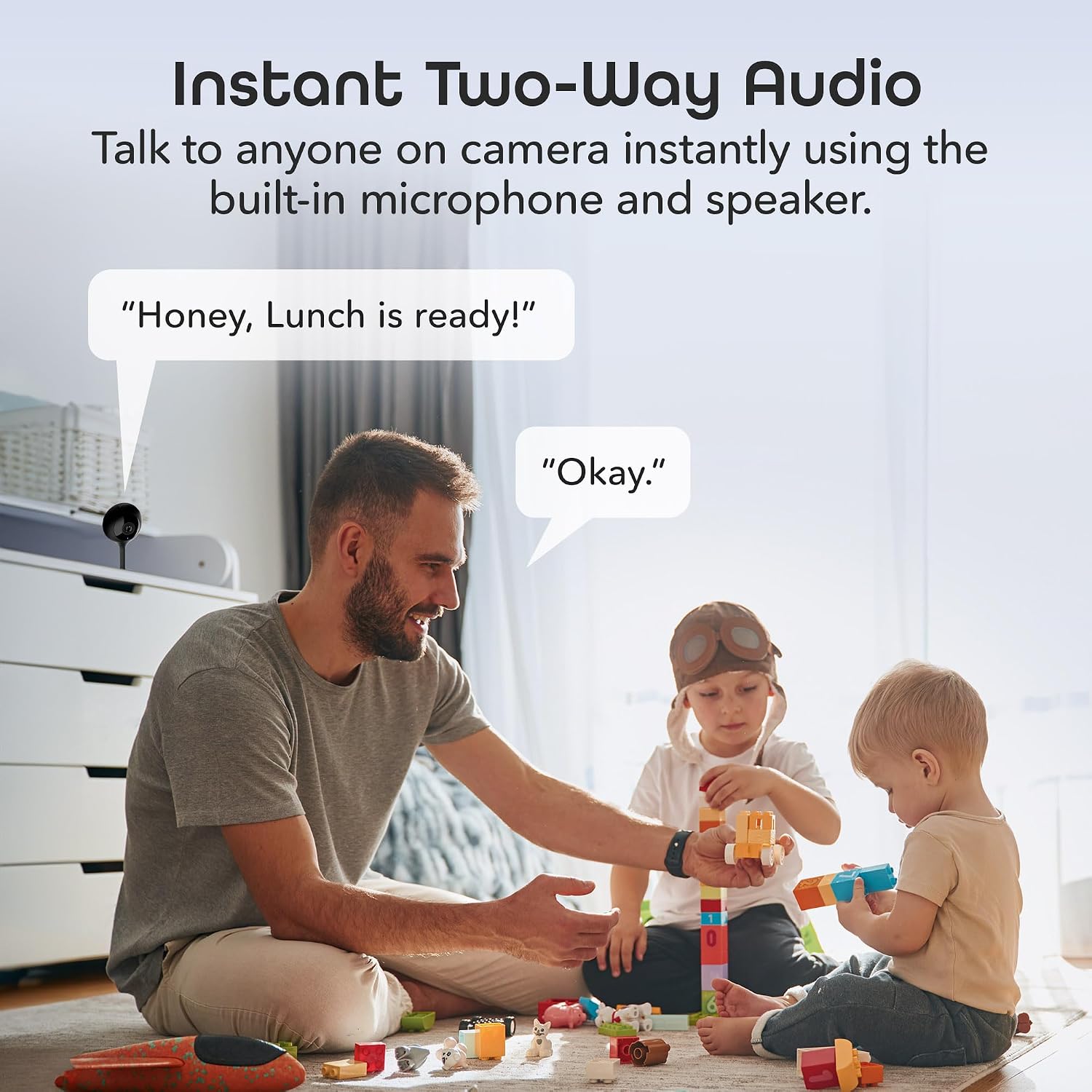
Image: Instant two-way audio feature in use.
Voice Control and Multi-Device Viewing
The Geeni Look camera is compatible with Amazon Alexa and Google Assistant devices, allowing for convenient voice control. You can also stream live footage simultaneously on multiple devices, including smartphones, desktops, and tablets, providing flexible access to your home's security feed.

Image: Voice control compatibility with smart assistants.

Image: Viewing live footage from multiple devices.
Storage Options
Recordings can be saved either through optional cloud storage services (subscription may be required) or locally onto a MicroSD card (up to 128GB, sold separately) inserted into the camera. This provides flexible options for reviewing past events.

Image: Cloud and MicroSD card storage options.
Maintenance
- Cleaning: Gently wipe the camera lens and body with a soft, dry cloth. Avoid using harsh chemicals or abrasive materials.
- Software Updates: Regularly check the Geeni app for firmware updates to ensure optimal performance and security.
- MicroSD Card Management: If using a MicroSD card, periodically review and manage stored footage to prevent the card from becoming full.
Troubleshooting
- Camera Offline: Ensure the camera is properly plugged in and connected to a 2.4GHz Wi-Fi network. Restart the camera and your router if necessary.
- No Motion Alerts: Check the motion detection settings in the Geeni app to ensure they are enabled and configured correctly. Adjust sensitivity if needed.
- Poor Video Quality: Verify your Wi-Fi signal strength. Move the camera closer to the router or consider a Wi-Fi extender.
- Two-Way Audio Issues: Ensure microphone and speaker permissions are granted to the Geeni app on your smartphone. Check volume settings.
For more detailed troubleshooting, refer to the help section within the Geeni app or visit the official Geeni support website.
Specifications

Image: Visual representation of camera specifications.
| Feature | Detail |
|---|---|
| Model Name | Look Indoor Smart Security Camera |
| Model Number | GN-CW275-101 |
| Video Capture Resolution | 720p |
| Indoor/Outdoor Usage | Indoor |
| Power Source | Corded Electric |
| Connectivity Protocol | Wi-Fi (2.4GHz) |
| Controller Type | Google Assistant, Amazon Alexa |
| Mounting Type | Tabletop Mount, Wall Mount |
| Night Vision Range | 30 Feet |
| Item Dimensions (L x W x H) | 2.36 x 2.36 x 4.72 inches |
| Item Weight | 9.6 ounces |
| Included Components | Smart Camera, Wall Adaptor with USB Cable, 3M Mounting Disc, User Manual |
Warranty & Support
For warranty information and detailed support, please refer to the official Geeni website or contact Geeni customer service. You can also find additional resources and FAQs on the Geeni Brand Store on Amazon.
Video: Overview of Geeni Smart Home Products, demonstrating broader ecosystem capabilities.
Ask a question about this manual
Ask about setup, troubleshooting, compatibility, parts, safety, or missing instructions. Manuals+ will review the question and use this page’s manual context to help answer it.