
Geeni GN-CW070-199
Contents
Geeni Lookout Outdoor Auto-Follow Security Camera User Manual
Model: GN-CW070-199
Introduction
The Geeni Lookout Outdoor Auto-Follow Security Camera provides advanced surveillance with 2K Quad HD resolution, smart spotlight, weatherproof design, and intelligent motion detection. It is designed for both indoor and outdoor use, offering comprehensive monitoring and seamless integration with smart home ecosystems like Alexa and Google Home. This manual provides detailed instructions for setup, operation, maintenance, and troubleshooting to ensure optimal performance of your camera.
What's in the Box
- Geeni Lookout Outdoor Auto-Follow Security Camera
- Power Adapter and Cable
- Mounting Hardware (screws, anchors)
- User Manual (this document)

Image: Geeni Lookout Camera with its power cable and mounting screws.
Setup Guide
1. Powering On
Connect the provided power adapter to the camera and plug it into a standard electrical outlet. The camera will initiate its startup sequence, indicated by its internal lights and movement.
Video: Official Geeni Lookout Smart Camera Features and Benefits. This video demonstrates the camera's features and setup process.
2. App Installation and Account Creation
Download the Geeni app from your smartphone's app store (iOS App Store or Google Play Store). Follow the on-screen instructions to create a new account or log in to an existing one.
3. Adding Your Device
- Open the Geeni app and tap the "+" icon to add a new device.
- Select "Wi-Fi Camera" from the list of device types.
- Follow the app's prompts to reset the device if necessary. This usually involves pressing and holding a reset button for 5 seconds until an indicator flashes rapidly.
- Connect your smartphone to a 2.4GHz Wi-Fi network. Ensure your router broadcasts on 2.4GHz.
- The app will display a QR code. Position your phone 6 to 8 inches away from the camera lens so the camera can scan the QR code. You should hear a prompt indicating successful scanning.
- Once the camera connects, it will be added to your Geeni app.
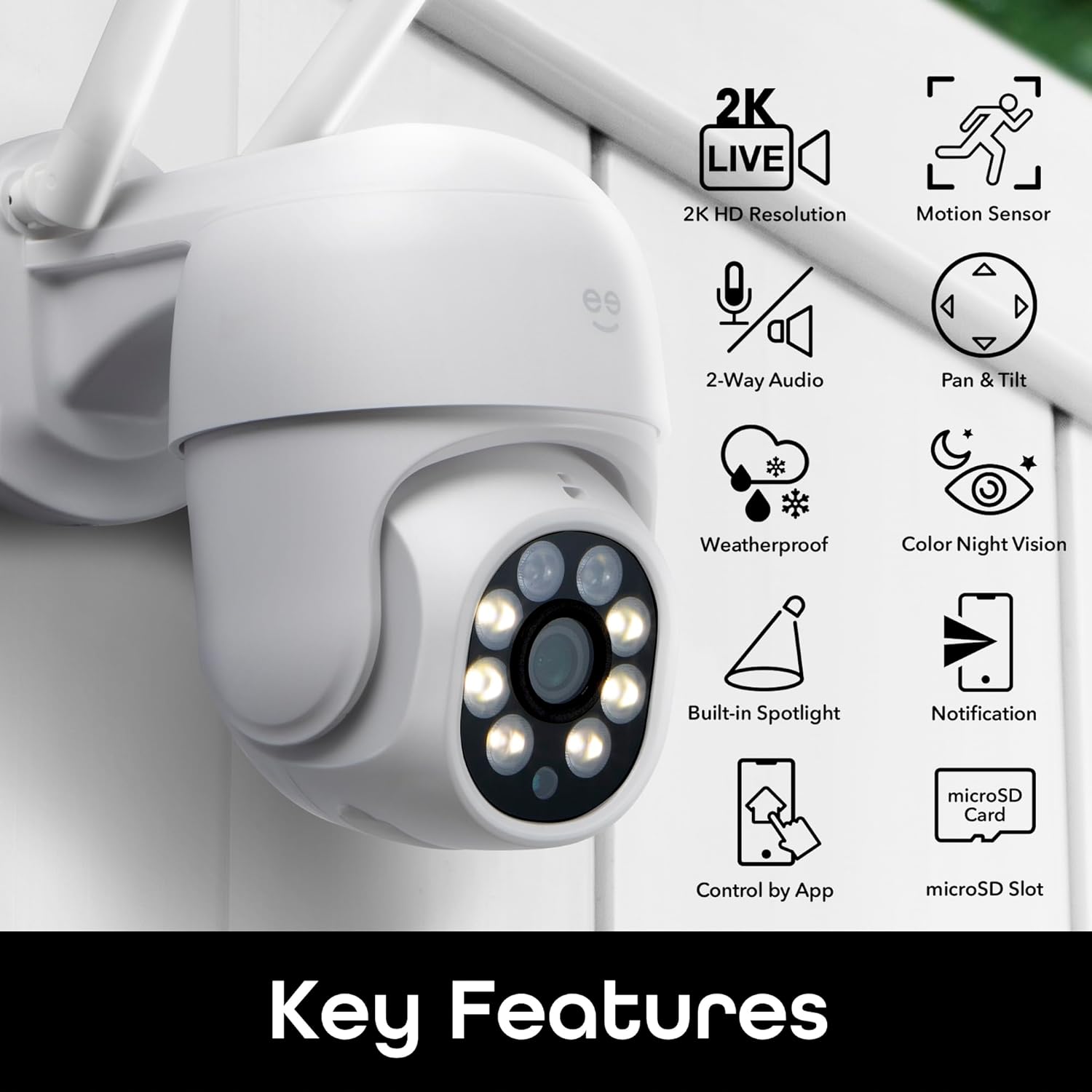
Image: Visual representation of the Geeni Lookout Camera's key features, including 2K Live, Motion Sensor, 2-Way Audio, Pan & Tilt, Weatherproof, Color Night Vision, Built-in Spotlight, Notification, microSD Card, Control by App, and microSD Slot.
4. Mounting the Camera
The Geeni Lookout camera is designed for wall mounting. Use the provided screws and anchors to securely attach the camera to your desired outdoor or indoor location. Ensure the mounting surface is stable and provides a clear view of the area you wish to monitor.
Operating Instructions
2K Quad HD Video
The camera captures video in stunning 2K (Quad HD) resolution, providing clear and detailed footage. You can view the live stream directly from the Geeni app at any time.

Image: A side-by-side comparison showing the superior clarity of 2K resolution video compared to 1080p.
Motion Detection & Auto-Tracking
The camera features advanced motion detection. When motion is detected, you will receive instant alerts on your phone. The auto-follow function allows the camera to pan and tilt to track detected movement within its field of view.

Image: The camera's motion tracking capability, showing it detecting and following movement with pan-and-tilt functionality.
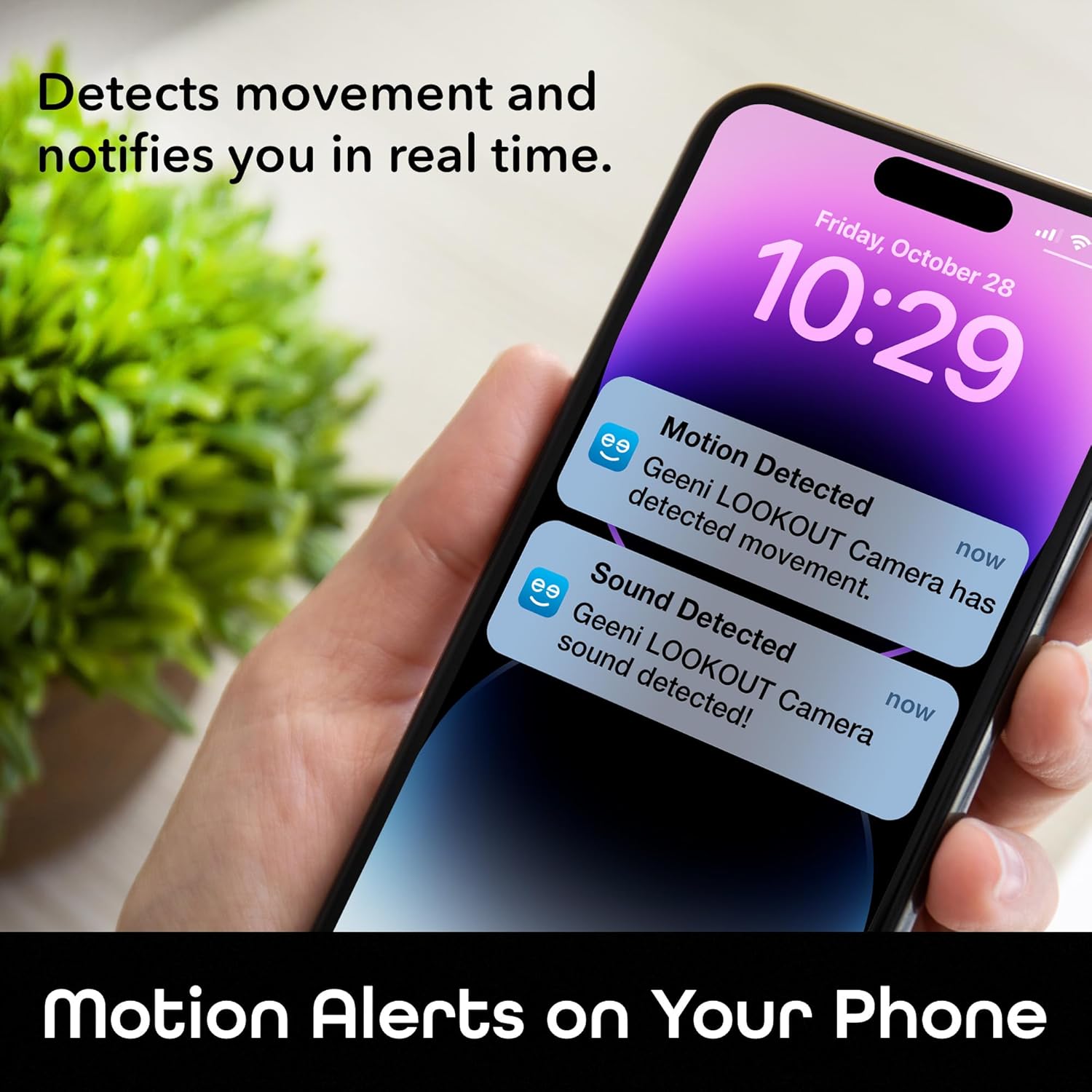
Image: A smartphone displaying motion and sound detection alerts from the Geeni Lookout Camera.
Two-Way Audio
Utilize the built-in microphone and speaker for two-way communication. You can speak to visitors or deter unwanted guests directly through the Geeni app.
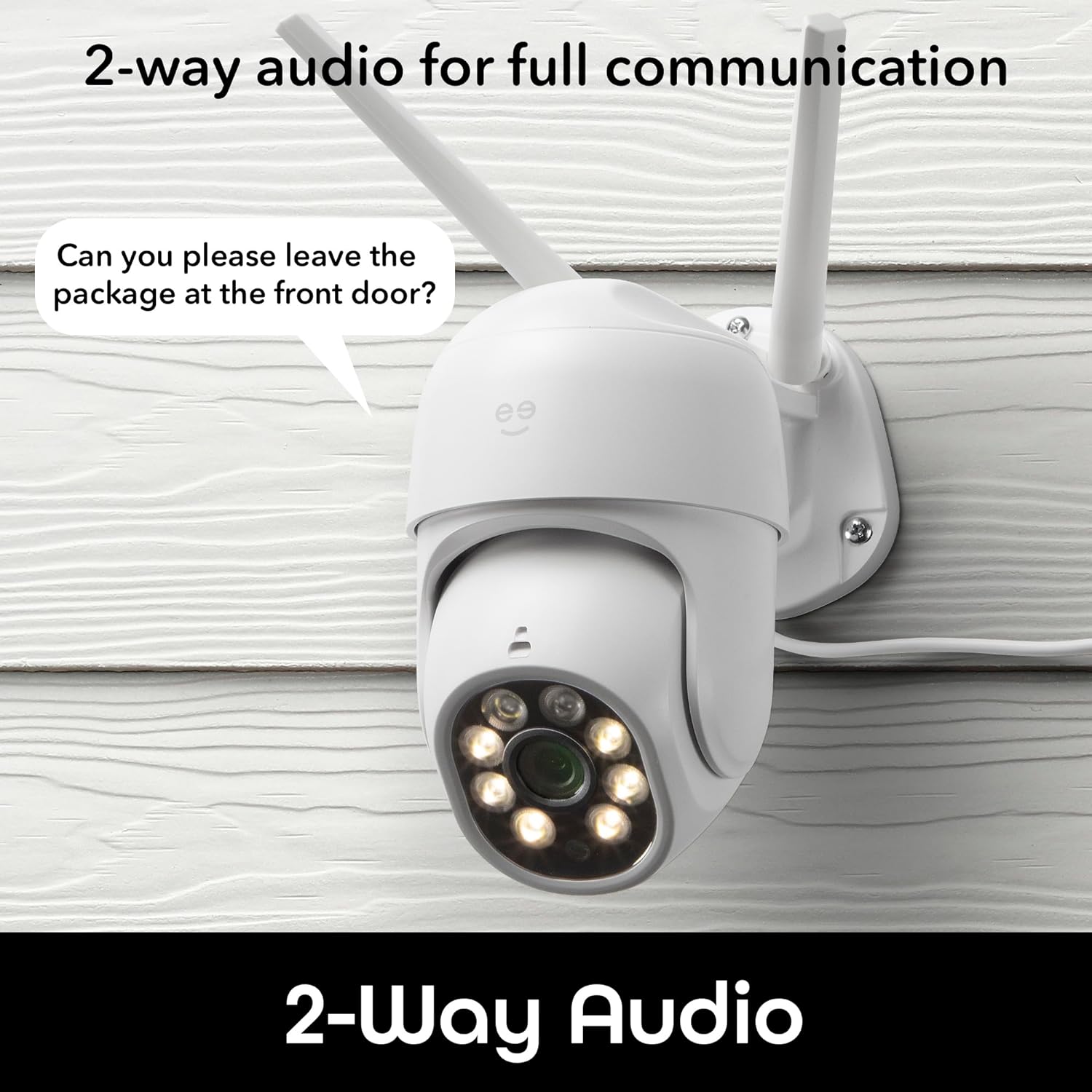
Image: The camera demonstrating its 2-way audio capability, allowing communication with someone at the front door.
Night Vision & Smart Spotlight
The camera provides automatic night vision for clear footage in low-light conditions. The integrated smart spotlight can illuminate the area, enabling full-color night vision and acting as a deterrent.
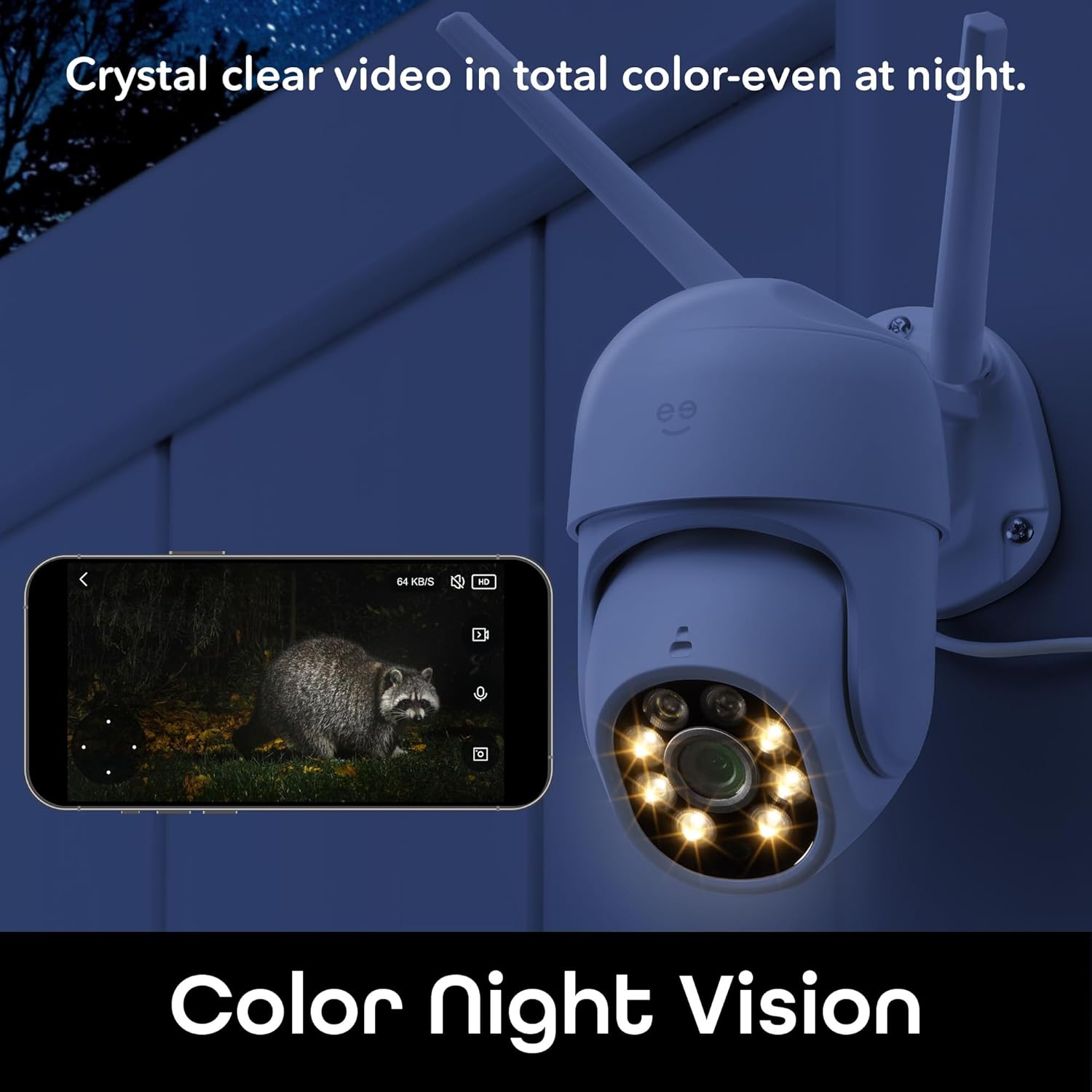
Image: The camera's color night vision in action, showing a clear, illuminated view of a raccoon at night.
Smart Home Integration
The Geeni Lookout camera is compatible with Amazon Alexa and Google Assistant. Link your camera to these platforms for convenient voice control and integration into your smart home routines.

Image: A smart display showing the camera's live feed, demonstrating compatibility with Alexa and Google Home for voice control.
Storage Options
The camera supports local storage via a microSD card (up to 128GB, not included). Cloud storage options may also be available through the Geeni app for continuous recording and event history.
Maintenance
The Geeni Lookout camera has an IP65 weatherproof rating, making it suitable for outdoor use in various conditions. To ensure longevity and optimal performance:
- Regularly wipe the camera lens with a soft, damp cloth to remove dust and debris.
- Ensure the power connection remains secure and protected from direct exposure to extreme weather.
- Periodically check for firmware updates through the Geeni app to ensure your camera has the latest features and security enhancements.

Image: The camera being exposed to water, illustrating its IP65 weatherproof resistance for vivid image quality in various conditions.
Troubleshooting
| Problem | Possible Cause | Solution |
|---|---|---|
| Camera does not power on or lights do not illuminate. | Loose power connection, faulty adapter, internal wiring issue. | Ensure the power adapter is securely plugged into both the camera and the outlet. Try a different outlet. If the issue persists, contact customer support. |
| QR code scanning fails during setup. | Incorrect distance, poor lighting, dirty lens, app issue. | Adjust the distance between your phone and the camera (6-8 inches). Ensure sufficient lighting. Clean the camera lens. Restart the Geeni app and try again. |
| Camera frequently goes offline or loses connection. | Weak Wi-Fi signal, 5GHz Wi-Fi network, interference. | Ensure the camera is within range of your 2.4GHz Wi-Fi network. Verify your router is broadcasting on 2.4GHz. Reduce interference from other electronic devices. Consider relocating the camera or using a Wi-Fi extender. |
| Motion detection alerts are too frequent or not frequent enough. | Sensitivity settings, detection zones. | Adjust motion sensitivity and customize detection zones within the Geeni app to suit your environment. |
Specifications
| Feature | Detail |
|---|---|
| Model Name | Lookout |
| Item Model Number | GN-CW070-199 |
| Video Capture Resolution | 2K Quad HD |
| Indoor/Outdoor Usage | Outdoor, Indoor |
| Power Source | Corded Electric |
| Connectivity Protocol | Wi-Fi (2.4GHz) |
| Controller Type | Amazon Alexa, Google Assistant |
| Mounting Type | Wall Mount |
| International Protection Rating | IP65 |
| Item Dimensions (L x W x H) | 8.66 x 3.94 x 3.94 inches |
| Item Weight | 1.39 pounds |
| Material | Acrylonitrile Butadiene Styrene (ABS) |
| Special Feature | Waterproof, Motion Detection, Two-Way Audio, Night Vision, Smart Spotlight, Auto-Follow |
Warranty and Support
The Geeni Lookout camera comes with a 1-year manufacturer's warranty. For technical support, warranty claims, or further assistance, please visit the official Geeni support website or contact their customer service. You can find more information and contact details on the Geeni Brand Store.
Ask a question about this manual
Ask about setup, troubleshooting, compatibility, parts, safety, or missing instructions. Manuals+ will review the question and use this page’s manual context to help answer it.