1. Product Overview
This manual provides essential information and instructions for the HQRP MK06 MK01 Replacement Filter. This filter is designed to maintain the air quality in your home by effectively capturing airborne particles and odors when used with compatible air purifiers.

The HQRP MK06 MK01 filter is a multi-layer filtration system engineered for efficiency and compatibility with a range of popular air purifier models.
2. Key Features: 3-in-1 Filtration System
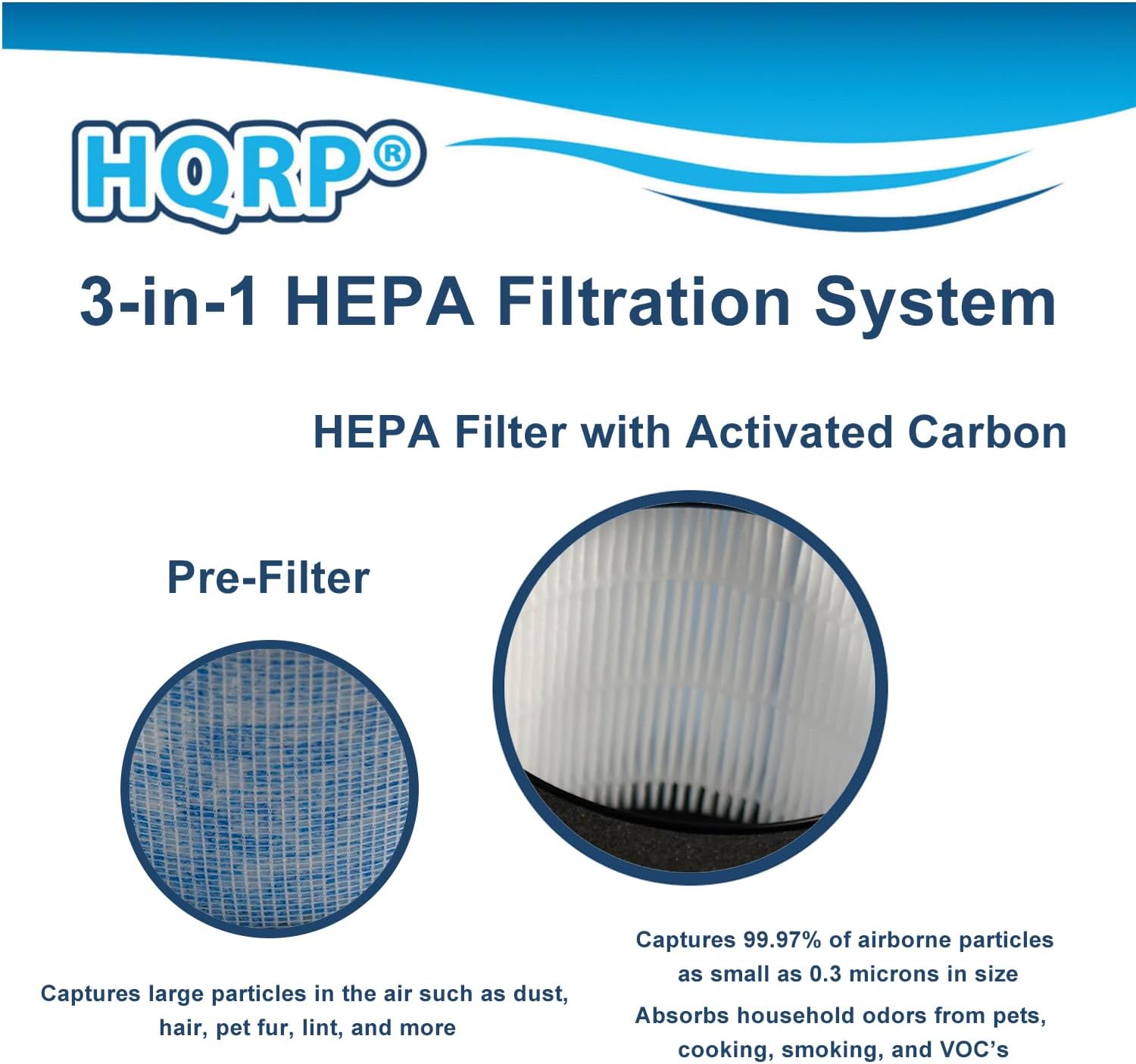
The HQRP MK06 MK01 Replacement Filter incorporates a comprehensive 3-in-1 filtration system to ensure thorough air purification:
- Pre-Filter Layer: This initial layer is designed to capture larger airborne particles such as dust, hair, pet fur, and lint, extending the life of the subsequent filters.
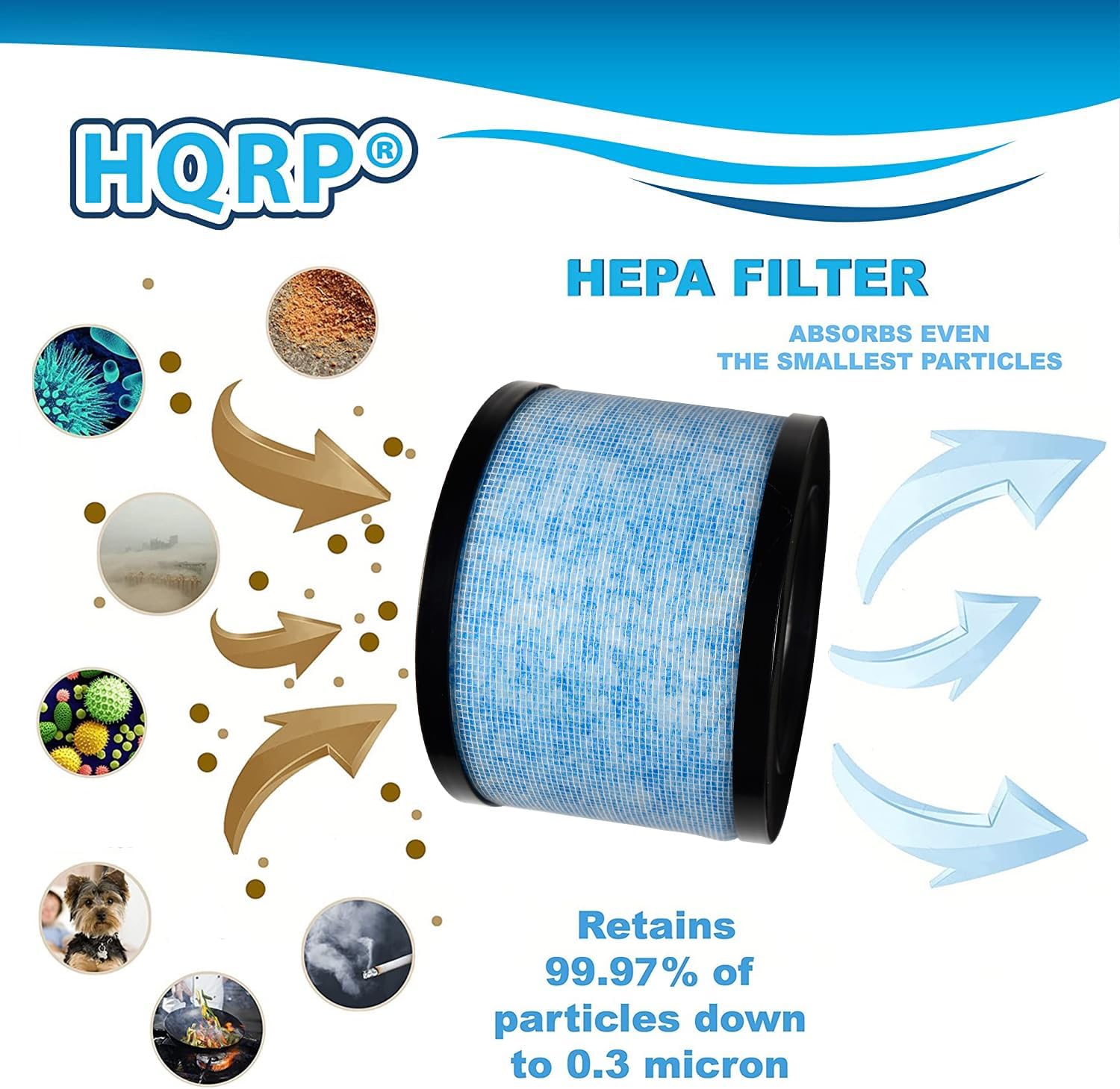
- True HEPA Filter: The high-efficiency particulate air (HEPA) layer is capable of trapping 99.97% of airborne particles as small as 0.3 microns. This includes common allergens like pollen, pet dander, dust mites, and mold spores.
- Activated Carbon Layer: This layer is specifically formulated to absorb various household odors. It effectively neutralizes smells from pets, cooking, smoking, and volatile organic compounds (VOCs), contributing to fresher indoor air.
3. Compatibility
The HQRP MK06 MK01 Replacement Filter is designed for broad compatibility with several air purifier models. Please verify your air purifier's model number to ensure proper fit and function.
This filter is compatible with the following air purifier models:
- AROEVE MK01
- AROEVE MK06
- Kloudic DH-JH01
- Kloudic DH-JH06
- ToLife TZ-K1
- POMORON MJ001H
- Intelabe EPI080
- Elechomes EPI081
- ALROCKET JH01
- ALROCKET JH06
- CONOPU JH01
- CONOPU JH06

4. Installation (Filter Replacement)
Replacing the HQRP MK06 MK01 filter is a straightforward process that typically requires no special tools. Follow these general steps:
- Prepare the Air Purifier: Ensure your air purifier is powered off and unplugged from the electrical outlet before beginning the replacement process.
- Locate Filter Compartment: Identify the filter compartment on your air purifier. This is usually located at the base, back, or side of the unit. Consult your air purifier's specific user manual for precise instructions.
- Remove Old Filter: Open the filter compartment cover. Carefully remove the used filter. It is recommended to place the old filter in a plastic bag to contain dust and debris before disposal.
- Unpack New Filter: Remove the new HQRP MK06 MK01 Replacement Filter from its packaging.
- Insert New Filter: Place the new filter into the compartment. Ensure it is seated correctly and securely. Some filters have a specific orientation; check for arrows or indicators on the filter or in your air purifier's manual.
- Secure Compartment: Close the filter compartment cover firmly. Many air purifiers have a safety mechanism that prevents operation if the cover is not properly secured.
- Power On and Reset: Plug in your air purifier and power it on. If your air purifier has a filter life indicator, follow its specific instructions to reset it after filter replacement.
5. Operation
Once the HQRP MK06 MK01 Replacement Filter is correctly installed, it operates passively within your air purifier. The air purifier's fan draws ambient air through the filter layers, where particles and odors are captured. For optimal air purification, ensure your air purifier is running according to its manufacturer's guidelines.
The filter does not require any direct user interaction during operation. Its effectiveness is directly tied to the proper functioning of your air purifier.
6. Maintenance (Filter Replacement Schedule)
To ensure continuous optimal performance and maintain healthy indoor air quality, regular filter replacement is crucial. The recommended replacement schedule for the HQRP MK06 MK01 Replacement Filter is every 3 to 6 months.
The actual lifespan of the filter can vary based on several factors:
- Air Quality: Higher levels of pollutants, dust, or allergens in your environment may necessitate more frequent replacement.
- Usage Frequency: Air purifiers running continuously or for extended periods will require filter changes more often.
- Presence of Pets or Smokers: Homes with pets or smokers will typically require more frequent filter replacements due to increased dander and odor particles.
A dirty or clogged filter can significantly reduce your air purifier's efficiency, leading to decreased airflow and less effective air purification. Monitor your air purifier's filter indicator light (if available) or visually inspect the filter periodically.
7. Troubleshooting
If you encounter issues after installing your HQRP MK06 MK01 Replacement Filter, consider the following:
- Reduced Airflow or Persistent Odors: If the air purifier's airflow seems weaker or if odors persist, it is likely an indication that the filter is saturated and needs to be replaced, even if it hasn't reached the 3-6 month mark. Ensure the filter is installed correctly and the air intake/output vents are not obstructed.
- Air Purifier Not Functioning: Double-check that the filter is properly seated in its compartment and that the compartment cover is securely closed. Many air purifiers have safety switches that prevent operation if the filter or cover is not correctly installed. Also, ensure the device is plugged in and powered on.
- Filter Indicator Light Remains On: After replacing the filter, most air purifiers require a manual reset of the filter life indicator. Refer to your specific air purifier's user manual for instructions on how to perform this reset.
8. Specifications
Detailed specifications for the HQRP MK06 MK01 Replacement Filter:
| Attribute | Value |
|---|---|
| Brand | HQRP |
| Model Numbers | MK06, MK01 (Replacement Filter) |
| Item Weight | 11 ounces (approx. 312 grams) |
| Product Dimensions | 5.2 x 5.2 x 2.7 inches (approx. 13.2 x 13.2 x 6.8 cm) |
| Material Type | Fiberglass, Activated Carbon, Polyester/Cotton |
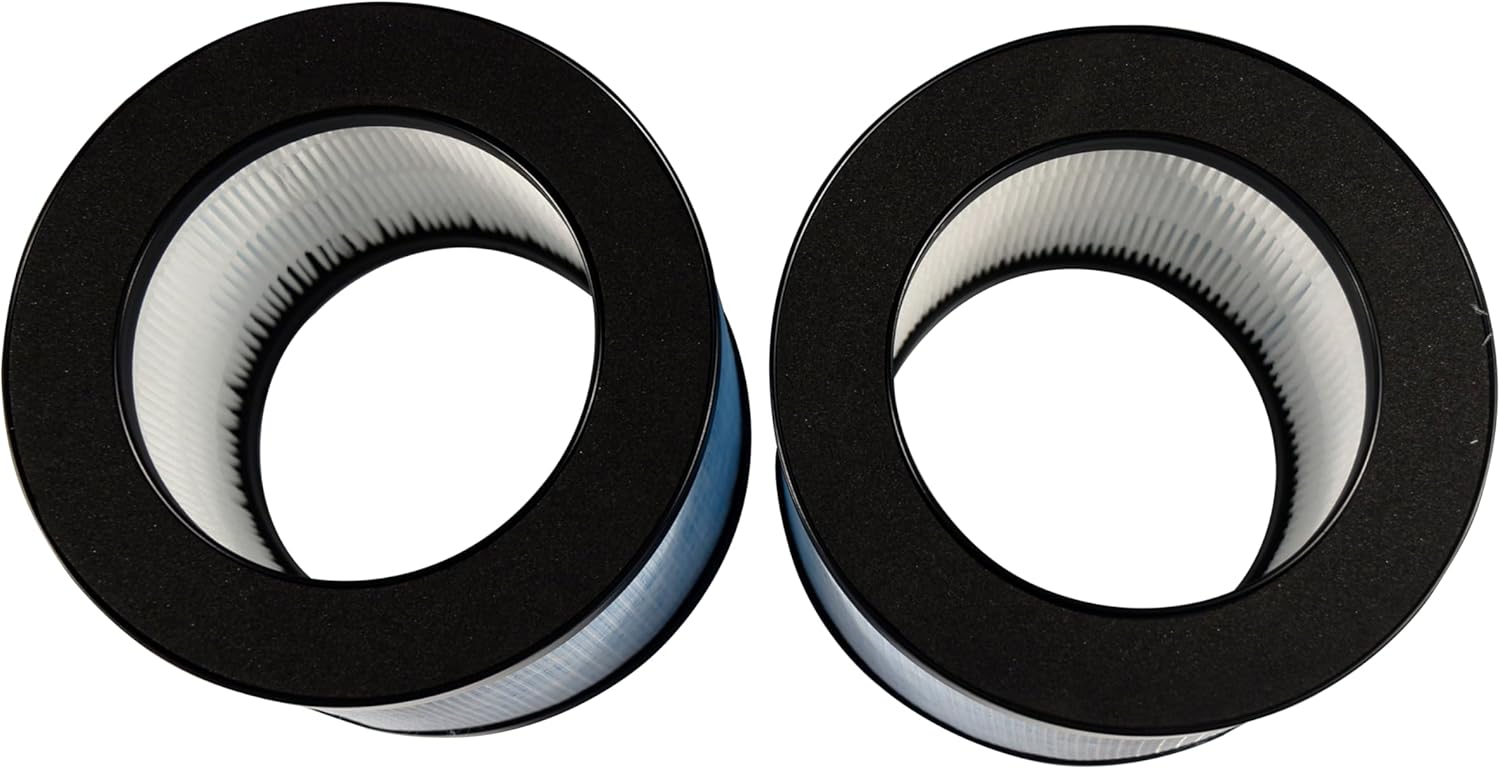
| Number of Items | 2 (in this package) |
| Filtration Type | 3-in-1 True HEPA with Activated Carbon and Pre-Filter |

9. Warranty and Support
Warranty Information
Specific warranty details for the HQRP MK06 MK01 Replacement Filter are not provided within the product information. For comprehensive warranty terms and conditions, please refer to the official HQRP website or contact their customer support directly.
Customer Support
For any further assistance, questions, or concerns regarding your HQRP replacement filter, please utilize the following resources:
- Visit the HQRP Store on Amazon for product information and contact options.
- Refer to the contact information provided on the HQRP official website for direct customer service inquiries.


