
1. Product Overview
The occiam T19 Active Noise Cancelling Wireless Earbuds are designed for an immersive audio experience, featuring hybrid active noise cancellation, extended battery life, and a secure, comfortable fit for active lifestyles. These earbuds are equipped with Bluetooth 5.3 technology for stable connectivity and IPX7 waterproofing, making them ideal for sports, running, and gym workouts.
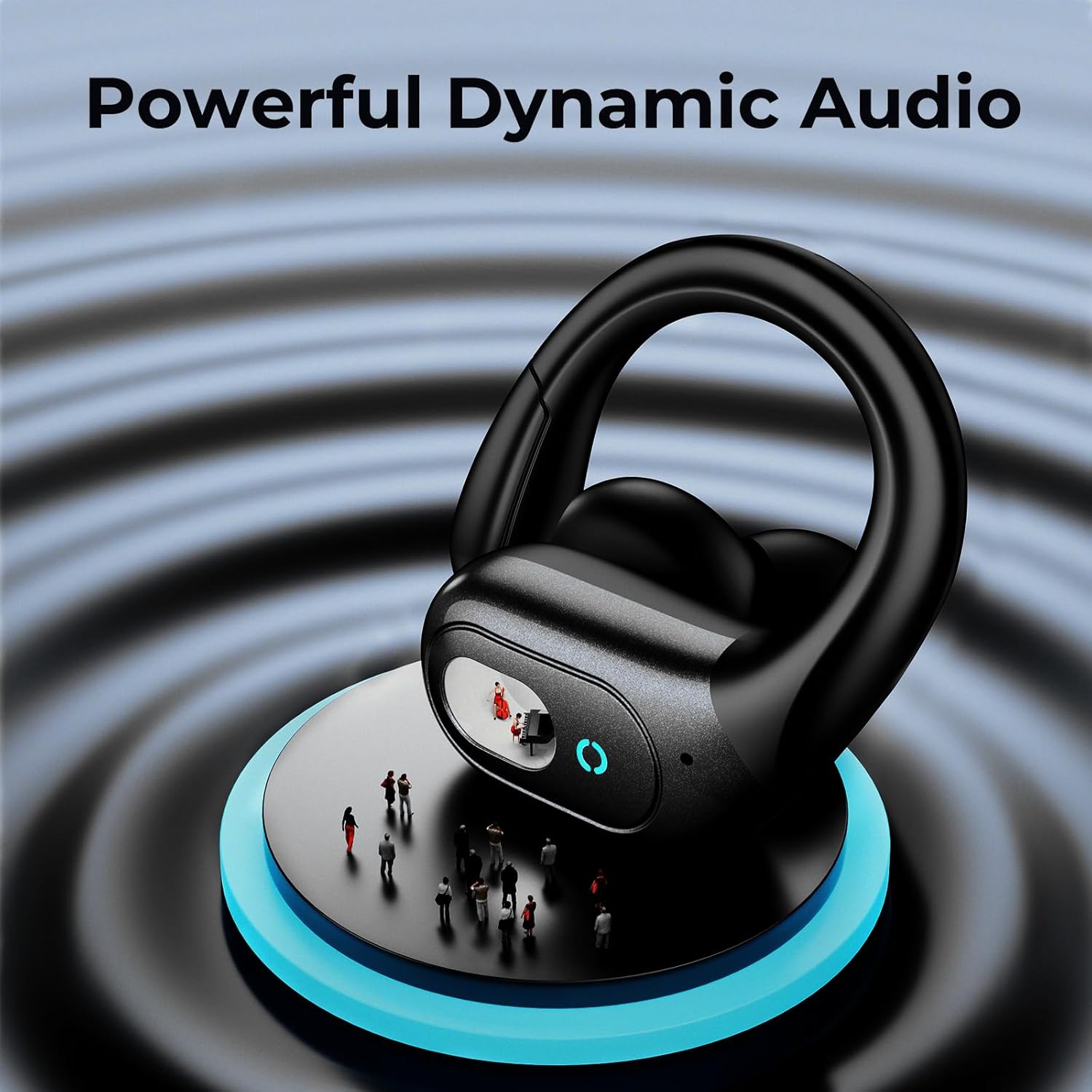
Image: occiam T19 Wireless Earbuds in their sleek black charging case.
2. Package Contents
- occiam T19 Wireless Earbuds (Left and Right)
- Digital Display Charging Case
- USB-C Charging Cable
- 3 Sizes of Ear Tips (S, M, L)
- User Manual
3. Setup and Initial Use
3.1 Initial Charging
Before first use, fully charge the charging case and earbuds. Connect the provided USB-C cable to the charging port on the case and a compatible USB power source. The digital display on the case will show the battery percentage and charging status of each earbud.

Image: The charging case displaying 100% battery, indicating a full charge for both the case and earbuds.
3.2 Bluetooth Pairing
- Ensure the earbuds are in the charging case and the case is open.
- On your device (smartphone, tablet, etc.), enable Bluetooth.
- Search for available Bluetooth devices and select "T19" from the list.
- The earbuds will automatically connect to your device. Subsequent connections will be automatic once the case is opened.
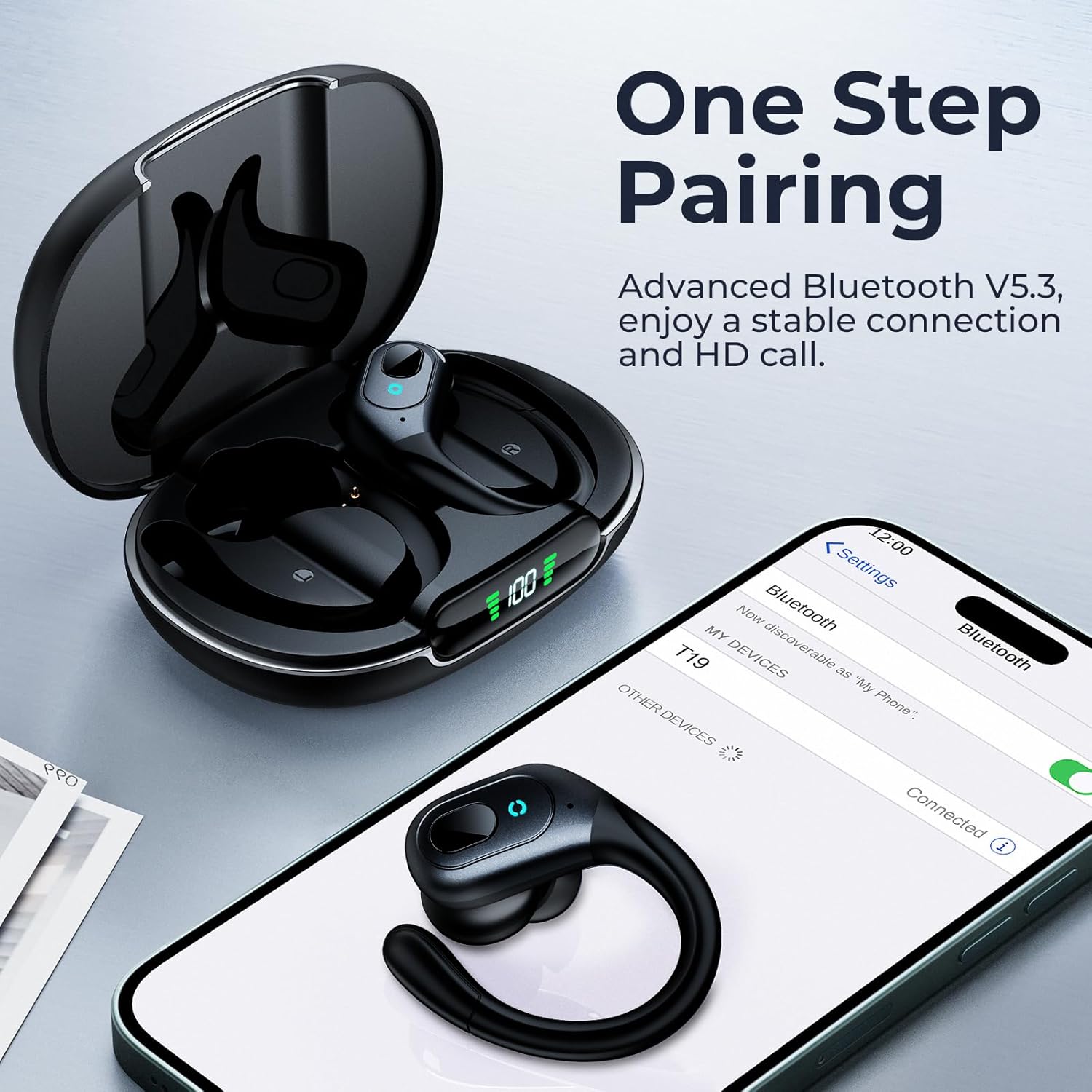
Image: A smartphone displaying the Bluetooth pairing menu, with 'T19' visible for connection, alongside the open earbud charging case.
3.3 Comfort Fit and Ear Tips
The occiam T19 earbuds feature flexible over-ear hooks and come with three sizes of ear tips (S, M, L) to ensure a secure and comfortable fit for various ear shapes during physical activity. Choose the ear tips that provide the best seal and comfort for optimal sound quality and stability.
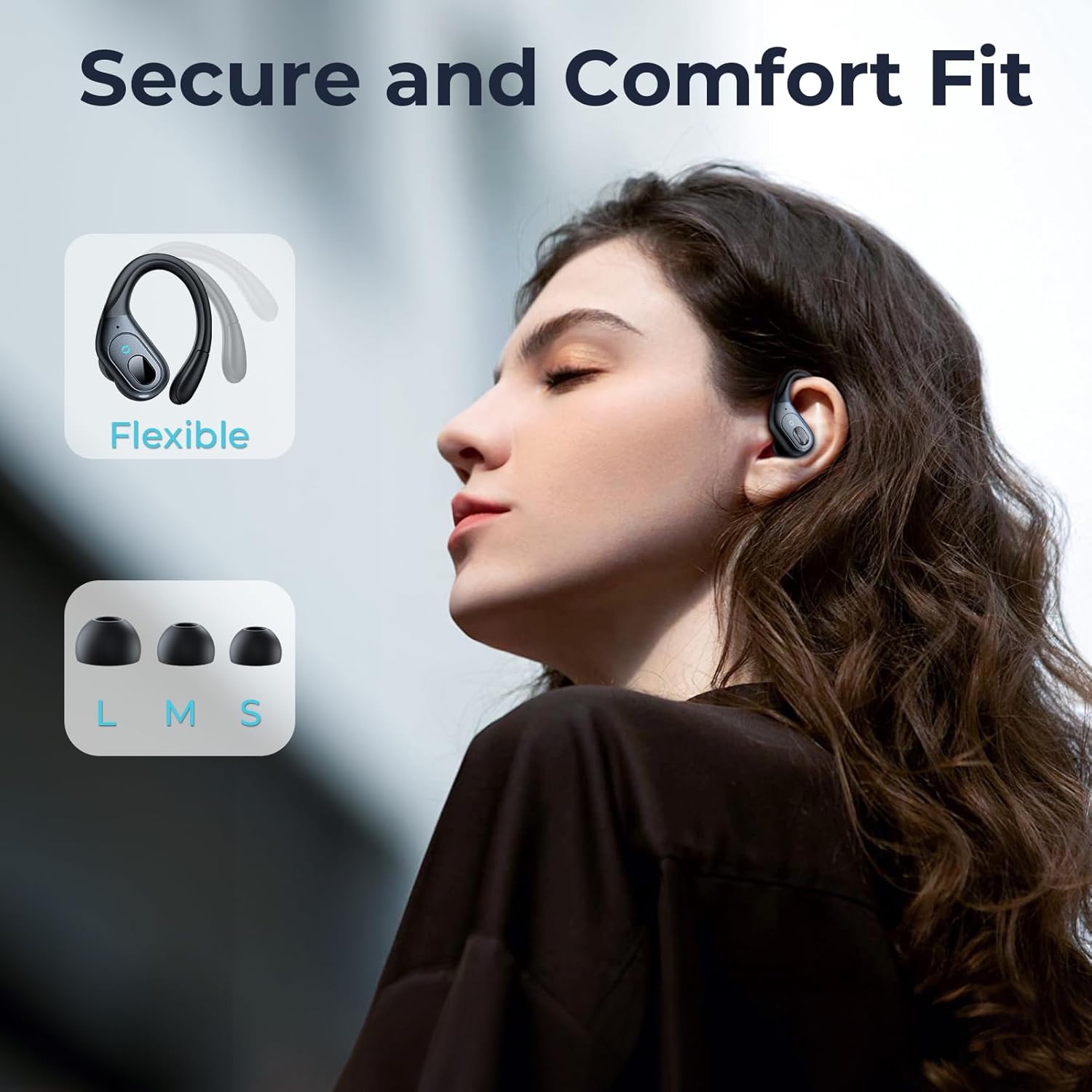
Image: A person wearing an occiam T19 earbud, demonstrating the secure fit of the flexible ear hook, with an illustration of the included S, M, and L ear tip sizes.
4. Operating Instructions
4.1 One-Button Control
Each earbud is equipped with a multi-function button for easy control of music playback, calls, and voice assistant activation. The button controls are designed to prevent accidental touches during exercise.
- Play/Pause: Single press on either earbud.
- Next Track: Double press the right earbud.
- Previous Track: Double press the left earbud.
- Volume Up: Single press and hold the right earbud.
- Volume Down: Single press and hold the left earbud.
- Answer/End Call: Single press on either earbud.
- Reject Call: Press and hold on either earbud.
- Activate Voice Assistant: Triple press on either earbud.

Image: A user demonstrating the one-button control functions on the occiam T19 earbud, with visual cues for play/pause, track navigation, call management, and volume adjustment.
5. Features and Performance
5.1 Hybrid Active Noise Cancellation
Experience enhanced audio clarity with hybrid active noise cancellation, effectively reducing ambient noise by up to 45dB. This feature allows for an undisturbed listening experience in various environments.
5.2 Extended Battery Life
Each earbud provides up to 8 hours of playback on a single charge. The portable charging case extends total listening time to 48 hours when using both earbuds, or up to 90 hours when using a single earbud alternately.

Image: An infographic detailing the occiam T19's battery performance: 8 hours per earbud, 48 hours total with the charging case for two earbuds, and up to 90 hours using one earbud at a time with the case.
5.3 IPX7 Waterproof Rating
The earbuds feature an IPX7 waterproof rating, making them resistant to sweat and splashes. This ensures durability and reliable performance during intense workouts or in light rain.
5.4 Stable Bluetooth 5.3 Connectivity
Equipped with Bluetooth 5.3, the earbuds offer a strong and stable connection within a 30ft range, providing a low-latency audio experience. They support both binaural (stereo) and mono modes for flexible listening.
6. Specifications
| Feature | Specification |
|---|---|
| Model Name | T19 |
| Noise Control | Hybrid Active Noise Cancellation (up to 45dB) |
| Connectivity Technology | Bluetooth 5.3 |
| Bluetooth Range | 10 Meters (30 feet) |
| Battery Life (Earbuds) | 8 Hours (single charge) |
| Total Playback Time (with case) | 48 Hours (both earbuds), 90 Hours (single earbud) |
| Charging Time | 2 Hours |
| Water Resistance Level | IPX7 (Water Resistant) |
| Audio Driver Size | 10 Millimeters |
| Control Type | Button |
| Ear Placement | Over Ear (with hooks) |
| Item Weight | 80 Grams (2.82 ounces) |
| Included Components | Wireless earbuds, USB-C charging cable, ear tips |
7. Maintenance
- Regularly clean the earbuds and charging contacts with a dry, soft cloth to prevent debris buildup.
- Avoid using abrasive materials or harsh chemicals.
- Store the earbuds in their charging case when not in use to protect them and maintain battery charge.
- Ensure the charging port is dry before connecting the USB-C cable.
8. Troubleshooting
- Earbuds not pairing: Ensure both earbuds are charged and in the open case. Turn off and on your device's Bluetooth, then try re-pairing.
- No sound/Low volume: Check the volume levels on both your device and the earbuds. Ensure earbuds are properly seated in your ears.
- Charging issues: Verify the USB-C cable is securely connected and the power source is functional. Clean charging contacts on both earbuds and case.
- Intermittent connection: Ensure your device is within the 30ft Bluetooth range and there are no major obstructions.
9. Warranty and Support
Your occiam T19 Wireless Earbuds come with a manufacturer's warranty. Please refer to the warranty card included in your package for specific terms and conditions. For technical support or warranty claims, please contact occiam customer service through their official channels or the retailer where the product was purchased.
It is recommended to activate your product warranty upon receipt, if applicable, by following the instructions provided in the packaging.
10. Product Videos
Unboxing and Review
Video: An unboxing and showcase of the occiam T19 Wireless Sport Ear Buds, demonstrating initial impressions and features.
Battery Life Overview
Video: A review highlighting the 90-hour playback capability of the occiam Bluetooth Wireless Earbuds.
LED Display and Quality
Video: A demonstration of the great quality and LED display features of the Bluetooth Sport Earbuds.


