
Introduction
The Fockety Tuya Zigbee Temperature Humidity Sensor is a smart wireless device designed to monitor indoor temperature and humidity levels in real-time. This sensor provides accurate environmental data and can be integrated with smart home systems via Zigbee technology, offering app alerts and the ability to link with other smart devices for automated control. It supports both USB and battery power options for flexible placement.

Image: The Fockety Tuya Zigbee Temperature Humidity Sensor, USB cable, and mounting screws.
Setup
1. Powering the Device
The sensor can be powered in two ways:
- USB Power: Connect the provided Micro USB cable to the sensor's USB port and plug the other end into a 5V/1A USB power adapter or power bank.
- Battery Power: Insert one 1.5V AA battery into the battery compartment. The device can operate on battery power, and the battery can also serve as a backup if USB power is interrupted.

Image: Diagram illustrating USB power supply via adapter or power bank, and AA battery backup.
2. Zigbee Smart Connectivity
To connect the sensor to your smart home system, ensure you have a compatible Zigbee gateway or hub. Follow the instructions provided by your Zigbee gateway manufacturer to add a new device. The sensor utilizes Zigbee IEEE 802.15.4 for stable connections.
3. Installation
The sensor offers flexible installation options:
- Wall-mounted: Use the provided screws and anchors to securely mount the sensor to a wall.
- Flat-placed: The sensor can also be placed on any flat surface, such as a table or shelf.

Image: Illustration showing the sensor mounted on a wall and placed flat on a table.
Operation
1. Real-time Monitoring and App Alerts
Once connected to your Zigbee gateway and smart home app (e.g., Tuya Smart Life app), the sensor will provide real-time temperature and humidity readings. You can view these readings directly from your smartphone. The app can be configured to send alerts for significant changes or when predefined thresholds are met.
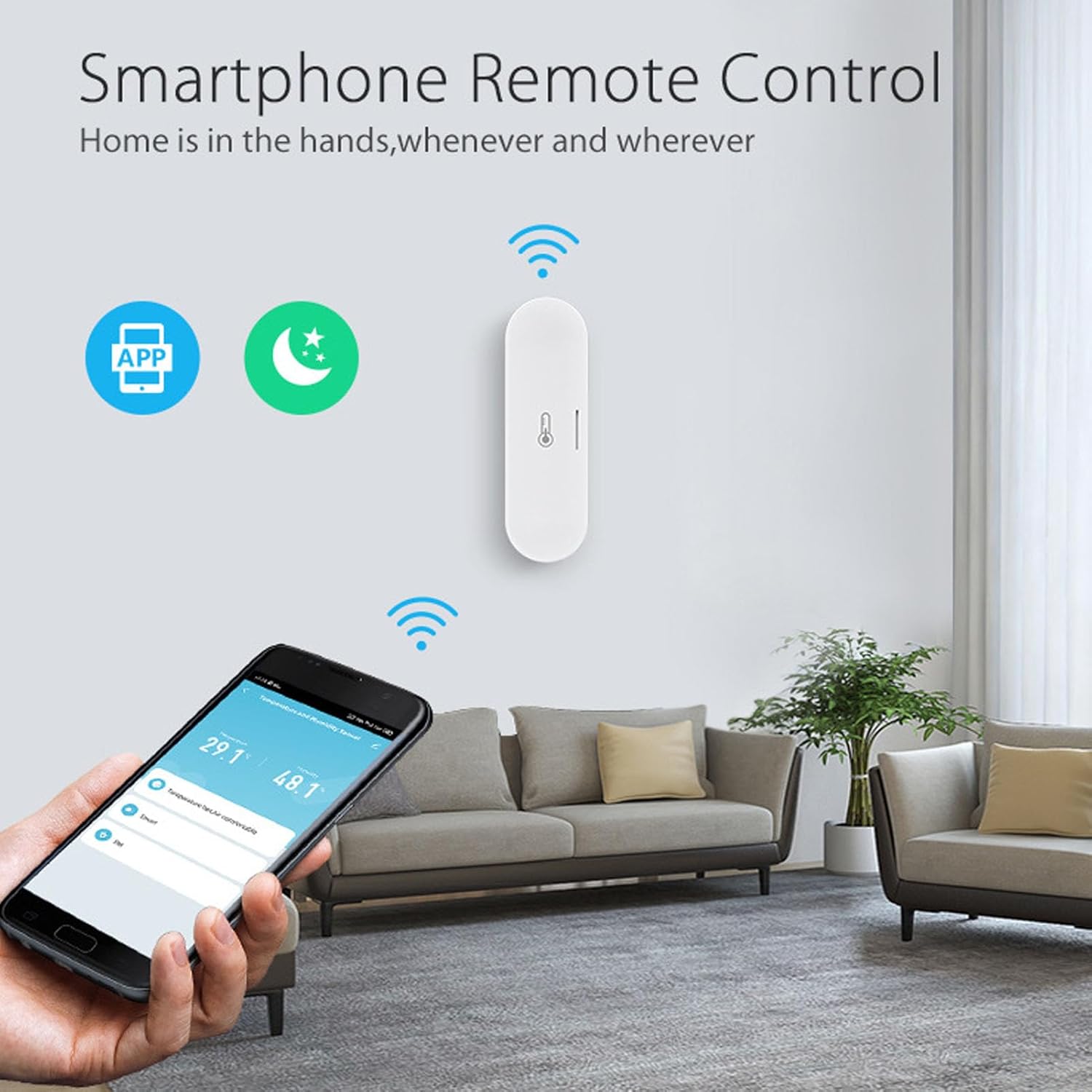
Image: A smartphone displaying the sensor's temperature and humidity data in an app interface.
2. Battery Display and Low Battery Alarm
The smart home app provides a real-time display of the sensor's battery level. You can also set up a low battery alarm within the app to receive notifications when the battery needs replacement, ensuring continuous monitoring.
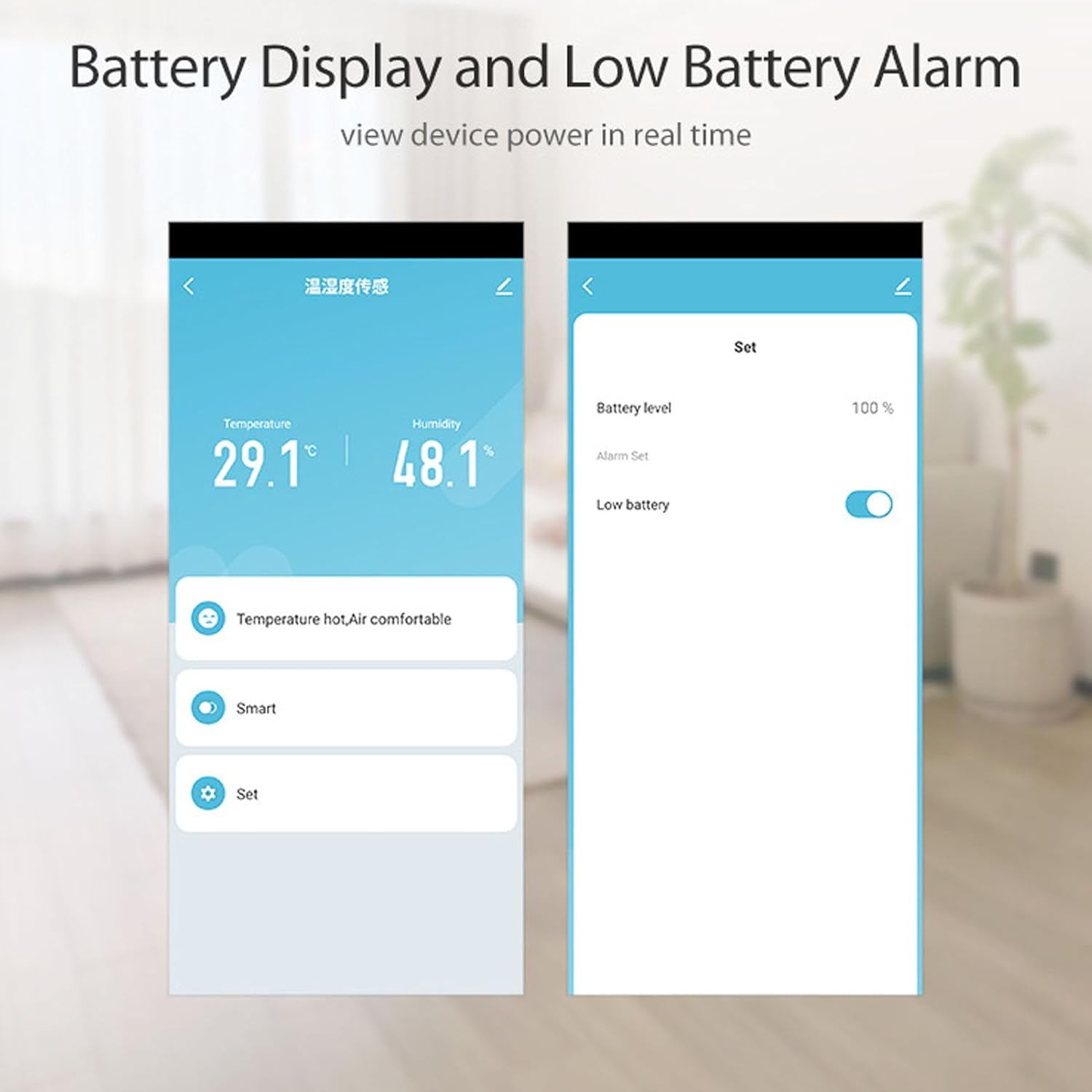
Image: Screenshots of a mobile app showing current temperature/humidity and battery level settings.
3. Smart Scene Creation
Leverage the Zigbee connectivity to create smart scenes and link the sensor with other compatible smart devices. For example, you can set up automations to:
- Turn on an air conditioner when the temperature exceeds a certain level.
- Activate a heater if the temperature drops below a set point.
- Control a humidifier or dehumidifier based on humidity readings.

Image: Diagram showing the sensor linking to various smart home appliances for automated control.
Maintenance
Cleaning
To maintain optimal performance, wipe the sensor clean with a dry cloth as needed. Avoid using liquid cleaners or abrasive materials.
Battery Replacement
When the low battery alarm is triggered or the battery level is low, replace the 1.5V AA battery. Ensure correct polarity when inserting the new battery.
Troubleshooting
- Device goes offline frequently:
Ensure the sensor is within the wireless range (approximately 45 meters / 147.6ft) of your Zigbee gateway. Obstructions like thick walls can reduce range. Check if the Zigbee gateway is powered on and functioning correctly. If using battery power, check battery level and replace if low.
- Inaccurate readings:
Ensure the sensor is placed in an area free from direct sunlight, drafts, or heat sources that could affect readings. Allow sufficient time for the sensor to adjust to a new environment (detection interval is 300 seconds). Some smart home apps or Zigbee drivers may allow for calibration adjustments if minor discrepancies are observed.
- Battery drains quickly:
If using battery power, ensure you are using a fresh, high-quality 1.5V AA battery. Frequent reporting intervals or poor Zigbee signal strength can increase power consumption. Consider using USB power for continuous operation if battery life is a concern.
- Limited functionality with Amazon Echo (Alexa) as Zigbee hub:
Some users have reported that when using Amazon Echo devices as a Zigbee hub, the sensor may only report temperature and not humidity. This appears to be a compatibility limitation with certain Echo models and their Zigbee integration. Consult Amazon Echo support or the device's specific compatibility list for further details.
- Cannot connect to Smart Life app:
Ensure your Zigbee gateway is properly linked to the Smart Life app. Follow the app's instructions for adding new Zigbee devices. Verify that the sensor is in pairing mode (refer to your Zigbee gateway's manual for specific pairing procedures).
Specifications
| Feature | Detail |
|---|---|
| Model Number | Focketyvdpz8mbkfg |
| Operating Temperature | -10 ℃ - 60 ℃ (14 ℉ - 140 ℉) |
| Temperature Detection Range | -10℃ - 60℃ (14℉ - 140℉) |
| Temperature Reporting Accuracy | ±0.3 ℃ |
| Operating Humidity | 1% - 95% RH (non-condensing) |
| Humidity Detection Range | 1% - 95% RH |
| Humidity Reporting Accuracy | ±6% RH |
| Temperature & Humidity Detection Interval | 300 seconds |
| Wireless Standard | Zigbee IEEE 802.15.4 |
| Wireless Range | Approx. 45 meters / 147.6 ft |
| Power Supply | 5V/1A Micro USB or 1.5V AA battery (1 piece) |
| Item Weight | 1.94 ounces |
| Package Dimensions | 3.98 x 3.19 x 1.18 inches |
| Care Instructions | Wipe Clean |
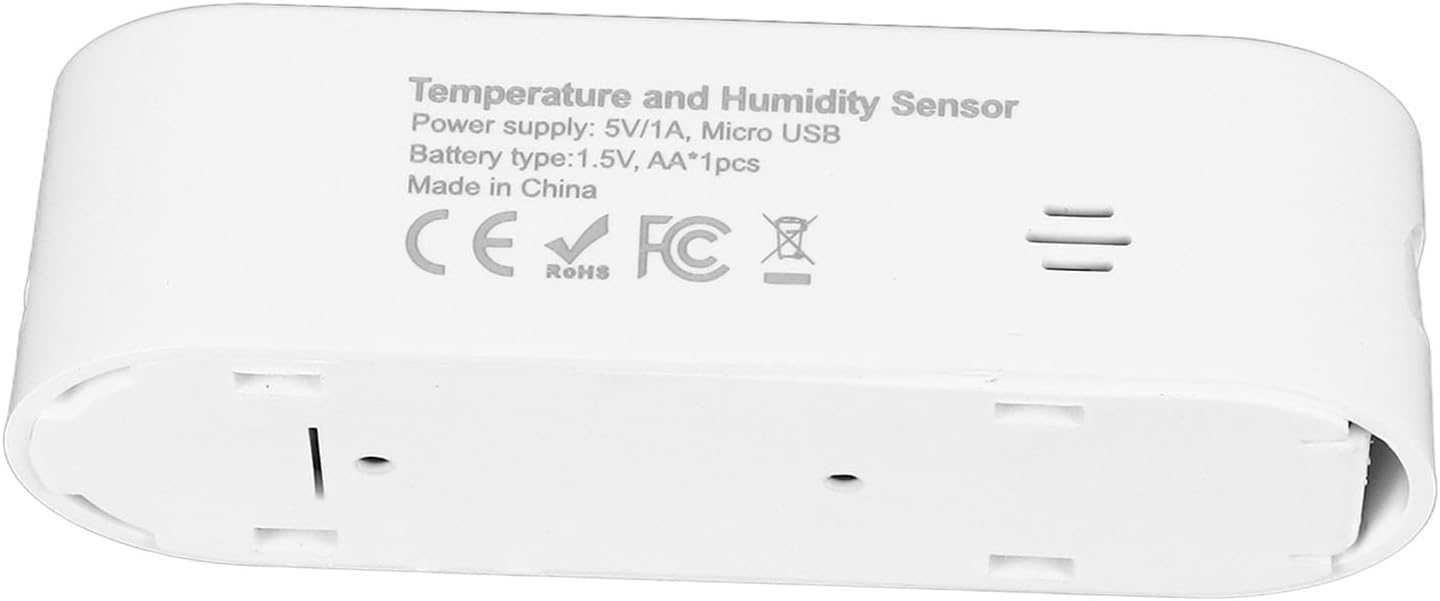
Image: The back of the sensor displaying power supply and battery type information.
Warranty and Support
Fockety is committed to customer satisfaction. If you encounter any issues or have questions regarding your Fockety Tuya Zigbee Temperature Humidity Sensor, please contact our customer service for assistance. We aim to provide a 100% shopping satisfaction experience.