
WEKOME VB04
WEKOME Retro Game Style Wireless Earbuds User Manual
Model: VB04
Brand: WEKOME
Introduction
Thank you for choosing the WEKOME Retro Game Style Wireless Bluetooth 5.3 Earbuds. These earbuds are designed to provide an immersive audio experience with advanced features such as Bluetooth 5.3 connectivity, Dual-Mic ENC technology for clear audio, and dedicated Game and Music modes. This manual will guide you through the setup, operation, and maintenance of your new earbuds.

Image: The WEKOME Retro Game Style Earbuds and their charging case, showcasing their unique design and key features.
What's in the Box
Please check the contents of your package to ensure all items are present:
- WEKOME Retro Game Style Wireless Earbuds (Left and Right)
- Wireless Charging Case
- Charging Cable (Type-C)
- Protective Case
- User Manual (this document)
Setup
1. Initial Charging
Before first use, fully charge the earbuds and the charging case.
- Connect the provided Type-C charging cable to the charging port on the case.
- Connect the other end of the cable to a USB power source (e.g., wall adapter, computer USB port).
- The indicator lights on the charging case will show the charging status. A full charge takes approximately 1.2 hours for the case.
- Place the earbuds into the charging case. They will begin charging automatically.

Image: The charging case connected to a Type-C cable, illustrating the charging process.
A fully charged case provides up to 36 hours of total usage time for the earbuds, with the earbuds themselves offering up to 6 hours of continuous playback on a single charge.
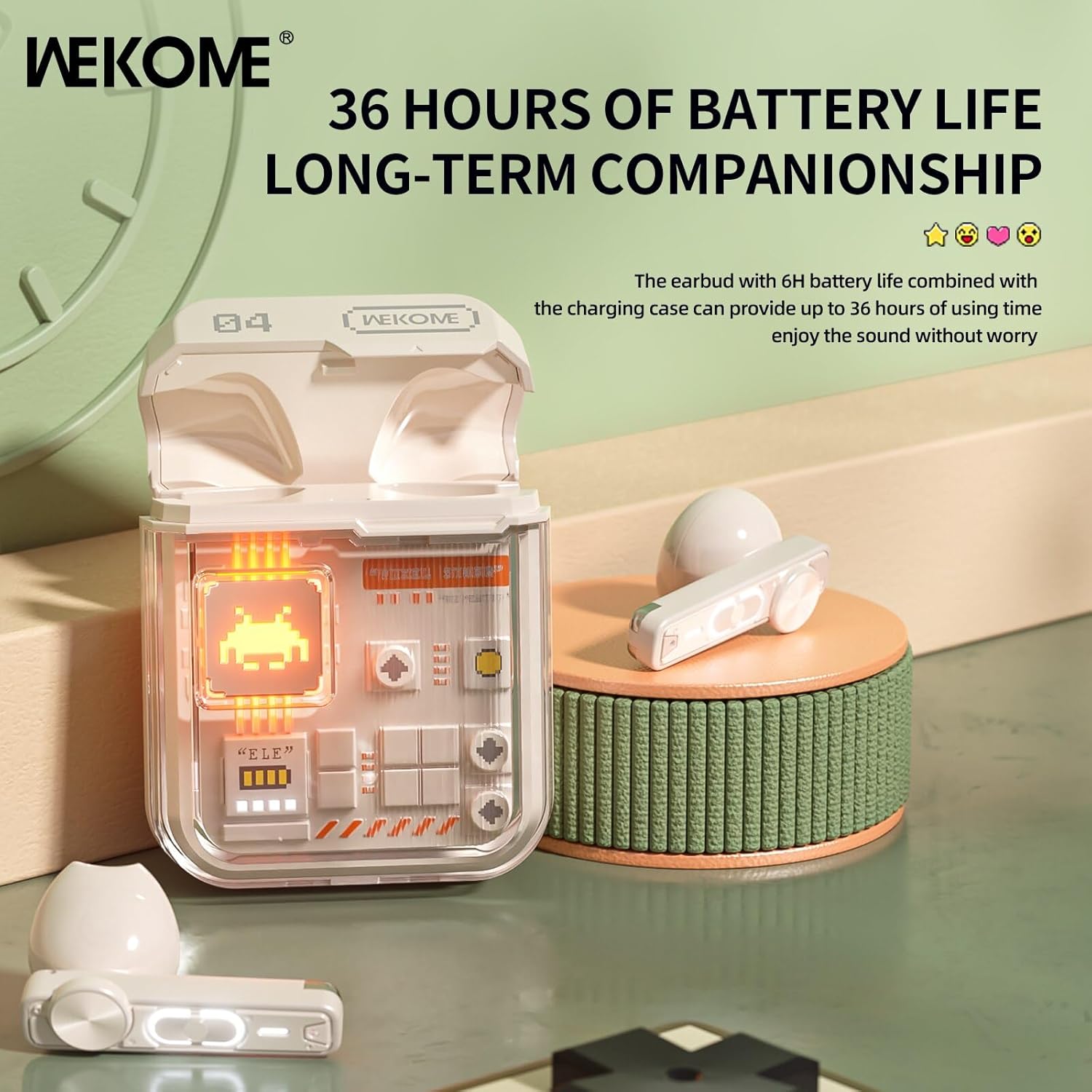
Image: The earbuds in their charging case, highlighting the extended battery life of up to 36 hours with the case.
2. Pairing with Your Device
The earbuds feature an auto-connect function for hassle-free pairing.
- Ensure Bluetooth is enabled on your smartphone, tablet, or laptop.
- Open the charging case and take out both earbuds. They will automatically enter pairing mode.
- On your device, search for Bluetooth devices and select "WEKOME VB04" (or similar name) from the list.
- Once connected, you will hear a confirmation tone, and the earbuds will be ready for use.
- After the initial pairing, the earbuds will automatically connect to the last paired device when taken out of the case.
Operating Instructions
Smart Touch Controls
The WEKOME earbuds feature intuitive touch controls on each earbud for easy management of music and calls.
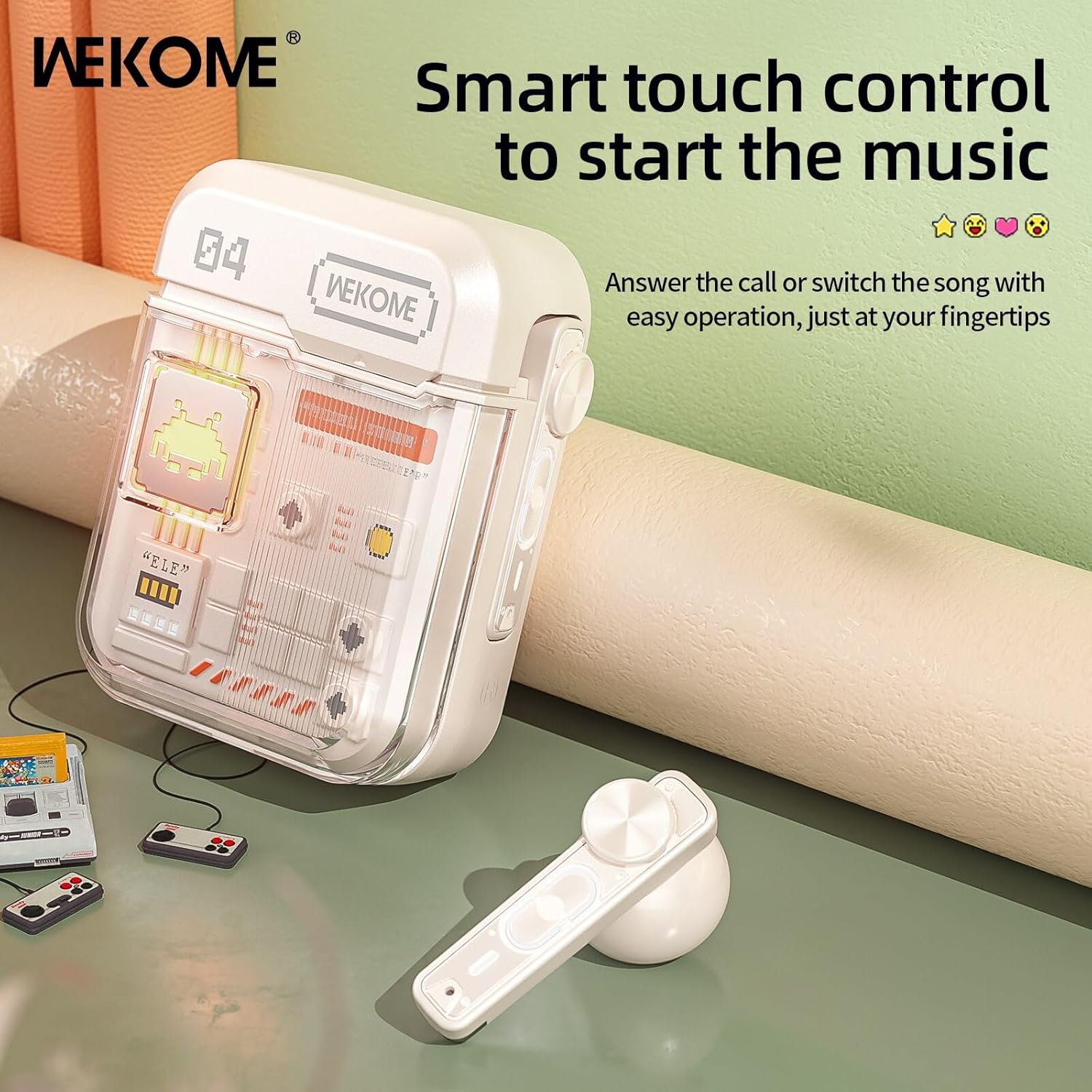
Image: The WEKOME earbuds demonstrating the touch control area for various functions.
| Action | Function |
|---|---|
| Single Tap (Left/Right) | Play/Pause Music, Answer/End Call |
| Double Tap (Right) | Next Song |
| Double Tap (Left) | Previous Song |
| Triple Tap (Right) | Volume Up |
| Triple Tap (Left) | Volume Down |
| Press and Hold (2 seconds) | Reject Call, Activate Voice Assistant |
| Press and Hold (Right Earbud, 2 seconds) | Switch between Game Mode and Music Mode |
Game Mode & Music Mode
The earbuds offer two distinct audio modes optimized for different uses.
- Game Mode: Provides low latency (as low as 50ms) for synchronized picture and sound, crucial for gaming. This mode also activates cool lights on the earbuds.
- Music Mode: Delivers balanced, high-resolution sound to restore more audio details, ideal for listening to music.
To switch between modes, press and hold the touch control area on the right earbud for 2 seconds.
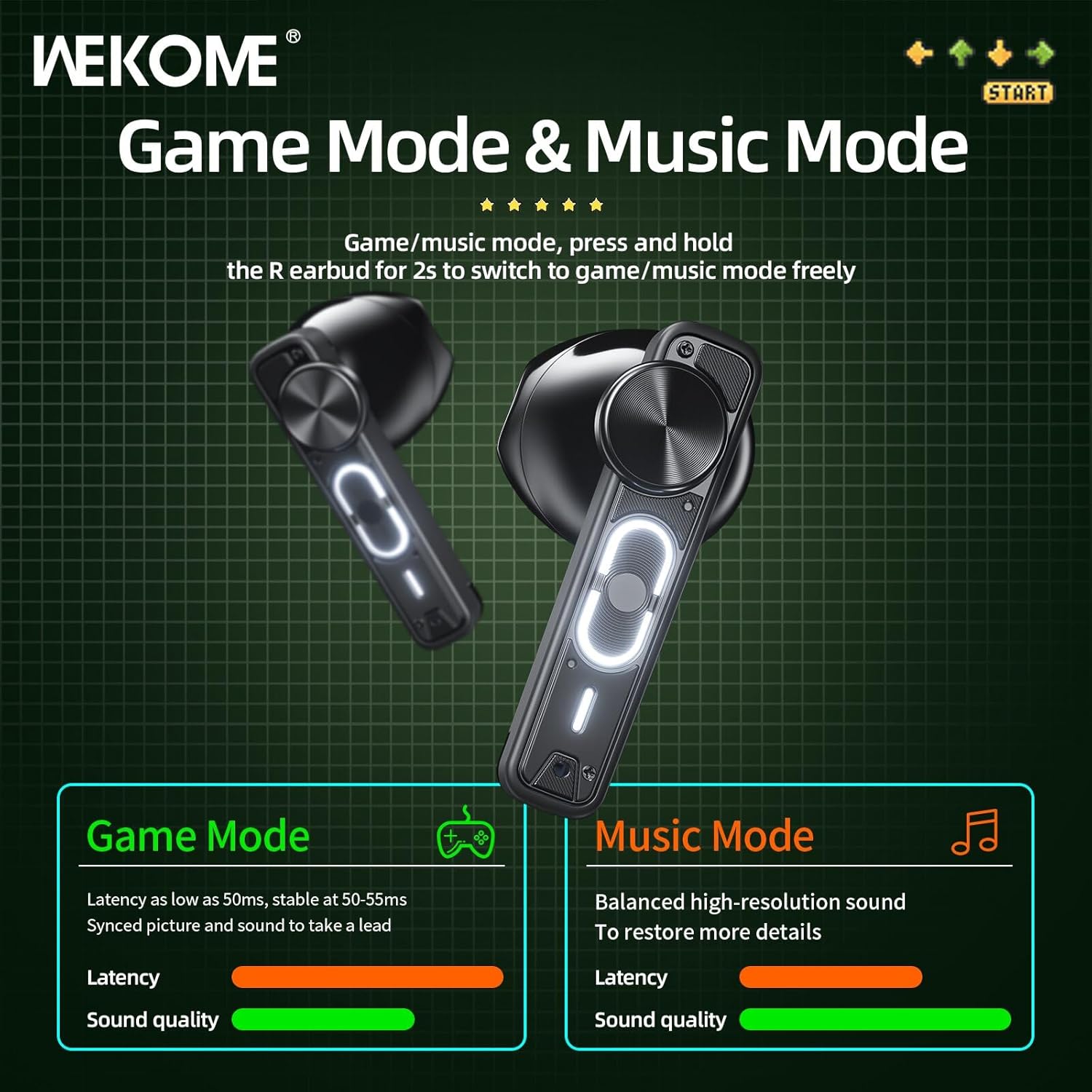
Image: Visual representation of the Game Mode and Music Mode, highlighting their respective benefits in latency and sound quality.
Maintenance
- Cleaning: Regularly clean the earbuds and charging case with a soft, dry, lint-free cloth. Do not use harsh chemicals or abrasive materials.
- Storage: When not in use, store the earbuds in their charging case to protect them and keep them charged. Store in a cool, dry place away from direct sunlight and extreme temperatures.
- Water Resistance: These earbuds are not waterproof. Avoid exposure to water, rain, sweat, or excessive moisture.
- Charging Port: Keep the Type-C charging port free of dust and debris.
Troubleshooting
| Problem | Possible Cause | Solution |
|---|---|---|
| Earbuds not pairing/connecting | Bluetooth is off, earbuds not in pairing mode, out of range, previously paired to another device. | Ensure Bluetooth is on. Place earbuds back in case, then take them out to re-enter pairing mode. Move closer to device. Forget "WEKOME VB04" from device's Bluetooth list and re-pair. |
| Only one earbud working | Low battery on one earbud, earbuds not properly synced. | Place both earbuds back in the charging case, close the lid for a few seconds, then take them out again. Ensure both are charged. |
| No sound | Volume too low, not connected, incorrect audio output selected on device. | Increase volume on both earbuds and connected device. Verify connection. Check device's audio output settings. |
| Charging case not charging | Faulty cable/adapter, dirty charging port. | Try a different Type-C cable and USB power adapter. Clean the charging port gently. |
Specifications
| Feature | Detail |
|---|---|
| Model Name | Wekome VB04 |
| Bluetooth Version | 5.3 |
| Wireless Range | <10m |
| Frequency Response | 20 - 20000 Hz |
| Driver Unit | 13mm Composite Diaphragm Dynamic Unit |
| Noise Control | Dual-Mic ENC Technology (Sound Isolation) |
| Earbud Battery Life | Up to 6 hours |
| Total Battery Life (with case) | Up to 36 hours |
| Charging Time | Approx. 1.2 hours (case) |
| Charging Method | Type-C Port |
| Control Type | Smart Touch Controls |
| Material | PVC |
| Waterproof | No |
| Compatible Devices | Tablets, Telephones, iPhone, Laptops, Android |
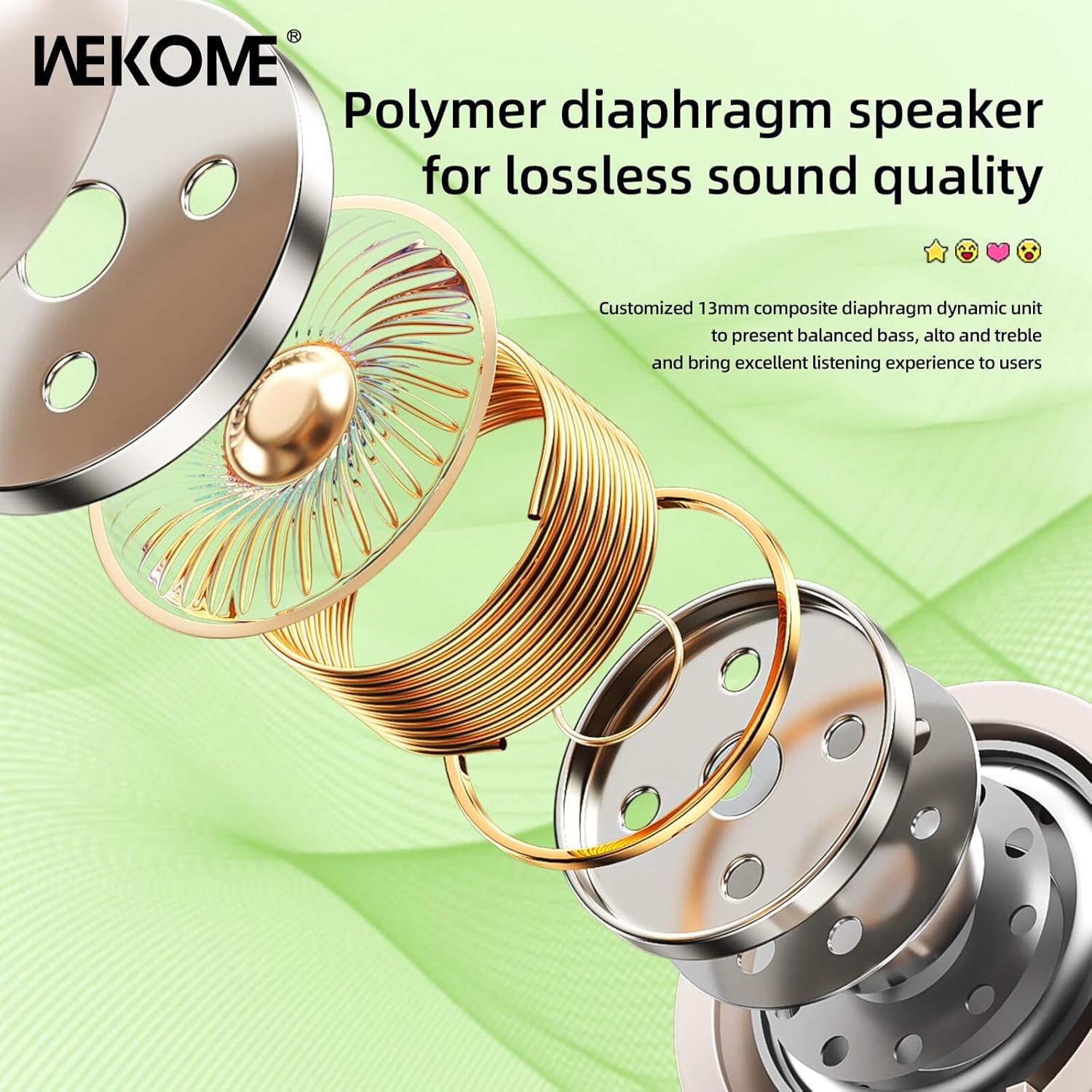
Image: An exploded view illustrating the components of the 13mm composite diaphragm speaker, designed for lossless sound quality.
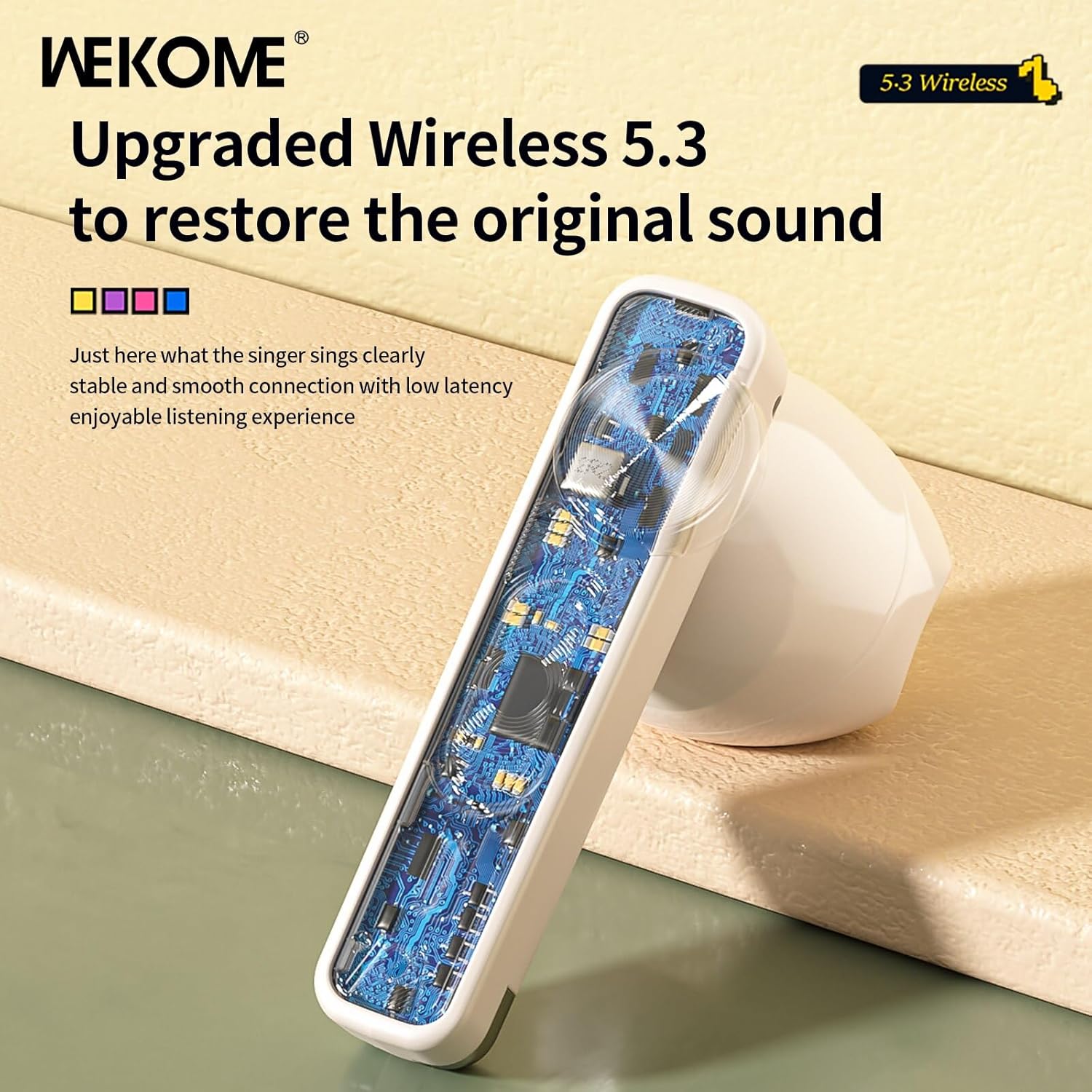
Image: A close-up view of an earbud's internal circuit board, highlighting the advanced Wireless 5.3 technology for stable and smooth connection.
Warranty and Support
For warranty information and technical support, please refer to the contact details provided on the product packaging or the official WEKOME website. Keep your purchase receipt as proof of purchase for any warranty claims.
Related documentsVB04


Ask a question about this manual
Ask about setup, troubleshooting, compatibility, parts, safety, or missing instructions. Manuals+ will review the question and use this page’s manual context to help answer it.