1. Introduction
This manual provides essential information for the safe and efficient operation of your Blumfeldt 400W Flat Design Bathroom Radiator. Please read these instructions carefully before installation and use, and retain them for future reference.
The Blumfeldt Flat Design Radiator is a vertical, wall-mounted electric heating unit designed for bathrooms, living rooms, and other indoor spaces. It features 400W heating power, app control, an adjustable thermostat, and a timer function for optimal comfort and energy efficiency.

Image 1.1: Blumfeldt Flat Design Bathroom Radiator (50 x 100 cm, Anthracite)
2. Safety Instructions
WARNING: Failure to follow these safety instructions may result in fire, electric shock, injury, or property damage.
- Ensure the power supply voltage matches the rating label on the appliance.
- Do not operate the radiator with a damaged cord or plug. If the cord is damaged, it must be replaced by the manufacturer, its service agent, or similarly qualified persons to avoid a hazard.
- Do not use the radiator in areas where flammable liquids or gases are stored.
- Keep children and pets away from the radiator during operation. This appliance is not intended for use by persons (including children) with reduced physical, sensory or mental capabilities, or lack of experience and knowledge, unless they have been given supervision or instruction concerning use of the appliance by a person responsible for their safety.
- Do not cover the radiator. Covering the radiator can cause overheating and fire.
- Maintain a safe distance from walls and other objects to ensure proper air circulation.
- Always unplug the radiator before cleaning or performing any maintenance.
- This radiator is designed for indoor use only. Do not use outdoors.
- The radiator is equipped with overheat protection. If it overheats, it will automatically shut off. Unplug the unit and allow it to cool before restarting.
3. Package Contents
Carefully unpack the box and ensure all items are present and undamaged. If any items are missing or damaged, contact your retailer immediately.
- 1 x Blumfeldt Flat Design Bathroom Radiator
- 1 x Wall mounting material (screws, anchors, brackets)
- 1 x Multilingual instruction manual (this document)
4. Setup and Installation
The Blumfeldt Flat Design Radiator is designed for vertical wall mounting. No complex plumbing is required as it is an electric unit.
- Choose a Location: Select a suitable wall location, ensuring it is away from water sources (if in a bathroom) and has a power outlet within reach of the 110 cm power cable. Ensure there is sufficient clearance around the radiator for heat dissipation.
- Mark Drilling Points: Hold the radiator or mounting bracket against the wall at the desired height and mark the drilling points for the wall brackets. Use a level to ensure the radiator will be mounted straight.
- Drill Holes: Drill holes at the marked points using an appropriate drill bit for your wall type. Insert wall anchors if necessary.
- Attach Brackets: Securely fasten the wall brackets to the wall using the provided screws.
- Mount Radiator: Carefully lift the radiator and hook it onto the installed wall brackets. Ensure it is securely seated.
- Connect Power: Plug the radiator's power cord into a suitable electrical outlet.

Image 4.1: Illustration of wall mounting process.
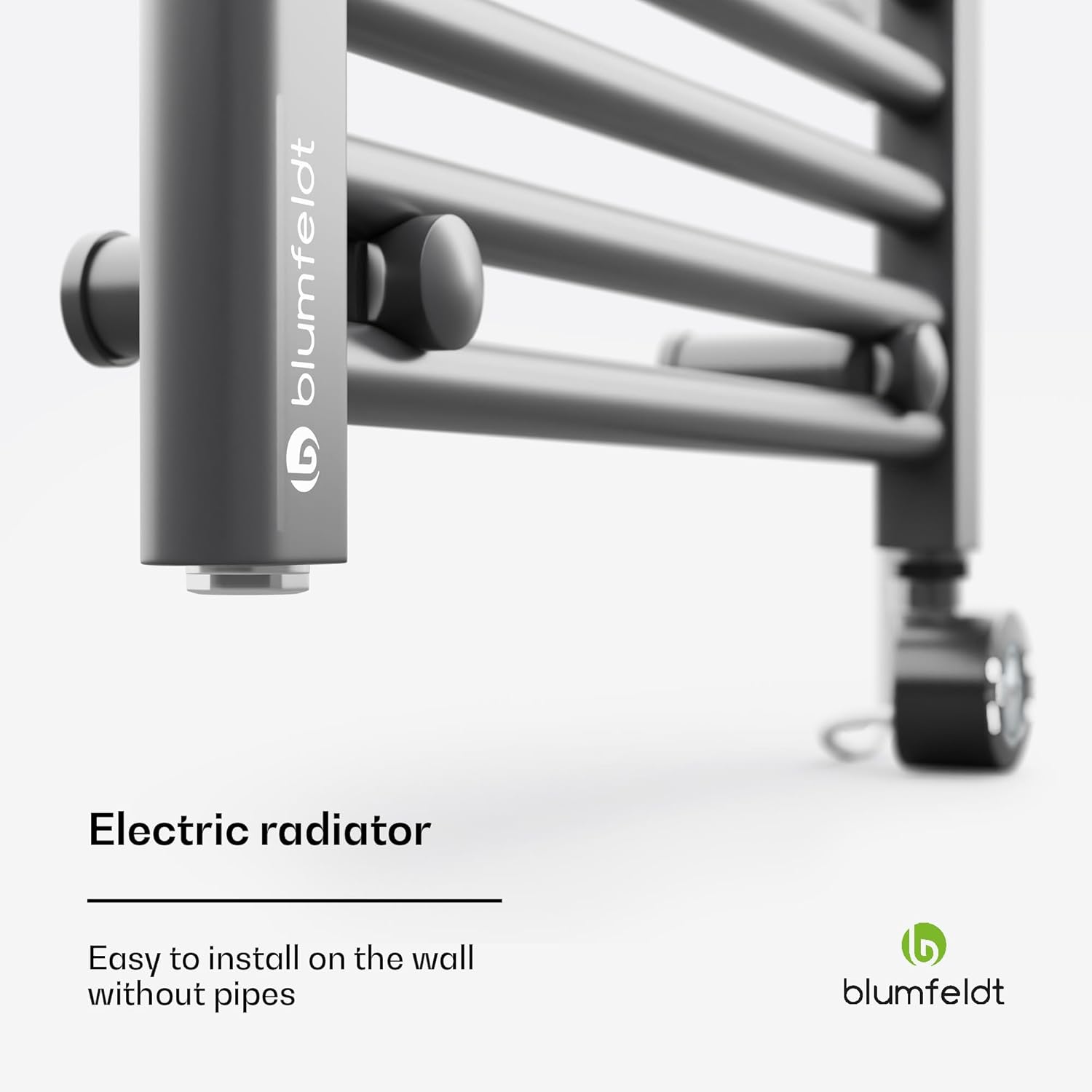
Image 4.2: Detail of the wall mounting bracket.

Image 4.3: Radiator dimensions (50 cm width, 100 cm height, 10.5 cm depth) and 110 cm cable length.
5. Operating Instructions
The radiator can be controlled via its integrated electronic thermostat with an LED display or through the Blumfeldt app.
5.1. Manual Control (Thermostat)
The electronic thermostat allows for precise temperature control and timer settings.

Image 5.1: Close-up of the electronic thermostat with LED display.
- Power On/Off: Press the power button (U) to turn the radiator on or off.
- Temperature Adjustment: Use the Up (^) and Down (v) buttons to set the desired temperature. The temperature range is typically 30°C to 70°C.
- Menu/Mode Selection: Press the 'MENU' button to cycle through different operating modes or settings, such as timer functions.
- Timer Function: The radiator features a programmable weekly timer. Refer to the on-screen prompts or the app for detailed timer setup.
- Child Lock: A child lock feature is available to prevent accidental changes to settings. Consult the specific thermostat interface for activation/deactivation.
5.2. App Control (Blumfeldt App)
For convenient remote control and advanced scheduling, use the Blumfeldt app.
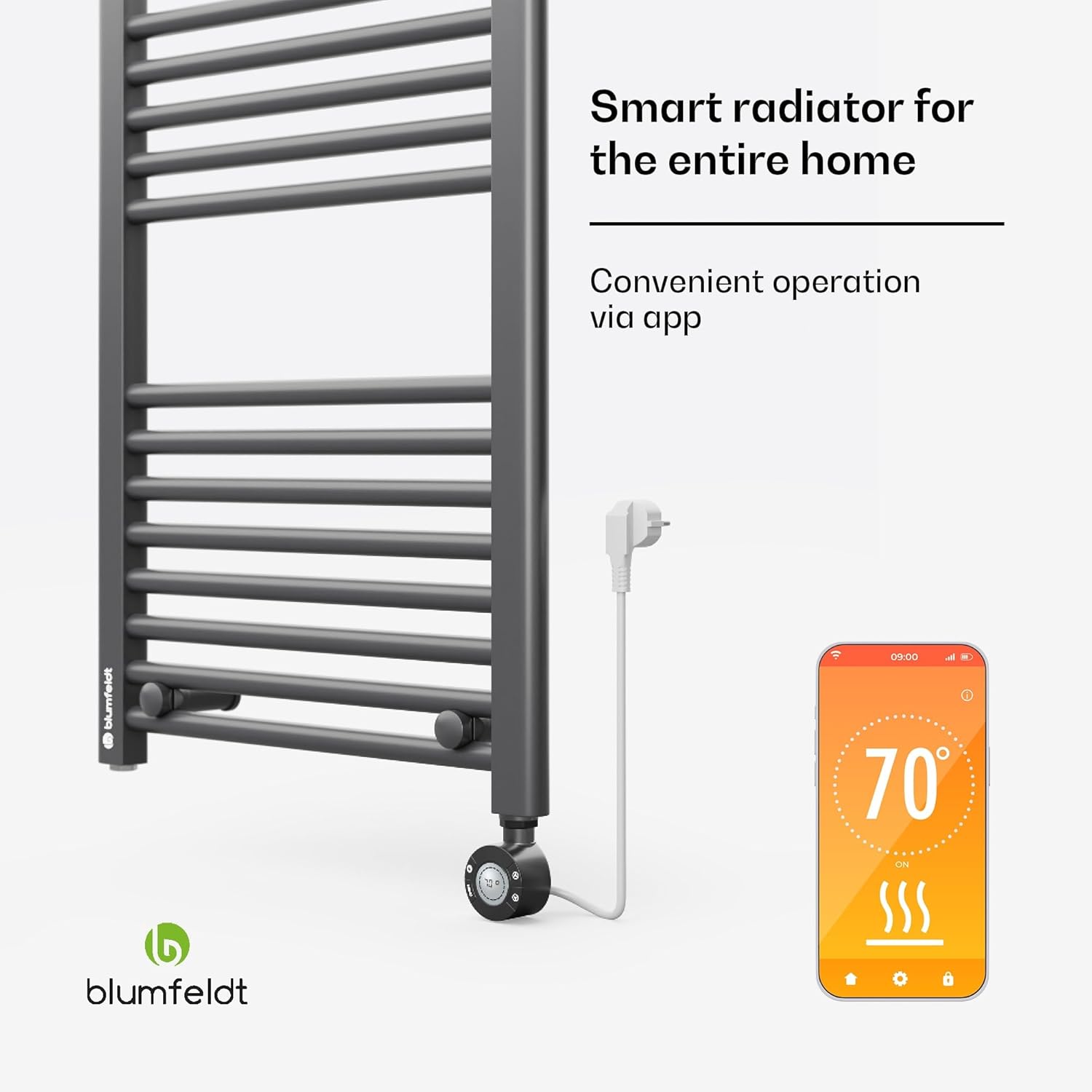
Image 5.2: Smartphone interface showing the Blumfeldt app for radiator control.
- Download App: Download the official Blumfeldt app from your smartphone's app store (iOS or Android).
- Pair Device: Follow the in-app instructions to pair your radiator with your smartphone. This typically involves putting the radiator into a pairing mode and connecting via Wi-Fi or Bluetooth.
- Control Functions: Once paired, you can use the app to:
- Turn the radiator on/off.
- Adjust the temperature.
- Set and manage weekly heating schedules.
- Activate/deactivate the child lock.
- Monitor current operating status.
6. Maintenance
Regular maintenance ensures the longevity and efficient operation of your radiator.
- Cleaning: Before cleaning, always unplug the radiator and allow it to cool completely. Wipe the flat heating ribs and exterior surfaces with a soft, damp cloth. Do not use abrasive cleaners, solvents, or harsh chemicals, as these can damage the finish.
- Storage: If storing the radiator for an extended period, ensure it is clean and dry. Store it in a cool, dry place, preferably in its original packaging.
- Inspection: Periodically inspect the power cord and plug for any signs of damage. If damage is found, do not use the radiator and contact qualified personnel for repair.
7. Troubleshooting
If you encounter issues with your Blumfeldt radiator, refer to the following common problems and solutions:
| Problem | Possible Cause | Solution |
|---|---|---|
| Radiator does not turn on. | No power supply; Power button not pressed; Overheat protection activated. | Check if the plug is securely in the outlet. Ensure the power outlet is functional. Press the power button. Unplug and allow to cool for 30 minutes before restarting. |
| Radiator is not heating effectively. | Temperature setting too low; Room size too large for radiator; Obstruction blocking heat. | Increase the set temperature. Ensure the radiator is appropriately sized for the room. Remove any objects covering or blocking the radiator. |
| App control not working. | Radiator not paired; Wi-Fi connectivity issues; App outdated. | Ensure the radiator is in pairing mode and correctly paired with the app. Check your Wi-Fi connection. Update the Blumfeldt app to the latest version. |
| Unusual noises or smells. | Dust accumulation; Internal fault. | Unplug the radiator and clean it thoroughly. If the issue persists, discontinue use and contact customer support. |
8. Specifications
| Feature | Specification |
|---|---|
| Brand | blumfeldt |
| Model Number | HTR5-RT-CN-01 |
| Power | 400 W |
| Dimensions (W x H x D) | 50 x 100 x 12.5 cm |
| Weight | 11 kg |
| Color | Anthracite |
| Energy Source | Electric with cord |
| Special Features | Adjustable thermostat, Timer function, Energy-saving, Overheat protection, App control, Child lock |
| Heating Method | Convection |
| Room Type | Bathroom, Living Room, Office |
| Installation Type | Wall-mounted |
9. Warranty and Support
Your Blumfeldt Flat Design Bathroom Radiator comes with a manufacturer's warranty. Please refer to the warranty card included with your purchase or contact your retailer for specific warranty terms and conditions.
For technical support, service, or spare parts, please contact the Blumfeldt customer service department or your authorized dealer. Keep your purchase receipt and model number (HTR5-RT-CN-01) handy when contacting support.


