Introduction
This manual provides comprehensive instructions for the setup, operation, and maintenance of your SADES Wired RGB Backlit 104 Keys Gaming Keyboard and Mouse Combo. Please read this manual carefully before use to ensure optimal performance and longevity of your product.
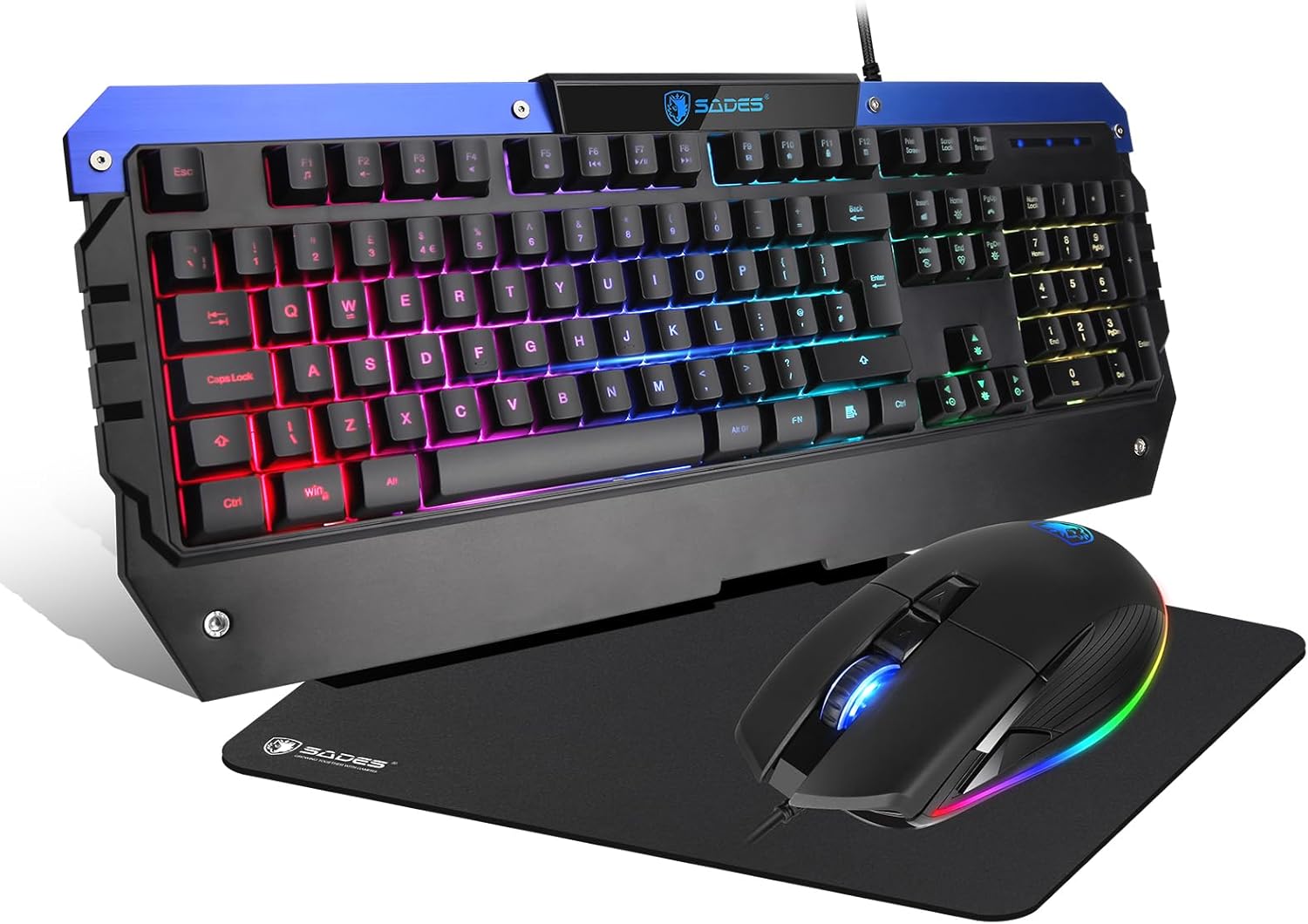
Image: The SADES Gaming Keyboard and Mouse Combo, featuring a full-size keyboard with RGB backlighting and a wired gaming mouse, presented on a mouse pad.
Setup
The SADES Gaming Keyboard and Mouse Combo is designed for plug-and-play functionality. No additional drivers are typically required for basic operation.
System Requirements
- Operating System: Windows 10, Windows 8, Windows 7, Windows Vista, or Windows XP. Limited Mac OS keyboard support.
- Available USB Port.
Connection Instructions
- Locate an available USB port on your computer.
- Plug the USB connector from the keyboard into the USB port.
- Plug the USB connector from the mouse into another available USB port.
- Your operating system should automatically detect and install the necessary drivers.
- The keyboard and mouse are now ready for use.
Operating Instructions
Keyboard Functions

Image: Illustration highlighting the FN+WIN key combination, 12 multimedia shortcuts, and 104 anti-ghosting keys on the SADES gaming keyboard.
- RGB Backlighting: The keyboard features an ambient LED rainbow backlight with two dynamic modes: pulsating and steady. Use dedicated keys or key combinations (refer to specific key markings on your keyboard) to switch modes or turn the lighting on/off.
- Multimedia Keys: Access 12 multimedia functions using the FN key in combination with F1-F12 keys. These functions are not available on Mac OS.
- Anti-Ghosting: The keyboard is equipped with 104 anti-ghosting keys, ensuring accurate registration of multiple simultaneous keystrokes.
- WIN Key Lock: Press FN + WIN to lock the Windows key, preventing accidental activation of the Start menu during gameplay. Press again to unlock.
- WSAD Key Swap: Press FN + W to swap the functionality of the WSAD keys with the arrow keys. Press again to revert.
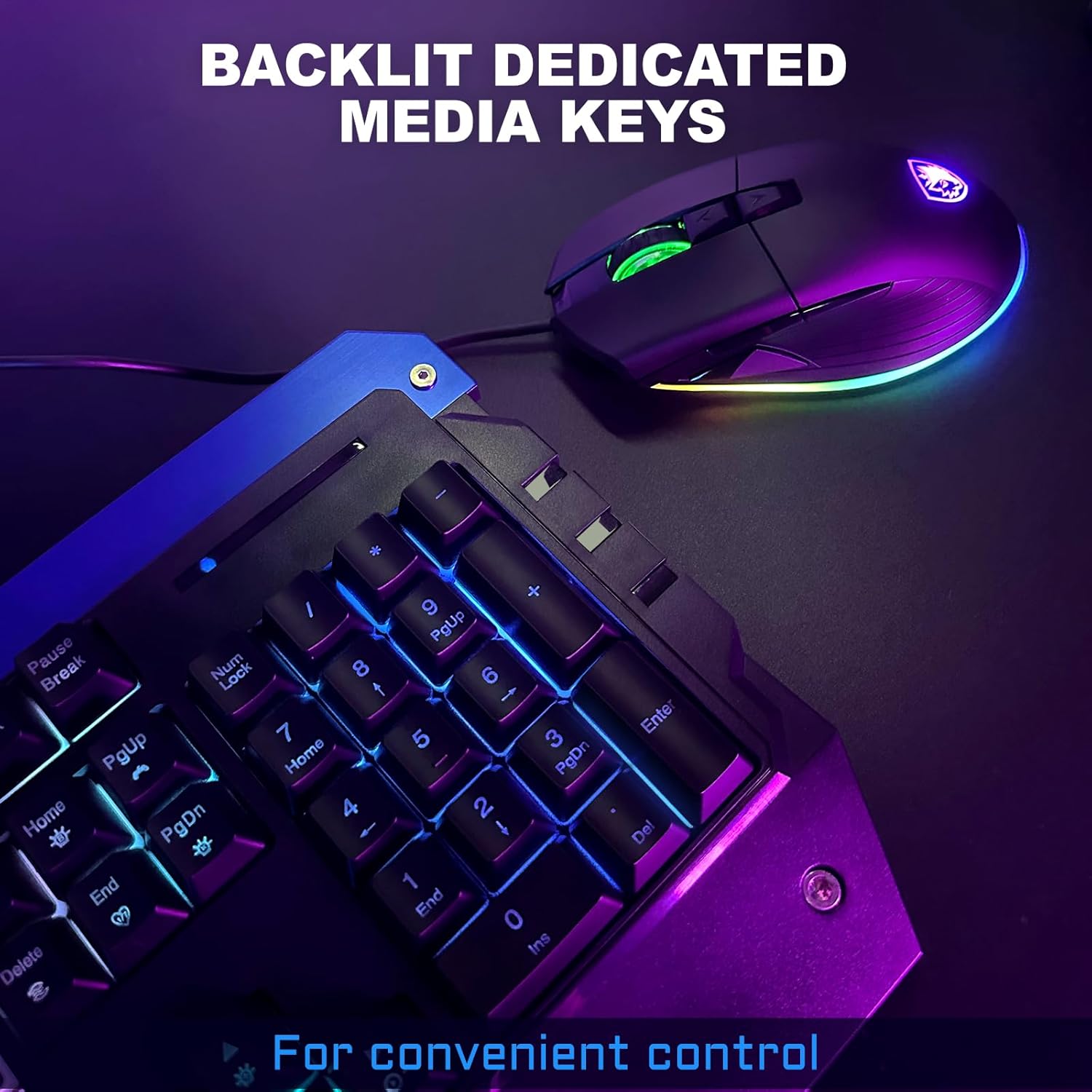
Image: Close-up view of the keyboard's backlit keys, emphasizing the dedicated media keys for convenient control.
Mouse Functions
- DPI Settings: The mouse offers 6 adjustable DPI settings (800/1200/1600/2400/3200/4200). Use the dedicated DPI buttons (usually located below the scroll wheel) to cycle through these settings and adjust cursor sensitivity.
- Ambient Lighting: The wired mouse features an ambient light ribbon. The lighting effects are typically pre-programmed and may cycle through colors.
- Programmable Buttons: The mouse includes programmable buttons. Configuration of these buttons, DPI, polling rate, and other settings is available only on Windows operating systems.

Image: The keyboard featuring low-profile keys, designed to provide an ergonomic typing and gaming experience.
Maintenance
Proper maintenance ensures the longevity and optimal performance of your SADES Gaming Keyboard and Mouse Combo.
- Cleaning: Use a soft, dry cloth to wipe down the surfaces of the keyboard and mouse. For stubborn dirt, a slightly damp cloth can be used, ensuring no liquid enters the device.
- Keycap Care: The keyboard features UV-coated keycaps for improved fade and scratch resistance. Avoid harsh chemicals or abrasive materials when cleaning.
- Storage: When not in use for extended periods, store the combo in a clean, dry environment away from direct sunlight and extreme temperatures.

Image: Close-up of the keyboard's UV-coated keycaps, designed for enhanced durability against fading and scratches.
Troubleshooting
If you encounter issues with your SADES Gaming Keyboard and Mouse Combo, refer to the following common solutions:
- Device Not Responding:
- Ensure both the keyboard and mouse USB cables are securely plugged into your computer's USB ports.
- Try plugging the devices into different USB ports.
- Restart your computer.
- Backlight Not Working:
- Check if the backlight is turned off using the dedicated lighting control keys on the keyboard.
- Ensure the keyboard is properly connected.
- Keys Not Registering / Mouse Not Moving:
- Clean any debris from under the keys or around the mouse sensor.
- Test the devices on another computer to rule out a system-specific issue.
- Multimedia Keys Not Functioning on Mac OS:
- Note that multimedia keys are not fully supported on Mac OS.
- Mouse Programming Not Working:
- Mouse button programming functionality is available only on Windows operating systems.
Specifications
| Brand | Globalsades |
| Model | Gaming Keyboard and Mouse Combo |
| Connectivity Technology | USB Wired |
| Keyboard Type | 104-Key, RGB Backlit, All-Metal Panel, Anti-Ghosting |
| Keyboard Switches | Volcano switch structure (Mecha-Membrane) |
| Keyboard Key Life | 50 million keystrokes |
| Mouse DPI Settings | 800/1200/1600/2400/3200/4200 |
| Compatible Devices | Personal Computer |
| Package Dimensions | 23.74 x 10.83 x 2.72 inches |
| Item Weight | 3.27 pounds |
| Color | Red (variant) |

Image: A detailed view of the SADES Mecha-Membrane switches, illustrating their design for a tactile keystroke experience.

Image: Graphic detailing the specifications of the keyboard switches, including stroke travel, key life, and key force.
Warranty and Support
Globalsades is committed to product quality. If you encounter any issues with your SADES wired keyboard, including but not limited to keycap fading, key malfunction, or non-operation, please contact customer support for assistance. The manufacturer promises a 100% refund or replacement for qualifying issues.
For further support or warranty claims, please refer to the contact information provided with your product packaging or visit the official Globalsades website.