
1. Introduction
This manual provides essential information for the safe and effective operation of your SIFSDSFO 3-Head LED Moving Head DJ Light. Please read these instructions carefully before use and retain them for future reference.
The SIFSDSFO 3-Head LED Moving Head DJ Light features 12 high-quality 15W RGBW LED light beads and 8 decorative light rings. It offers dynamic lighting effects with independent control for forward and reverse rotation of its two heads, enhancing lighting versatility. Designed for energy efficiency and long service life, it is suitable for various event settings.
2. What's in the Box
Carefully unpack your product and ensure all items are present and in good condition. If any items are missing or damaged, please contact your retailer.
- 1 x SIFSDSFO 3-Head LED Moving Head DJ Light
- 1 x Bow Mount
- 2 x Screws for mounting
- 1 x Power Cable
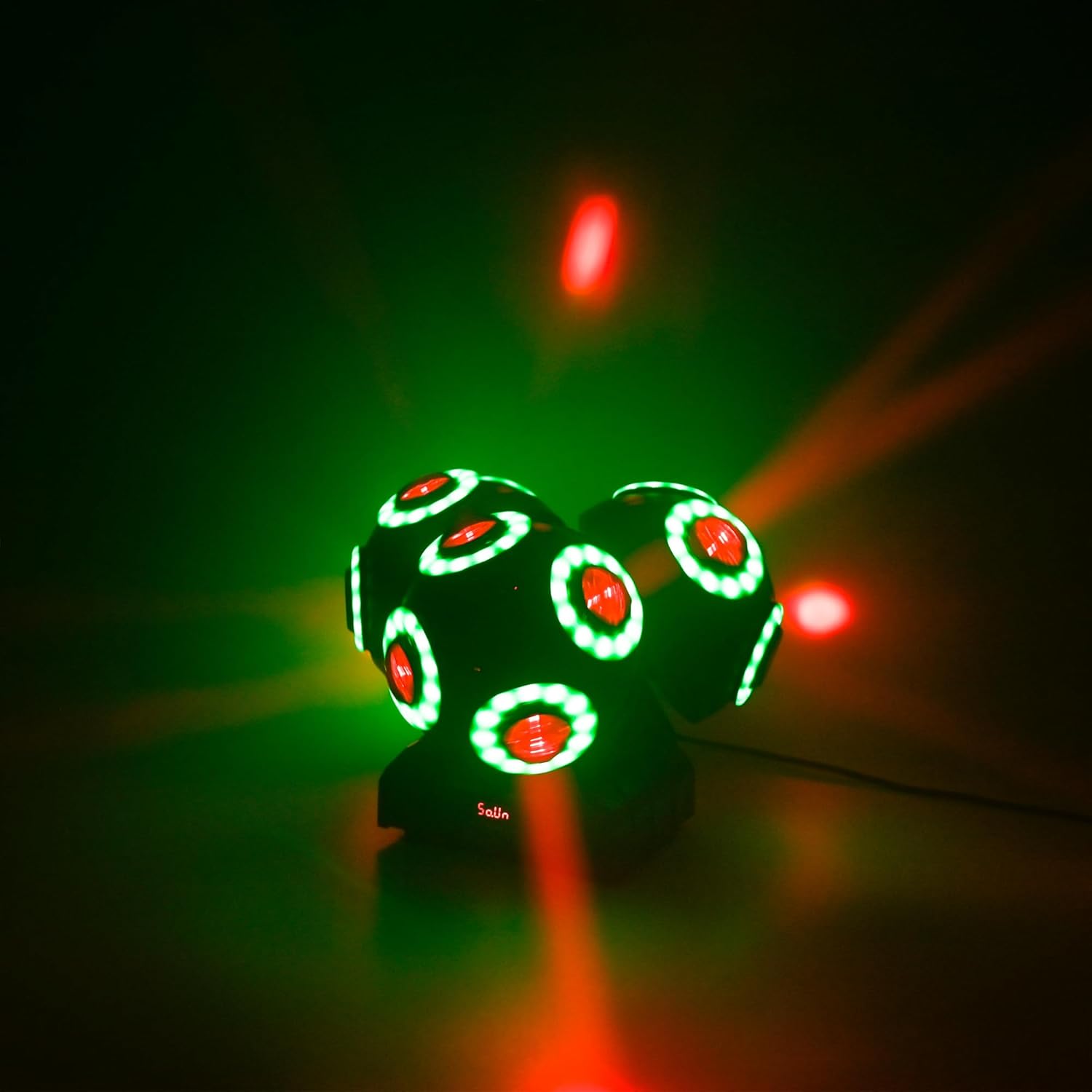
Image 2.1: Contents of the product packaging, including the light unit, mounting bracket, screws, and power cable.
3. Setup Instructions
- Unpacking: Remove the light from its packaging and inspect for any damage.
- Placement: Position the light on a stable, flat surface or mount it securely using the provided bow mount and screws. Ensure adequate ventilation around the unit.
- Power Connection: Connect the provided power cable to the light's power input and then to a suitable 110V AC power outlet.
- DMX Connection (Optional): If using DMX control, connect a DMX cable from your DMX controller to the DMX IN port on the light. For multiple lights, daisy-chain them by connecting the DMX OUT of the first light to the DMX IN of the next.

Image 3.1: The SIFSDSFO 3-Head LED Moving Head DJ Light.
4. Operating Modes
The SIFSDSFO 3-Head LED Moving Head DJ Light offers four flexible control modes:
- Automatic Mode: The light cycles through pre-programmed patterns and color changes automatically. This mode is ideal for quick setup and continuous light shows without external control.
- Sound Control Mode: The built-in microphone detects ambient sound and music, synchronizing the light effects to the beat. Adjust sensitivity as needed for optimal response.
- DMX Mode: For professional control, connect a DMX512 controller. This allows precise control over individual parameters such as pan, tilt, color, patterns, and intensity. The light supports 14 or 17 DMX channels (refer to the DMX chart in the included mini-manual for details).
- Master/Slave Mode: Link multiple lights together. Set one unit as the 'Master' and others as 'Slave' units. The slave units will mirror the master's actions, creating a synchronized light show without a DMX controller.
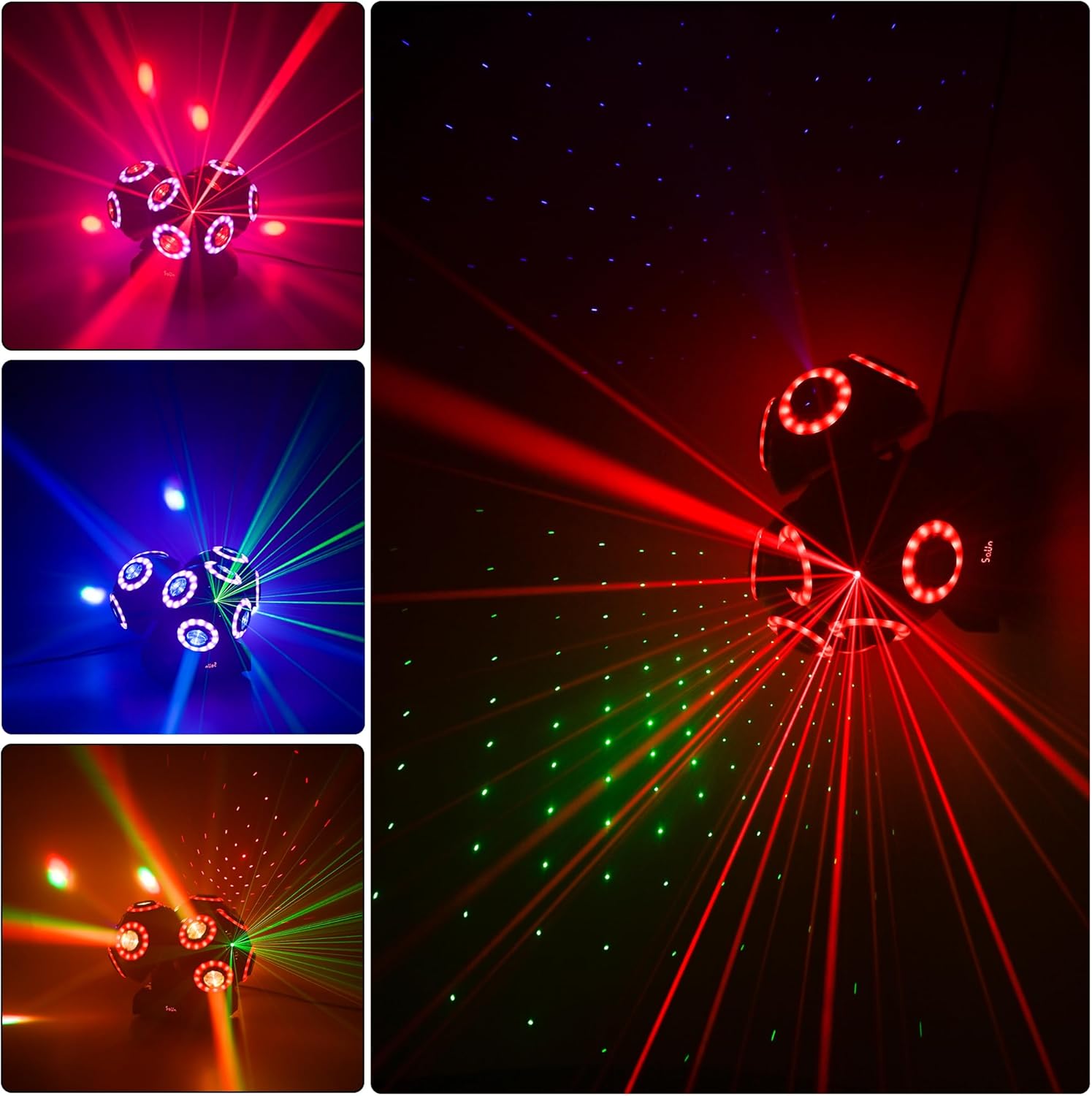
Image 4.1: Light in action, showcasing red and blue beams.
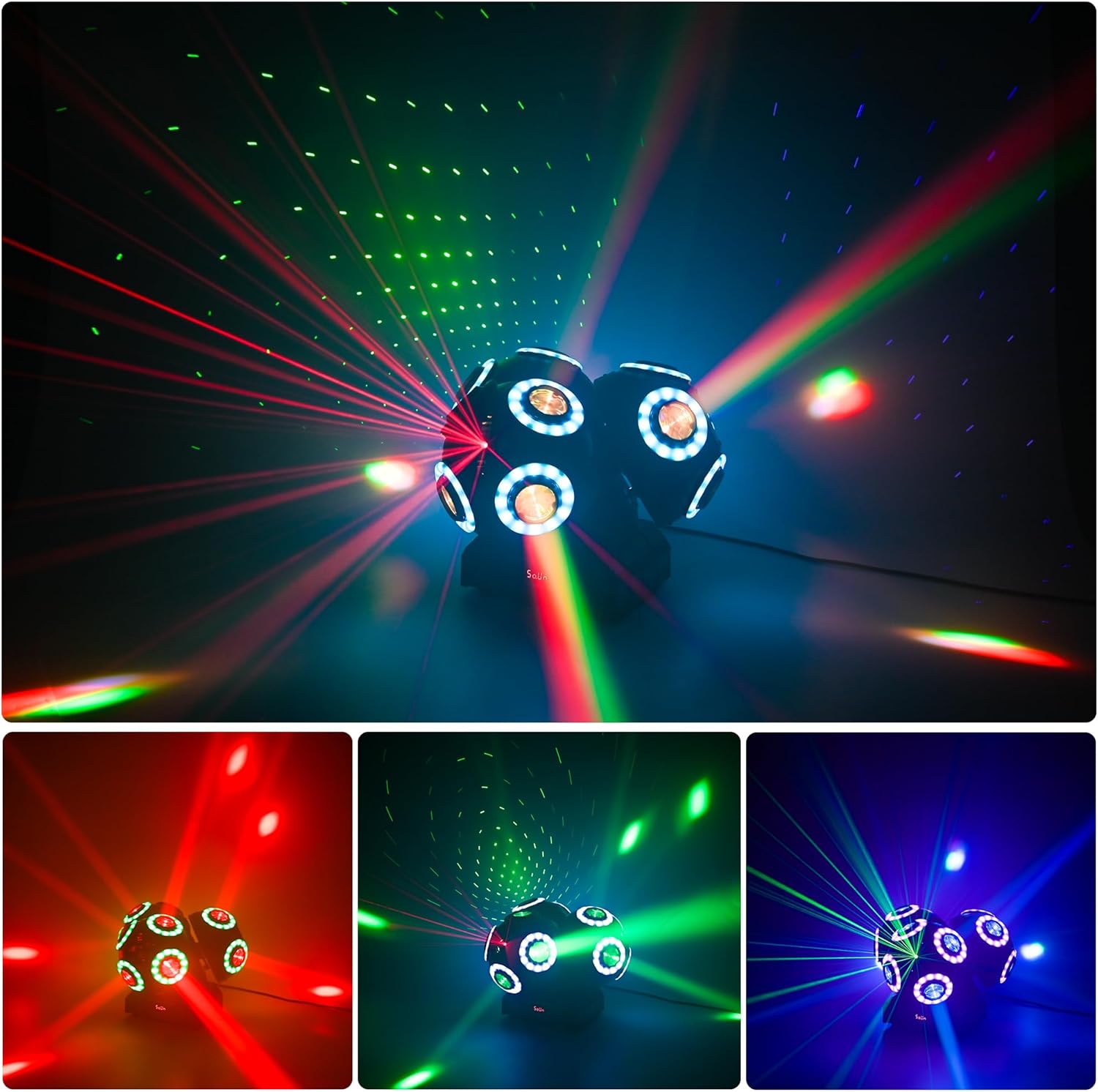
Image 4.2: Light in action, showcasing red and green beams.

Image 4.3: Light in action, showcasing purple and green beams.
Video Demonstrations
Video 4.4: Demonstration of the SIFSDSFO Moving Head DJ Lights Rotating Beam Lights Stage Lights in various colors and patterns.
Video 4.5: Demonstration of the SIFSDSFO Moving Head DJ Lights with 12 LEDs, showcasing rotating beam lights and various DJ light effects.
5. Maintenance
- Cleaning: Regularly clean the lens and exterior of the light with a soft, dry cloth. Do not use harsh chemicals or abrasive materials.
- Ventilation: Ensure the cooling fans and ventilation windows are free from dust and obstructions to prevent overheating.
- Storage: When not in use, store the light in a dry, dust-free environment.
- Inspection: Periodically check all cables and connections for wear or damage.
6. Troubleshooting
| Problem | Possible Cause | Solution |
|---|---|---|
| Light does not power on. | No power supply or faulty cable. | Check power cable connection and power outlet. Try a different cable or outlet. |
| No light output. | Light in standby mode or internal fault. | Check operating mode. If in DMX mode, ensure DMX signal is present and correct. If problem persists, contact support. |
| DMX control not working. | Incorrect DMX address, faulty cable, or incorrect mode. | Verify DMX address setting on the light matches your controller. Check DMX cable connections. Ensure light is in DMX mode. |
| Sound control not responding. | Microphone sensitivity too low or no sound input. | Increase microphone sensitivity via the menu. Ensure music or sound is loud enough near the unit. |
| Overheating. | Blocked ventilation. | Ensure cooling fans and vents are clear of obstructions. Operate in a well-ventilated area. |
7. Specifications
| Feature | Detail |
|---|---|
| Model Number | 3Head moving light |
| Color | Black |
| Material | Engineering Plastics, Metal |
| Light Source Type | Light Emitting Diode (LED) |
| Light Source Wattage | 15 Watts per LED |
| Number of Light Sources | 18 (12 LED high brightness light beads + 8 decorative light rings) |
| Voltage | 110 Volts |
| Power Source | Corded Electric |
| Mounting Type | Floor Mount (with included bow mount for alternative mounting) |
| Item Dimensions (L x W x H) | 8"L x 9.5"W x 7.9"H |
| Control Modes | Automatic, Sound, DMX, Master/Slave |
| DMX Channels | 14 or 17 (refer to mini-manual) |
| Manufacturer | VALLEY MUD |
8. Warranty and Support
This product is covered by the standard manufacturer's warranty. For specific details regarding warranty coverage, please refer to the documentation provided at the time of purchase or contact your retailer. For technical support or service inquiries, please reach out to the manufacturer, VALLEY MUD, or your authorized dealer.