
1. Introduction
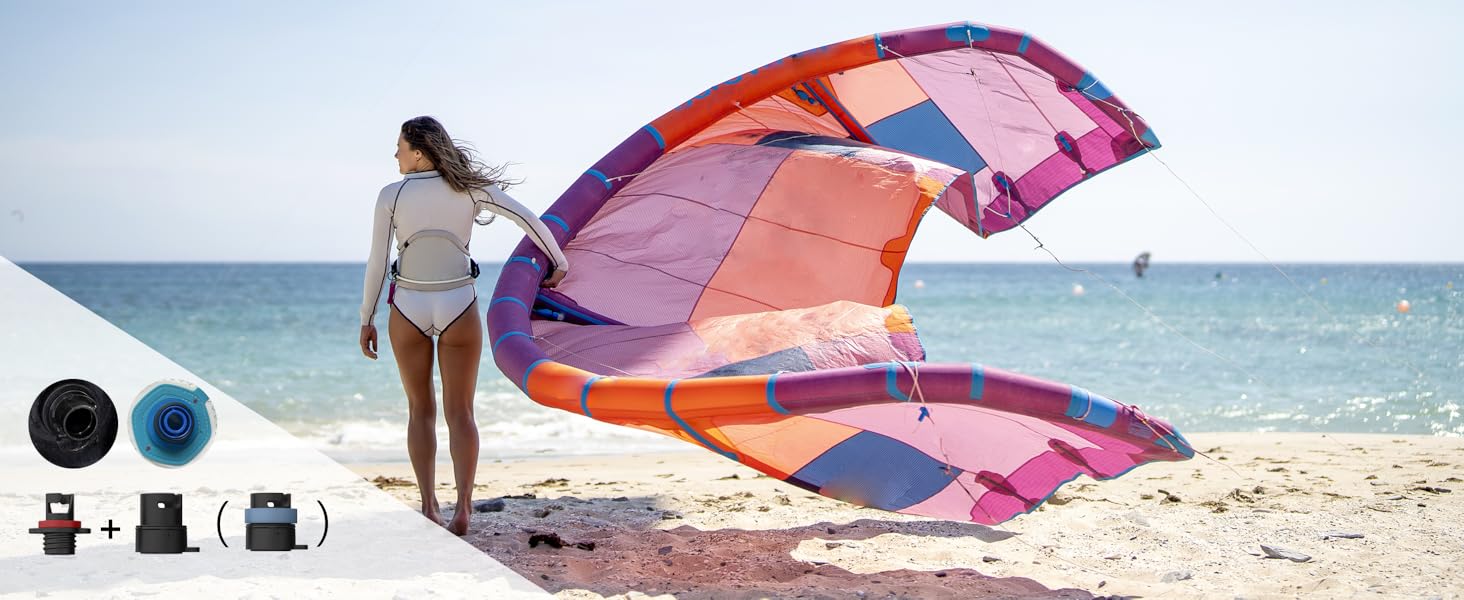
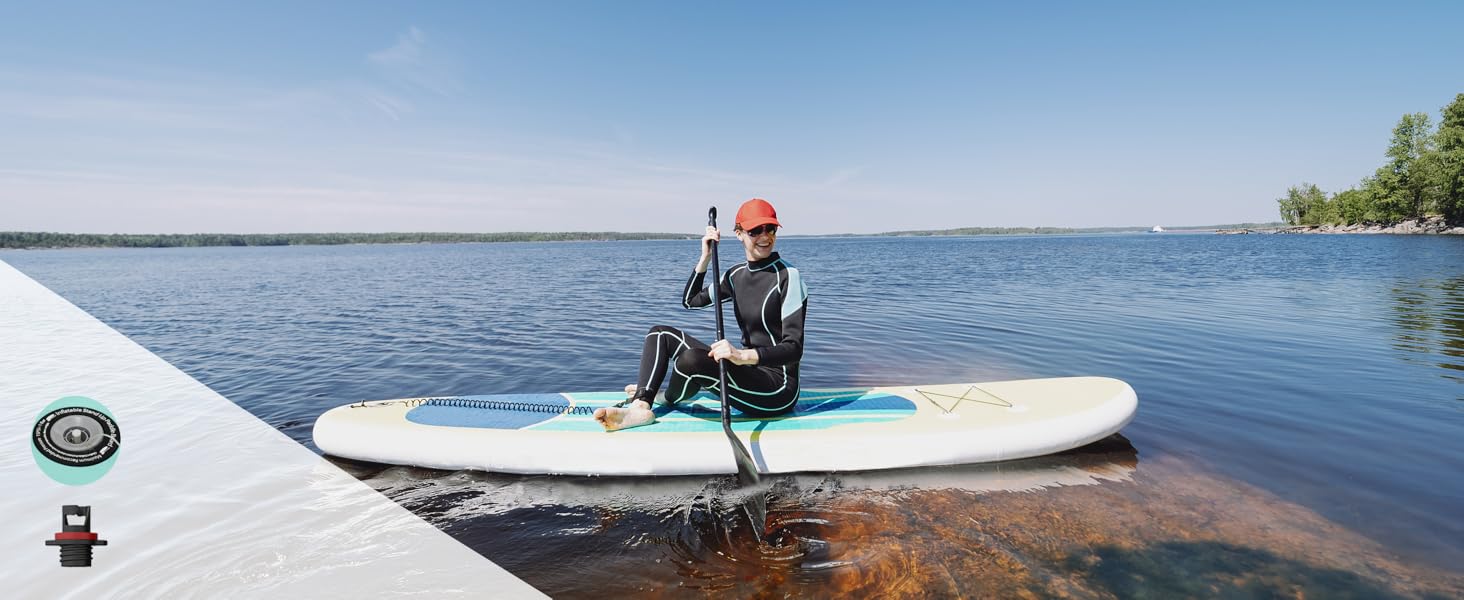
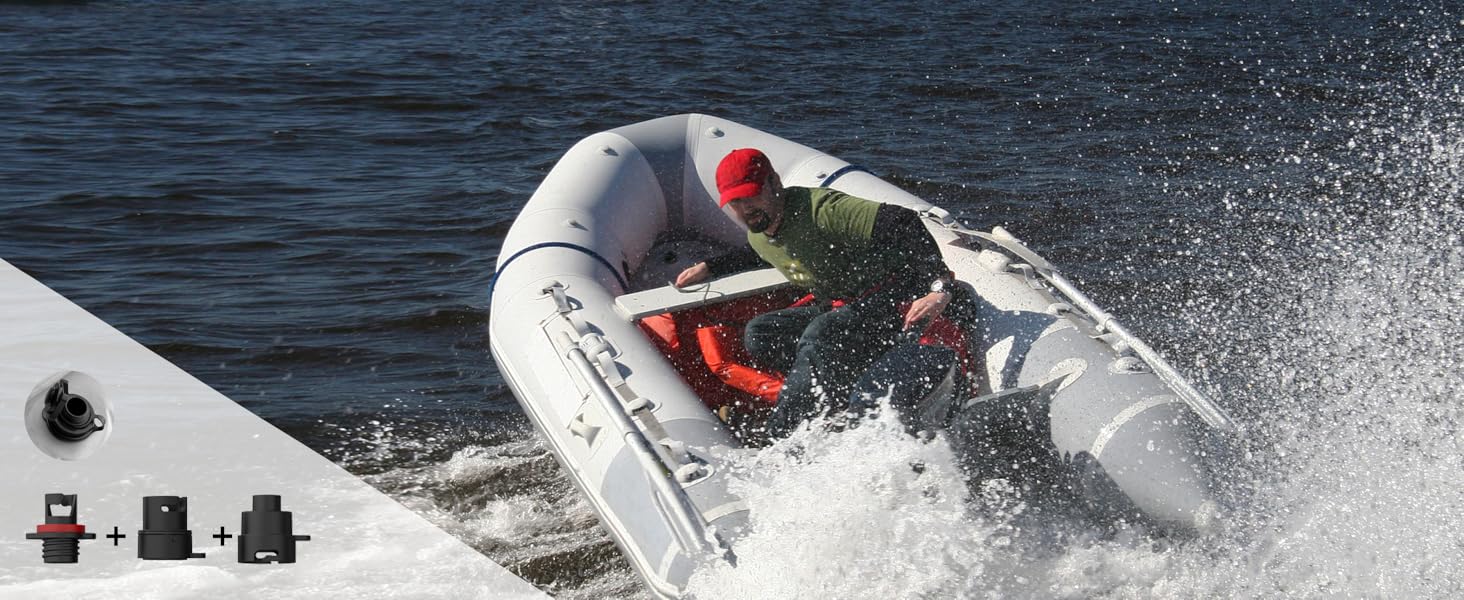
The dwndpump DP3 Electric Rechargeable SUP Pump is designed for efficient and convenient inflation and deflation of various inflatable items, including Stand-Up Paddleboards (SUPs), kayaks, wind wings, inflatable tents, inflatable boats, and air mattresses. This portable pump features a dual-stage motor, a maximum pressure of 20 PSI, a rechargeable battery, and an intelligent control system for ease of use.
2. What's in the Box
- Electric SUP Pump x1
- 39.36-inch Hose x1
- Type-C Cable x1
- User Manual x1
- Valve Adapters x7

3. Product Overview
The dwndpump DP3 is a compact and lightweight electric pump, measuring 7.64"L x 3.46"W x 6.89"H and weighing 2.51 lbs (1.14 kg). It features a portable handle for easy transport.
Controls and Ports:
- LED Digital Display: Shows set and real-time pressure, battery level, and mode.
- Power Button: Turns the pump on/off.
- Unit Button: Switches between PSI and BAR.
- Mode Button: Cycles through FAN, CPR, and AUT modes for different inflatable types.
- +/- Buttons: Adjusts the target pressure.
- Inflate Port: For connecting the hose to inflate items.
- Deflate Port: For connecting the hose to deflate items.
- USB-C Input: For charging the pump's internal battery.
- DC Input: For direct power from a 12V car cigarette lighter adapter (included).
- USB Output: Functions as a power bank to charge other devices.
- Flashlight: Integrated for convenience in low-light conditions.

4. Setup
- Connect the Inflatable Tube: Securely attach the provided hose to either the 'Inflate' or 'Deflate' port on the pump, depending on your desired operation.
- Choose the Correct Nozzle: Select the appropriate valve adapter from the seven included options that matches your inflatable item. Attach it to the end of the hose.
- Insert Nozzle: Firmly insert the chosen nozzle into the valve of your inflatable.

5. Operating Instructions
5.1. Inflation
- Ensure the hose is connected to the 'Inflate' port and the correct adapter is attached to your inflatable.
- Press and hold the Power button for 3 seconds to turn on the pump.
- Use the 'Unit' button to select your preferred pressure unit (PSI or BAR).
- Use the '+' and '-' buttons to set your desired target pressure. The pump can reach up to 20 PSI.
- Press the Power button again to start the inflation process. The pump will automatically switch between dual stages (400L/min in the first stage, 100L/min in the second stage) and stop automatically once the target pressure is reached.


Video: This video demonstrates the inflation process of a paddle board using the dwndpump electric pump, showcasing its ease of use and speed.
Video: A short demonstration of the dwndpump Electric Rechargeable 20PSI SUP Pump in action, highlighting its quick inflation capabilities.
Video: This video provides a concise overview of the dwndpump Paddle Board Pump, showing its operation and features.
5.2. Deflation
- Connect the hose to the 'Deflate' port on the pump and the appropriate adapter to your inflatable's valve.
- Press the Power button to start the deflation process. Note that for deflation, you may need to manually turn off the pump once the item is deflated.
Video: A brief demonstration of the dwndpump Electric Paddle Board Pump, including its deflation function.
5.3. Using Different Modes
Long press the 'Mode' button to switch between FAN, CPR, and AUT modes. These modes are preset for different types of inflatables, optimizing pressure and flow for items like tents, pool inflatables, or custom settings.

6. Charging
The pump is equipped with a 2600 mAh rechargeable battery. It can be charged via the included Type-C cable. A 30W fast charging capability is supported. Note that a charging plug is not included.
For situations without an AC power source, the pump can also be powered directly using the included car cigarette lighter adapter, bypassing the internal battery.
The USB output port allows the pump to function as a power bank, enabling you to charge other devices like your mobile phone.

7. Maintenance
- Recharge Before Storage: Always fully charge the battery before storing the pump for extended periods.
- Regular Charging: It is recommended to charge the SUP pump at least once every 3 months to maintain battery health.
- Regular Use: Use the pump at least once a year to ensure optimal performance and battery longevity.
- Water Caution: Be cautious of water when using the pump to protect its electronic components.
- Cleaning: Wipe the pump exterior with a dry cloth. Do not submerge in water.

8. Troubleshooting
If you encounter any issues with your dwndpump Electric SUP Pump, please refer to the detailed troubleshooting section in the printed manual included with your product. Common issues may include:
- Pump not turning on.
- Slow inflation/deflation.
- Pump not reaching desired pressure.
- Error codes displayed on the screen.
For further assistance, please contact customer service.
9. Specifications
| Feature | Specification |
|---|---|
| Model Name | DP3 |
| Brand | dwndpump |
| Color | Green |
| Material | Plastic |
| Item Weight | 1.14 Kilograms (2.51 lbs) |
| Product Dimensions | 7.64"L x 3.46"W x 6.89"H |
| Power Source | Battery Powered |
| Air Flow Capacity | 400 Liters Per Minute (Stage 1), 100 Liters Per Minute (Stage 2) |
| Maximum Pressure | 20 PSI |
| Operation Mode | Automatic |
| Hose Length | 39.36 Inches |
| Battery Capacity | 2600 mAh |
10. Warranty and Support
All dwndpump air pumps come with a 2-year coverage for repair or replacement. For any problems or inquiries regarding your portable air pump, please contact our dedicated customer service team at any time.