Introduction
Thank you for choosing the JARXIOKE 3000W Power Inverter. This device is designed to convert 12V DC power from your vehicle battery into 110V/120V AC household power, providing a reliable energy source for various electronic devices and appliances. With a continuous output of 3000 watts and a peak surge capacity of 6000 watts, it is suitable for a wide range of applications, from outdoor emergencies to powering tools and household items.
The inverter features multiple safety protections, including overvoltage, undervoltage, overload, short circuit, and overheat protection, ensuring safe operation and extending the lifespan of the unit. It also includes a remote control and an LED display for convenient monitoring and operation.
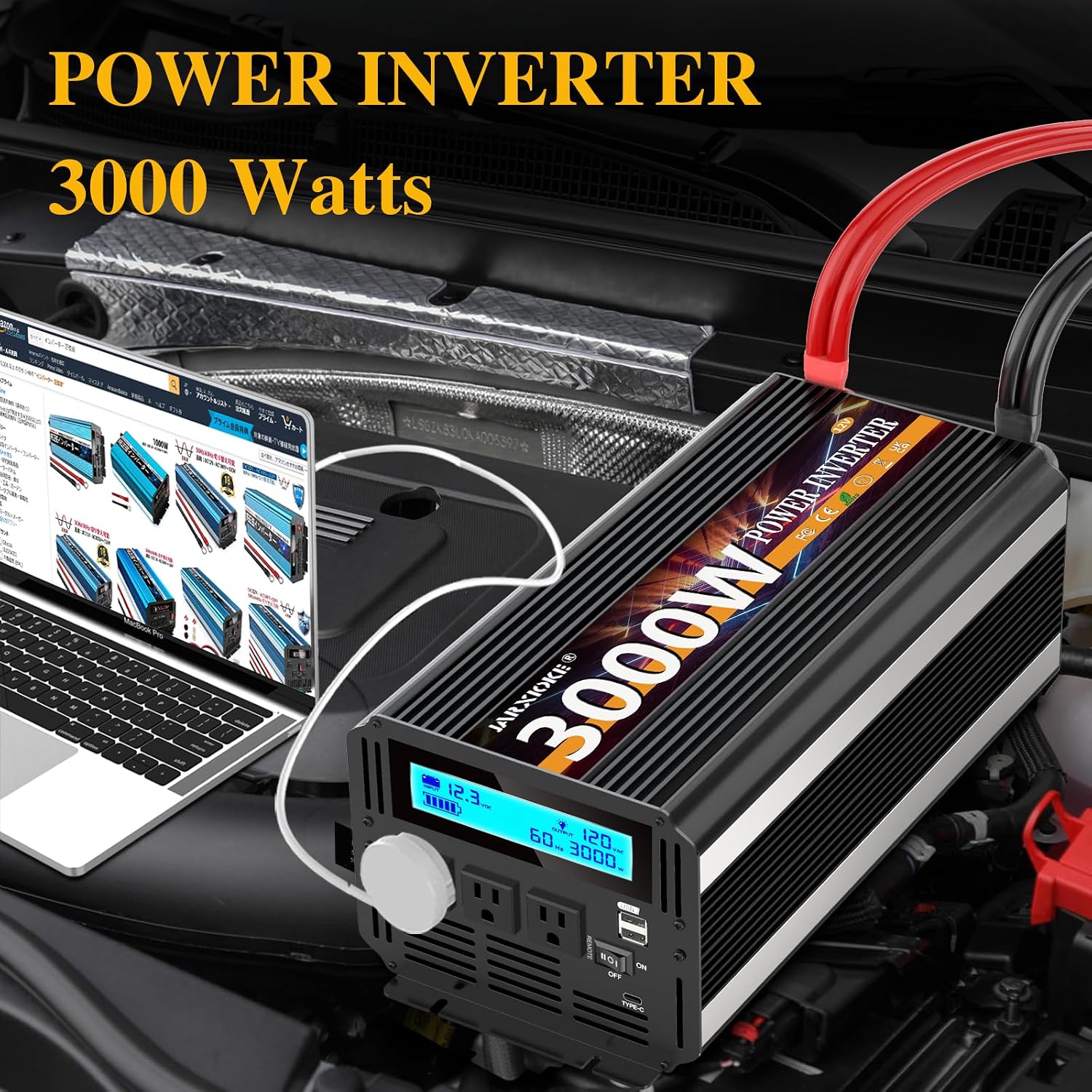
Image: The JARXIOKE 3000W Power Inverter installed in a vehicle, providing AC power to a laptop.
Setup Instructions
- Unpacking: Carefully remove all components from the packaging. Verify that the package contains: 1x 3000W power inverter, 1x user manual, 1 set of 10² cables (1x red, 1x black), 1x remote control.
- Placement: Choose a dry, well-ventilated area for the inverter. Ensure there is sufficient space around the unit for proper airflow and cooling. Avoid placing it near flammable materials or in direct sunlight.
- Battery Connection:
- Ensure the inverter's power switch is in the OFF position.
- Connect the red (positive) cable to the positive (+) terminal of the inverter and the red (positive) terminal of your 12V DC battery.
- Connect the black (negative) cable to the negative (-) terminal of the inverter and the negative (-) terminal of your 12V DC battery.
- Tighten all connections securely to prevent loose contacts, which can cause overheating or damage.
- Grounding: Connect the included earth wire to the grounding terminal on the inverter and to a proper ground point (e.g., vehicle chassis or a dedicated ground rod).
- Remote Control Setup: Plug the remote control cable into the designated remote port on the inverter. Ensure the remote control itself is switched off before using it to power on the inverter.
Video: A visual guide to connecting the 3000W Pure Sine Wave Inverter to a 12V DC power source and its features.
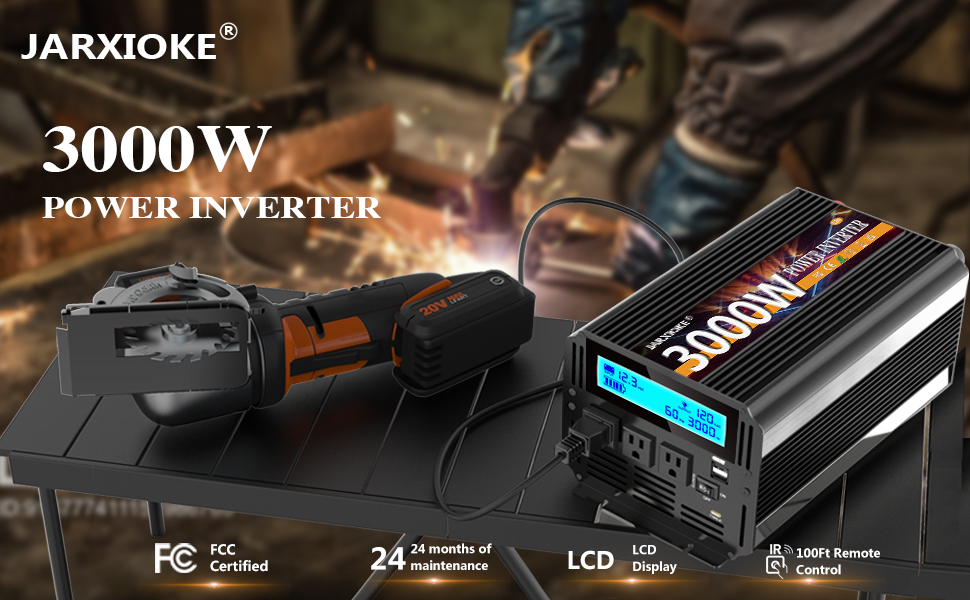
Image: Diagram illustrating the solar connection steps: solar panel power generation, charging the battery, battery powering the inverter, and inverter providing electricity for home appliances.
Operating Instructions
- Powering On:
- Ensure all connections are secure.
- Flip the main power switch on the inverter to the ON position. The LED display will illuminate, showing battery voltage and output wattage.
- Alternatively, if the inverter's main switch is OFF, you can use the remote control to power it on.
- Connecting Devices:
- Plug your AC devices into the 3 AC outlets on the inverter.
- For USB-powered devices, use the 3.4A USB port.
- Always ensure the total wattage of connected devices does not exceed the inverter's continuous output of 3000W.
- Monitoring: The LED display provides real-time information on battery level, output voltage (110V/120V AC), and current wattage being drawn by connected devices. The remote control also features a light display for monitoring.
- Powering Off:
- Disconnect all devices from the inverter.
- Flip the main power switch on the inverter to the OFF position.
- If using the remote control, ensure the inverter's main switch is OFF before using the remote to power it off.

Image: A detailed view of the inverter's front panel, highlighting the LCD display, dual AC sockets, power switch, and USB ports for user interaction.
Maintenance
- Cleaning: Regularly clean the exterior of the inverter with a dry, soft cloth. Do not use liquid cleaners or solvents. Ensure the cooling vents are free from dust and debris to maintain optimal airflow.
- Connections: Periodically check all cable connections to ensure they remain tight and secure. Loose connections can lead to power loss and overheating.
- Cooling Fans: The inverter is equipped with dual cooling fans that operate automatically when the internal temperature exceeds 45°C. Ensure these fans are not obstructed and are functioning correctly to prevent overheating.
- Storage: When not in use for extended periods, store the inverter in a cool, dry place away from direct sunlight and moisture.

Image: An internal diagram of the inverter, emphasizing the dual cooling fans for efficient heat dissipation and quiet operation.
Troubleshooting
The JARXIOKE 3000W Power Inverter includes multiple safety features to protect itself and your devices. If the inverter stops functioning or displays an error, refer to the following common issues:
- Overvoltage Protection: The inverter will shut down if the input voltage exceeds the safe limit (e.g., above 15.5V for a 12V system). Check your battery voltage and charging system.
- Undervoltage Protection: The inverter will shut down if the input voltage drops too low (e.g., below 9.5V for a 12V system) to protect your battery from deep discharge. Recharge or replace your battery.
- Overload Protection: If the total power draw from connected devices exceeds 3000W continuously or 6000W peak, the inverter will shut down. Disconnect some devices and restart the inverter.
- Short Circuit Protection: In case of a short circuit in the output, the inverter will automatically shut down. Disconnect all devices and check for faulty wiring or appliances.
- Overheat Protection: If the internal temperature of the inverter becomes too high, it will shut down. Ensure proper ventilation and clear any obstructions from the cooling fans. Allow the unit to cool down before restarting.

Image: Visual representation of the inverter's comprehensive safety features, including protection against overcurrent, overvoltage, short circuit, abnormal temperature, overload, and low voltage.
Technical Specifications
| Feature | Specification |
|---|---|
| Model Name | 3000W Power Inverter |
| Continuous Power | 3000 Watts |
| Peak Power | 6000 Watts |
| Input Voltage | 12V DC |
| Output Voltage | 110V/120V AC |
| AC Outlets | 3 |
| USB Port | 1 (3.4A) |
| Remote Control Range | Up to 0.06 miles (approx. 100 meters) |
| Cooling System | Dual Cooling Fans (automatic activation above 45°C) |
| Safety Protections | Overvoltage, Undervoltage, Overload, Short Circuit, Overheat, Soft Start |
| Item Weight | 10.58 pounds |
| Package Dimensions | 17 x 8 x 7.8 inches |
Warranty Information
The JARXIOKE 3000W Power Inverter comes with a 24-month maintenance period. For specific warranty terms and conditions, please refer to the documentation included in your product packaging or contact JARXIOKE customer support.
Customer Support
For any questions, technical assistance, or support regarding your JARXIOKE 3000W Power Inverter, please refer to the contact information provided in your user manual or visit the official JARXIOKE store on Amazon. Friendly customer support is available to assist you.


