
Honor 5109AWVL
Contents
Honor Magic6 Lite User Manual
Model: 5109AWVL
1. Introduction
Welcome to the user manual for your new Honor Magic6 Lite smartphone. This guide provides essential information on setting up, operating, maintaining, and troubleshooting your device. Please read this manual thoroughly to ensure proper use and to maximize the performance of your smartphone.
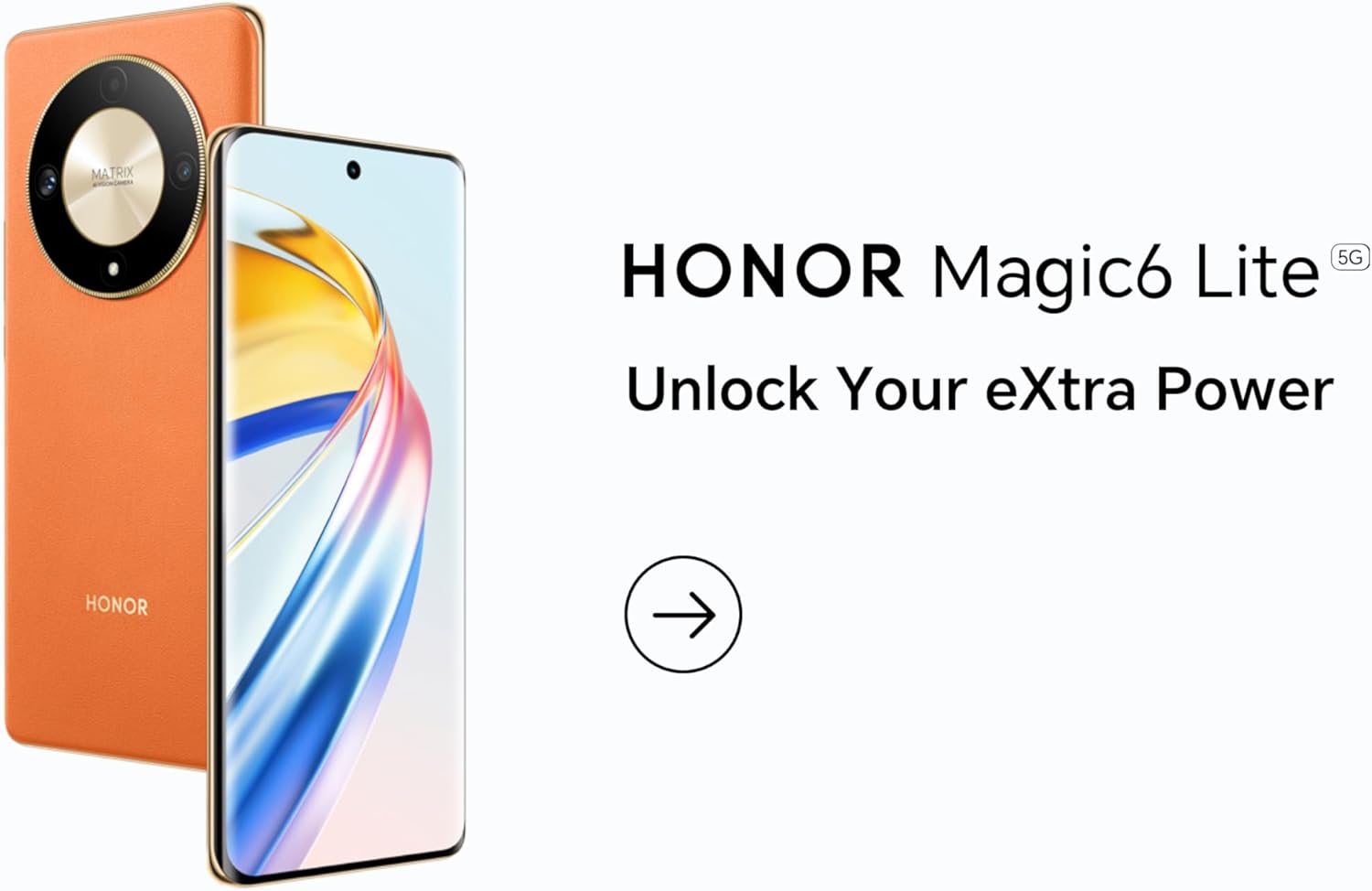
Figure 1.1: Honor Magic6 Lite - Unlock Your eXtra Power
2. Safety Information
To prevent injury to yourself or others, or damage to your device, read all safety information before using the device.
- Do not expose the device to extreme temperatures, direct sunlight, or high humidity.
- Avoid dropping or subjecting the device to severe impact.
- Use only Honor-approved chargers and accessories.
- Do not disassemble, modify, or repair the device yourself.
- Keep the device away from medical devices.
- Observe all local laws and regulations regarding mobile phone use while driving.
3. Package Contents
Ensure all items are present in your product box:
- Honor Magic6 Lite Smartphone
- USB Type-C Cable
- SIM Ejector Tool
- Quick Start Guide
- Warranty Card
Note: Charger may be sold separately depending on region.
4. Device Overview
Familiarize yourself with the physical features of your Honor Magic6 Lite.

Figure 4.1: Front View with 108MP Camera Highlight
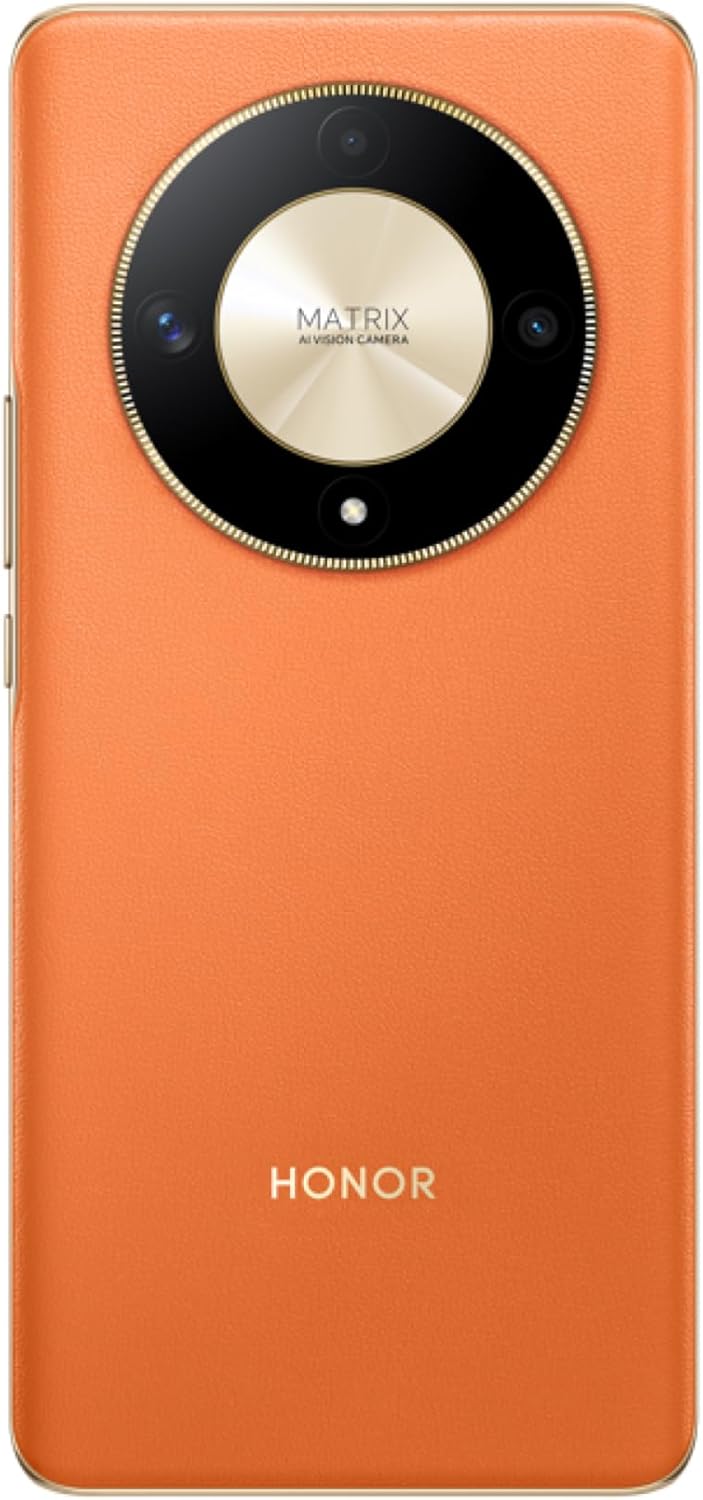
Figure 4.2: Rear Camera Module
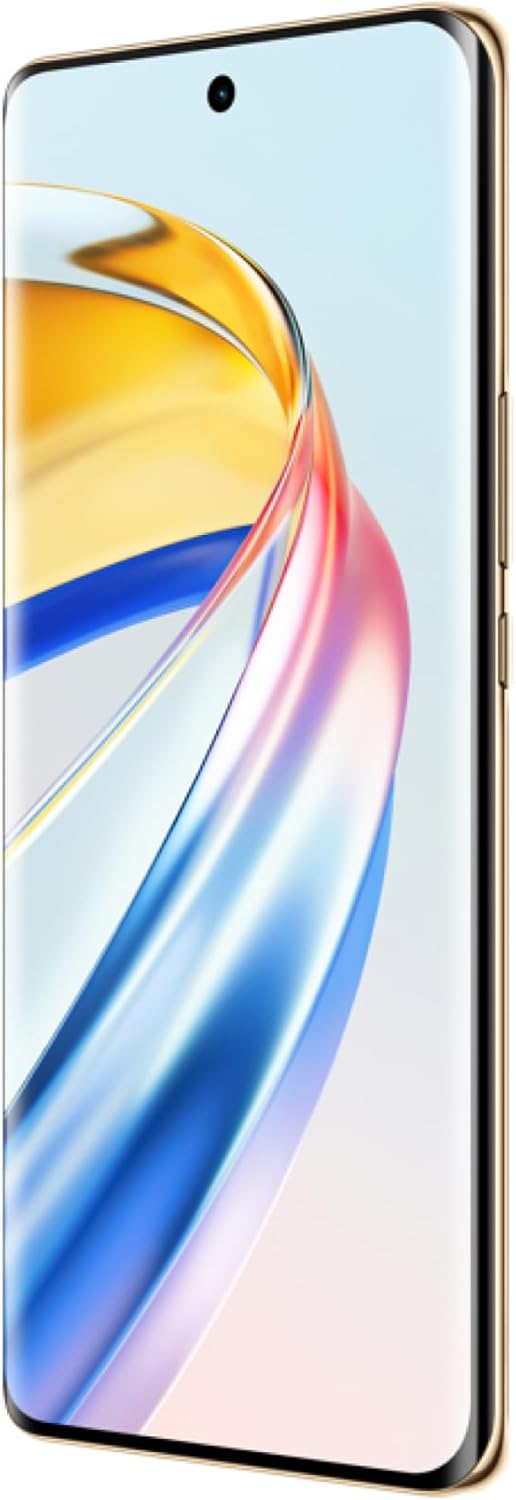
Figure 4.3: Device Side Profile

Figure 4.4: In-Display Fingerprint Sensor
5. Setup
5.1 Installing SIM Cards
The Honor Magic6 Lite supports Dual-SIM functionality. To install your SIM cards:
- Locate the SIM card tray on the side of your device.
- Insert the SIM ejector tool into the small hole next to the tray and push gently until the tray pops out.
- Place your Nano-SIM cards into the designated slots on the tray. Ensure the gold contacts face downwards.
- Carefully push the tray back into the device until it clicks into place.
Important: This device supports GSM networks only (2G, 3G, 4G LTE, and 5G SA/NSA). It is not compatible with CDMA networks. Please verify network compatibility with your service provider before use.
5.2 Powering On/Off
- To Power On: Press and hold the Power button (located on the right side) until the Honor logo appears.
- To Power Off: Press and hold the Power button, then select 'Power off' from the options on the screen.
- To Restart: Press and hold the Power button, then select 'Restart' from the options.
6. Operating Your Device
6.1 Basic Navigation (Android 13)
Your Honor Magic6 Lite runs on Android 13 with MagicOS 7.2. Use gestures for navigation:
- Home: Swipe up from the bottom of the screen.
- Back: Swipe inward from the left or right edge of the screen.
- Recent Apps: Swipe up from the bottom and hold.
- Notifications/Quick Settings: Swipe down from the top of the screen.

Figure 6.1: Interacting with the User Interface
6.2 Camera Functions
The Honor Magic6 Lite features a 108MP main camera with lossless capture and 3x lossless zoom.
- Open the Camera app from your home screen or app drawer.
- Tap the shutter button to take a photo.
- Swipe left or right to switch between modes like Photo, Video, Portrait, Night, and more.
- Pinch in/out on the screen to adjust zoom.
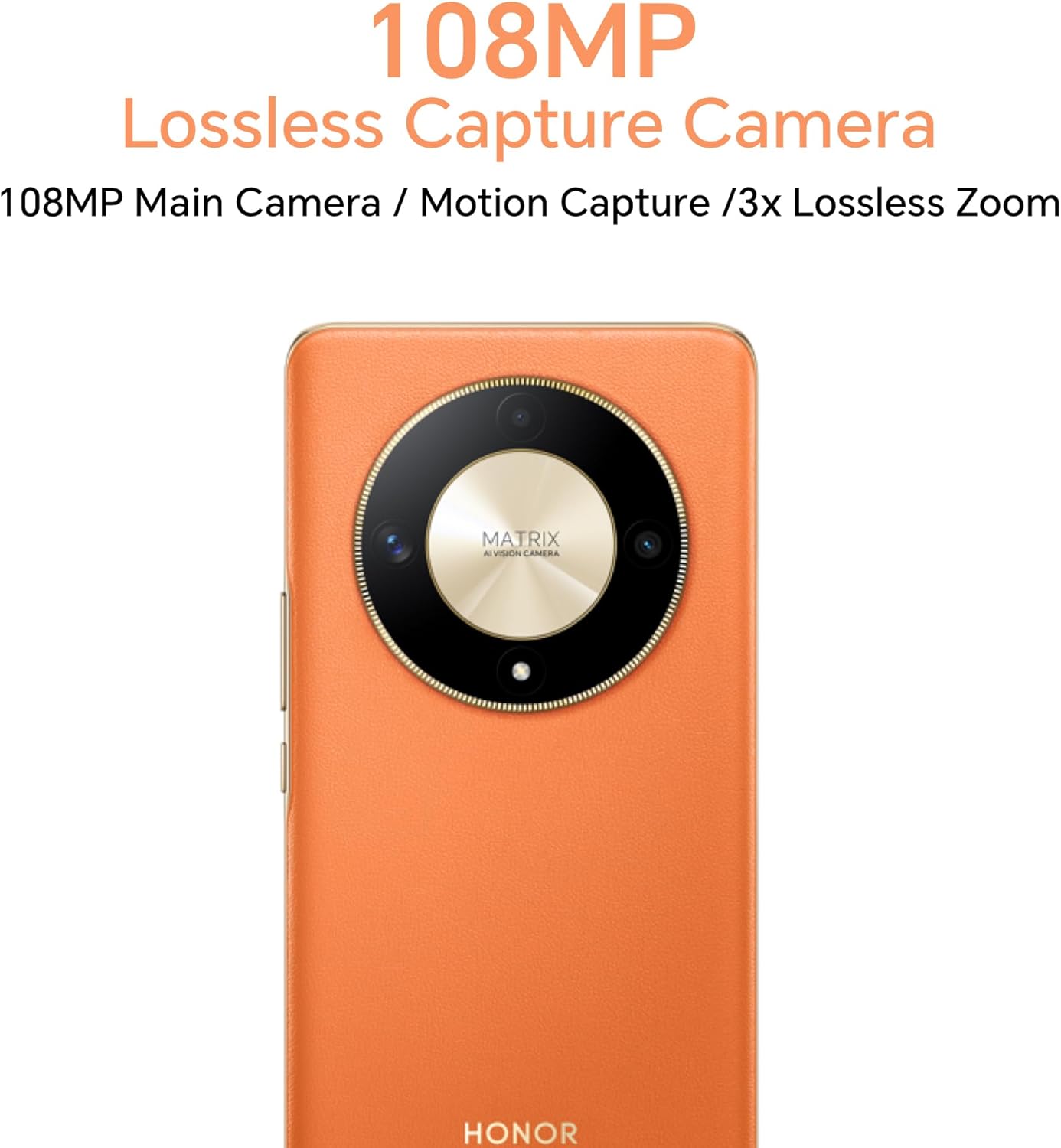
Figure 6.2: 108MP Lossless Capture Camera
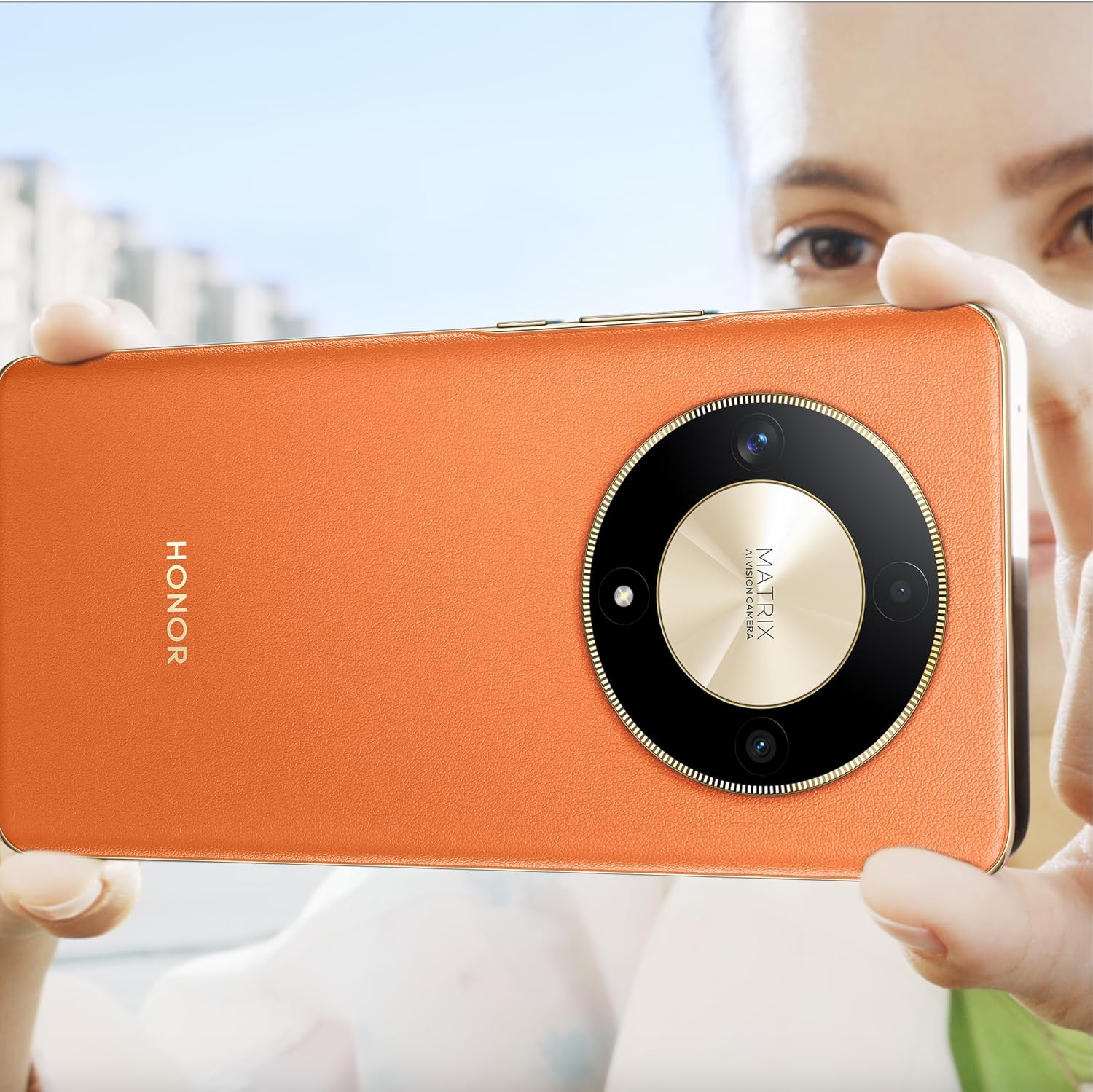
Figure 6.3: Capturing Moments with the Camera
6.3 Connectivity
Your device supports various connectivity options:
- Wi-Fi: Connect to wireless networks for internet access.
- Bluetooth: Pair with headphones, speakers, and other Bluetooth devices.
- Mobile Data: Utilize 2G, 3G, 4G, and 5G networks for internet on the go.
- NFC: For contactless payments and quick pairing with compatible devices.
7. Maintenance
7.1 Battery Care
The Honor Magic6 Lite is equipped with a 5300 mAh non-removable Li-Po battery.
- Avoid fully discharging the battery frequently.
- Charge your device using the original or certified compatible charger and cable.
- Do not expose the battery to extreme heat or cold.
- For optimal battery longevity, try to keep the charge level between 20% and 80%.

Figure 7.1: 5300mAh Battery Overview
7.2 Cleaning Your Device
To clean your Honor Magic6 Lite:
- Use a soft, lint-free cloth.
- Do not use abrasive cleaners, alcohol, or chemical solvents.
- Gently wipe the screen and back panel.
8. Troubleshooting
If you encounter issues with your device, try the following solutions:
| Problem | Solution |
|---|---|
| Device not powering on | Ensure the battery is charged. Press and hold the Power button for at least 10 seconds to force restart. |
| Network connectivity issues | Check SIM card insertion. Toggle Airplane Mode on/off. Restart the device. Verify network compatibility with your carrier. |
| Apps crashing or freezing | Close and reopen the app. Clear the app's cache and data in Settings. Update the app or device software. |
| Slow performance | Close unused apps. Clear cache. Free up storage space. Restart the device. |
If problems persist, contact Honor customer support.
9. Specifications
Key technical specifications for the Honor Magic6 Lite:
| Feature | Specification |
|---|---|
| Model Number | 5109AWVL |
| Operating System | Android 13.0 (MagicOS 7.2) |
| Processor | 2.2 GHz Octa-core (Snapdragon 6 Gen 1) |
| RAM | 8 GB |
| Internal Storage | 256 GB (Non-expandable) |
| Display Size | 6.78 Inches |
| Display Resolution | 1220 x 2652 |
| Main Camera | 108 MP |
| Battery Capacity | 5300 mAh (Li-Po, Non-removable) |
| Dimensions | 6.85 x 3.46 x 1.18 inches |
| Item Weight | 6.5 ounces (185 Grams) |
| Connectivity | 2G, 3G, 4G, 5G, Bluetooth, Wi-Fi, NFC |
| Audio Jack | No headphone jack |
| Color | Orange |

Figure 9.1: Snapdragon 6 Gen 1 Chipset

Figure 9.2: Certifications and Awards
10. Warranty and Support
Your Honor Magic6 Lite comes with a standard manufacturer's warranty. Please refer to the warranty card included in your package for specific terms and conditions, including warranty period and coverage details.
Customer Support
For technical assistance, troubleshooting beyond this manual, or warranty claims, please contact Honor customer support through their official website or the contact information provided in your warranty documentation.
Online resources and FAQs may also be available on the official Honor support page.
Documents and downloads
Ask a question about this manual
Ask about setup, troubleshooting, compatibility, parts, safety, or missing instructions. Manuals+ will review the question and use this page’s manual context to help answer it.