
1. Introduction
The Hama Universal Turntable is designed for versatile use in various environments, including home, office, and leisure settings. It provides a 360-degree swivel function, allowing for easy repositioning of objects up to 80 kg. This manual provides essential information for the proper setup, operation, and maintenance of your turntable.
2. Setup
Follow these steps to set up your Hama Universal Turntable:
- Unpack the Turntable: Carefully remove the turntable from its packaging. Inspect it for any damage.
- Choose a Stable Surface: Place the turntable on a flat, stable, and level surface. Ensure the surface can support the combined weight of the turntable and the item you intend to place on it.
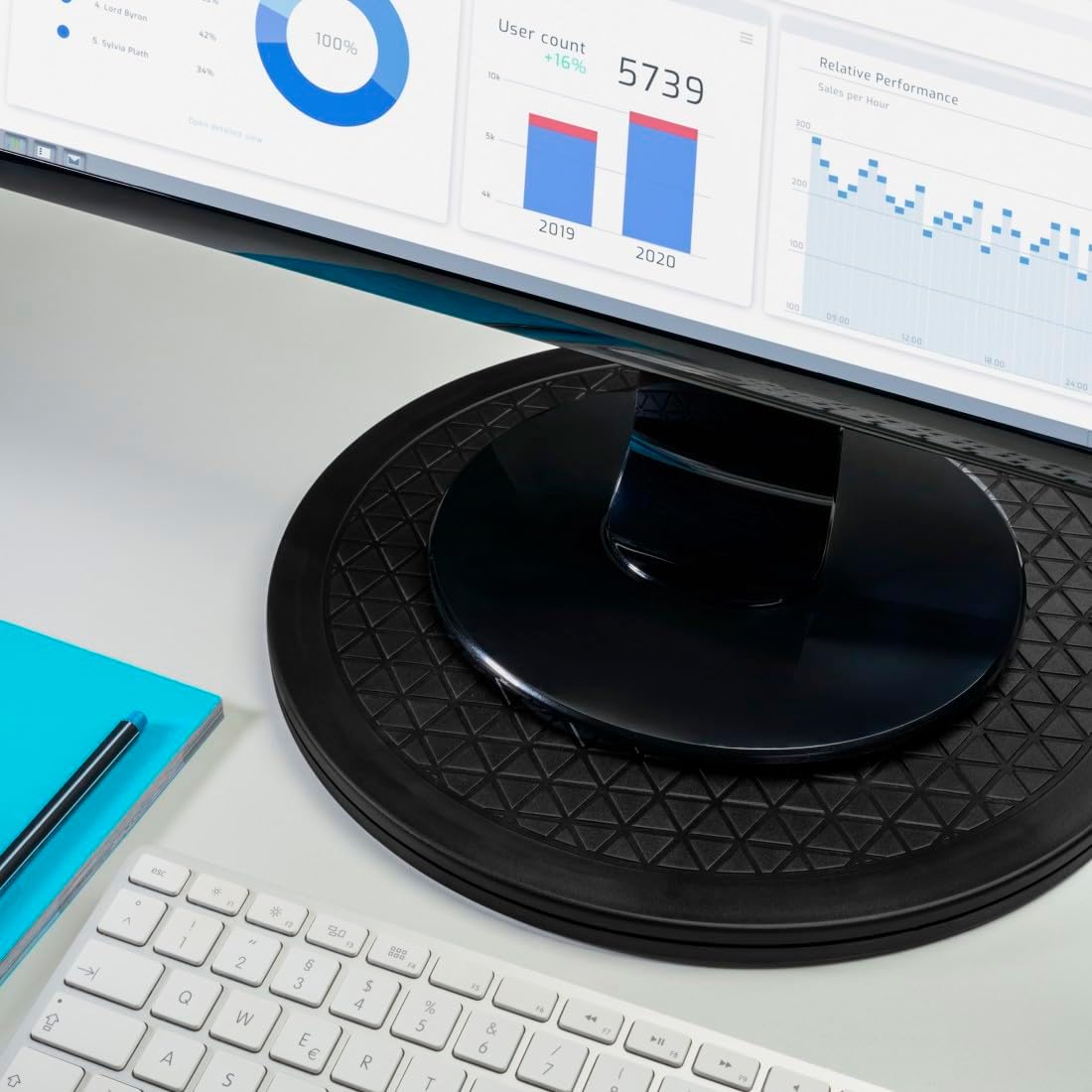
- Position the Turntable: The turntable features non-slip rubber feet on its underside. These feet protect your furniture from scratches and ensure stability during rotation. Position the turntable where you intend to use it.

3. Operating Instructions
The Hama Universal Turntable is simple to operate:
- Place Your Item: Carefully center the object you wish to rotate on the turntable's surface. Ensure the item's weight does not exceed the maximum load capacity of 80 kg.
- Rotate the Item: Gently push or pull the item to rotate it to the desired position. The 360-degree swivel bearing allows for smooth and effortless rotation.
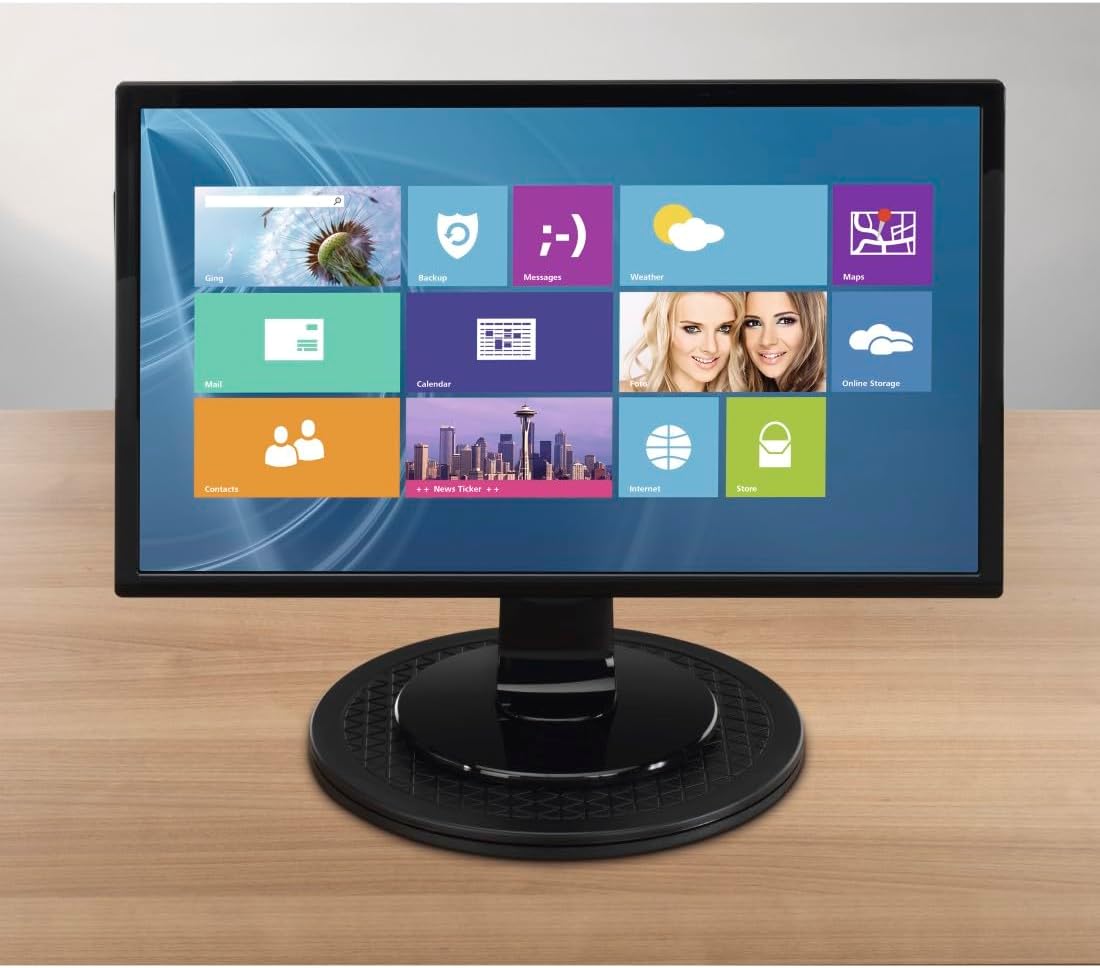
- Versatile Applications: This turntable is suitable for a wide range of items, including televisions, computer monitors, loudspeakers, Hi-Fi equipment, desk phones, and even houseplants. It can also be used for organizing office supplies or in model making.



4. Maintenance
To ensure the longevity and smooth operation of your turntable, follow these maintenance guidelines:
- Cleaning: Wipe the surface of the turntable with a soft, damp cloth. Avoid using abrasive cleaners, solvents, or harsh chemicals, as these can damage the plastic material.
- Storage: When not in use, store the turntable in a dry place away from direct sunlight and extreme temperatures.
- Avoid Overloading: Do not exceed the maximum recommended load of 80 kg to prevent damage to the swivel mechanism.
5. Troubleshooting
If you encounter any issues with your Hama Universal Turntable, refer to the following common problems and solutions:
- Turntable does not rotate smoothly:
- Ensure there are no obstructions beneath or around the turntable.
- Verify that the item placed on the turntable is centered and its weight is within the 80 kg limit.
- Turntable wobbles:
- Check that the surface on which the turntable is placed is flat and stable.
- Ensure the item on the turntable is evenly distributed and centered.
6. Specifications
| Brand | Hama |
| Model Number | 00220892 |
| Diameter | 32 Centimeters |
| Maximum Recommended Load | 80 Kilograms |
| Material | Plastic |
| Color | Black |
| Item Weight | 560 Grams (1.23 pounds) |
| Batteries Required | No |
7. Warranty and Support
For information regarding warranty coverage, returns, or technical support, please refer to the retailer where you purchased the Hama Universal Turntable or visit the official Hama website. Keep your proof of purchase for any warranty claims.