
Introduction
This manual provides detailed instructions for the installation, operation, and maintenance of your EVTSCAN Smart Radiator Thermostat, model TVR603-WiFi. Please read this manual thoroughly before using the device to ensure proper function and safety.
Package Contents
Upon unpacking, please verify that all the following items are included:
- 1 x Smart Radiator Thermostat (TVR603-WiFi)
- 1 x User Manual (this document)
- 1 x Screw
- 1 x Nut
- 6 x Accessories (various adapters for installation)

Figure 1: Smart Radiator Thermostat TVR603-WiFi and included installation accessories.
Product Overview
The EVTSCAN TVR603-WiFi Smart Radiator Thermostat is designed to provide intelligent temperature control for your heating system. It features both automatic and manual operating modes, along with intelligent timing capabilities to optimize energy usage.
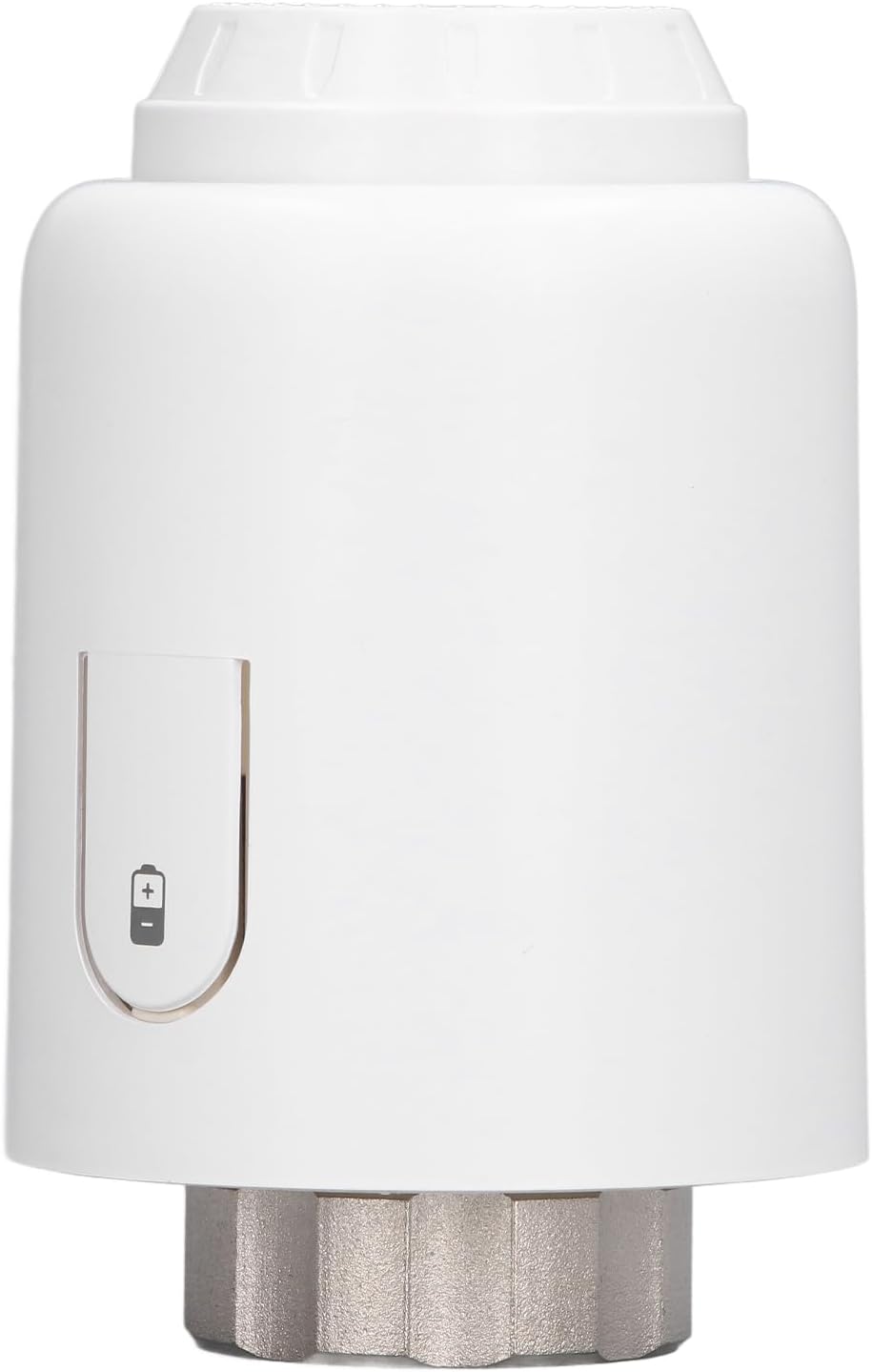
Figure 2: Front view of the thermostat, highlighting the battery compartment and indicator.
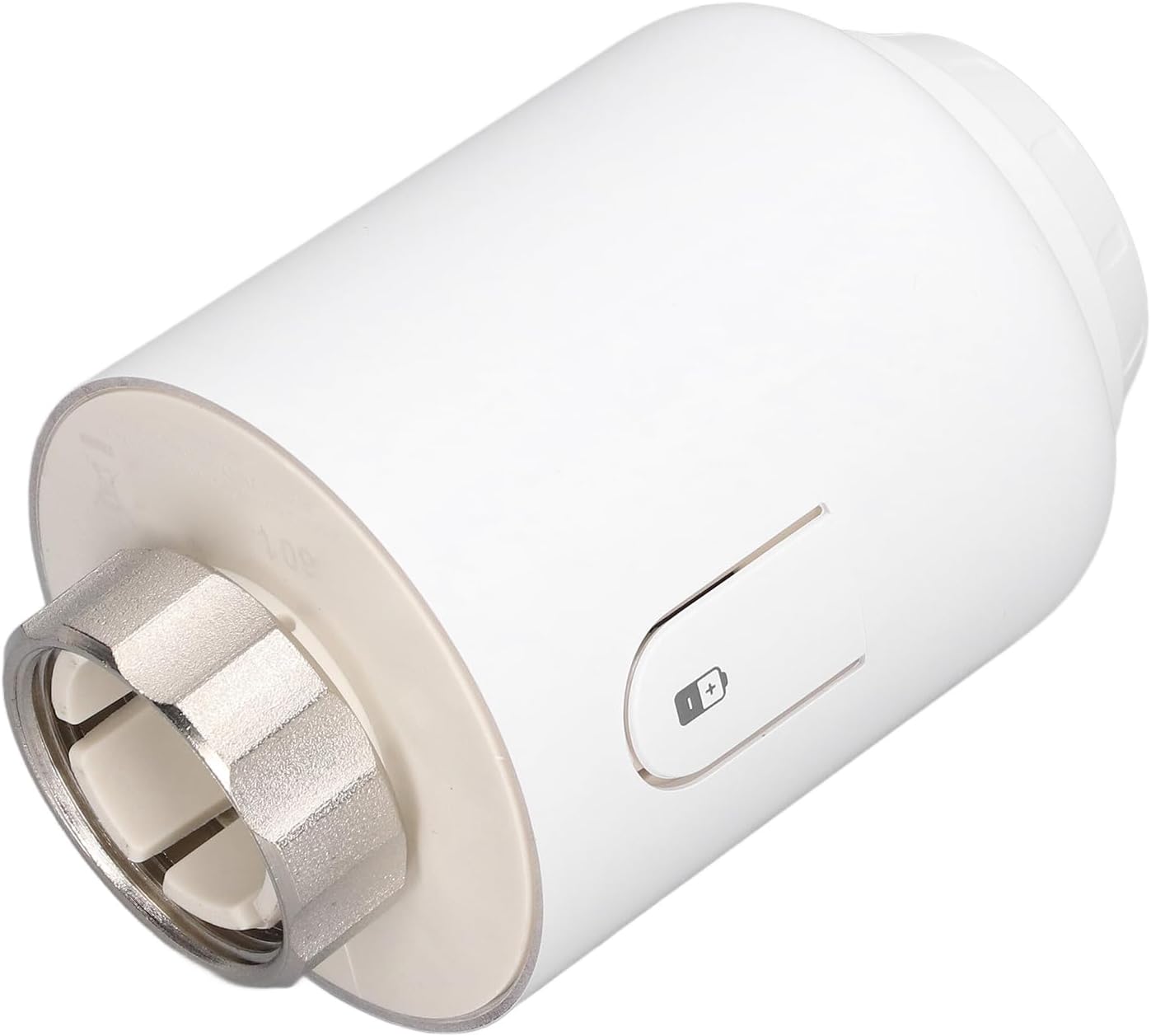
Figure 3: Side view illustrating the M30 x 1.5mm connection point for radiator installation.
Setup and Installation
The TVR603-WiFi thermostat is designed for straightforward installation. Follow these steps to attach it to your radiator valve.
- Prepare the Radiator Valve: Ensure your radiator valve is compatible with an M30 x 1.5mm connection. If not, use one of the provided accessories (adapters) to ensure a secure fit.
- Insert Batteries: Open the battery compartment and insert 3 x 1.5V AA batteries (not included), observing the correct polarity.
- Attach Thermostat: Align the thermostat with the radiator valve. If necessary, use the included screw and nut to secure the appropriate adapter to the valve, then screw the thermostat onto the adapter or directly onto the M30 x 1.5mm valve until it is firmly in place.
- Initial Power On: Once attached and batteries are inserted, the device will power on. Follow on-screen prompts or refer to the operating instructions for initial setup.
Note: The connection at the radiator is M30 x 1.5mm. The linear stroke is approximately 6mm/0.24in.
Operating Instructions
The thermostat offers flexible control over your heating.
Dual Modes: Automatic and Manual
- Automatic Mode: In this mode, the thermostat follows the programmed intelligent timing schedule. This is ideal for energy saving and consistent comfort.
- Manual Mode: This mode allows you to set a desired temperature manually, overriding the automatic schedule. The thermostat will maintain this temperature until you switch back to automatic mode or adjust it again.
Intelligent Timing
The device supports intelligent timing with four time programs for each day of the week. This allows for customized heating schedules to match your daily routine, contributing to energy efficiency.
- Setting Schedules: Refer to the device's display and buttons (or companion app, if applicable) to program your desired heating times and temperatures for different periods of the day and week.
- Energy Saving: By utilizing the timing function, you can ensure heating is only active when needed, preventing unnecessary energy consumption.
Temperature Setting and Accuracy
The thermostat allows you to set temperatures within a range of 3°C to 35°C. It maintains a high accuracy with a temperature measurement error of 3°C.
- Adjusting Temperature: Use the controls on the device to increase or decrease the target temperature. The current temperature and set temperature will be displayed.
Maintenance
To ensure optimal performance and longevity of your smart radiator thermostat, follow these maintenance guidelines:
- Cleaning: Wipe the device with a soft, dry cloth. Do not use abrasive cleaners or solvents, as these can damage the surface.
- Battery Replacement: Replace batteries promptly when the low battery indicator appears. Use 3 x 1.5V AA batteries.
- Environmental Conditions: Ensure the device operates within the specified environmental temperature range of 0-50°C. Avoid exposing it to extreme temperatures or direct sunlight.
Troubleshooting
If you encounter issues with your thermostat, refer to the following common problems and solutions:
| Problem | Possible Cause | Solution |
|---|---|---|
| Device not powering on | No batteries or incorrect battery insertion | Insert 3 x 1.5V AA batteries, ensuring correct polarity. |
| Temperature not changing | Valve not fully open/closed; thermostat not properly seated | Check thermostat attachment to the radiator valve. Ensure the valve is not stuck. |
| Inaccurate temperature readings | Thermostat exposed to direct heat/cold source | Relocate the thermostat if possible, or ensure no external factors are influencing its sensor. |
| WiFi connection issues | Out of range; network issues; incorrect setup | Ensure the thermostat is within WiFi range. Check your router and network settings. Re-attempt WiFi setup process. |
Specifications
| Feature | Detail |
|---|---|
| Model | TVR603-WiFi |
| Material | ABS |
| Control Mode | Intelligent Timing (Automatic/Manual) |
| Set Temperature Range | 3°C - 35°C |
| Temperature Measurement Error | 3°C |
| Power Supply | 3 x 1.5V AA battery (not included) |
| Standby Current | 5uA minimum |
| Environmental Temperature | 0°C - 50°C |
| Surface Temperature (Max) | 90°C |
| Protection Grade | IP20 |
| Radiator Connection | M30 x 1.5mm |
| Linear Stroke | Approx. 6mm / 0.24in |
Warranty and Support
For warranty information or technical support, please refer to the contact details provided with your purchase or visit the official EVTSCAN website. Keep your purchase receipt as proof of purchase.
Manufacturer: EVTSCAN