
1. Important Safety Information
Please read this manual carefully before using your appliance to ensure safe and efficient operation. Keep this manual for future reference.
- Ensure the appliance is properly grounded.
- Do not damage the refrigerant circuit.
- Do not use electrical appliances inside the food storage compartments.
- Keep ventilation openings clear of obstruction.
- Unplug the appliance before cleaning or maintenance.
2. Product Overview
The Beko RFSA210K40WN is an upright freezer designed for efficient food storage. It features MinFrost technology and a reversible door for flexible installation.
2.1 MinFrost Technology
The special MinFrost evaporation system significantly minimizes ice buildup within the freezer compartment. This reduces the frequency of manual defrosting, helps prevent food items from sticking together, and contributes to lower energy consumption.
2.2 Reversible Door
The freezer is equipped with reversible door hinges, allowing the door to be opened from either the right or left side. This feature provides greater flexibility for placement in various kitchen layouts.
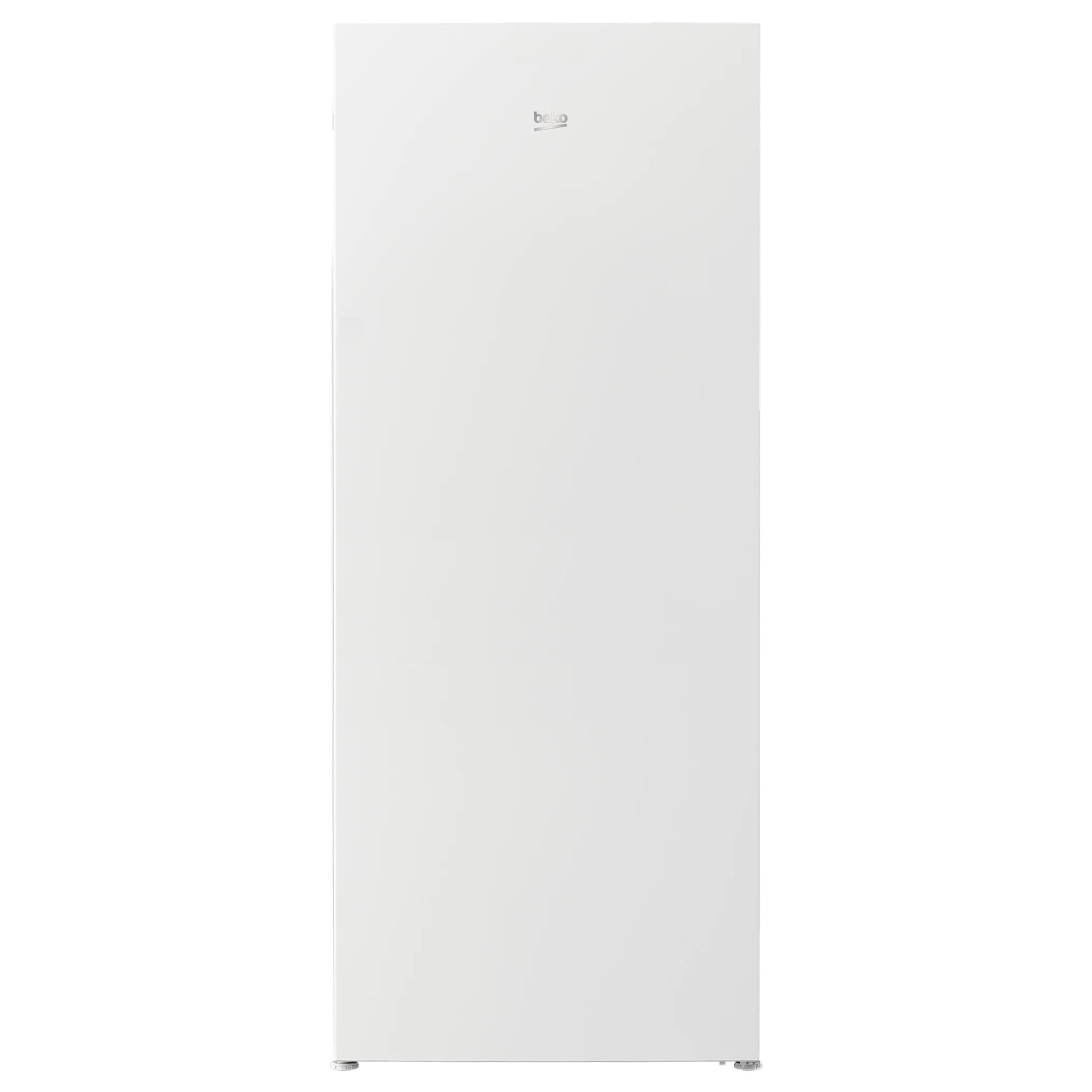
Figure 1: Front view of the Beko RFSA210K40WN Upright Freezer.
3. Setup and Installation
3.1 Unpacking
- Remove all packaging materials, including protective films and tapes.
- Inspect the appliance for any damage incurred during transit. Report any damage immediately to your retailer.
3.2 Placement
- Place the freezer on a firm, level surface.
- Ensure adequate ventilation around the appliance. Maintain a minimum clearance of 10 cm (4 inches) from walls and other furniture.
- Avoid placing the freezer in direct sunlight or near heat sources such as ovens, radiators, or stoves.
3.3 Door Reversal (Optional)
If you need to change the door opening direction, refer to the detailed instructions provided in the separate door reversal kit (if applicable) or consult a qualified technician. This process typically involves:
- Unplugging the appliance.
- Removing hinge covers and screws.
- Transferring hinges and door stops to the opposite side.
- Reattaching the door and adjusting for proper alignment.
3.4 Electrical Connection
- Before plugging in, ensure the voltage and frequency indicated on the rating plate match your household power supply (220 Volts).
- Connect the appliance to a properly grounded socket. Do not use extension cords or multiple adapters.
- Allow the freezer to stand upright for at least 4 hours before plugging it in to allow the refrigerant to settle.
4. Operating Instructions
4.1 Initial Startup
- Plug in the freezer. The internal LED display will illuminate.
- Set the desired temperature using the control buttons. For initial freezing, it is recommended to set the temperature to its coldest setting for 24 hours before loading food.
- Allow the appliance to cool down for several hours before placing food inside.
4.2 Temperature Control
The freezer features an interior LED display and control buttons for temperature adjustment. Refer to the display for the current temperature setting. Press the temperature adjustment button to cycle through available settings. The recommended operating temperature for a freezer is -18°C (0°F).
4.3 Fast Freeze Function
Activate the fast freeze function when adding a large quantity of fresh food to the freezer. This rapidly lowers the temperature to quickly freeze new items, preserving their quality. The function typically deactivates automatically after 24-48 hours or can be manually turned off.
4.4 Food Storage
- Organize food using the 6 freezer drawers/shelves.
- Ensure food is properly packaged to prevent freezer burn and odor transfer.
- Do not place hot food directly into the freezer. Allow it to cool first.
- Avoid overloading the freezer, as this can impede air circulation and freezing efficiency.
5. Maintenance and Cleaning
5.1 Defrosting
While MinFrost technology minimizes ice buildup, occasional manual defrosting may still be required. Defrost when the ice layer reaches approximately 5mm (0.2 inches) thick.
- Unplug the freezer from the power supply.
- Remove all food items and store them in a cool place or another freezer.
- Leave the freezer door open to allow ice to melt naturally. Place towels at the bottom to absorb water.
- Do not use sharp objects or heating devices to speed up defrosting, as this can damage the appliance.
- Once defrosted, clean and dry the interior thoroughly before plugging it back in and returning food.
5.2 Cleaning the Interior
- Clean the interior regularly with a solution of warm water and a mild detergent.
- Wipe dry with a soft cloth.
- Avoid using abrasive cleaners, solvents, or harsh chemicals.
5.3 Cleaning the Exterior
Wipe the exterior surfaces with a soft, damp cloth. For stainless steel finishes (if applicable), use a specialized stainless steel cleaner.
6. Troubleshooting
| Problem | Possible Cause | Solution |
|---|---|---|
| Freezer not cooling | No power; thermostat set too high; door not closed properly. | Check power supply; adjust thermostat; ensure door is sealed. |
| Excessive ice buildup | Door left open; warm food placed inside; door seal faulty. | Ensure door is closed; allow food to cool; check door seal and replace if necessary. |
| Unusual noises | Appliance not level; objects touching the back; compressor noise (normal). | Level the appliance; move objects away; normal compressor sounds are expected. |
If the problem persists after checking these points, please contact Beko customer service.
7. Specifications
| Feature | Value |
|---|---|
| Brand | Beko |
| Model Number | RFSA210K40WN |
| Product Type | Upright Freezer |
| Installation Type | Freestanding |
| Color | White |
| Net Freezer Capacity | 168 Liters |
| Freezing Capacity | 7.7 kg/24h |
| Autonomy (Power Failure) | 14 hours |
| Climate Class | SN-T |
| Noise Level | 37 dB (Class C) |
| Reversible Door | Yes |
| Number of Freezer Shelves/Drawers | 6 |
| Control Type | Buttons |
| Display Type | LED (Interior) |
| Refrigerant | R600a |
| Voltage | 220 Volts |
| Power | 19.5 Watts |
| Item Weight | 88 Kilograms |
8. Warranty and Customer Support
For detailed warranty information, please refer to the warranty card included with your appliance or visit the official Beko website. For technical assistance, spare parts, or service requests, please contact Beko customer support.
Beko Official Website: www.beko.com
Please have your model number (RFSA210K40WN) and serial number ready when contacting support.