
1. Introduction
Thank you for choosing the Conambo JBT600 Bluetooth Headset. This headset is designed for clear and stable communication in various environments, including trucking, home office, and general mobile use. It features advanced CVC8.0 three-mic noise cancellation, Bluetooth 5.1 connectivity, and a long-lasting battery. This manual provides detailed instructions on how to set up, operate, and maintain your headset to ensure optimal performance.
2. Package Contents
Please check the package contents to ensure all items are present:
- Conambo JBT600 Bluetooth Headset
- USB-C Cable
- Protective Case
- User Manual (this document)
3. Product Overview
Familiarize yourself with the components and controls of your Conambo JBT600 headset.

Image: The Conambo JBT600 Bluetooth Headset, showcasing its over-ear design and adjustable microphone boom.
3.1 Key Features
- CVC8.0 Three-Mic Noise Cancellation: Designed to eliminate up to 96% of background noise for clear voice transmission.
- Bluetooth 5.1 Connectivity: Ensures faster pairing and a stable wireless connection up to 69 feet (21 meters).
- Multipoint Technology: Allows connection to two devices simultaneously.
- Long Battery Life: Up to 35 hours of talk time on a single charge.
- Comfortable Design: Features large cushioned earcups and medical silicone non-slip cushions for extended wear.
- Easy Controls: Dedicated buttons for volume, multi-function, and mute.
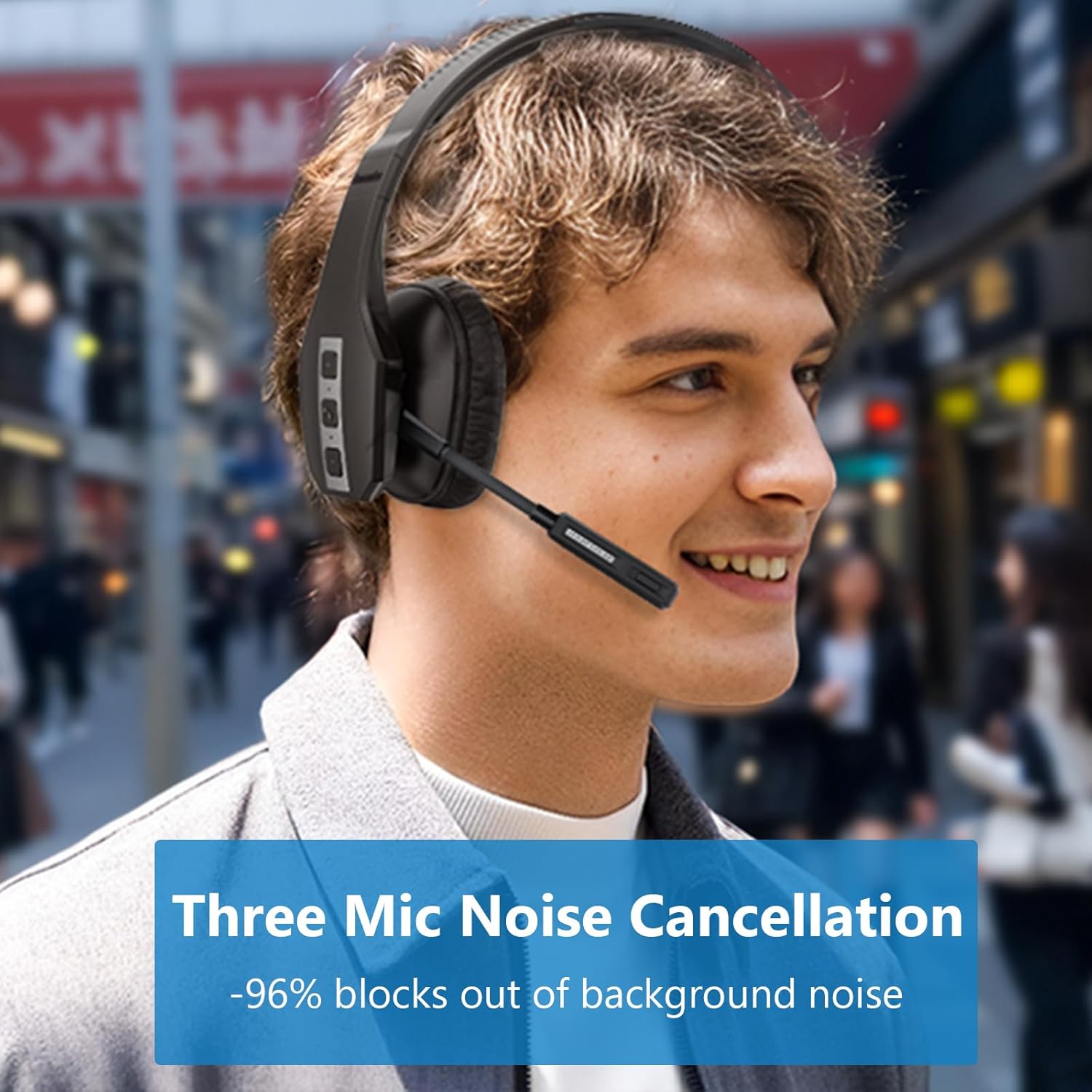
Image: A user wearing the Conambo JBT600 headset, illustrating the effectiveness of its three-mic noise cancellation technology in blocking out background noise.
3.2 Headset Components
- Adjustable Headband: For a comfortable and secure fit.
- Cushioned Earcup: Provides comfort for prolonged use.
- Microphone Boom: Flexible arm with three noise-cancelling microphones.
- Multi-function Button (MFB): For power, pairing, call control, and music playback.
- Volume Up/Down Buttons: Adjusts audio volume.
- Mute Button: Toggles microphone mute. The mute indicator light turns red when active.
- USB-C Charging Port: For charging the headset.
4. Setup
4.1 Charging the Headset
Before first use, fully charge the headset. A full charge takes approximately 2 hours.
- Connect the provided USB-C cable to the charging port on the headset.
- Connect the other end of the USB-C cable to a USB power source (e.g., computer USB port, wall adapter).
- The LED indicator on the headset will show charging status (e.g., red for charging, blue for fully charged).

Image: The Conambo JBT600 headset illustrating its long battery life, including 35 hours of talk time, 60 hours of music time, and 500 hours of standby time.
4.2 Pairing with a Bluetooth Device
The Conambo JBT600 uses Bluetooth 5.1 for stable connections.
- Power On: Press and hold the Multi-function Button (MFB) for 3 seconds until the LED indicator flashes blue.
- Enter Pairing Mode: With the headset powered on, continue to hold the MFB for an additional 2-3 seconds until the LED indicator flashes red and blue alternately. This indicates the headset is in pairing mode.
- Activate Bluetooth on Your Device: On your smartphone, tablet, or computer, go to the Bluetooth settings and turn Bluetooth on.
- Select Headset: In the list of available devices, select "JBT600".
- Confirm Connection: Once paired, the LED indicator on the headset will flash blue slowly, and you will hear a voice prompt confirming the connection.
The headset can maintain a wireless range of up to 69 feet (21 meters) from your paired device.

Image: The Conambo JBT600 headset showing its ability to connect to two devices simultaneously (multipoint connectivity) and its wireless range of 69 feet (21 meters).
4.3 Multipoint Connection
The JBT600 supports multipoint technology, allowing you to connect to two Bluetooth devices simultaneously (e.g., a smartphone and a laptop).
- Pair the headset with the first device as described in Section 4.2.
- Disable Bluetooth on the first device. The headset will re-enter pairing mode (red and blue flashing LED).
- Pair the headset with the second device.
- Re-enable Bluetooth on the first device. The headset should automatically connect to both devices.
When connected to two devices, the headset will intelligently switch between them for calls or audio playback.
5. Operating Instructions
5.1 Power On/Off
- Power On: Press and hold the MFB for 3 seconds.
- Power Off: Press and hold the MFB for 5 seconds.
5.2 Call Management
- Answer/End Call: Press the MFB once.
- Reject Call: Press and hold the MFB for 2 seconds.
- Redial Last Number: Double-press the MFB.
5.3 Mute Function
The dedicated mute button allows for quick microphone muting.
- Mute/Unmute Microphone: Press the Mute button once during a call.
- The mute indicator light on the microphone boom will turn red when muted, serving as a visual reminder.

Image: A user demonstrating the one-button mute feature on the Conambo JBT600 headset, with the microphone's mute indicator glowing red.
5.4 Volume Adjustment
- Increase Volume: Press the Volume Up button.
- Decrease Volume: Press the Volume Down button.
5.5 Activating Voice Assistant
You can activate your device's voice assistant (Siri, Google Assistant, etc.) directly from the headset.
- Activate Voice Assistant: Press and hold the Mute button for 2 seconds.
This allows you to make calls, access maps, or perform other voice commands hands-free.
6. Maintenance
Proper care and maintenance will extend the life of your Conambo JBT600 headset.
- Cleaning: Use a soft, dry cloth to clean the headset. Do not use abrasive cleaners or solvents.
- Storage: When not in use, store the headset in its protective case to prevent damage. Avoid extreme temperatures.
- Battery Care: To preserve battery life, avoid fully discharging the headset frequently. Charge it regularly, even if not in constant use.
- Avoid Moisture: Keep the headset away from water and excessive humidity.
7. Troubleshooting
If you encounter issues with your headset, refer to the following common problems and solutions.
| Problem | Possible Cause | Solution |
|---|---|---|
| Headset does not power on. | Low battery. | Charge the headset for at least 30 minutes. |
| Cannot pair with device. | Headset not in pairing mode; Bluetooth off on device; device too far. | Ensure headset is in pairing mode (red/blue flashing LED). Turn on Bluetooth on your device. Move headset closer to device (within 69 feet). Try restarting both devices. |
| No sound or poor sound quality. | Volume too low; headset not connected; interference. | Increase volume on headset and device. Ensure headset is properly paired. Move away from other wireless devices. |
| Microphone not working. | Microphone muted; incorrect audio input selected on device. | Press the Mute button to unmute. Check your device's audio settings to ensure the headset is selected as the input device. |
| Headset disconnects frequently. | Out of range; low battery; interference. | Stay within 69 feet of your device. Charge the headset. Reduce interference from other wireless devices. |
8. Specifications
Detailed technical specifications for the Conambo JBT600 Bluetooth Headset.
| Feature | Specification |
|---|---|
| Model Name | JBT600 |
| Connectivity Technology | Wireless (Bluetooth) |
| Bluetooth Version | 5.1 |
| Bluetooth Range | 69 Feet (21 meters) |
| Noise Control | Active Noise Cancellation (CVC8.0 Three Mic) |
| Battery Life (Talk Time) | 35 Hours |
| Charging Time | 2 Hours |
| Compatible Devices | Cellphones |
| Control Type | Voice Control, Button Control |
| Material | Plastic, Silicone |
| Frequency Range | 20 Hz - 20,000 Hz |
| Item Weight | 12 ounces |
| UPC | 644925633945 |
9. Warranty and Support
Conambo is committed to providing high-quality products and customer satisfaction.
- Warranty: The Conambo JBT600 headset typically comes with a 2-year warranty. Please refer to your purchase documentation for specific warranty terms and conditions.
- Customer Support: For technical assistance, troubleshooting beyond this manual, or warranty claims, please contact Conambo customer support through the official website or your retailer.


