
1. Introduction
Thank you for choosing the Beautyrest Queen Taupe Wi-Fi Heated Electric Blanket. This blanket is designed to provide warmth and comfort with advanced features including Wi-Fi connectivity, voice command compatibility with Alexa, and multiple heat settings. Please read this manual thoroughly before use to ensure safe and optimal operation.
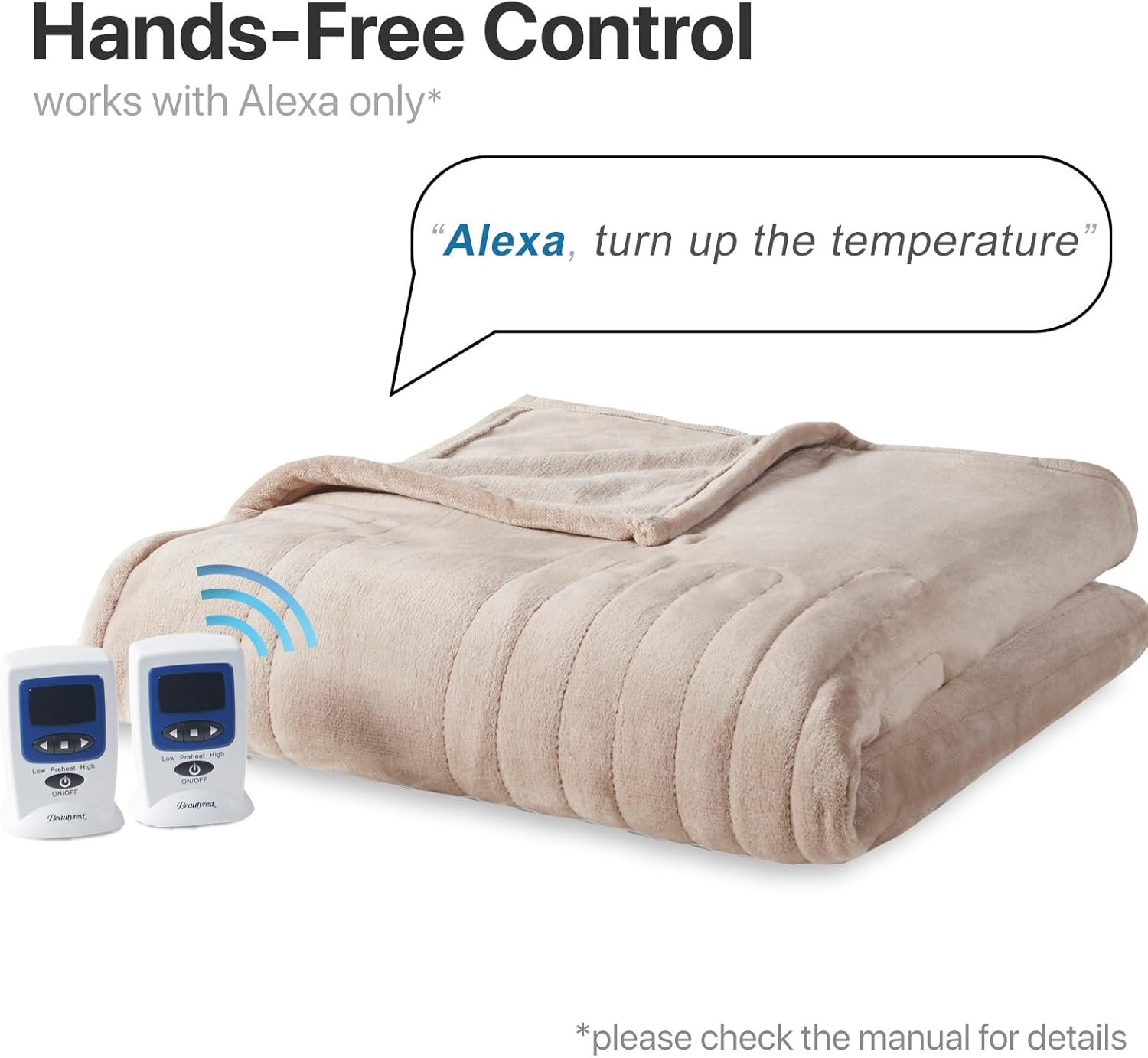
Image: The Beautyrest Queen Taupe Heated Electric Blanket with its two controllers. A speech bubble above the blanket indicates "Alexa, turn up the temperature," highlighting its voice control feature. The blanket is shown in a taupe color, spread out on a surface.
2. Safety Information
Your safety is paramount. This blanket is UL certified and independently tested to meet the highest safety standards. It features hotspot sensing technology to prevent overheating and is engineered to emit virtually no EMF radiation.
- Always ensure the controller is uncovered when in use to avoid overheating.
- Do not lay on top of the blanket to prevent damage to internal coils.
- Do not ball up or fold the blanket while it is on.
- Keep the blanket spread out evenly on the bed.
- Ensure the power cord is loose and not twisted or pinched.

Image: A visual guide illustrating the correct and incorrect ways to use the heated blanket. It shows to keep the controller uncovered, spread the blanket evenly, and keep cords loose. It also warns against lying on the blanket, balling it up, or folding it while on.
3. Setup
- Unpack the Blanket: Carefully remove the blanket and controllers from the packaging.
- Position the Blanket: Lay the heated blanket flat on your bed, ensuring it is spread out evenly without any folds or bunches.
- Connect Controllers: For Queen size blankets, two controllers are provided. Align the arrows on the connector of each controller with the corresponding module on the blanket and firmly plug them in until they securely lock.
- Power Connection: Plug the power cord(s) into a standard electrical outlet. The power cord is 6ft long, and the controller cord is 12.5ft. Ensure cords are not pinched or tangled.
- Wi-Fi Setup (Optional): Download the free companion app to enable Wi-Fi connectivity and voice commands via Alexa. Follow the in-app instructions for pairing your blanket.
Video: A detailed instruction video demonstrating the setup process for the Wi-Fi and voice command features of the Beautyrest Heated Electric Blanket. It guides users through connecting the controllers and enabling smart functionalities.
4. Operating Instructions
Your Beautyrest Heated Electric Blanket offers 20 heat settings and a 1-hour pre-heat feature for immediate warmth. It also includes a 1-10 hour automatic shut-off timer for safety and energy efficiency.
Using the Controller:
- Power On/Off: Press the ON/OFF button on the controller to turn the blanket on or off.
- Adjust Heat Settings: Use the '+' and '-' buttons to select your desired heat level from 1 to 20.
- Pre-Heat Function: Activate the 1-hour pre-heat feature to quickly warm your bed before use.
- Set Auto Shut-Off: Adjust the timer for automatic shut-off between 1 and 10 hours.
- Dual Temperature Zones: For Queen and larger sizes, two controllers allow independent temperature customization for each side of the bed.

Image: A close-up of the two controllers for the Beautyrest Heated Electric Blanket, highlighting features such as Wi-Fi compatibility, overheating protection, 10-hour automatic shutoff, voice commands, preheat function, and 20 heat setting levels with an LCD display.
5. Wi-Fi and Voice Control
Enhance your comfort with smart home integration. Control your blanket from anywhere using the dedicated app or hands-free with Alexa voice commands.
App Control:
- Download the official Beautyrest heated blanket app from your smartphone's app store.
- Follow the in-app instructions to connect your blanket to your home Wi-Fi network (2.4GHz only).
- Adjust heat settings, activate pre-heat, and set the auto shut-off timer directly from your phone.
- Create custom schedules for your blanket to turn on/off at specific times and temperatures.
Alexa Voice Commands:
- Once connected via the app, enable the Beautyrest skill in your Alexa app.
- Use simple voice commands such as "Alexa, turn on [blanket name]," "Alexa, set [blanket name] to heat level 15," or "Alexa, turn off [blanket name]."
Video: This video showcases the various features of the Beautyrest Heated Blanket, including its smart device integration, dual controls, and machine washable design. It highlights how users can control the blanket via an app or voice commands.
6. Maintenance
The Beautyrest Heated Electric Blanket is designed for easy care and is machine washable.
- Disconnect Power: Always unplug the blanket from the wall outlet and disconnect the controllers from the blanket before washing.
- Washing: Machine wash on a delicate cycle with cold water and minimal detergent.
- Drying: Remove the blanket immediately after the spin cycle. Tumble dry on medium or low heat for 5 minutes. Gently stretch the blanket and hang to finish drying. Do not use clothespins. Do not iron.

Image: A step-by-step visual guide for washing and drying the heated blanket. It shows machine washing on a delicate cycle, rinsing in cold water, immediate removal after spin, and tumble drying on low for 5 minutes before hanging to dry. It also advises against using clothespins or ironing.
7. Troubleshooting
- Blanket Not Heating Well: Ensure the blanket is powered on and set to the maximum level. Allow time for it to heat up.
- Only Parts of Blanket are Getting Warm: This is usually caused by a bunched or pinched heating element. Lay the blanket flat, untucked, and free from heavy objects. Straighten the heating wires as needed to restore function. Lay the blanket flat and run your fingers along the wire, paying special attention to the top and bottom of the blanket where the wire bends. If any portion of the wire is twisted on itself, manually twist it back.
- Wi-Fi Connection Issues: Ensure your home Wi-Fi is 2.4GHz. Refer to the app's troubleshooting guide or contact customer support for assistance.
8. Specifications
| Feature | Detail |
|---|---|
| Model Number | BR54-4130 |
| Size | Queen (84"W x 90"L) |
| Color | Taupe |
| Material | 100% Polyester |
| Heat Settings | 20 Levels |
| Auto Shut-Off | 1-10 Hours (Adjustable) |
| Pre-Heat Feature | 1-Hour |
| Controls | 2 Dual-Zone Digital Controllers |
| Smart Features | Wi-Fi Connected, Alexa Voice Compatible |
| EMF | Virtually Zero EMF |
| Safety Certification | UL Certified |
| Power Cord Length | 6 ft |
| Controller Cord Length | 12.5 ft |

Image: A simple diagram illustrating the dimensions of the Queen size heated blanket, measuring 84 inches in width and 90 inches in length. It notes that the illustration is for reference and actual product shape may vary.
9. Warranty & Support
This Beautyrest Heated Electric Blanket is backed by a 5-year warranty, ensuring superior quality and peace of mind. For warranty claims or technical support, please refer to the contact information provided in your product packaging or visit the official Beautyrest website.
For additional information and support, you may visit the Beautyrest Store on Amazon.
