1. Introduction
The SanDisk Ultra Luxe 256GB USB Type-C Flash Drive is designed for efficient and stylish file transfer across various USB Type-C compatible devices. This manual provides essential information for setting up, operating, maintaining, and troubleshooting your flash drive to ensure optimal performance and longevity.
2. Key Features
- Universal Compatibility: Seamlessly transfer files between your USB Type-C devices, including laptops, tablets, and smartphones.
- Premium Design: Features a luxurious and durable metal enclosure, offering both style and robust protection for your data.
- High-Speed Performance: Experience rapid data access with read speeds of up to 400MB/s, utilizing USB 3.2 Gen 1 technology for quick file transfers.
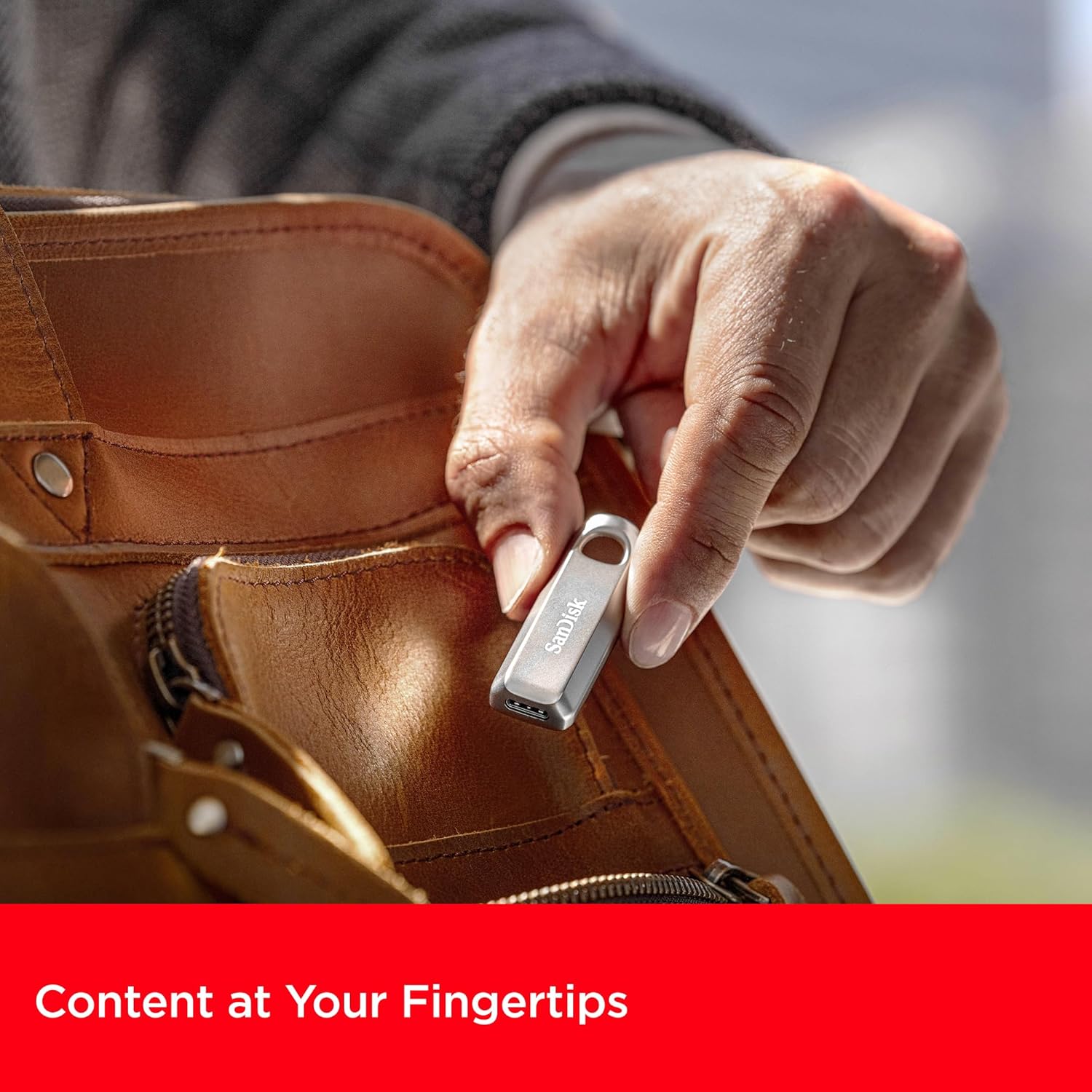
- Retractable Connector: A smooth, retractable USB Type-C connector helps protect the drive from wear and tear when not in use.
- Enhanced Portability: Equipped with a convenient keyring hole, allowing you to easily attach the drive to your keys or bag for secure transport.
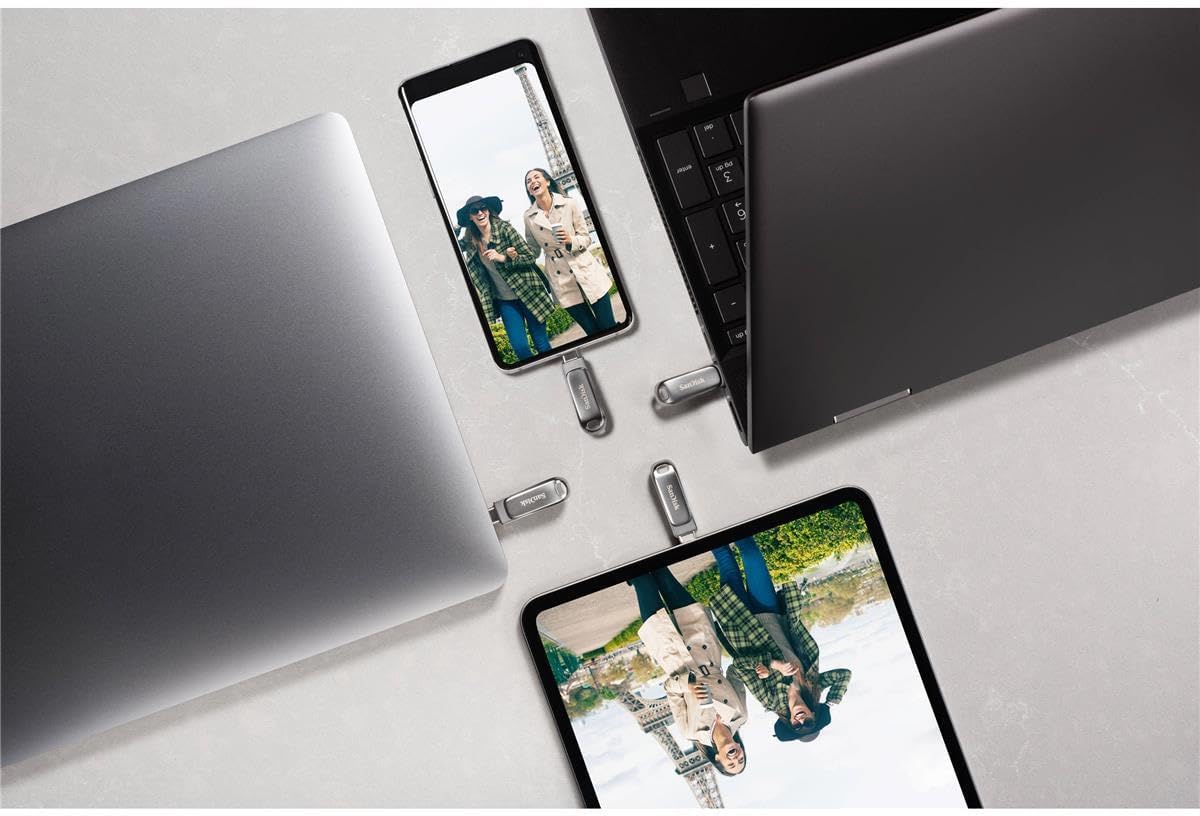


3. Setup Instructions
The SanDisk Ultra Luxe USB Type-C Flash Drive is designed for plug-and-play functionality, requiring no special software installation for basic use on most operating systems (Windows, macOS, Linux, Android, iOS with compatible devices).
- Unpack the Drive: Carefully remove the flash drive from its packaging.
- Identify USB Type-C Port: Locate an available USB Type-C port on your computer, tablet, or smartphone.
- Insert the Drive: Gently slide the retractable connector out and insert the flash drive into the USB Type-C port. Ensure it is fully seated.
- Automatic Recognition: Your device should automatically detect the flash drive and display its contents or prompt you to open it.
4. Operating Instructions
4.1. Transferring Files
Once the drive is recognized by your device, you can transfer files using standard operating system functions:
- Drag and Drop: Click and drag files or folders from your device's storage to the flash drive's folder, or vice versa.
- Copy and Paste: Right-click (or long-press on touch devices) on the desired file(s), select 'Copy', navigate to the destination (flash drive or device storage), right-click (or long-press), and select 'Paste'.

4.2. Safely Ejecting the Drive
Always safely eject the flash drive before physically removing it to prevent data corruption or loss.
- Windows: Right-click the drive icon in 'This PC' or the system tray, then select 'Eject'. Wait for the 'Safe to Remove Hardware' notification.
- macOS: Drag the drive icon from the desktop to the Trash, or click the 'Eject' icon next to the drive in Finder.
- Android: Go to 'Settings' > 'Connected devices' > 'USB' and tap 'Eject' or 'Unmount'.

5. Maintenance
- Physical Care: Keep the drive clean and free from dust and debris. Use a soft, dry cloth for cleaning.
- Temperature: Avoid exposing the drive to extreme temperatures or direct sunlight.
- Data Backup: Regularly back up important data stored on the flash drive to another storage medium to prevent accidental loss.
- Firmware Updates: Periodically check the SanDisk website for any available firmware updates for your drive model to ensure optimal performance and compatibility.
6. Troubleshooting
6.1. Drive Not Recognized
- Ensure the drive is fully inserted into the USB Type-C port.
- Try connecting the drive to a different USB Type-C port on your device.
- Test the drive on another compatible device to determine if the issue is with the drive or the original device.
- Restart your computer or device.
6.2. Slow Transfer Speeds
- Ensure you are using a USB 3.2 Gen 1 (or higher) compatible port on your device for optimal speeds. Older USB 2.0 ports will result in significantly slower transfers.
- Close any unnecessary applications running in the background that might be consuming system resources.
- Avoid transferring many small files simultaneously; compressing them into a single archive can sometimes improve speed.
6.3. Data Corruption or Loss
- Always perform a safe ejection of the drive before physically removing it.
- If data appears corrupted, try running a disk check utility on your operating system (e.g., 'Error Checking' on Windows, 'Disk Utility' on macOS).
7. Specifications
| Attribute | Detail |
|---|---|
| Brand | SanDisk |
| Model Name | SanDisk Ultra Luxe |
| Item Model Number | SDCZ75-256G-G46 |
| Memory Storage Capacity | 256 GB |
| Hardware Interface | USB Type C |
| Connectivity Technology | USB |
| Read Speed | Up to 400 Megabytes Per Second |
| Write Speed | Up to 400 MB/s |
| Color | Silver |
| Product Dimensions (LxWxH) | 1.8 x 0.63 x 0.47 inches |
| Item Weight | 0.368 ounces |
| Special Feature | Fast Data Transfer |
| UPC | 619659203511 |
8. Official Product Videos
9. Warranty & Support
For detailed warranty information, product registration, and technical support, please visit the official SanDisk website. Keep your purchase receipt as proof of purchase for any warranty claims.
Online Support: www.sandisk.com/support


