
DOOGEE T30Ultra
DOOGEE T30 Ultra 11-Inch Tablet User Manual
Model: T30Ultra
1. Introduction
Welcome to the user manual for your new DOOGEE T30 Ultra tablet. This guide provides essential information on setting up, operating, maintaining, and troubleshooting your device to ensure optimal performance and user experience. Please read this manual thoroughly before using your tablet.
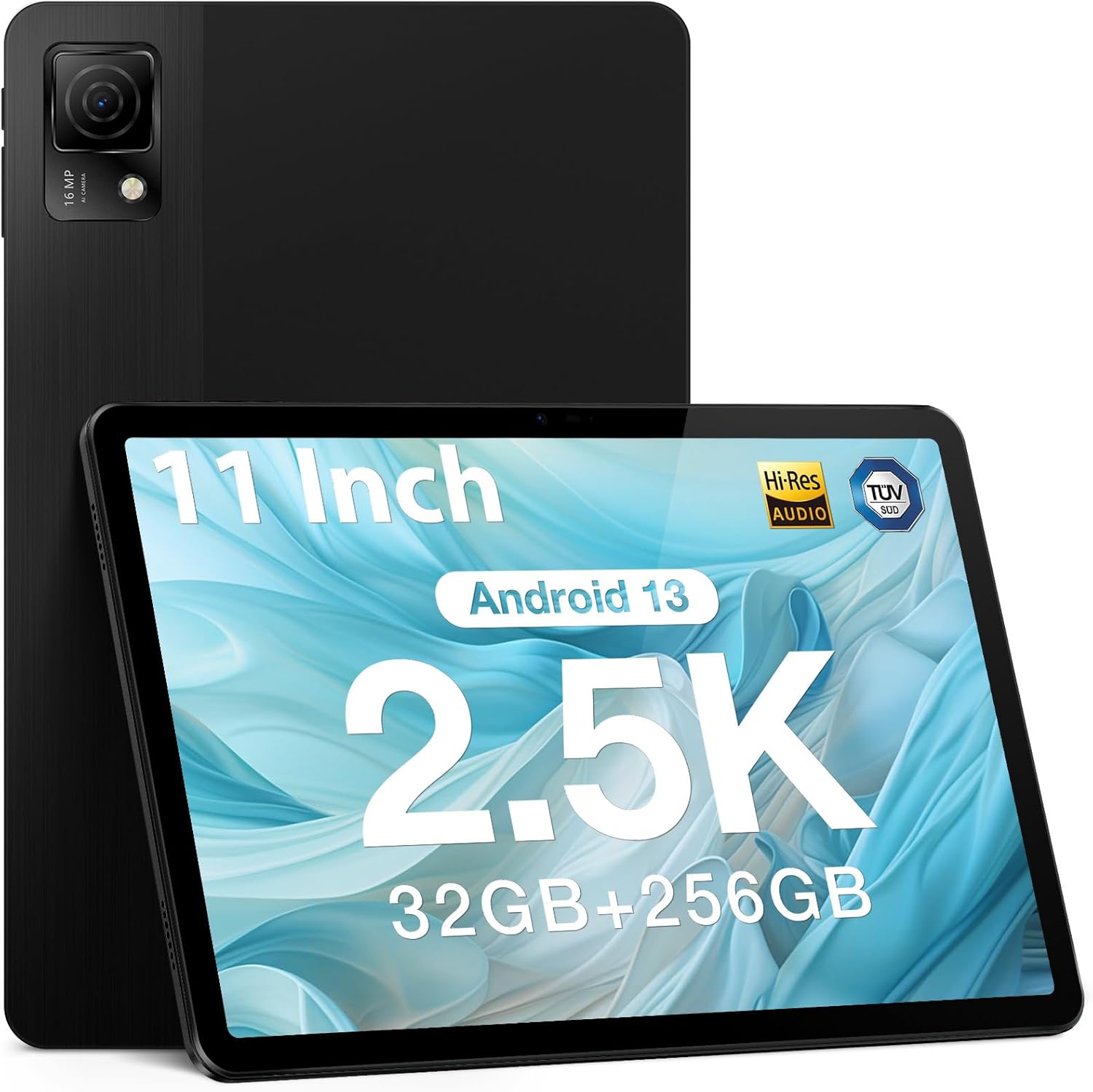
Figure 1.1: DOOGEE T30 Ultra Tablet
2. What's in the Box
Upon opening your DOOGEE T30 Ultra package, please verify that all the following items are included:
- Tablet
- Charger
- Data line
- Card removal needle
- Manual
3. Setup
3.1 Initial Power On
- Press and hold the Power button located on the side of the tablet until the DOOGEE logo appears on the screen.
- Follow the on-screen prompts to select your language, region, and connect to a Wi-Fi network.
- Sign in with your Google account or create a new one to access Google services and the Play Store.
3.2 Inserting SIM/TF Card
To insert a SIM card for cellular data or a TF (microSD) card for expanded storage:
- Locate the SIM/TF card tray on the side of the tablet.
- Insert the provided card removal needle into the small hole next to the tray to eject it.
- Carefully place your Nano-SIM card(s) and/or TF card into the designated slots on the tray, ensuring correct orientation.
- Gently push the tray back into the tablet until it clicks into place.
4. Operating Your Tablet
4.1 Display and Visual Experience
The DOOGEE T30 Ultra features an 11-inch 2.5K FHD touch screen with a resolution of 1600 x 2560 pixels, providing high pixel density for detailed images and realistic color reproduction. It supports a wide color gamut and has an 87.2% screen ratio for an immersive visual experience.
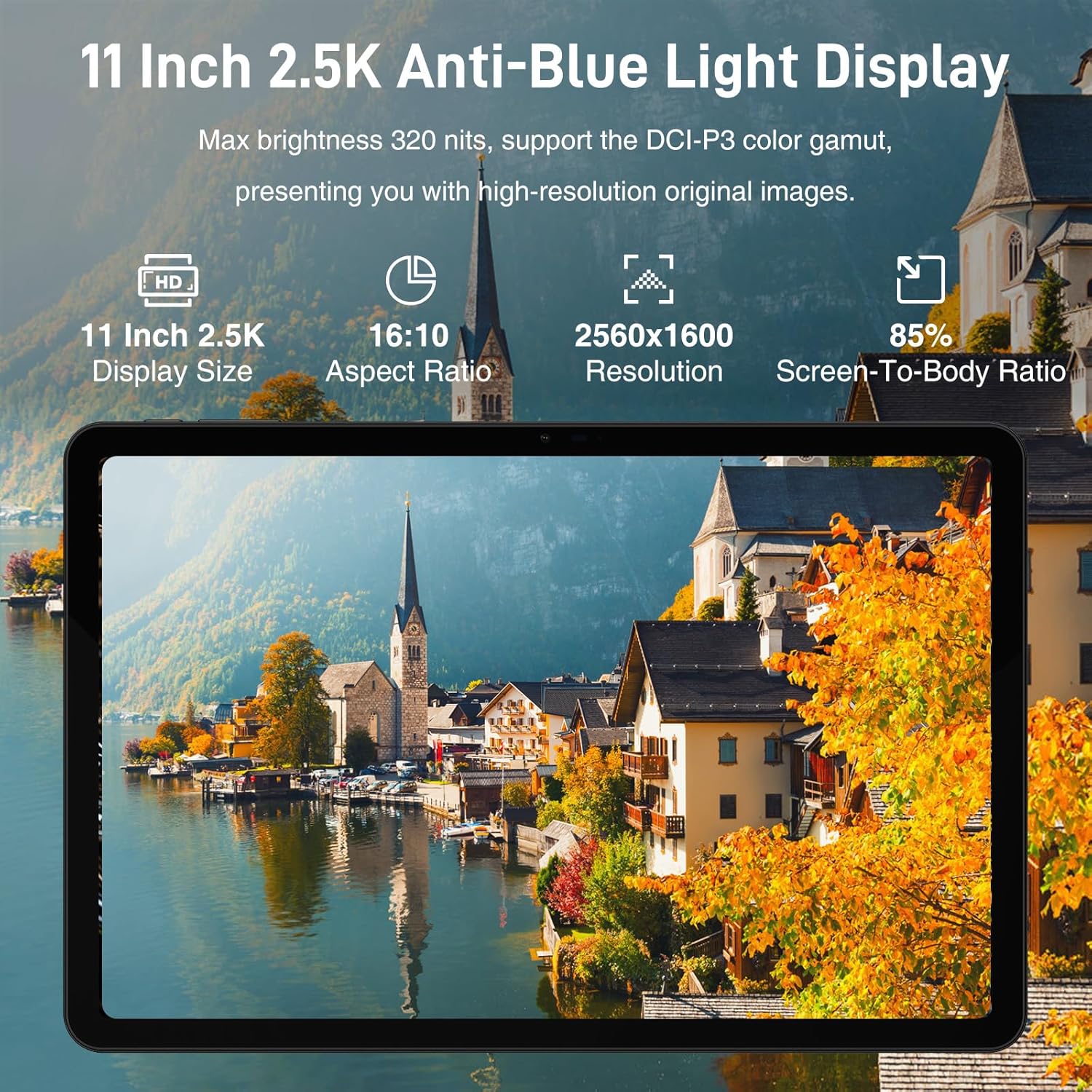
Figure 4.1: 11-inch 2.5K Anti-Blue Light Display
4.2 Performance and Storage
Powered by the Helio G99 2.2GHz octa-core processor, the tablet ensures smooth operation for various tasks, from reading to gaming. It comes with 32GB RAM (12GB physical + 20GB virtual) and 256GB ROM, expandable up to 2TB with a TF card, offering ample space for applications and media.

Figure 4.2: Powerful Processor Performance

Figure 4.3: Super Powerful Storage Capacity
4.3 Battery Life and Charging
The 8580mAh battery provides extended usage for entertainment and productivity. It supports 18W fast charging, allowing you to quickly recharge your device.

Figure 4.4: 8580mAh Ever-lasting Battery
4.4 Multimedia and Audio
The tablet supports Google Widevine L1, enabling 1080P and above-definition video streaming for a high-quality viewing experience. Its Quad Speakers deliver rich, clear audio, reducing distortion for an enhanced multimedia experience.

Figure 4.5: Widevine DRM L1 Support
4.5 Connectivity
The DOOGEE T30 Ultra offers robust connectivity options, including dual-band Wi-Fi (2.4GHz/5GHz) for faster and more stable network connections, Bluetooth 5.0, and 4G LTE with dual SIM support for reliable mobile data and communication.
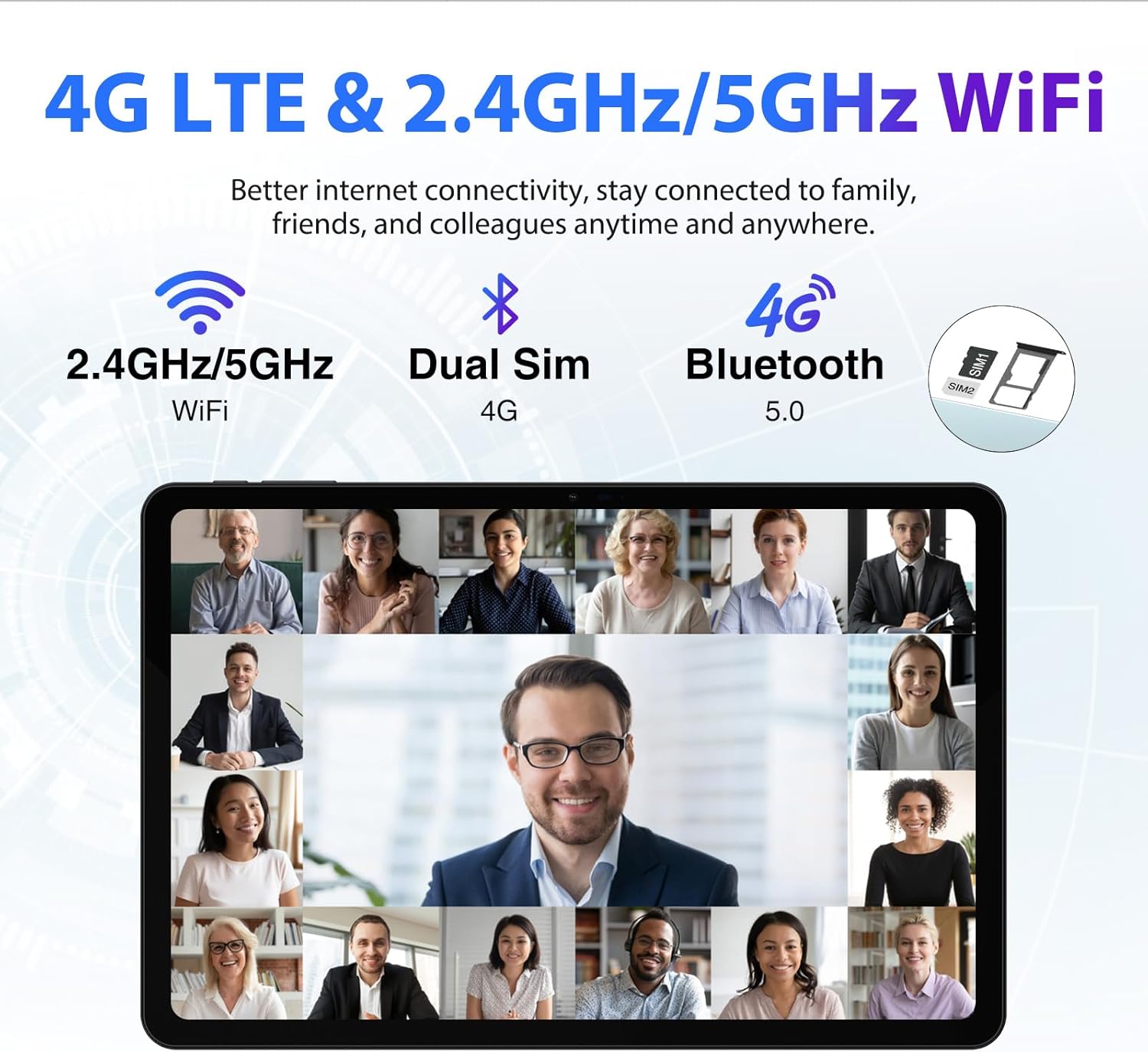
Figure 4.6: 4G LTE & 2.4GHz/5GHz WiFi
4.6 Camera Features
Equipped with a 16MP main camera and an 8MP front camera, the tablet allows you to capture high-quality photos and engage in clear video calls.

Figure 4.7: Capture Beautiful Moments
4.7 Operating System
The DOOGEE T30 Ultra runs on Android 13, providing an improved user experience with enhanced functionality, privacy, and security features. It supports split-screen functionality for multitasking.

Figure 4.8: Android 13 GMS Authentication
4.8 GPS and Navigation
The tablet supports 5 navigation modes (Beidou, Galileo, Glonass, GPS, AGPS), ensuring more accurate and real-time positioning for navigation purposes.

Figure 4.9: Advanced GPS and Navigation
4.9 Eye Protection
The DOOGEE T30 Ultra Tablet has received German TUV Rheinland anti-blue light certification, which helps filter blue light and reduce eye strain during prolonged use. It features reading mode, eye protection mode, and dark mode for comfortable viewing.

Figure 4.10: Low Blue Light Eye Protection
4.10 Product Video
Watch this official product video for a visual overview of the DOOGEE T30 Ultra tablet's features and design.
Video 4.1: DOOGEE T30 Ultra Product Overview
5. Maintenance
To ensure the longevity and optimal performance of your DOOGEE T30 Ultra tablet, follow these maintenance guidelines:
- Cleaning: Use a soft, lint-free cloth to clean the screen and body of the tablet. Avoid using harsh chemicals or abrasive materials.
- Temperature: Do not expose the tablet to extreme temperatures (hot or cold) or direct sunlight for extended periods.
- Water Exposure: The tablet is not waterproof. Avoid contact with water or other liquids.
- Storage: When not in use for extended periods, store the tablet in a cool, dry place.
- Software Updates: Regularly check for and install system updates to ensure your tablet has the latest features and security patches.
6. Troubleshooting
If you encounter issues with your DOOGEE T30 Ultra tablet, refer to the following common troubleshooting steps:
| Problem | Possible Solution |
|---|---|
| Tablet does not power on | Ensure the battery is charged. Connect the charger and wait a few minutes before attempting to power on again. If unresponsive, try a forced restart (refer to device-specific instructions for button combinations). |
| Slow performance | Close unused applications. Clear cache and data for frequently used apps. Restart the tablet. Check for available system updates. |
| Wi-Fi connection issues | Restart your Wi-Fi router. Forget the network on your tablet and reconnect. Ensure you are within range of the Wi-Fi signal. |
| Apps crashing or freezing | Clear the app's cache and data in Settings > Apps. Uninstall and reinstall the app. Ensure the app is updated to its latest version. |
If the issue persists after trying these steps, please contact DOOGEE customer support for further assistance.
7. Specifications
Key technical specifications for the DOOGEE T30 Ultra tablet:
| Feature | Detail |
|---|---|
| Display Size | 11 Inches |
| Screen Resolution | 2560 x 1600 pixels (2.5K) |
| Processor | Helio G99 Octa-Core (2.2GHz) |
| RAM | 32GB (12GB physical + 20GB virtual) |
| Internal Storage (ROM) | 256GB UFS2.2 |
| Expandable Storage | Up to 2TB (TF card) |
| Operating System | Android 13 |
| Battery Capacity | 8580mAh |
| Charging | 18W Fast Charging |
| Rear Camera | 16MP |
| Front Camera | 8MP |
| Wireless Type | 802.11ac (2.4GHz/5GHz Wi-Fi) |
| Bluetooth | Bluetooth 5.0 |
| Dimensions | 10.11 x 6.64 x 0.3 inches |
| Item Weight | 1.19 pounds |
| Certifications | Hi-Res Audio, TUV Low Blue Light |
8. Warranty and Support
Your DOOGEE T30 Ultra tablet is backed by a 1-year warranty from the date of purchase. This warranty covers manufacturing defects and malfunctions under normal use. For warranty claims or technical support, please refer to the contact information provided in your product packaging or visit the official DOOGEE website.
DOOGEE offers a 30-day money-back guarantee and free returns. Additionally, 24/7 one-on-one online support is available for customer assistance.
Related documentsT30Ultra

Ask a question about this manual
Ask about setup, troubleshooting, compatibility, parts, safety, or missing instructions. Manuals+ will review the question and use this page’s manual context to help answer it.