BAOFENG UV-18L User Manual
Model: UV-18L
1. Introduction
The BAOFENG UV-18L is a versatile 4-band ham radio designed for reliable long-range communication. Featuring a 1.77-inch LCD screen, 999 channels, and a robust 1800mAh battery, it supports UHF, VHF, FM, and NOAA weather alerts. Its USB-C charging capability offers convenient power options, making it suitable for various communication scenarios.

Figure 1: BAOFENG UV-18L radio with all included accessories.
2. What's in the Box
Please check the contents of your package to ensure all items are present:
- UV-18L Portable Radio
- USB-C Cable
- High Gain Antenna
- 1800mAh Large Capacity Battery
- Belt Clip
- Battery Charger (Dock and US Adapter)
- Hand Strap
- User's Manual
- Speaker Microphone
- Programming Cable
- Earpiece
3. Product Overview
The UV-18L offers advanced features for enhanced communication:
- Display: 1.77-inch LCD screen for clear information display.
- Frequency Bands: Supports FM, VHF (144-148MHz), Amateur, and UHF (420-450MHz).
- Channels: 999 programmable channels.
- Power Output: 5 Watts for extended range.
- Battery: 1800mAh capacity for prolonged use.
- Charging: Convenient USB-C charging and traditional charger base.
- Scanning Modes: Three scan modes (Time, Carrier, Search) and VFO scan range setting.
- Weather Alerts: NOAA weather alarm functionality.
- Advanced Features: Dual watch, VOX, alarm mode, CTCSS/DCS scan, DTMF, and wireless frequency/sub-tone copy.
- Durability: Waterproof design.

Figure 2: Key features of the UV-18L, highlighting its LCD screen, USB-C charging, 999 channels, NOAA weather alarm, waterproof rating, and four-band capability.
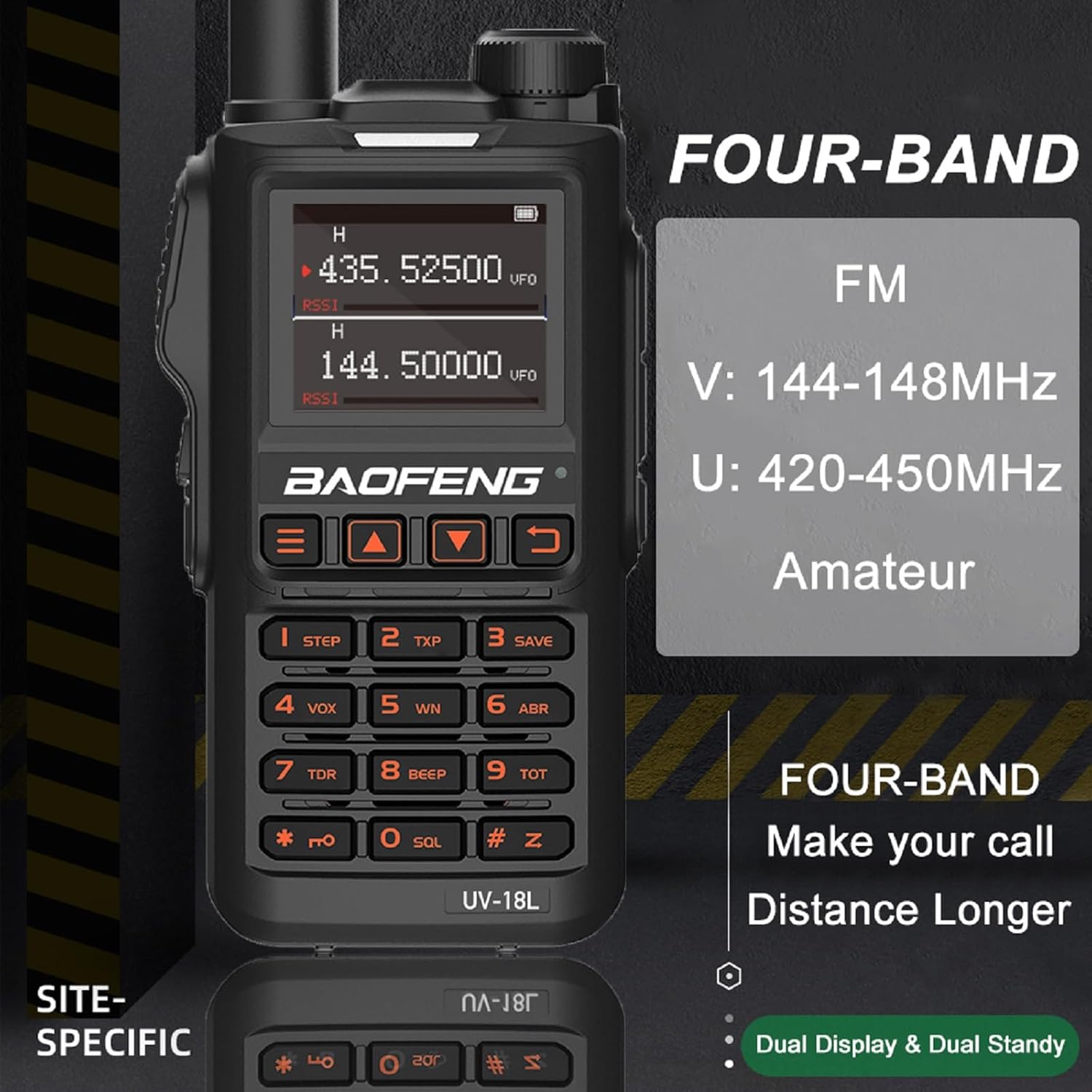
Figure 3: The UV-18L's four-band frequency support, including FM, VHF (144-148MHz), and UHF (420-450MHz).

Figure 4: The clear 1.77-inch full LCD screen of the UV-18L.
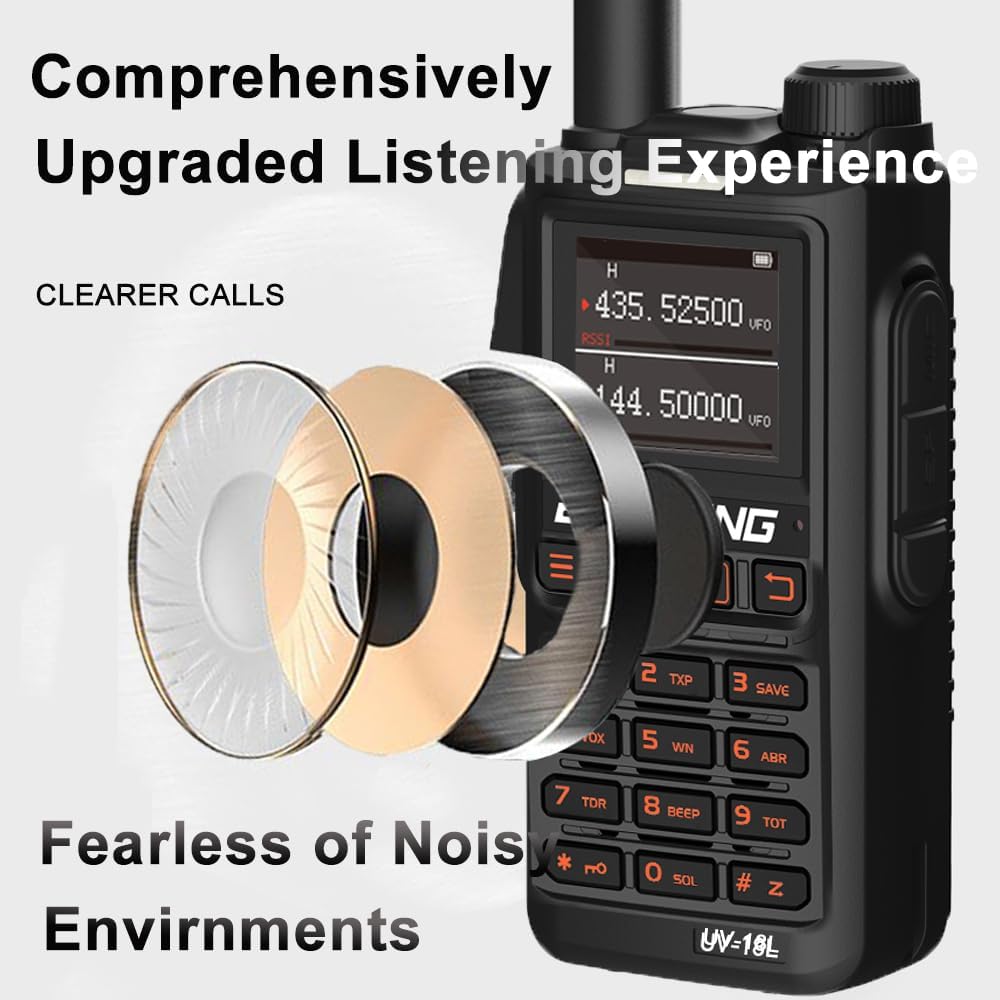
Figure 5: Illustration of the UV-18L's upgraded listening experience, designed for clearer calls in noisy environments.
4. Setup
4.1 Battery Installation and Charging
Before first use, fully charge the battery. The UV-18L supports both USB-C direct charging and charging via the included desktop charger dock.
- Install Battery: Align the 1800mAh battery with the compartment on the back of the radio and slide it into place until it clicks securely.
- Attach Antenna: Screw the high gain antenna clockwise onto the connector at the top of the radio until finger-tight.
- Charging via USB-C: Connect the provided USB-C cable to the USB-C port on the side of the radio and plug the other end into a compatible USB power source (e.g., power bank, PC, car charger, laptop). The charging indicator light will show charging status.
- Charging via Dock: Place the radio into the charging dock. Ensure the metal contacts on the radio align with those on the dock. Connect the US adapter to the dock and plug it into a wall outlet. The indicator light on the dock will show charging status.
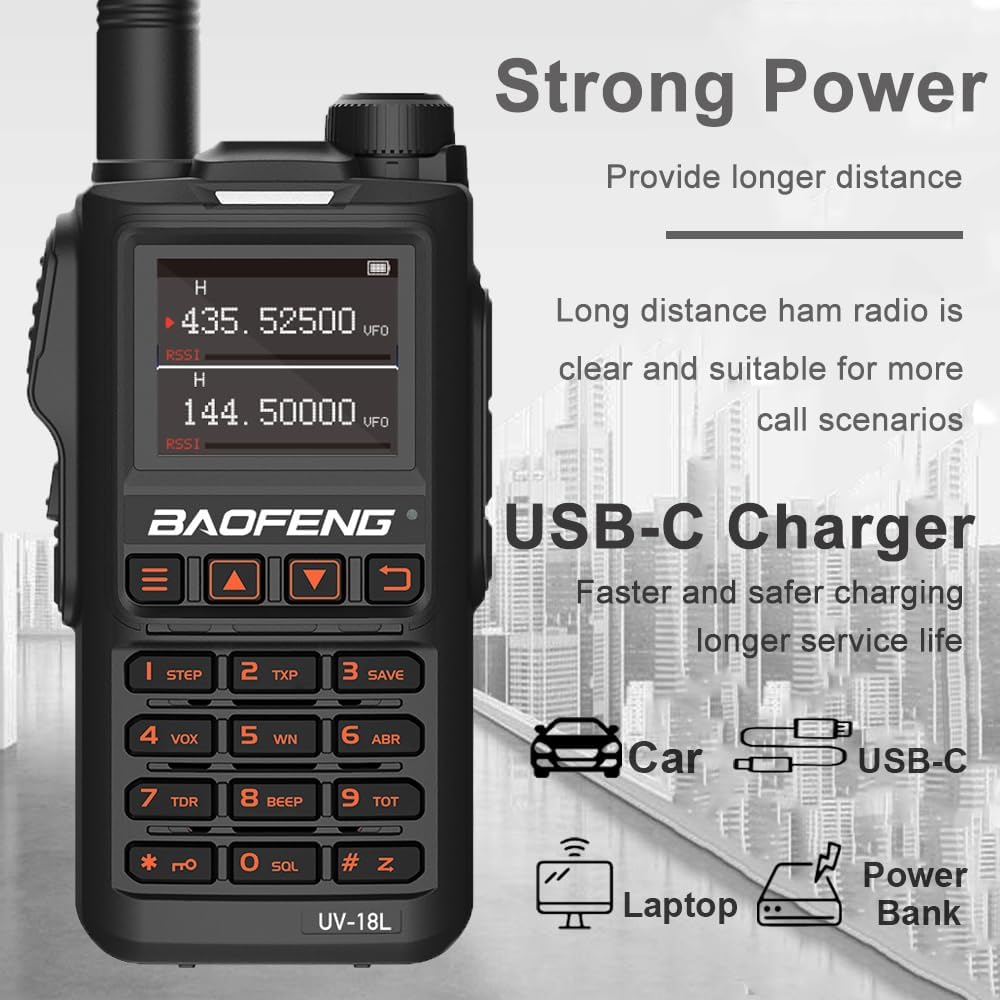
Figure 6: The UV-18L's versatile USB-C charging option, allowing charging from various sources like car chargers, laptops, and power banks.
4.2 Attaching Accessories
- Belt Clip: Attach the belt clip to the back of the radio using the provided screws.
- Hand Strap: Thread the hand strap through the loop on the top or side of the radio.
- Speaker Microphone/Earpiece: Plug the speaker microphone or earpiece into the dual-pin accessory jack on the side of the radio. Ensure it is fully inserted for proper connection.
5. Operating Instructions
5.1 Power On/Off and Volume
- Power On: Rotate the power/volume knob (top right) clockwise until you hear a click. The LCD screen will illuminate.
- Power Off: Rotate the power/volume knob counter-clockwise until you hear a click.
- Volume Adjustment: Rotate the power/volume knob clockwise to increase volume and counter-clockwise to decrease it.
5.2 Channel Selection and Frequency Mode (VFO)
- Channel Mode: Use the MENU button to navigate to channel mode. Use the UP/DOWN arrow keys to select a channel (1-999).
- Frequency Mode (VFO): Press the VFO/MR button to switch between Channel mode and Frequency mode. In Frequency mode, you can directly input frequencies using the keypad.
- Dual Watch: The radio supports dual watch, allowing monitoring of two frequencies simultaneously. Refer to the full user manual for detailed setup.
5.3 Transmitting and Receiving
- Receiving: When a signal is received on the active frequency/channel, the speaker will output audio. The signal strength indicator on the LCD will show the signal strength.
- Transmitting: Press and hold the PTT (Push-To-Talk) button on the side of the radio to transmit. Speak clearly into the microphone. Release the PTT button to return to receive mode.
5.4 Scanning Functions
The UV-18L offers various scanning capabilities:
- Channel Scan: Scans through programmed channels.
- Frequency Scan (VFO Scan): Scans within a defined frequency range.
- CTCSS/DCS Scan: Scans for CTCSS/DCS tones.
- Scan Recovery Methods: Supports Time, Carrier, and Search scan recovery methods.
To initiate a scan, refer to the specific instructions in the full user manual, typically involving a dedicated scan button or a menu option.
5.5 VOX (Voice Operated Transmit)
VOX allows hands-free transmission. When enabled, the radio will automatically transmit when it detects your voice.
- Enable/Disable VOX: Access the VOX setting through the radio's menu.
- VOX Sensitivity: Adjust the VOX sensitivity level to prevent accidental transmissions or missed voice activations.
5.6 NOAA Weather Alarm
The UV-18L can receive NOAA weather alerts.
- Activate NOAA: Navigate to the NOAA weather alarm setting in the menu to enable this feature. The radio will monitor designated NOAA channels for alerts.
5.7 DTMF Functionality
DTMF (Dual-Tone Multi-Frequency) allows for sending tones for various functions, such as remote control or repeater access.

Figure 7: The UV-18L's Frequency Hopping Function for anti-interference and anti-crosstalk, alongside its DTMF capability.
6. Maintenance
6.1 Cleaning
- Wipe the radio's surface with a soft, damp cloth. Do not use harsh chemicals or abrasive cleaners.
- Ensure the USB-C port and accessory jack are free of dust and debris.
6.2 Battery Care
- To prolong battery life, avoid fully discharging the battery frequently.
- Store the radio and battery in a cool, dry place when not in use for extended periods.
- If the radio will not be used for a long time, remove the battery.
6.3 Storage
- Store the radio in a clean, dry environment, away from direct sunlight, extreme temperatures, and excessive humidity.
- Keep the radio away from strong magnetic fields.
7. Troubleshooting
| Problem | Possible Cause | Solution |
|---|---|---|
| Radio does not power on. | Battery is low or not installed correctly. | Charge the battery. Ensure the battery is securely installed. |
| Cannot transmit or receive. | Incorrect frequency/channel, antenna not connected, or out of range. | Verify frequency/channel settings. Check antenna connection. Move closer to the other radio or repeater. |
| Poor audio quality. | Low signal strength, interference, or volume too low/high. | Adjust volume. Check for sources of interference. Ensure clear line of sight. |
| Battery drains quickly. | Frequent transmission, high power setting, or aging battery. | Reduce transmission time. Use lower power setting if possible. Consider replacing the battery if it's old. |
| Keypad unresponsive. | Keypad lock enabled. | Refer to the user manual for keypad unlock procedure (usually a long press of a specific key). |
8. Specifications
| Parameter | Value |
|---|---|
| Model Number | UV-18L |
| Power Output | 5 Watts |
| Number of Channels | 999 |
| Battery Capacity | 1800mAh Lithium Ion |
| Frequency Range | FM; VHF: 144-148MHz; Amateur; UHF: 420-450MHz |
| Display Type | 1.77-inch LCD |
| NOAA Channels | 10 |
| Net Weight | 725g / 25.57 ounces (approx. 1.6 pounds) |
| Working Temperature | -20℃ to +60℃ (-4°F to 140°F) |
| Water Resistance Level | Waterproof |
| Voltage | 7.4 Volts (DC) |
| Residual Modulation | 40dB |
| Stray Component | ≤7.5uW |
| Modulation Distortion | ≤5% |
| Audio Distortion | ≤10% |
9. Warranty and Support
9.1 Warranty Information
The BAOFENG UV-18L comes with a 1-year warranty. This warranty is provided exclusively through "Shiqun Electronics Co., Ltd." Please retain your proof of purchase for warranty claims.
9.2 Customer Support
For technical assistance, troubleshooting, or warranty inquiries, please contact the seller, Shiqun Electronics Co., Ltd., directly through the platform where the product was purchased. Provide your model number (UV-18L) and a detailed description of the issue.