
1. Introduction
Thank you for choosing the POCREATION V16U VHF USB Wireless Handheld Microphone System. This system is designed to provide clear and stable audio for various applications, including karaoke, speeches, live performances, meetings, and more. Featuring VHF technology for wide frequency range and reduced interference, this plug-and-play system offers ease of use and reliable performance. Please read this manual carefully to ensure proper setup and operation of your new microphone system.

Image 1.1: The POCREATION V16U Wireless Handheld Microphone System.
2. Product Overview
2.1 Package Contents
- 2 x Wireless Handheld Microphones (AA Batteries not included)
- 1 x USB Receiver
- 1 x Audio Cable
- 1 x Adapter
2.2 Microphone Features

Image 2.1: Detailed view of the handheld microphone with labeled parts.
- Metal Net Cover: Protects the microphone capsule.
- Power Indicator Light: Shows the microphone's power status.
- Power Switch and Mute Button: Controls power and mutes the microphone.
- ABS Pipe Body: Durable casing for the microphone.
- Microphone Tail: Area for battery installation.
2.3 USB Receiver Features

Image 2.2: Detailed view of the USB receiver with labeled parts.
- USB Power Supply Plug: Connects to a USB port for power.
- Audio Output: Connects to an audio input device.
- Function Display Light: Blue light indicates a successful wireless connection.
- USB Flash Disk Expansion Port: For additional functionality (not directly used for microphone operation).
3. Setup Instructions
3.1 Installing Batteries in the Microphones
- Unscrew the microphone tail cylinder to open the battery compartment.
- Insert two (2) AA batteries into each microphone, ensuring correct polarity (+/-).
- Screw the microphone tail cylinder back on securely.
3.2 Connecting the USB Receiver

Image 3.1: The USB receiver supports connection to various audio devices.
- Plug the USB receiver into a USB port for power. This can be a USB wall adapter, a power bank, or a USB port on an audio device.
- Connect the audio output of the USB receiver to the microphone input (MIC IN) of your audio device (e.g., karaoke machine, amplifier, speaker system) using the provided audio cable.
- Important Note: This system cannot be used directly with a PC or laptop. It requires an audio device with a dedicated microphone input.
4. Operating Instructions
4.1 Powering On/Off
- After connecting the receiver, press the Power Switch on each microphone. The power indicator light will illuminate.
- The blue function display light on the USB receiver will turn on, indicating a successful wireless connection with the microphones.
- To power off, press the Power Switch again. The indicator light will turn off.
4.2 Mute Function
Briefly press the Power Switch/Mute Button on the microphone to mute or unmute the audio output without turning off the microphone. The power indicator light may change color or blink to indicate mute status (refer to specific microphone behavior).
4.3 Usage Tips

Image 4.1: The V16U microphone system is ideal for karaoke and speeches.
- Optimal Distance: For best sound quality, hold the microphone approximately 2-6 inches from your mouth.
- Wireless Range: The system offers a stable wireless reception range of up to 5 meters (approximately 16 feet) without significant interference. Ensure the receiver is within this range for optimal performance.
- Sound Quality: The microphone's electronic circuit is designed to capture rich and full sound directly from the source.
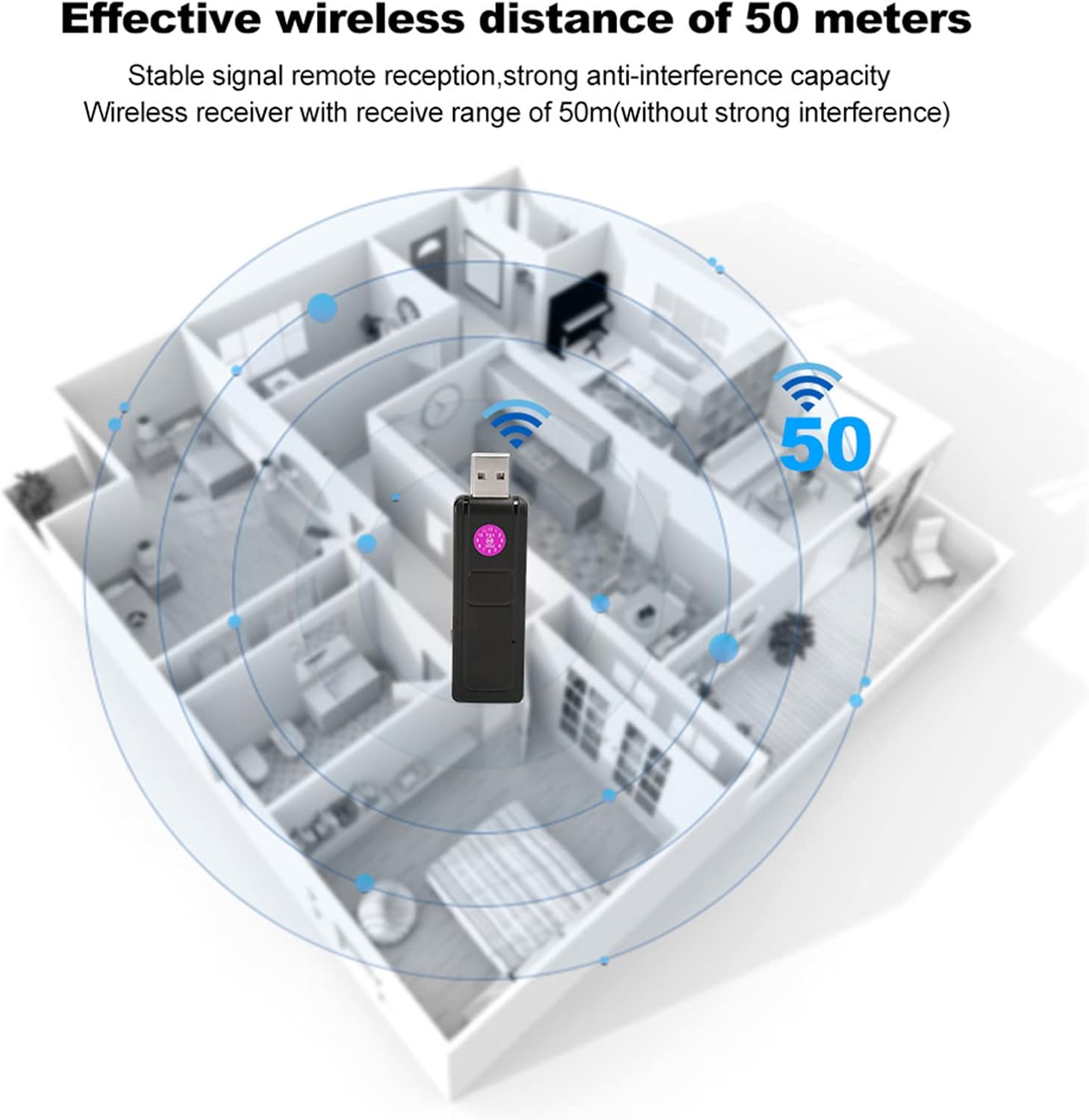
Image 4.2: The system provides an effective wireless distance of up to 5 meters.
5. Maintenance
- Cleaning: Wipe the microphones and receiver with a soft, dry cloth. Do not use liquid cleaners or abrasive materials.
- Storage: Store the system in a cool, dry place away from direct sunlight and extreme temperatures when not in use.
- Battery Replacement: Replace batteries promptly when the power indicator light dims or the sound quality deteriorates. Remove batteries if the microphones will not be used for an extended period to prevent leakage.
- Avoid Moisture: Keep the microphones and receiver away from water and high humidity.
6. Troubleshooting
| Problem | Possible Cause | Solution |
|---|---|---|
| No sound from microphone | Microphone not powered on Batteries are dead or incorrectly inserted Receiver not powered or connected Receiver not connected to audio input Microphone is muted | Ensure microphone power switch is ON Replace batteries; check polarity Ensure receiver is plugged into a powered USB port Verify audio cable connection from receiver to audio device's MIC IN Press the mute button to unmute |
| Poor sound quality or interference | Microphone too far from receiver Low microphone batteries Obstructions between microphone and receiver Interference from other electronic devices | Reduce distance between microphone and receiver (within 5m) Replace microphone batteries Ensure clear line of sight between microphone and receiver Move away from other wireless devices or sources of electromagnetic interference |
| Receiver blue light not on | Receiver not powered Microphone not powered on or out of range | Ensure receiver is plugged into a powered USB port Turn on microphone; bring microphone closer to receiver |
7. Specifications
| Feature | Specification |
|---|---|
| Model | V16U |
| Brand | POCREATION |
| Input Voltage | 2.2-3 V |
| Working Current | 90 mA (Maximum) |
| Working Frequency | 268.85 MHz (Fixed) |
| Sensitivity | -50 +/- 3dB |
| Total Harmonic Distortion | < 0.5% |
| Signal-to-Noise Ratio (SNR) | > 110 dB |
| Delay Time | < 5ms |
| Frequency Response | 50 Hz ~ 18 kHz |
| Microphone Power Supply | 2 x AA Batteries (per microphone, not included) |
| Working Temperature | -10 to 50 ℃ |
| Approximate Weight (Package) | 345g (12.2 ounces) |
| Package Dimensions | 10.24 x 3.94 x 2.36 inches |
8. Warranty and Support
For any questions, technical assistance, or support regarding your POCREATION V16U Wireless Handheld Microphone System, please refer to the retailer's return and support policies where the product was purchased. Keep your proof of purchase for any warranty claims.