
KEMEI KM-233
KEMEI KM-233 Rechargeable Razor User Manual
Model: KM-233 | Brand: KEMEI
Introduction
Thank you for choosing the KEMEI KM-233 Rechargeable Razor. This self-sharpening razor is designed for efficient and comfortable grooming. Please read this manual carefully before using the device to ensure proper operation, maintenance, and safety.

Image: The KEMEI KM-233 razor, its packaging, four guide combs, a cleaning brush, a small bottle of oil, and a USB charging cable.
Setup
Unpacking
Carefully remove all components from the packaging. Verify that all items listed in the package contents are present:
- KEMEI KM-233 Rechargeable Razor
- USB Charging Cable
- Cleaning Brush
- Lubricating Oil
- Guide Combs (various sizes)
Initial Charge
Before first use, fully charge the razor. Connect the USB charging cable to the razor's charging port and plug the other end into a compatible USB power source (e.g., a computer USB port, power bank, or a USB charging plug). The digital display screen will indicate the charging status.
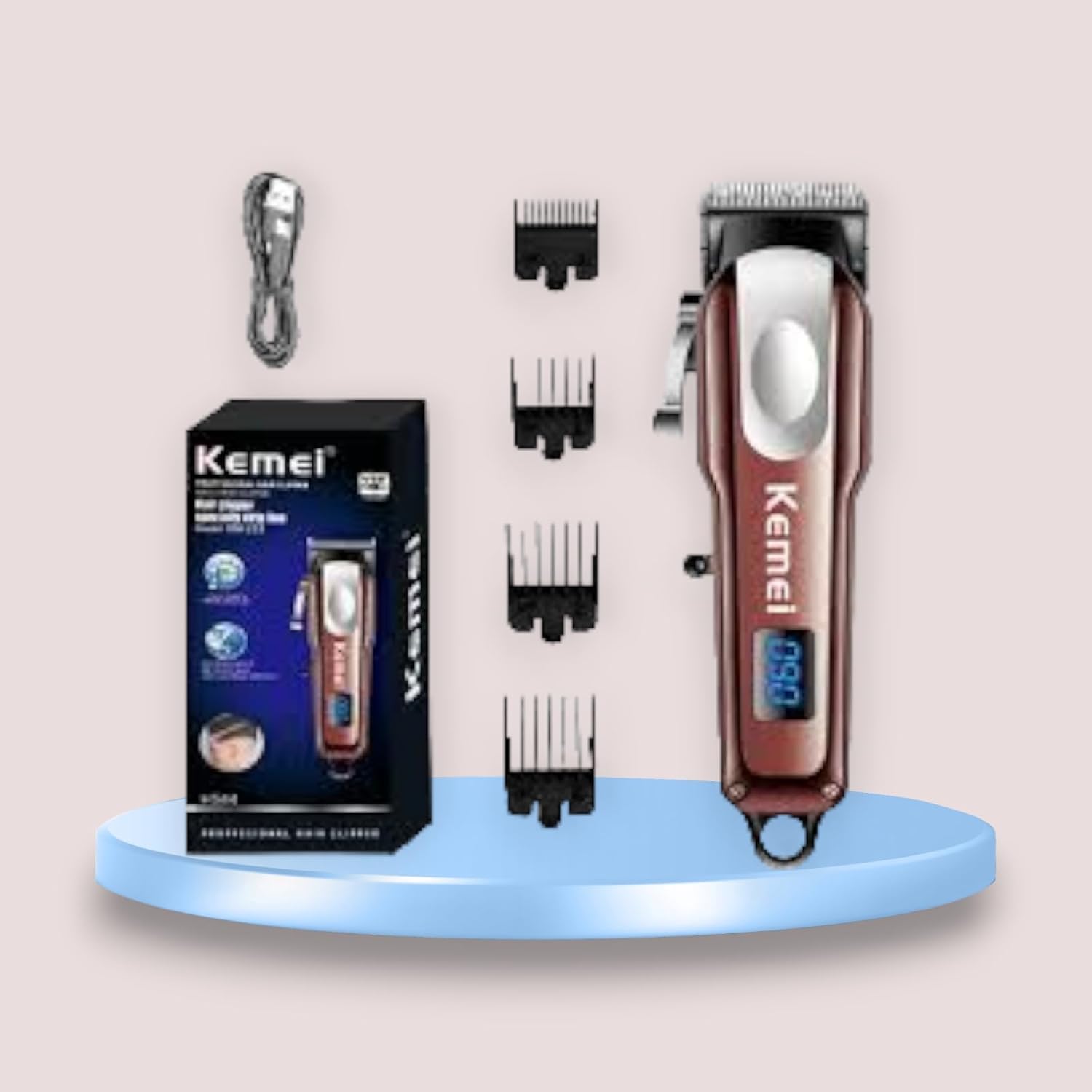
Image: The KEMEI KM-233 razor connected via USB cable, illustrating charging options such as a charging plug, power bank, and computer.
Operating Instructions
Power On/Off
Press the power button to turn the razor on or off. The digital display screen will show the current battery level when powered on.

Image: The KEMEI KM-233 razor with its digital display screen illuminated, showing a battery percentage of '090', indicating real-time power status.
Adjusting Cutting Length
The razor features a side swing lever for fine-tuning the cutting length. Slightly rotate this lever to adjust the blade position through four gears, allowing for precise length control.

Image: A close-up of the KEMEI KM-233 razor showing the side swing lever with numerical indicators (1-4) for adjusting the cutting length.
Using Guide Combs
Attach the desired guide comb to the razor head for specific hair lengths. Ensure the comb is securely fastened before use.
Maintenance
Cleaning the Blades
After each use, turn off the razor and use the provided cleaning brush to remove any hair clippings from the blades and guide combs. For a more thorough cleaning, detach the blade head if possible (refer to specific instructions if provided with your unit).
Lubrication
Regularly apply a few drops of the lubricating oil to the blades to maintain their sharpness and ensure smooth operation. Do this after cleaning and before storage.
Storage
Store the razor in a dry, cool place, away from direct sunlight and moisture. Ensure it is fully charged before long-term storage to preserve battery life.
Troubleshooting
- Razor not turning on: Ensure the razor is fully charged. Check the USB cable and power source connection.
- Reduced cutting performance: Clean the blades thoroughly to remove hair buildup. Apply lubricating oil to the blades. The self-sharpening feature should maintain blade sharpness over time.
- Digital display not working: If the display is blank, the battery might be completely drained. Charge the device. If the issue persists after charging, contact customer support.
Specifications
| Model | KM-233 |
| Brand | KEMEI |
| Power Source | Battery Powered (Rechargeable) |
| Blade Material | Stainless Steel |
| Special Features | Portable, Rechargeable, Self-sharpening, Digital Display |
| Recommended Use | Head (Hair Trimming) |
| Color | Brown |
| Item Weight | 0.33 Kilograms |
| Dimensions (Approx.) | 4.6 cm (width) x 15.6 cm (length) |

Image: The KEMEI KM-233 razor with its approximate dimensions labeled: 4.6 cm width and 15.6 cm length.
Warranty and Support
Specific warranty information for the KEMEI KM-233 razor is not provided in this manual. Please refer to the product packaging or the retailer's website for details regarding warranty coverage and customer support. For technical assistance or inquiries, please contact KEMEI customer service through their official channels.
Ask a question about this manual
Ask about setup, troubleshooting, compatibility, parts, safety, or missing instructions. Manuals+ will review the question and use this page’s manual context to help answer it.