
1. Introduction
The K&F CONCEPT Nano-X Series 77mm Circular Polarizer (CPL) Lens Filter is designed to enhance photographic images by reducing reflections and increasing color saturation. This filter features 28 multi-layer coatings for ultra-low reflectivity and is constructed from imported optical AGC glass material with a lightweight aluminum-magnesium alloy frame. Its ultra-slim design helps prevent vignetting on wide-angle lenses.
This manual provides essential information for the proper installation, operation, and maintenance of your CPL filter to achieve optimal performance.
2. Setup
2.1 Checking Lens Thread Size
Before attaching the filter, verify your camera lens thread size. This is typically indicated by a "ø" (diameter) symbol followed by a number (e.g., ø77mm) on the front of your lens or inside the lens cap.

Figure 2.1: Locating the lens thread size on your camera lens.
2.2 Attaching the CPL Filter
- Ensure your lens is clean and free of dust or smudges.
- Align the filter's threads with the threads on the front of your camera lens.
- Gently rotate the filter clockwise until it is securely attached. Do not overtighten.

Figure 2.2: Attaching the CPL filter to the camera lens.
3. Operating Instructions
3.1 Adjusting Polarization
The CPL filter consists of two rings. Once attached to your lens, the outer ring can be rotated independently. Look through your camera's viewfinder or LCD screen while rotating the outer ring to observe the effect. You will notice changes in reflections and color saturation.
Video 3.1: Demonstrating how to rotate the CPL filter to adjust polarization and reduce reflections. This video shows the effect of the filter on reflections from a table surface.
3.2 Achieving Desired Effects
- Reducing Reflections: Rotate the filter until reflections from non-metallic surfaces (water, glass, wet leaves) are minimized or eliminated.
- Enhancing Colors: For richer blue skies and greener foliage, rotate the filter until the desired saturation is achieved. This effect is most pronounced when shooting at a 90-degree angle to the sun.
- Contrast Improvement: CPL filters can also improve overall contrast in your images.
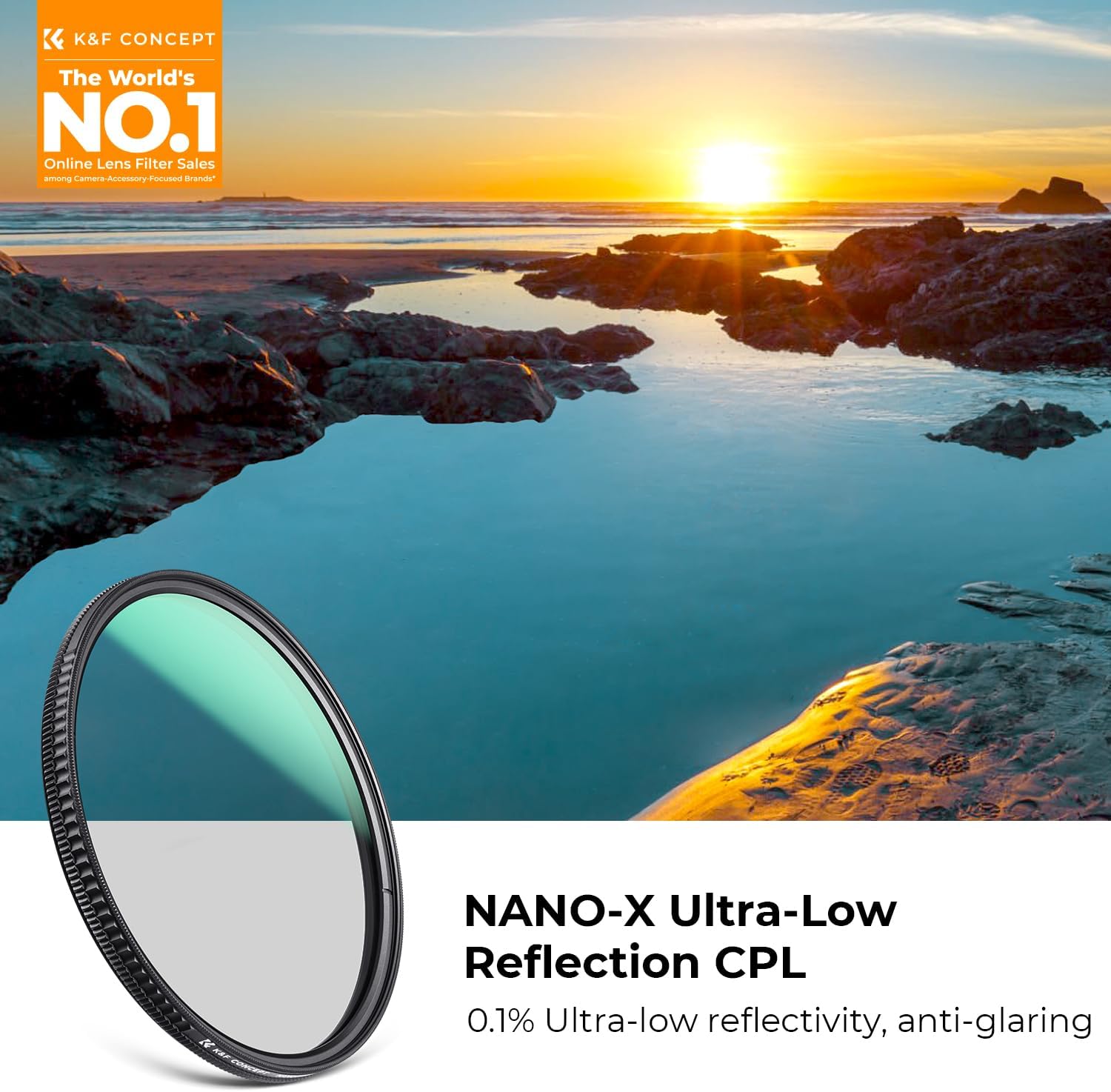
Figure 3.2: Example of enhanced colors and reduced glare using the CPL filter.
4. Maintenance
4.1 Cleaning the Filter
The K&F CONCEPT Nano-X CPL filter features 28 multi-layer coatings that provide resistance against water, oil, dust, and scratches, making it easy to clean.
- Use a soft, lint-free microfiber cloth to gently wipe away dust and smudges.
- For stubborn marks, apply a small amount of lens cleaning solution to the cloth (not directly to the filter) and wipe gently.
- Avoid using abrasive materials or harsh chemicals, as these can damage the coatings.
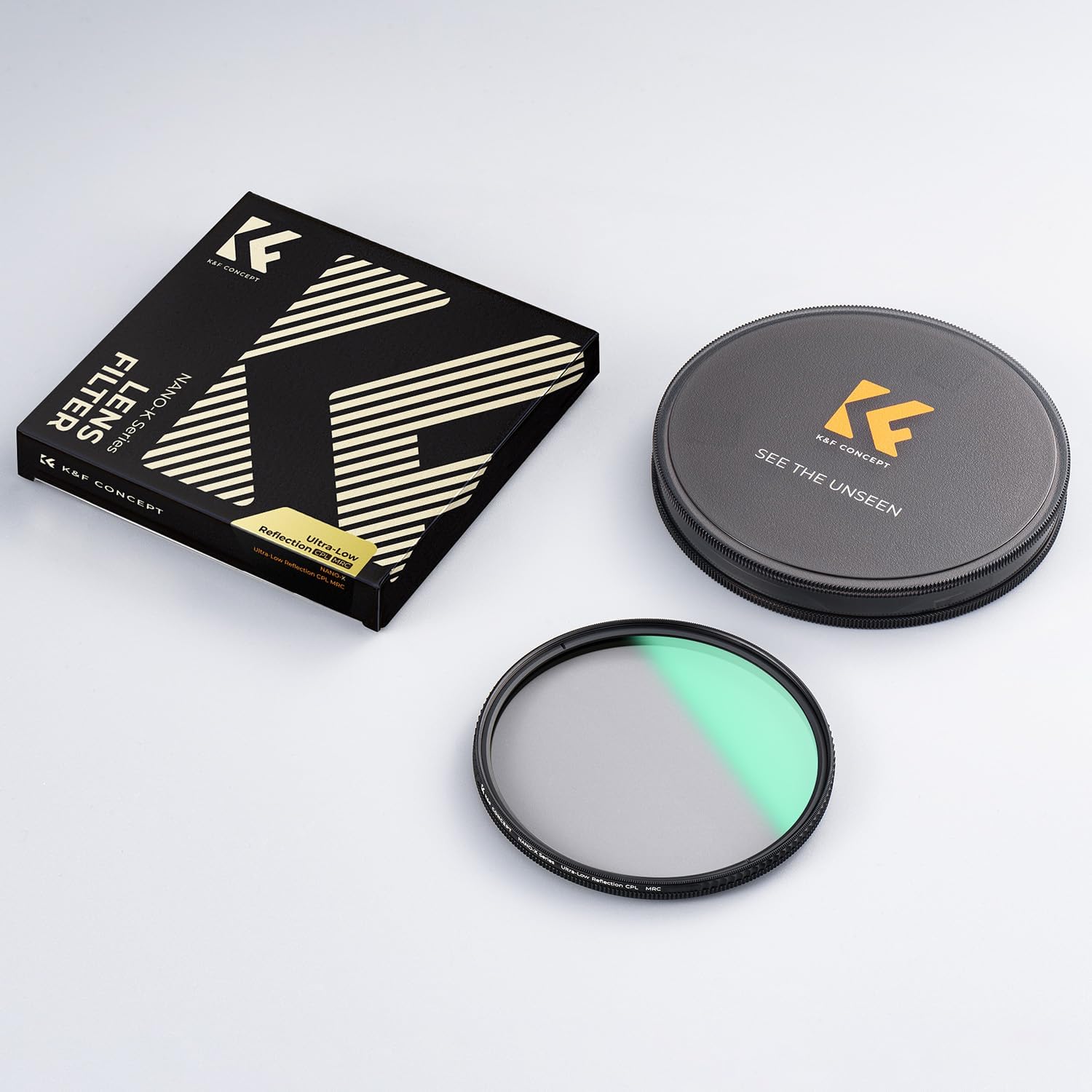
Figure 4.1: Water and dust-proof coatings facilitate easy cleaning.
4.2 Storage
When not in use, store the filter in its protective case to prevent scratches and dust accumulation. Avoid storing it in extreme temperatures or high humidity.

Figure 4.2: Store the filter in its protective case.
5. Troubleshooting
5.1 Vignetting (Dark Corners)
If you observe dark corners in your images, especially with wide-angle lenses, this is known as vignetting. The K&F CONCEPT Nano-X CPL filter features an ultra-slim rim (5.3mm thickness) to minimize this effect. However, if it still occurs:
- Ensure no other filters are stacked on top of the CPL filter.
- Check if your lens hood is causing obstruction.
- Consider using a wider aperture or a slightly less wide focal length if possible.

Figure 5.1: The ultra-slim design helps prevent vignetting.
5.2 Difficulty Rotating Filter
If the filter is difficult to rotate or remove:
- Ensure it was not overtightened during installation.
- Use a rubber filter wrench for better grip if necessary.
- The filter features CNC precision machining with a non-slip pattern for convenient assembly and disassembly.
6. Specifications
| Feature | Detail |
|---|---|
| Brand | K&F CONCEPT |
| Model | KF01.2480 (77mm) |
| Filter Type | Circular Polarizer (CPL) |
| Material | Imported Optical AGC Glass, Aluminum-Magnesium Alloy Frame |
| Coatings | 28 Multi-Layer Coatings (Waterproof, Oil-proof, Dust-proof, Scratch-resistant) |
| Reflectivity | 0.1% Ultra-Low Reflectivity |
| Transmittance | 45% (eliminates 99.9% polarized light) |
| Thickness | 5.3mm (Ultra-Slim) |
| Thread Size | 77mm (as per current product) |
| Product Dimensions | 3.03"L x 3.03"W |
| Item Weight | 75 Grams |
7. Warranty & Support
For warranty information and customer support, please refer to the official K&F CONCEPT website or contact their customer service directly. Keep your purchase receipt as proof of purchase for any warranty claims.
Online Support: Visit the K&F CONCEPT Store on Amazon