
1. Product Overview
The TEEHO Keyless Entry Door Lock Deadbolt with Handle Set offers a secure and convenient solution for your home or office. This all-in-one electronic digital smart lock set includes a keypad deadbolt and a handle, designed for easy installation and reliable performance. It provides multiple access options, including keypad codes and physical keys, ensuring peace of mind and flexible entry management.
Key Features:
- Keyless Entry with Keypad
- Integrated Deadbolt and Handle Set
- Up to 20 User Codes
- Auto-Lock Functionality
- Anti-Peeping Password Protection
- One-Time Access Codes
- Durable Aluminum Alloy Construction
- ANSI Grade 3 and BHMA Certified
- IP54 Waterproof Rating

2. Installation Guide
The TEEHO Keyless Entry Door Lock is designed for quick and easy installation, typically within 15 minutes, requiring only a screwdriver. Please ensure your door meets the compatibility requirements before beginning the installation process.
2.1. Compatibility Check
This lock set is compatible with door holes measuring 2-1/8 inches (54 mm) in diameter and door thicknesses ranging from 1-3/8 inches to 2 inches (35 mm to 50 mm). It is not suitable for 38 mm door holes. The lock automatically identifies left and right-handed doors.

2.2. Installation Steps
Follow the detailed instructions provided in the included User Manual for step-by-step installation. No extra tools or drilling are typically required beyond a screwdriver.


3. Operating Instructions
The TEEHO smart lock offers various convenient ways to secure and access your property.
3.1. Setting and Using Access Codes
The electronic door lock supports up to 20 unique access codes, each 4 to 10 digits long. Refer to the user manual for detailed instructions on how to program and manage these codes.
3.2. Auto-Lock Function
For added security and convenience, you can set the lock to automatically re-lock after a specified period, ranging from 10 to 99 seconds. This feature ensures your door is always secured, even if you forget to lock it manually. The auto-lock function can also be disabled if preferred.
3.3. One-Touch Locking
To manually lock the door, simply press and hold any key on the keypad for 2 seconds. This provides a quick and easy way to secure your home as you leave.
3.4. Anti-Peeping Password
Enhance your security by using the anti-peeping password feature. You can enter random digits before or after your actual code to prevent others from guessing your entry code by observing your finger movements on the keypad.

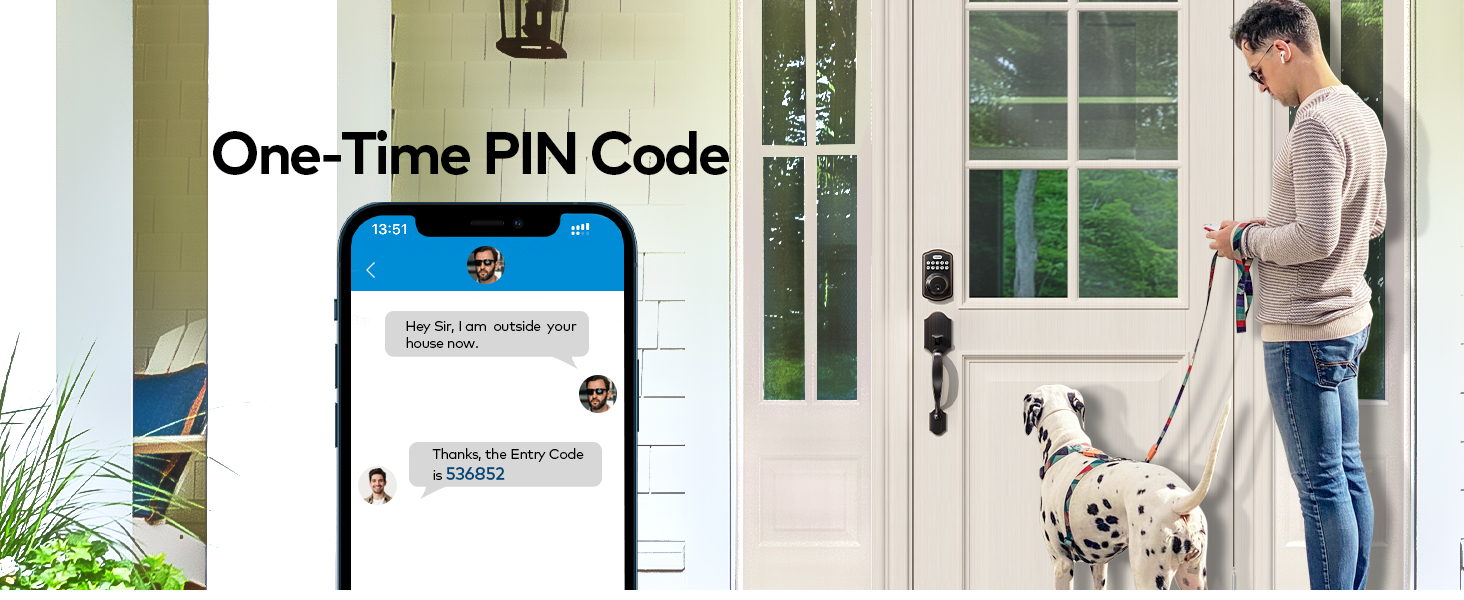
3.5. One-Time PIN Code
Generate temporary one-time passwords for visitors or service personnel. These codes automatically expire after a single use, providing secure, limited access without compromising your main codes.

3.6. Vacation Mode
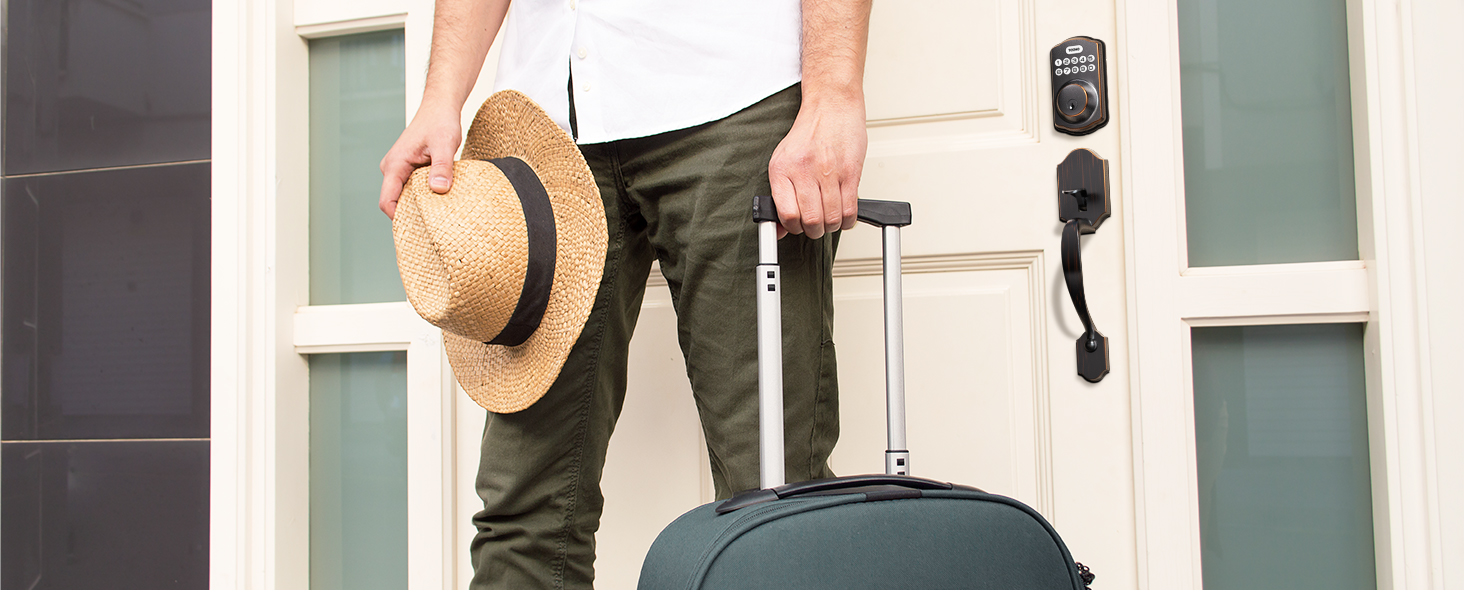
Activate Vacation Mode when you are away for an extended period. This mode disables all user codes, providing an extra layer of security until you return and deactivate it.
3.7. Silent Mode
For quiet operation, the lock features a Silent Mode that mutes keypad tones and motor sounds. This is ideal for late-night entries or exits without disturbing others.

4. Features and Durability
The TEEHO Keyless Entry Door Lock is built with high-quality materials and advanced features to ensure long-lasting performance and robust security.
4.1. Heavy-Duty Construction
Constructed from premium aluminum alloy, this lock is designed to withstand daily wear and tear. It has been approved by ANSI Grade 3 testing and BHMA certification, ensuring high standards of security and durability.

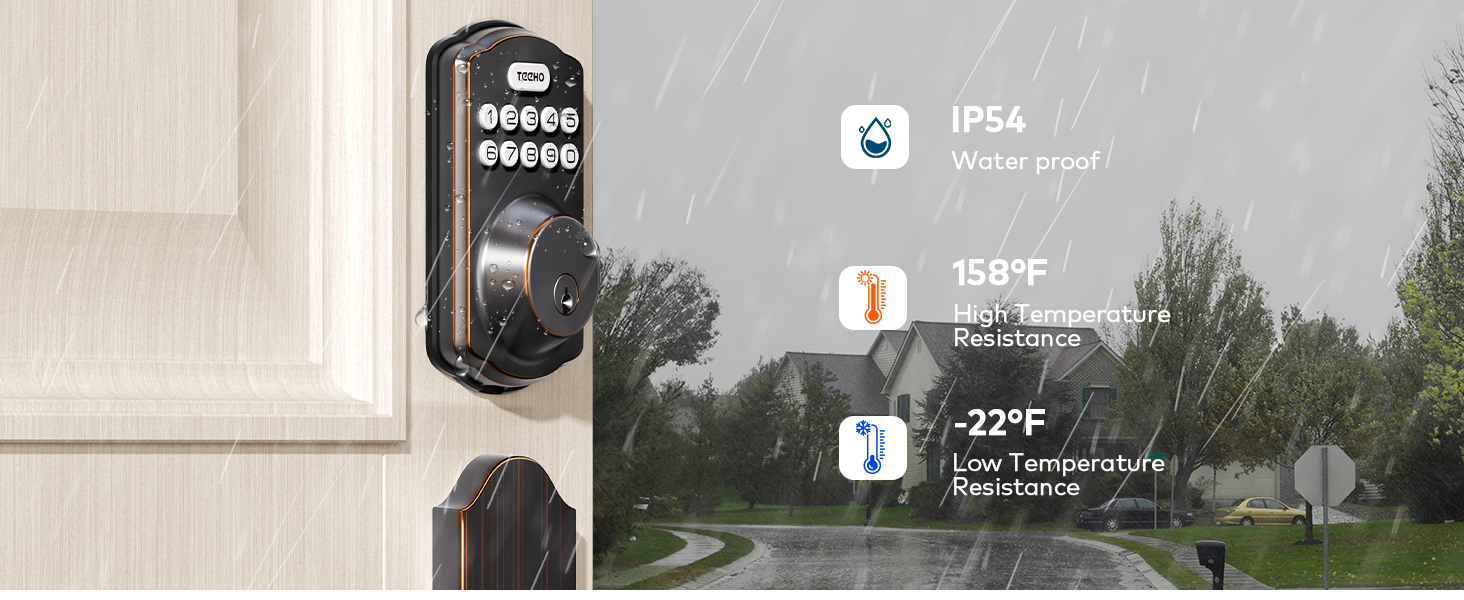
4.2. Weather Resistance
With an IP54 waterproof rating, the lock is protected against dust and splashing water, making it suitable for outdoor use on front, back, or side doors. It is also designed to withstand a wide range of temperatures, from -22°F to 158°F.

4.3. Modern Structural Upgrade
The lock features an adjustable structure that allows for vertical movement of 1-1/2 inches, enhancing compatibility and ease of installation. It has been tested to withstand over 250,000 unlock cycles.

5. Maintenance
To ensure the longevity and optimal performance of your TEEHO Keyless Entry Door Lock, follow these maintenance guidelines:
- Cleaning: Wipe the keypad and handle surfaces with a soft, damp cloth. Avoid abrasive cleaners or solvents that could damage the finish or electronic components.
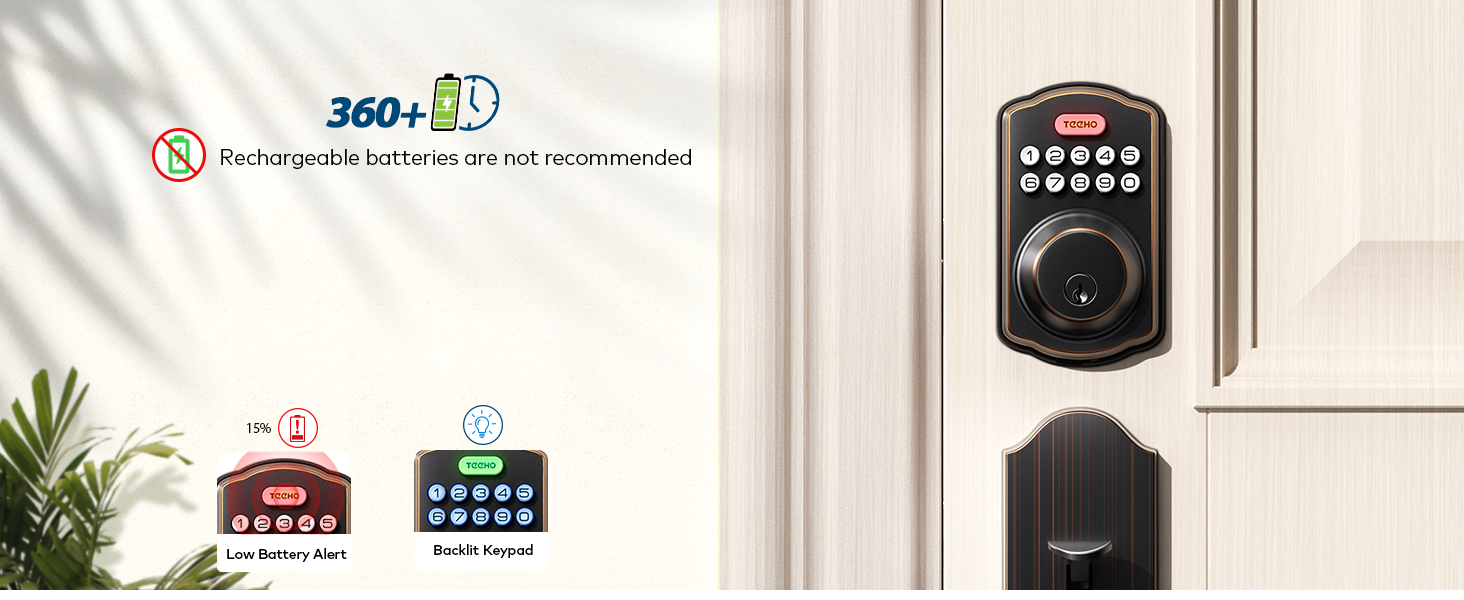
- Battery Replacement: The lock will provide a low battery alert when power is running low. Replace batteries promptly to avoid interruption of service. Rechargeable batteries are not recommended for this device.
- Key Cylinder: If the key cylinder becomes stiff, apply a small amount of graphite lubricant (do not use oil-based lubricants) to the keyhole.
6. Troubleshooting
If you encounter issues with your TEEHO Keyless Entry Door Lock, refer to the following common problems and solutions:
- Incorrect Entry Limit: If 5 consecutive incorrect entries are made, the door lock will be temporarily disabled for 2 minutes. Wait for the lockout period to end before attempting to enter the code again.
- Lock Not Responding: Check the batteries and replace them if necessary. Ensure the lock is properly installed and all connections are secure.
- Difficulty Locking/Unlocking: Verify that the door frame and strike plate are aligned correctly. Ensure there are no obstructions preventing the deadbolt from extending or retracting fully.
- Rekeying: The TEEHO door lock is equipped with two physical keys (SC1, 5-pin model). Rekeying can be achieved by purchasing a matching Re-Keying Kit.


For more detailed troubleshooting steps, please consult the full user manual or contact TEEHO customer service.
7. Specifications
| Attribute | Detail |
|---|---|
| Brand | TEEHO |
| Model Name | TK001H |
| Lock Type | Combination Lock, Deadbolt, Keypad |
| Material | Aluminum, Bronze, Stainless Steel, Zinc Alloy |
| Color | Oil Rubbed Bronze |
| Item Dimensions L x W x H | 12 x 3 x 2 inches |
| Item Weight | 5.08 pounds |
| Power Source | Batteries Required (Not Included) |
| Special Features | Back-Lit Keypad, Easy Installation, Heavy Duty, 20 Individual User Codes, One-time Access, Auto Lock, One-touch Lock, Anti-peeping Password, Vacation Mode, Mute Mode, Wrong Entry Limit, IP54 Waterproof |
| Certifications | ANSI Grade 3, BHMA Certified |
8. Warranty and Support
TEEHO is committed to customer satisfaction and provides comprehensive support for your product.
- Warranty: TEEHO offers a 30-day customer commitment, a 1-year product support on all parts, and lifetime after-sales customer service.
- Customer Service: Support is available via online phone from Monday to Friday, 9 AM to 5 PM PST, and 24/7 online email service.
For any inquiries or assistance, please refer to the contact information provided in your product packaging or visit the official TEEHO website.


