
Introduction
This manual provides detailed instructions for the safe and effective use of your BAOFENG UV-18L 4-Band Ham Radio. Please read this manual thoroughly before operating the device to ensure proper function and to prevent damage.
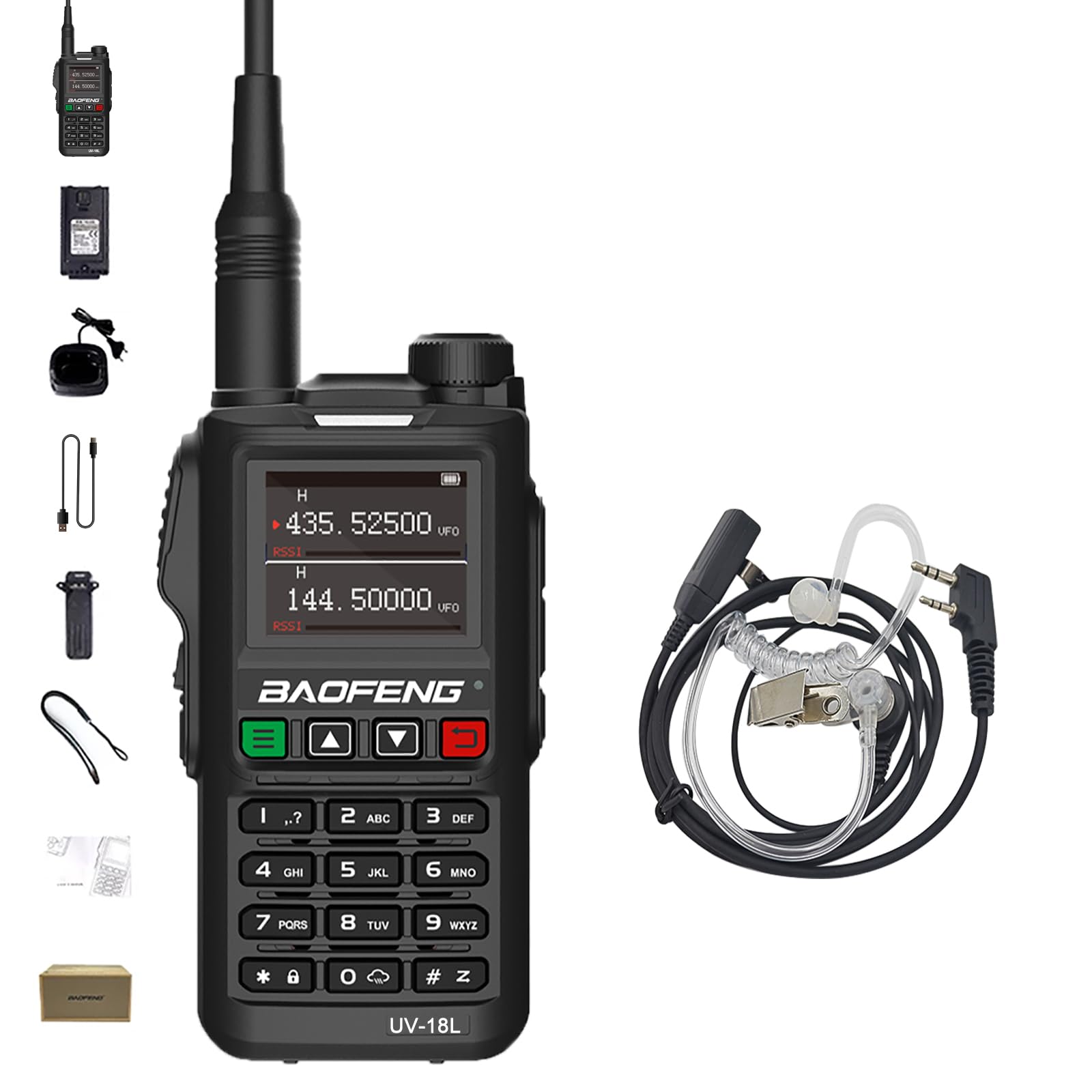
Image: BAOFENG UV-18L Ham Radio with included accessories.
Package Contents
Verify that all items are present in your package:
- UV-18L Portable Radio
- USB-C Cable
- High Gain Antenna
- 1800mAh Large Capacity Battery
- Belt Clip
- Battery Charger (Dock and US Adapter)
- Hand Strap
- User's Manual (this document)
- Air Tube Earpiece
Setup
1. Battery Installation
- Align the 1800mAh battery with the battery compartment on the back of the radio.
- Slide the battery into place until it clicks securely.
- To remove, press the release latch (if present) and slide the battery off.
2. Antenna Attachment
- Screw the high gain antenna clockwise onto the antenna connector at the top of the radio until it is finger-tight. Do not overtighten.
3. Charging the Battery
The UV-18L offers two charging methods:
- USB-C Direct Charging: Connect the provided USB-C cable to the USB-C port on the radio and to a compatible USB power source (e.g., power bank, PC, car charger, laptop).
- Charging Dock: Place the radio (with battery installed) into the charging dock. Connect the US adapter to the charging dock and plug it into a wall outlet. The indicator light on the dock will show charging status.

Image: USB-C charging options for the UV-18L radio.
4. Acoustic Headset Connection
- Locate the audio jack on the side of the radio.
- Insert the plug of the air tube earpiece firmly into the audio jack.
Operating Instructions
1. Power On/Off
- To power on, rotate the power/volume knob clockwise until you hear a click.
- To power off, rotate the power/volume knob counter-clockwise until you hear a click.
2. Volume Adjustment
Rotate the power/volume knob clockwise to increase volume and counter-clockwise to decrease volume.
3. Frequency and Channel Selection
The UV-18L features a 1.77-inch LCD screen and supports 4 bands and 999 channels.

Image: The 1.77-inch full LCD screen of the UV-18L.
- VFO Mode (Frequency Mode): Allows direct frequency input. Use the keypad to enter desired frequencies within the supported ranges (VHF: 144-148MHz, UHF: 420-450MHz).
- Channel Mode: Allows selection of pre-programmed channels. Use the UP/DOWN buttons or keypad to navigate through the 999 available channels.
- Dual Watch: The radio can monitor two different frequencies or channels simultaneously. Refer to the on-screen indicators for active monitoring.
- Four-Band Operation: The radio supports FM, VHF (144-148MHz), and UHF (420-450MHz) for amateur use.
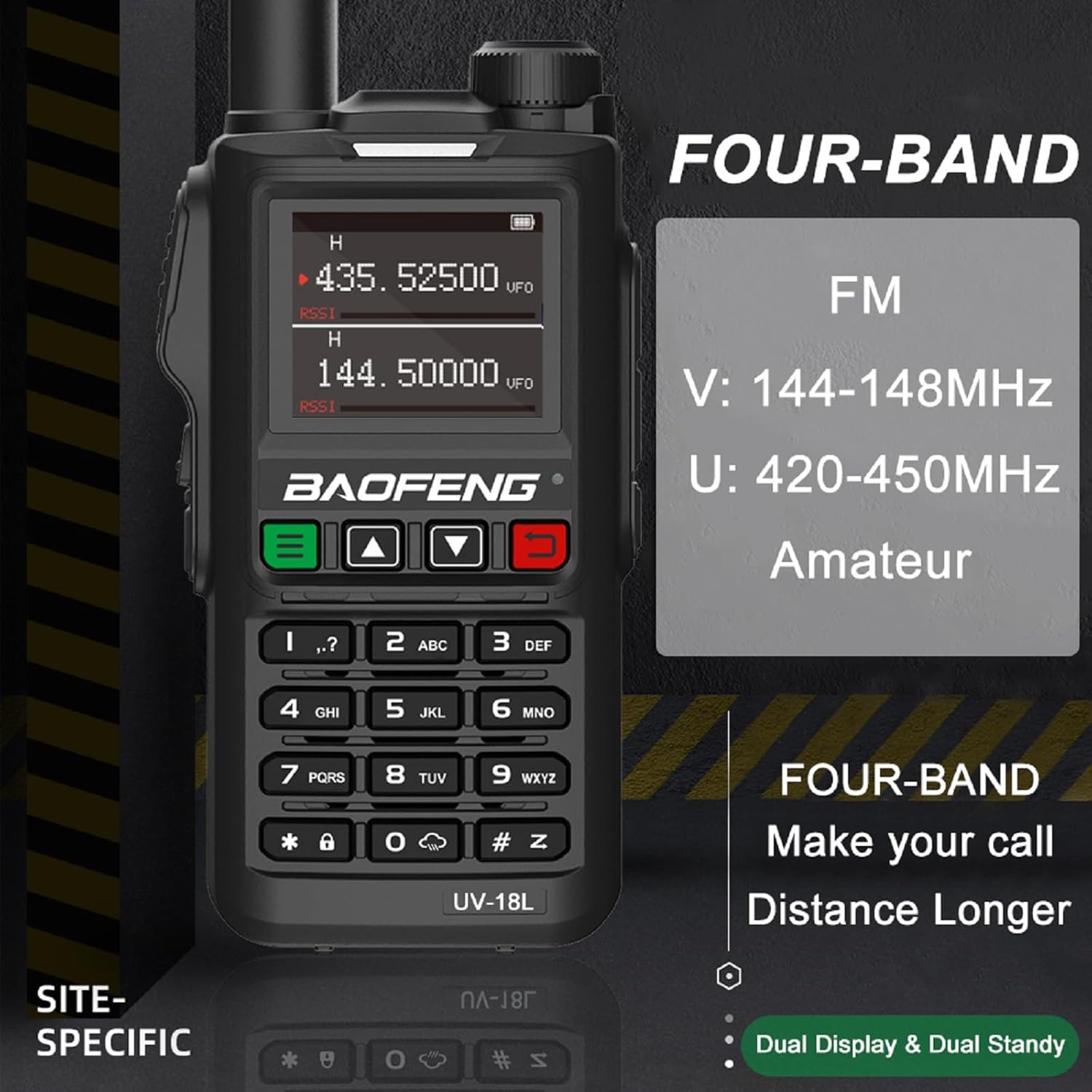
Image: Overview of the UV-18L's four-band functionality and dual display.
4. Scanning Functions
The UV-18L includes various scanning modes:
- Channel Scan: Scans through programmed channels.
- VFO Scan: Scans through a defined frequency range.
- CTC/DCS Scan: Scans for CTCSS/DCS tones.
- Three Scan Modes: Time, Carrier, and Search. These determine how the radio pauses during a scan when a signal is detected.
5. NOAA Weather Alarm
Activate the NOAA weather alarm feature to receive alerts for severe weather conditions. Refer to the menu for specific activation steps.
6. VOX Function (Voice Operated Transmit)
VOX allows hands-free operation by transmitting automatically when it detects your voice. Adjust VOX sensitivity in the menu settings.
7. DTMF (Dual-Tone Multi-Frequency)
DTMF signaling is used for various control functions, such as accessing repeaters or remote control applications. Use the keypad to input DTMF tones.

Image: Frequency Hopping and DTMF features of the UV-18L.
8. Wireless Frequency and Sub-tone Copy
This feature allows the radio to wirelessly copy frequency and sub-tone settings from another compatible radio, simplifying setup for group communication.
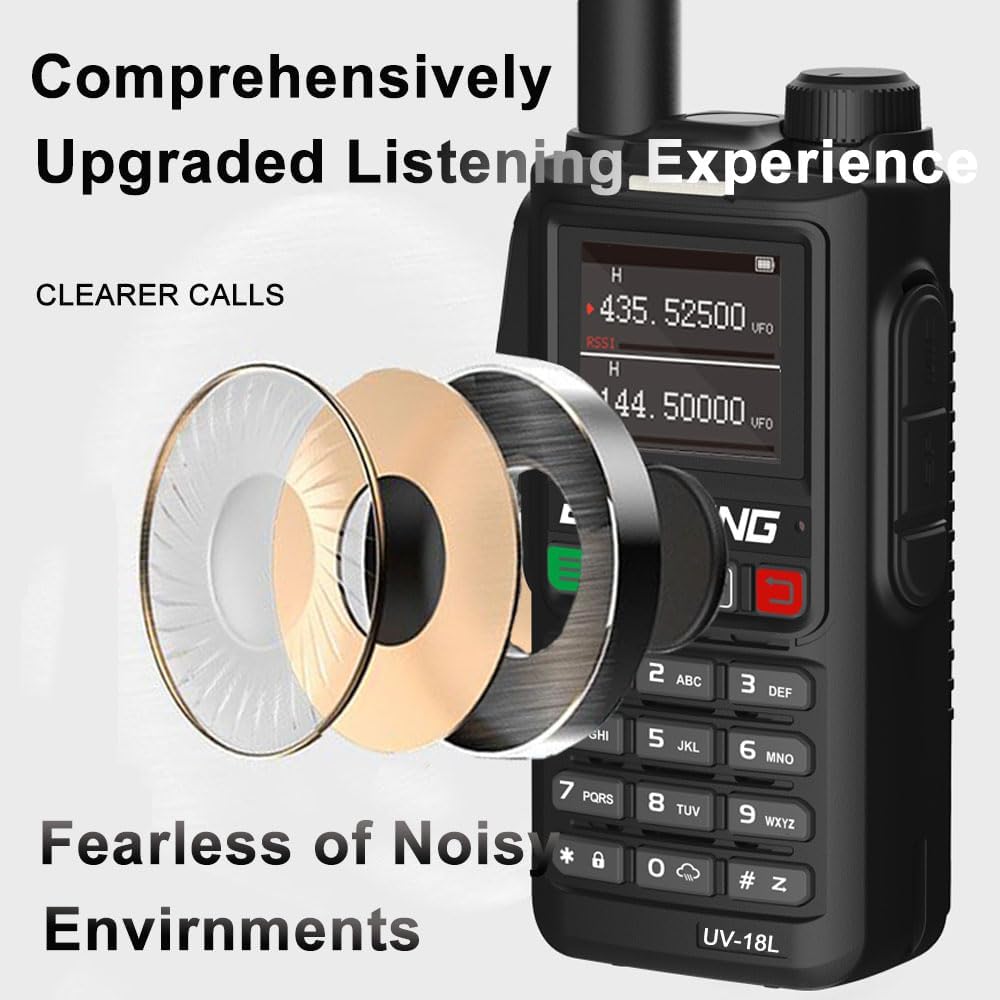
Image: Enhanced audio clarity for communication in various environments.
Maintenance
1. Cleaning
- Wipe the radio's surface with a soft, damp cloth. Do not use harsh chemicals or abrasive cleaners.
- Ensure all ports are dry before charging or connecting accessories.
2. Battery Care
- Avoid fully discharging the battery frequently to prolong its lifespan.
- Store the radio and battery in a cool, dry place when not in use for extended periods.
3. Water Resistance
The UV-18L is waterproof. However, avoid submerging it in water for prolonged periods or exposing it to high-pressure water jets. Ensure the USB-C port cover is securely closed when not in use.
Troubleshooting
| Problem | Possible Cause / Solution |
|---|---|
| Radio does not power on. | Battery may be depleted or not installed correctly. Ensure battery is charged and properly seated. |
| Cannot transmit or receive. | Check antenna connection. Verify frequency/channel settings. Ensure battery has sufficient charge. |
| Poor audio quality. | Check headset connection. Adjust volume. Ensure you are within range of the other radio. |
| Charging not working. | Verify USB-C cable or charging dock connection. Ensure power source is active. Check for damage to cable or ports. |
Specifications
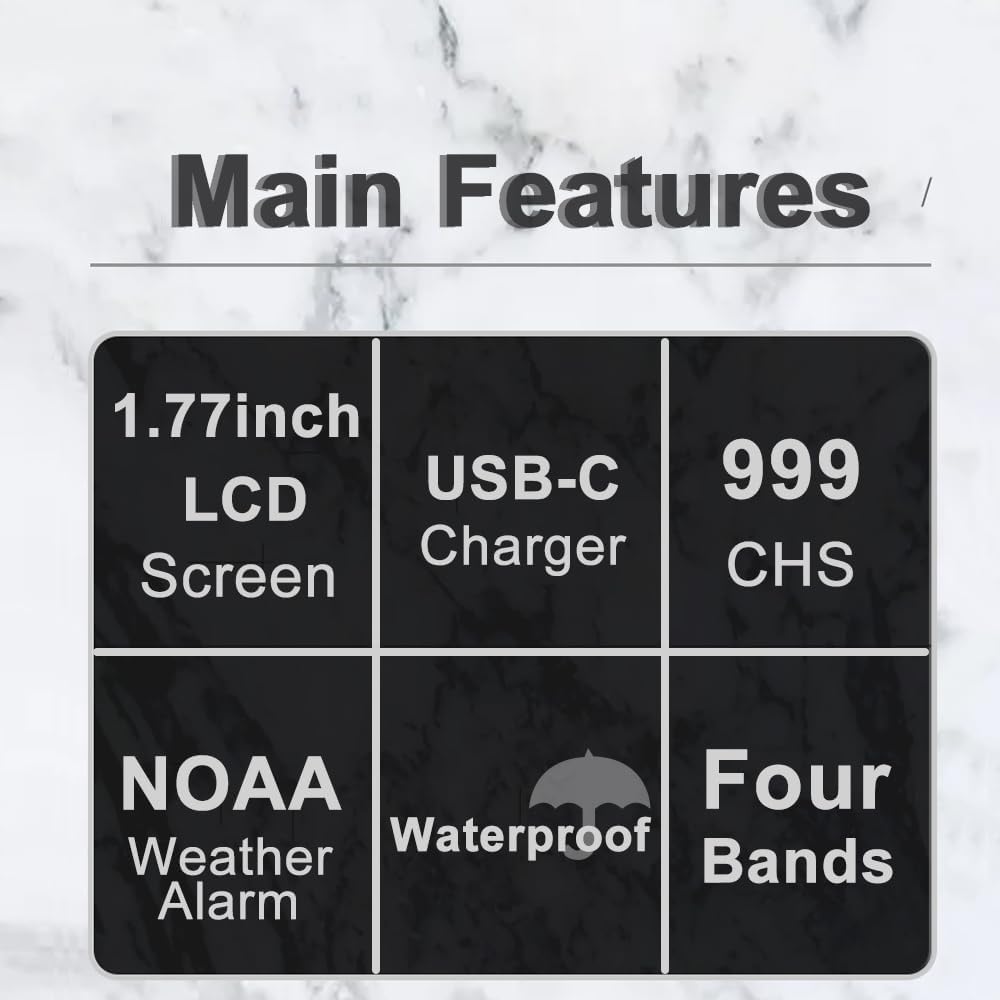
Image: Key features of the UV-18L radio.
| Feature | Detail |
|---|---|
| Power Output | 5 Watts |
| Channels | 999 |
| Battery Capacity | 1800mAh Lithium Ion |
| Frequency Bands | FM, VHF (144-148MHz), UHF (420-450MHz) |
| NOAA Channels | 10 |
| Display | 1.77-inch LCD screen |
| Charging | USB-C, Charging Dock |
| Special Features | Dual Watch, Three Scan Modes (Time/Carrier/Search), VOX, Alarm Mode, CTCSS/DCS Scan, NOAA Weather Alarm, DTMF, FM Radio, Wireless Frequency/Sub-tone Copy, Waterproof |
| Operating Temperature | -20℃ to +60℃ |
| Water Resistance Level | Waterproof |
| Item Weight | Approx. 705g (24.86 Ounces) |
| Residual Modulation | 40dB |
| Stray Component | ≤7.5µW |
| Modulation Distortion | ≤5% |
| Audio Distortion | ≤10% |
Warranty and Support
Warranty Information
A 1-year warranty is provided for the BAOFENG UV-18L radio. This warranty is exclusively offered through "Shiqun Electronics Co., Ltd." Please retain your proof of purchase for warranty claims.
Customer Support
For technical assistance, troubleshooting beyond this manual, or warranty inquiries, please contact the seller, Shiqun Electronics Co., Ltd., directly through your purchase platform.


