
Amcrest IP8M-T2883EW-AI
Amcrest UltraHD 4K (8MP) IP POE AI Camera
Model: IP8M-T2883EW-AI
Brand: Amcrest
1. Introduction
This manual provides comprehensive instructions for the installation, operation, and maintenance of your Amcrest UltraHD 4K (8MP) IP POE AI Turret Camera, model IP8M-T2883EW-AI. This camera is designed for advanced security surveillance, offering high-resolution video, intelligent AI features, and robust outdoor performance.

Key features include 4K UltraHD resolution, 164ft full-color night vision, F1.0 aperture for superior low-light performance, and advanced AI capabilities such as human and vehicle detection, face detection, perimeter protection, and people counting. The camera also features a built-in microphone for audio capture and is housed in a durable IP67 weatherproof casing.

2. Setup Guide
2.1 Package Contents
- Amcrest UltraHD 4K (8MP) IP POE AI Turret Camera (IP8M-T2883EW-AI)
- Mounting Hardware
- Quick Start Guide
2.2 Physical Installation
The camera is designed for both indoor and outdoor use. Ensure the mounting surface is strong enough to support the camera's weight. For outdoor installations, select a location that provides optimal coverage and protection from direct impact.
- Mounting: Use the provided mounting template to drill pilot holes. Secure the camera base firmly to the desired surface using the included screws.
- Cable Connection: This camera uses Power over Ethernet (PoE). Connect an Ethernet cable from your PoE injector or PoE switch to the camera's RJ45 Ethernet port. A PoE injector or switch is required and not included.
- Adjusting Angle: Loosen the adjustment screws on the camera's turret to set the desired viewing angle. Tighten the screws once the position is finalized.

2.3 Network and Software Setup
After physical installation, connect the camera to your network and configure it using Amcrest software.
- Initial Setup: Connect the camera to your network via PoE. Use the Amcrest IP Config Tool (available on the Amcrest website) to discover the camera's IP address and perform initial network settings.
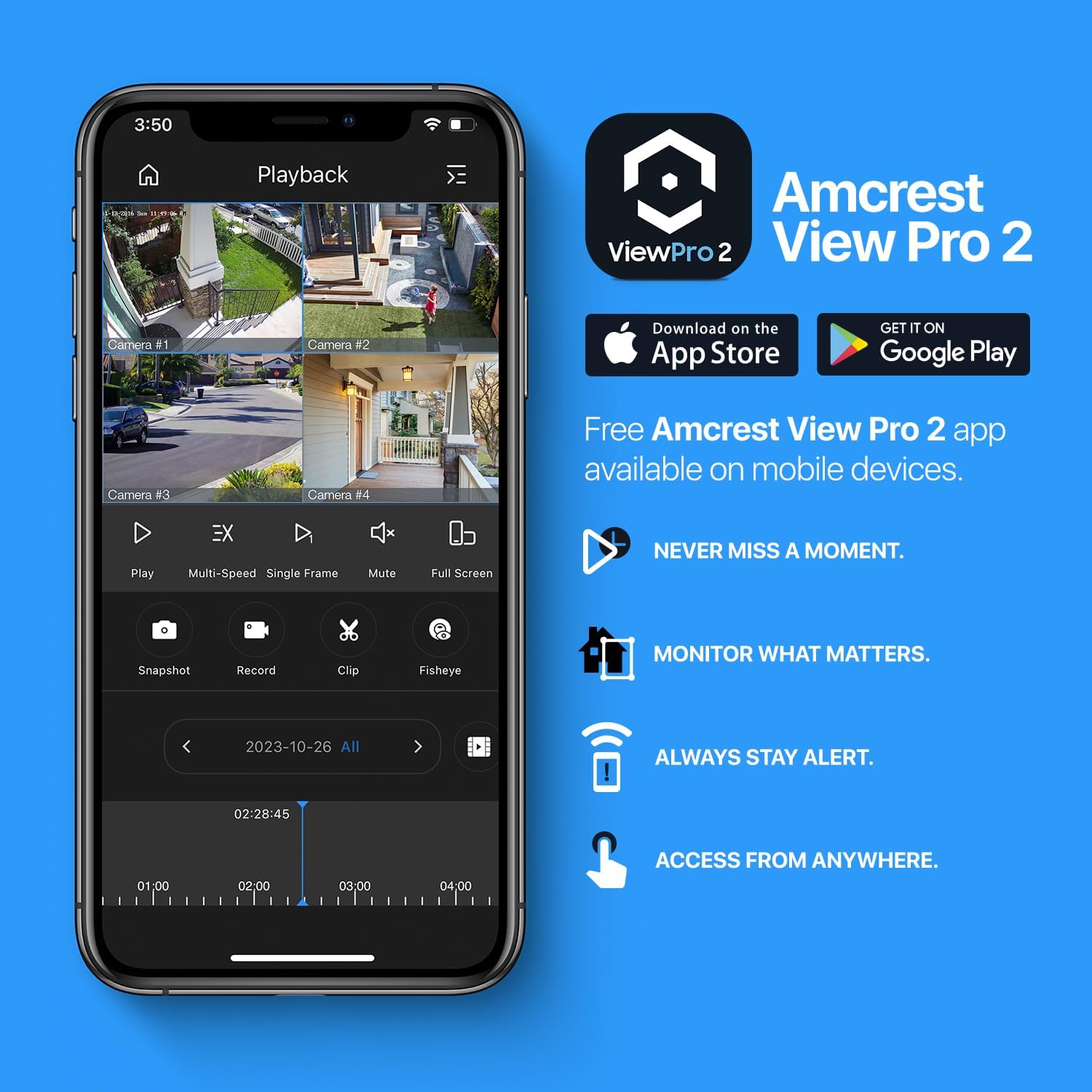
- Mobile App: Download the Amcrest View Pro 2 app from the App Store (iOS) or Google Play Store (Android). Follow the in-app instructions to add your camera by scanning the QR code or manually entering its details.
- PC Software: For professional monitoring and recording on a PC, use Amcrest Surveillance Pro or Amcrest Orion. These applications provide advanced management features.
3. Operating Instructions
3.1 Live View and Recording
Access the live video feed through the Amcrest View Pro 2 app or PC software. You can initiate manual recordings, take snapshots, and review recorded footage.
3.2 AI Features
The IP8M-T2883EW-AI camera is equipped with advanced Artificial Intelligence (AI) features to enhance security and reduce false alarms.
- Human & Vehicle Detection: This feature filters out irrelevant motion (e.g., leaves, animals) and focuses on detecting human and vehicle shapes, providing more accurate alerts.

- Face Detection: The camera can identify and capture facial images, which can be used for various security applications.
- Perimeter Protection (IVS): Set up virtual tripwires and intrusion zones to trigger alerts when a human or vehicle crosses a defined line or enters a specific area.

- People Counting: Obtain statistics on the number of people entering and exiting a designated area, useful for monitoring foot traffic.

3.3 Night Vision
The camera features advanced full-color night vision up to 164 feet, utilizing two white light LEDs and an F1.0 aperture for clear, color images even in total darkness.

3.4 Audio
A built-in microphone allows for one-way audio capture, providing additional situational awareness.
3.5 Storage Options
The camera supports various storage methods for recorded footage:
- MicroSD Card: Supports up to 256GB MicroSD cards (not included).
- Amcrest NVR: Compatible with Amcrest Network Video Recorders.
- Network Attached Storage (NAS): Integration with Synology and QNAP NAS devices.
- FTP/SFTP: Upload recordings to an FTP or SFTP server.
- Amcrest Cloud: Optional subscription service for secure off-site cloud storage.
4. Maintenance
4.1 Cleaning
Regularly clean the camera lens and housing with a soft, damp cloth. Avoid using harsh chemicals or abrasive materials that could damage the surface or lens coating.
4.2 Firmware Updates
Periodically check the Amcrest website for firmware updates. Keeping your camera's firmware up-to-date ensures optimal performance, new features, and security enhancements. Follow the instructions provided with the firmware update package carefully.
5. Troubleshooting
This section addresses common issues you might encounter with your Amcrest camera.
- No Power/No Video: Ensure the PoE connection is secure and the PoE injector/switch is functioning correctly. Verify network connectivity.
- Cannot Access Camera: Check the camera's IP address using the Amcrest IP Config Tool. Ensure your device is on the same network segment. Disable any firewalls temporarily for testing.
- Poor Image Quality: Clean the lens. Check network bandwidth if streaming is choppy. Ensure the camera is in focus (if applicable) and lighting conditions are adequate.
- False AI Alerts: Adjust the sensitivity settings for human/vehicle detection. Refine tripwire lines and intrusion zones to avoid triggering by irrelevant motion.
- Night Vision Issues: Ensure there are no obstructions blocking the white light LEDs. Check the night vision mode settings in the camera's interface.
For more detailed troubleshooting or complex issues, refer to the official Amcrest support resources or contact Amcrest customer service.
6. Technical Specifications
Below are the detailed specifications for the Amcrest UltraHD 4K (8MP) IP POE AI Turret Camera (IP8M-T2883EW-AI).

| Feature | Specification |
|---|---|
| Model Number | IP8M-T2883EW-AI |
| Video Capture Resolution | 4K (8MP) |
| Frame Rate | 30 fps @ 4K |
| Viewing Angle | 125 Degrees |
| Night Vision Range | 164 Feet (Full Color) |
| Connectivity Technology | Ethernet (PoE: 802.3af) |
| International Protection Rating | IP67 Weatherproof |
| Material | Metal |
| Built-in Microphone | Yes |
| AI Features | Human & Vehicle Detection, Face Detection, IVS (Tripwire, Intrusion), People Counting |
| Storage Support | MicroSD (up to 256GB), NVR, NAS, FTP, Amcrest Cloud |
| Dimensions | 4.80 x 4.71 inches (approx.) |
| Item Weight | 1.63 Pounds |
7. Warranty and Support
For the most current warranty information and detailed support resources, please visit the official Amcrest website. You can also find the complete user manual in PDF format for this product:
Download Official User Manual (PDF)
Amcrest provides technical support and a knowledge base to assist with any questions or issues you may encounter.
Related documentsIP8M-T2883EW-AI


Ask a question about this manual
Ask about setup, troubleshooting, compatibility, parts, safety, or missing instructions. Manuals+ will review the question and use this page’s manual context to help answer it.