
Introduction
The Geeni Vision 2K Quad HD Smart Indoor Camera provides advanced surveillance for your home. Featuring 2K resolution, two-way audio, motion detection, and night vision, this camera is designed to keep you connected to your indoor environment. It integrates seamlessly with smart home ecosystems like Amazon Alexa and Google Home for convenient voice control.

Image: Geeni Vision 2K Quad HD Smart Indoor Camera and its mobile app interface.
What's in the Box
Verify that all components are present in the packaging:
- Camera Body
- USB Cable
- Power Adapter
- Mounting Adhesive
- User Manual (this document)
Setup
1. Download the Geeni App
Download the Geeni app from the App Store (iOS) or Google Play Store (Android). Create an account or log in if you already have one.

Image: The Geeni mobile application interface.
2. Powering On the Camera
Connect the USB cable to the camera and the power adapter. Plug the power adapter into a wall outlet. The camera will power on and indicate readiness for pairing (e.g., a flashing indicator light).
3. Connecting to Wi-Fi
Ensure your smartphone is connected to a 2.4GHz Wi-Fi network. The Geeni Vision camera only supports 2.4GHz Wi-Fi. Open the Geeni app, tap '+' to add a new device, and follow the on-screen instructions to connect your camera to your home Wi-Fi network. You may need to scan a QR code generated by the app with the camera lens.
4. Mounting the Camera
The camera can be placed freestanding on a flat surface or mounted to a wall using the included mounting adhesive. Choose a location that provides the desired viewing angle and is within range of your Wi-Fi network. The flexible stem allows for up-and-down tilt adjustments.
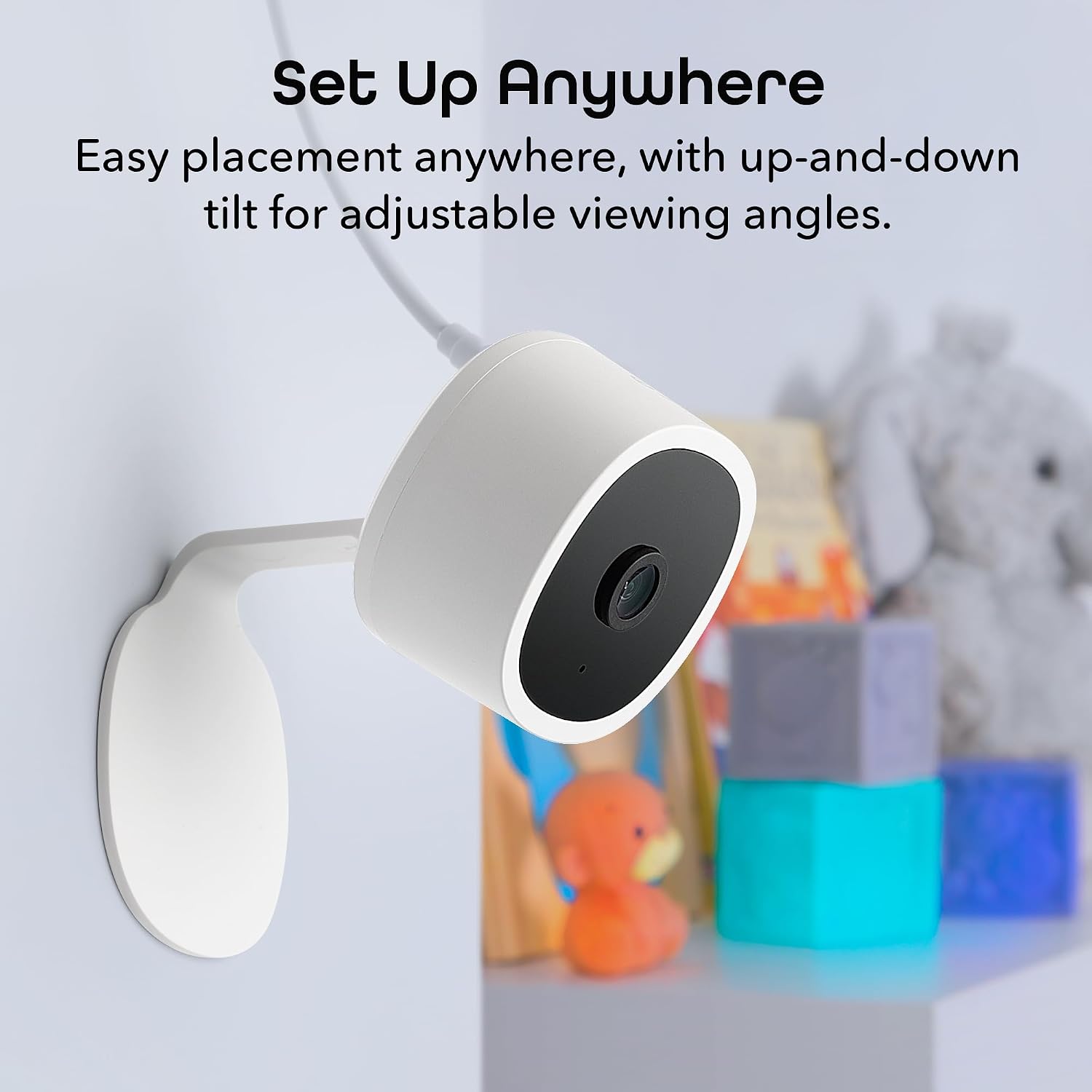
Image: Geeni Vision camera mounted on a wall, demonstrating its adjustable viewing angle.
Operating Instructions
Live View
Access the live video feed from your camera anytime, anywhere, directly through the Geeni app on your smartphone or tablet. The app also supports multi-view for monitoring multiple cameras simultaneously.

Image: Live video feed from the camera displayed on a smartphone.
2K Resolution
The camera captures video in 2K Quad HD resolution, providing sharp and detailed images. This higher resolution allows for clearer identification of details compared to standard 1080p cameras.

Image: Visual comparison illustrating the clarity difference between 2K and 1080p video resolutions.
Two-Way Audio
Utilize the built-in microphone and speaker for two-way communication. This feature allows you to speak to individuals near the camera and hear their responses directly through the Geeni app.

Image: Demonstrating two-way audio communication through the camera.
Motion Detection & Alerts
The camera is equipped with advanced motion detection. When motion is detected, the camera automatically sends real-time alerts to your smartphone, keeping you informed of activity in your monitored area.

Image: A smartphone displaying a push notification for detected motion.
Night Vision
The Geeni Vision camera provides clear night vision up to 20 feet, enabling surveillance in low-light conditions or complete darkness.

Image: Night vision footage from the camera displayed on a smartphone.
Voice Control
Integrate your Geeni Vision camera with Amazon Alexa or Google Home for hands-free control. Use voice commands to view the camera feed on compatible smart displays.

Image: Voice control integration with a smart display showing the camera feed.
Storage Options
The camera supports local storage via a Micro SD card (up to 128GB, not included) for continuous recording or motion-triggered events. Cloud storage options may also be available through the Geeni app for additional backup and features.

Image: Illustration of Micro SD card and cloud storage options for video recording.
Sharing Access
You can share access to your camera's live feed and recordings with other users through the Geeni app. This allows family members or trusted individuals to monitor your home.

Image: Two individuals viewing a smartphone, indicating shared camera access.
Maintenance
Cleaning the Camera
To maintain optimal performance, periodically clean the camera lens and body with a soft, dry cloth. Avoid using harsh chemicals or abrasive materials that could damage the device.
Firmware Updates
The Geeni app will notify you of available firmware updates. It is recommended to keep your camera's firmware updated to ensure the latest features, security enhancements, and bug fixes.
Troubleshooting
- Camera not connecting to Wi-Fi: Ensure your Wi-Fi network is 2.4GHz. The camera does not support 5GHz networks. Verify your Wi-Fi password is correct and try shortening it if it's excessively long, as some devices may have compatibility issues with very long passwords.
- Poor video quality: Check your Wi-Fi signal strength at the camera's location. A weak signal can affect video streaming quality. Ensure the camera lens is clean.
- Motion alerts not received: Verify that motion detection is enabled in the Geeni app settings for your camera. Check your phone's notification settings to ensure the Geeni app has permission to send notifications.
- Two-way audio issues: Ensure your phone's microphone and speaker are enabled and not muted during communication. Check the camera's volume settings in the app.
- Camera unresponsive: Try power cycling the camera by unplugging it from the power source for 10 seconds and then plugging it back in. If issues persist, consider resetting the camera to factory defaults (refer to the app for specific instructions).
For further assistance, please refer to the Geeni app's help section or visit the official Geeni support website.
Specifications
| Model Name | Vision |
| Model Number | GN-CW067-199 |
| Video Capture Resolution | 2K Quad HD (1440p) |
| Connectivity Technology | Wired (Power), Wi-Fi (Data) |
| Wireless Communication | Wi-Fi (2.4GHz only) |
| Compatible Devices | Desktop, Laptop, Smartphone, Tablet |
| Controller Type | Amazon Alexa, Geeni App, Google Home |
| Indoor/Outdoor Usage | Indoor |
| Night Vision Range | Up to 20 Feet |
| Viewing Angle | 100 Degrees |
| Frame Rate | 15 fps |
| Flash Memory Type | Micro SD |
| Max Flash Memory Supported | 128 GB |
| Dimensions (L x W x H) | 2.24 x 2.68 x 3.35 inches |
| Item Weight | 2.08 ounces |
| Material | Polycarbonate (PC) |
| Special Features | 2-Way Audio, Flexible Viewing, Motion Alerts, Night Vision, Voice Control |
Warranty and Support
For information regarding product warranty, please refer to the documentation included with your purchase or visit the official Geeni website. For technical support, troubleshooting assistance, or to report issues, please contact Geeni customer service through the Geeni app or their official support channels.