
1. Introduction
Thank you for choosing the alpina Digital Precision Scale. This scale is designed for highly accurate measurements, providing precision up to 0.1 grams and a maximum capacity of 3 kilograms. Its stainless steel construction ensures durability and a modern aesthetic. This manual provides essential information for the safe and effective use of your new precision scale.
2. Product Overview
The alpina Digital Precision Scale is a compact and versatile weighing instrument. It features an easy-to-read LCD display and multiple weighing units to suit various needs.
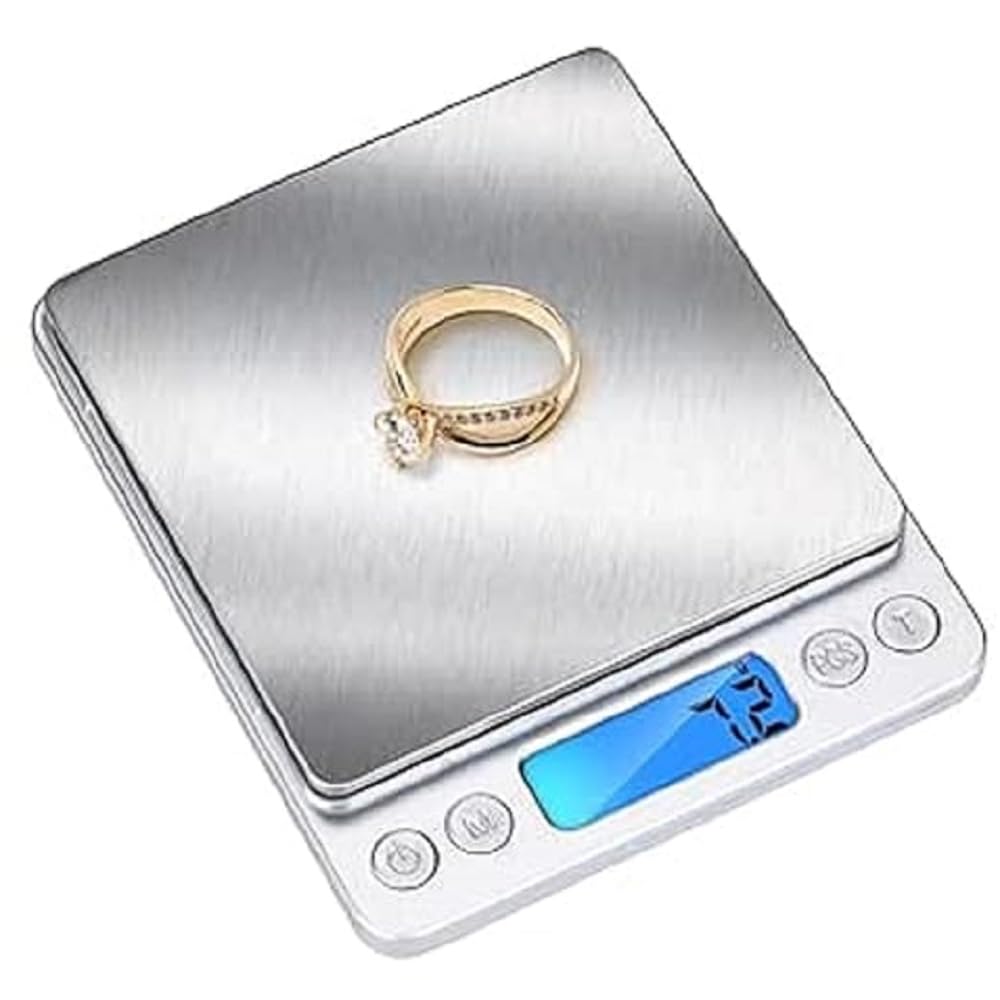
Image: Front view of the alpina Digital Precision Scale, showing the stainless steel platform, control buttons, and illuminated LCD display.
Components Included:
- 1 x alpina Digital Precision Scale
- 2 x Weighing Trays (one large, one small)
- 2 x AAA Batteries (may be pre-installed or included separately)
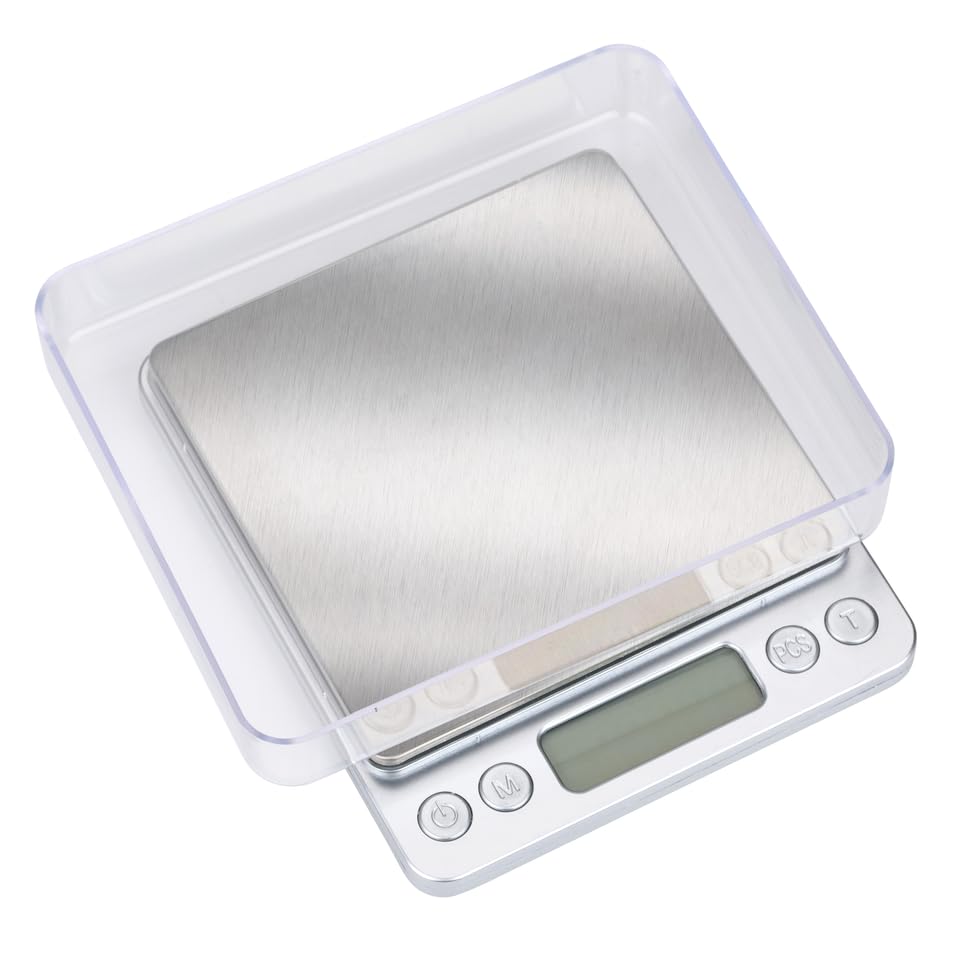
Image: The alpina Digital Precision Scale shown with its two clear plastic weighing trays, demonstrating how they fit over the scale.
Key Features:
- High Precision: Measures accurately up to 0.1 grams.
- High Capacity: Supports weights up to 3 kilograms.
- Multiple Units: 7 selectable weighing units (g, oz, ozt, dwt, ct, gn, PCS).
- Tare Function: Allows for zeroing out container weight.
- Counting Function: For counting small items.
- Durable Material: Constructed from stainless steel.
- Compact Design: Lightweight and portable.
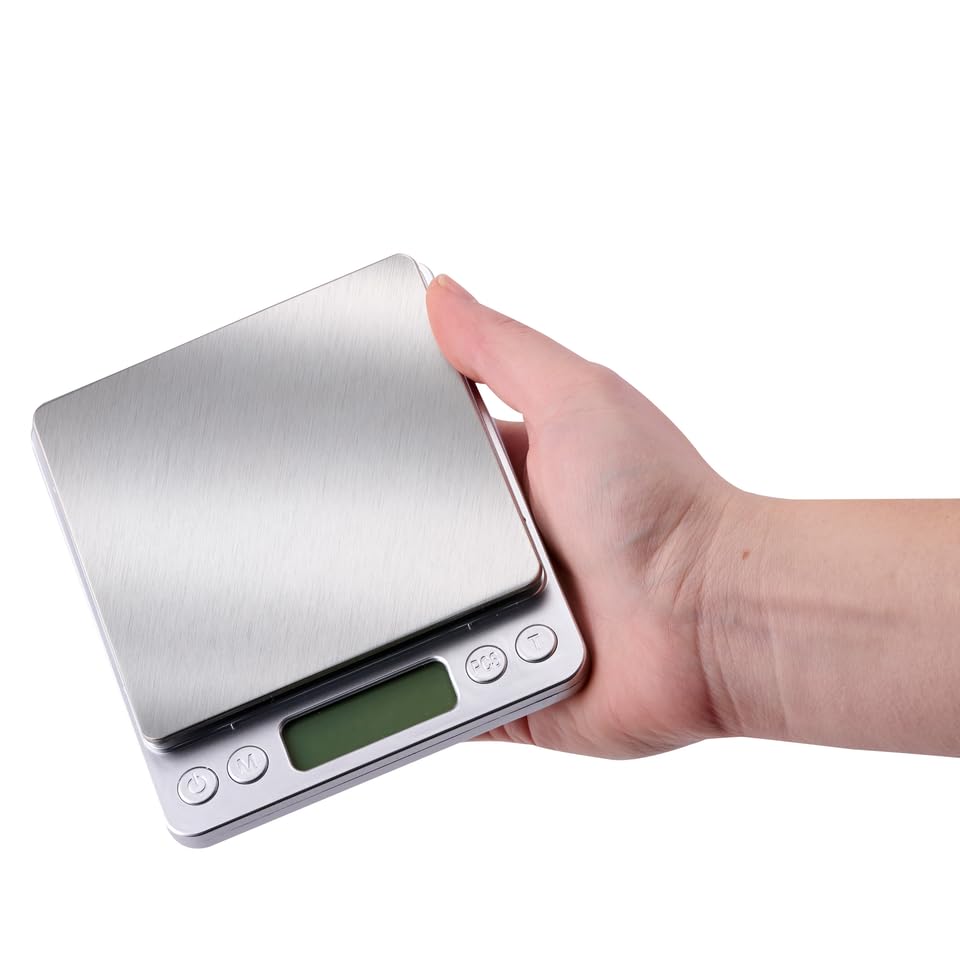
Image: The alpina Digital Precision Scale being held in a hand, illustrating its compact and portable design.
3. Setup
3.1 Battery Installation
- Open the battery compartment cover located on the underside of the scale.
- Insert two (2) AAA batteries, ensuring correct polarity (+/-).
- Close the battery compartment cover securely.
3.2 Placement
- Place the scale on a hard, flat, and stable surface. Uneven surfaces can affect accuracy.
- Avoid placing the scale near strong electromagnetic fields, extreme temperatures, or vibrations.
4. Operating Instructions
4.1 Power On/Off
- To turn on the scale, press the [Power] button. The display will show "88888" then "0.0g" (or the last used unit).
- To turn off the scale, press and hold the [Power] button for a few seconds. The scale will also automatically shut off after a period of inactivity to conserve battery life.
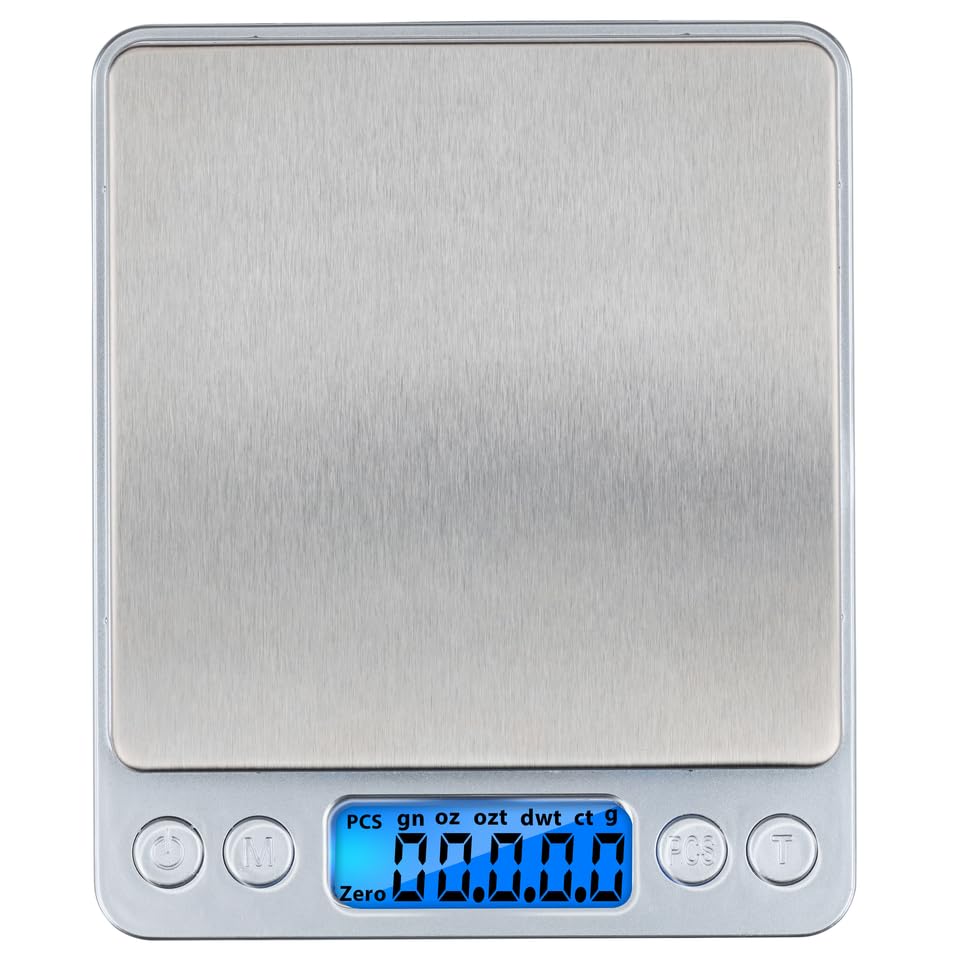
Image: The alpina Digital Precision Scale with its LCD display showing "0.0g", indicating it is powered on and ready for weighing.
4.2 Unit Conversion
- With the scale on, press the [M] (Mode) button to cycle through the available weighing units: grams (g), ounces (oz), troy ounces (ozt), pennyweights (dwt), carats (ct), grains (gn).
- Select the desired unit before placing items on the weighing platform.
4.3 Tare Function
- Place an empty container on the weighing platform. The display will show its weight.
- Press the [T] (Tare) button. The display will reset to "0.0g" (or the current unit).
- You can now add items to the container, and only the weight of the items will be displayed.
4.4 Counting Function (PCS)
- Turn on the scale and ensure it is in weighing mode (not PCS).
- Place a sample quantity of items (e.g., 10, 20, 50, or 100 pieces) on the weighing platform.
- Press and hold the [PCS] button until a number (e.g., "10") flashes on the display.
- Press the [M] button to select the sample quantity that matches the number of items you placed on the platform (e.g., 10, 20, 50, 100).
- Press the [PCS] button again to confirm the sample quantity. The display will now show the count of the sample items.
- You can now add more items to the platform, and the scale will display the total count.
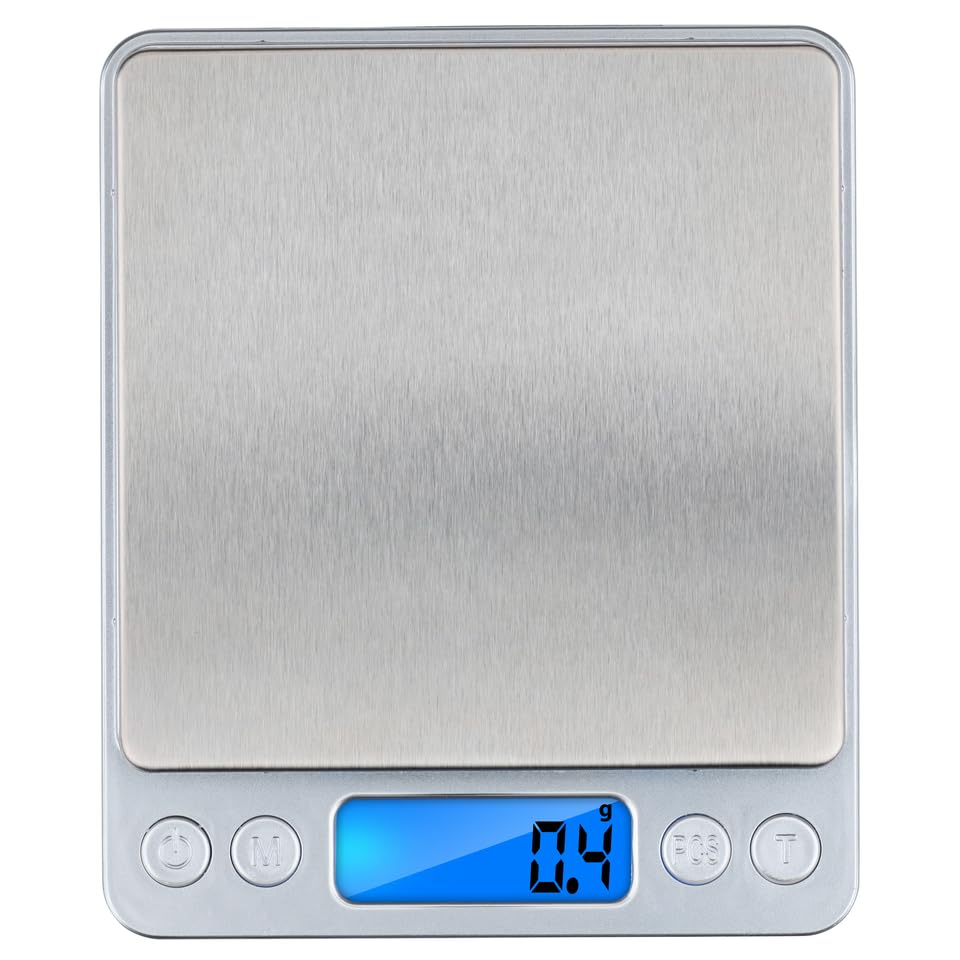
Image: The alpina Digital Precision Scale displaying a weight of "0.4g", demonstrating a typical weighing operation.
5. Units of Measurement
Your alpina Digital Precision Scale supports the following 7 units of measurement:
- g (grams)
- oz (ounces)
- ozt (troy ounces)
- dwt (pennyweights)
- ct (carats)
- gn (grains)
- PCS (pieces - for counting function)
6. Maintenance and Care
- Cleaning: Wipe the scale surface with a soft, damp cloth. Do not use abrasive cleaners or immerse the scale in water.
- Storage: Store the scale in a clean, dry place at room temperature. Avoid extreme temperatures and high humidity.
- Battery Care: Remove batteries if the scale will not be used for an extended period to prevent leakage and damage.
- Handling: Handle the scale with care. Avoid dropping it or subjecting it to strong impacts, as this can damage the internal sensors.
7. Troubleshooting
If you encounter issues with your scale, please refer to the following common problems and solutions:
| Problem | Possible Cause | Solution |
|---|---|---|
| Display shows "Lo" | Low battery power. | Replace the AAA batteries. |
| Display shows "OUE2" or "EEEE" | Overload. The weight on the platform exceeds the maximum capacity (3kg). | Remove the excess weight immediately to prevent damage. |
| Inaccurate readings |
|
|
| Scale does not turn on |
|
|
8. Specifications
| Feature | Detail |
|---|---|
| Brand | alpina |
| Model | Digital Precision Scale |
| Color | Silver |
| Recommended Uses | Cooking, Baking |
| Special Features | Lightweight, Portable |
| Display Type | LCD |
| Maximum Weight Capacity | 3 Kilograms (3000g) |
| Minimum Measurement | 0.1 Grams |
| Material | Stainless Steel |
| Item Weight | 287 Grams |
| Components Included | 1 precision scale |
| Power Source | 2 x AAA Batteries |
9. Warranty and Support
This alpina Digital Precision Scale is designed for reliability and performance. For any questions, technical support, or warranty inquiries, please refer to your retailer or the official alpina customer service channels. Please retain your proof of purchase for warranty claims.