
Introduction
This manual provides instructions for the installation, maintenance, and care of your Ymimi replacement filters, designed for Shark Navigator Lift-Away XL Multisurface Upright Vacuum models CU512, CU500, CU510, and CU520 series. Regular filter replacement and cleaning are essential for maintaining optimal vacuum performance and air quality.
Package Contents
Your package includes the following components:
- 2 HEPA Filters
- 4 Foam Filters
- 4 Felt Filters

Compatibility
These replacement filters are specifically designed to be compatible with the following Shark Navigator Lift-Away XL Multisurface Upright Vacuum Cleaner models:
- CU512
- CU500
- CU510
- CU520 Series

Installation
Follow these steps to install the replacement filters in your Shark Navigator Lift-Away XL vacuum:
- Power Off: Ensure your vacuum cleaner is unplugged from the power outlet before attempting any maintenance or installation.
- Locate Filter Compartments: Refer to your Shark vacuum's original user manual to identify the locations of the HEPA filter and the foam/felt filter compartments. Typically, the foam and felt filters are located beneath the dust cup, and the HEPA filter is located at the bottom of the vacuum.
- Remove Old Filters: Carefully remove the old HEPA filter, foam filter, and felt filter. Dispose of them properly.
- Insert New Filters:
- Place the new felt filter first, followed by the new foam filter, into their designated compartment. Ensure they are seated correctly.
- Insert the new HEPA filter into its compartment, ensuring it clicks into place or is securely fitted.
- Reassemble: Reattach any covers or dust cups that were removed during the process.

Maintenance and Cleaning
To ensure optimal performance and longevity of your filters, regular cleaning is recommended.
Cleaning Foam and Felt Filters
- Remove Filters: Carefully remove the foam and felt filters from your vacuum.
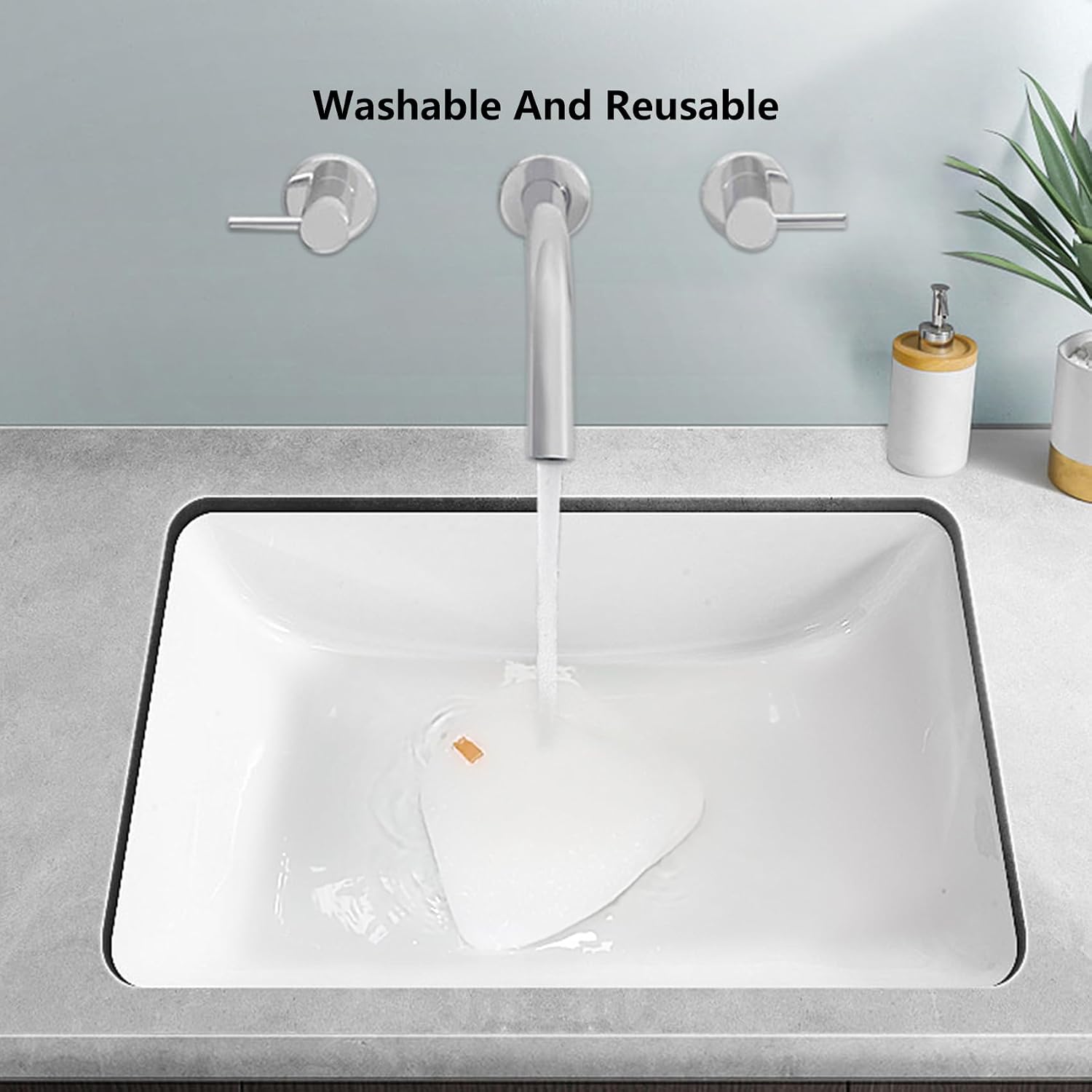
- Rinse: Rinse the filters under running water until the water runs clear.
- Squeeze: Gently squeeze out excess water.
- Air Dry: Allow the filters to air dry completely for at least 24 hours before reinserting them into the vacuum. Do not use a dryer or heat source.
HEPA Filter
The HEPA filter is generally not washable. Tap off loose dirt over a trash can. If heavily soiled, it should be replaced.
Replacement Frequency
For optimum performance, vacuum filters should be replaced every 3-6 months, depending on usage. The foam and felt filters are reusable and do not expire, but should be replaced if they show signs of wear or damage.
Troubleshooting
If you experience issues after replacing your filters, consider the following:
- Reduced Suction: Ensure all filters are correctly installed and fully dry. Check for any blockages in the vacuum hose or brush roll.
- Unusual Odor: Ensure filters are completely dry before reinstallation. Damp filters can cause odors.
- Filter Not Fitting: Verify that your vacuum model is listed as compatible. These filters are designed for Shark Navigator Lift-Away XL models CU512, CU500, CU510, CU520 Series.
Specifications
| Feature | Detail |
|---|---|
| Brand | Ymimi |
| Model Number | XFF350 |
| Compatible Devices | Shark Navigator Lift-Away XL Multisurface Upright Vacuum (CU512, CU500, CU510, CU520 Series) |
| Material Type | Foam, Felt, HEPA media |
| Included Components | 2 HEPA filters, 4 foam filters, 4 felt filters |
| Reusability | Foam and Felt filters are reusable (washable); HEPA filter is not washable. |
| Item Weight | 13.9 ounces |
| Product Dimensions | 5.6 x 3.9 x 1.6 inches |
| Country of Origin | China |
Warranty and Support
While specific warranty details are not provided, the manufacturer offers after-sales service. If you encounter any issues or have questions regarding the product's suitability, you can contact the seller for assistance. They aim to reply within 24 hours.
For further support, please refer to the contact information provided with your purchase or on the product listing page.