
1. Introduction
This manual provides essential instructions for the safe and effective operation, maintenance, and troubleshooting of your POPDEER PD-J02 3000A Car Battery Jump Starter. Please read this manual thoroughly before using the device to ensure proper functionality and to prevent damage or injury.
2. Important Safety Instructions
- Read all instructions: Before using the jump starter, read and understand all safety information and operating instructions.
- Wear eye protection: Always wear safety glasses when working with batteries.
- Ventilation: Ensure adequate ventilation when jump starting a vehicle to prevent accumulation of explosive gases.
- Avoid sparks and flames: Do not smoke or allow sparks or flames in the vicinity of the battery or engine.
- Proper connection: Connect the jump starter clamps in the correct order (positive to positive, negative to negative/ground) to avoid sparks and damage.
- Keep away from children: This device is not a toy. Keep it out of reach of children.
- Storage: Store the jump starter in a cool, dry place away from direct sunlight and heat.
- Charging: Fully charge the jump starter before initial use and after each use to maintain optimal performance.
- Do not short-circuit: Avoid short-circuiting the battery clamps.
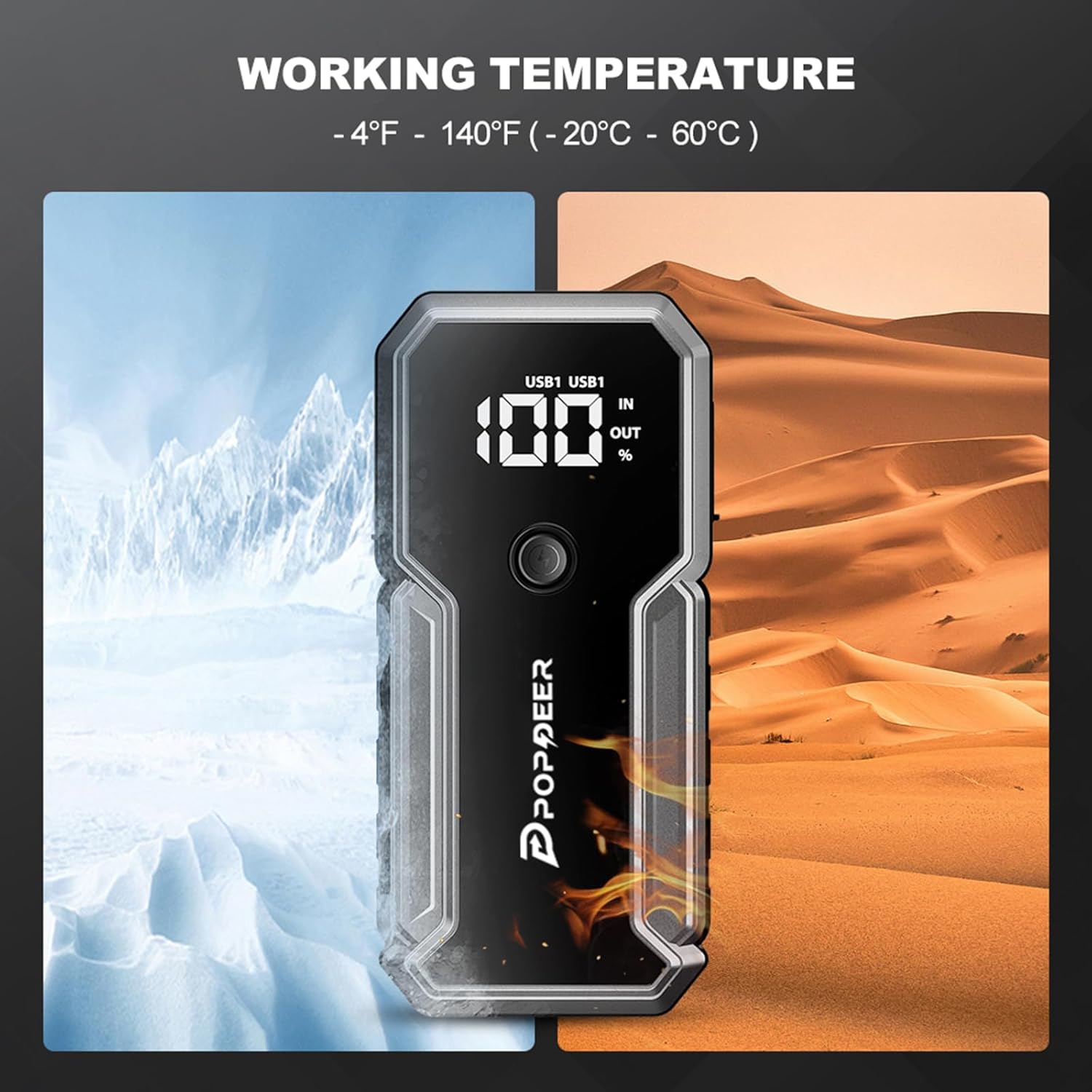
- Temperature: Do not operate the device outside its specified operating temperature range (-4°F to 140°F / -20°C to 60°C).
3. Package Contents
Verify that all items are present in your package:
- 1 × POPDEER PD-J02 Car Battery Jump Starter
- 1 × Smart Jumper Cable
- 1 × Type-C Charging Cable
- 1 × DC Cigarette Adapter
- 1 × User Manual (this document)
- 1 × Portable Storage Box

4. Product Features
The POPDEER PD-J02 is a versatile and powerful device designed for emergency vehicle starting and portable power needs.
- Strong Engine Starting: Delivers up to 3000A peak current, capable of jump starting all gas engines and diesel engines up to 8.0L.
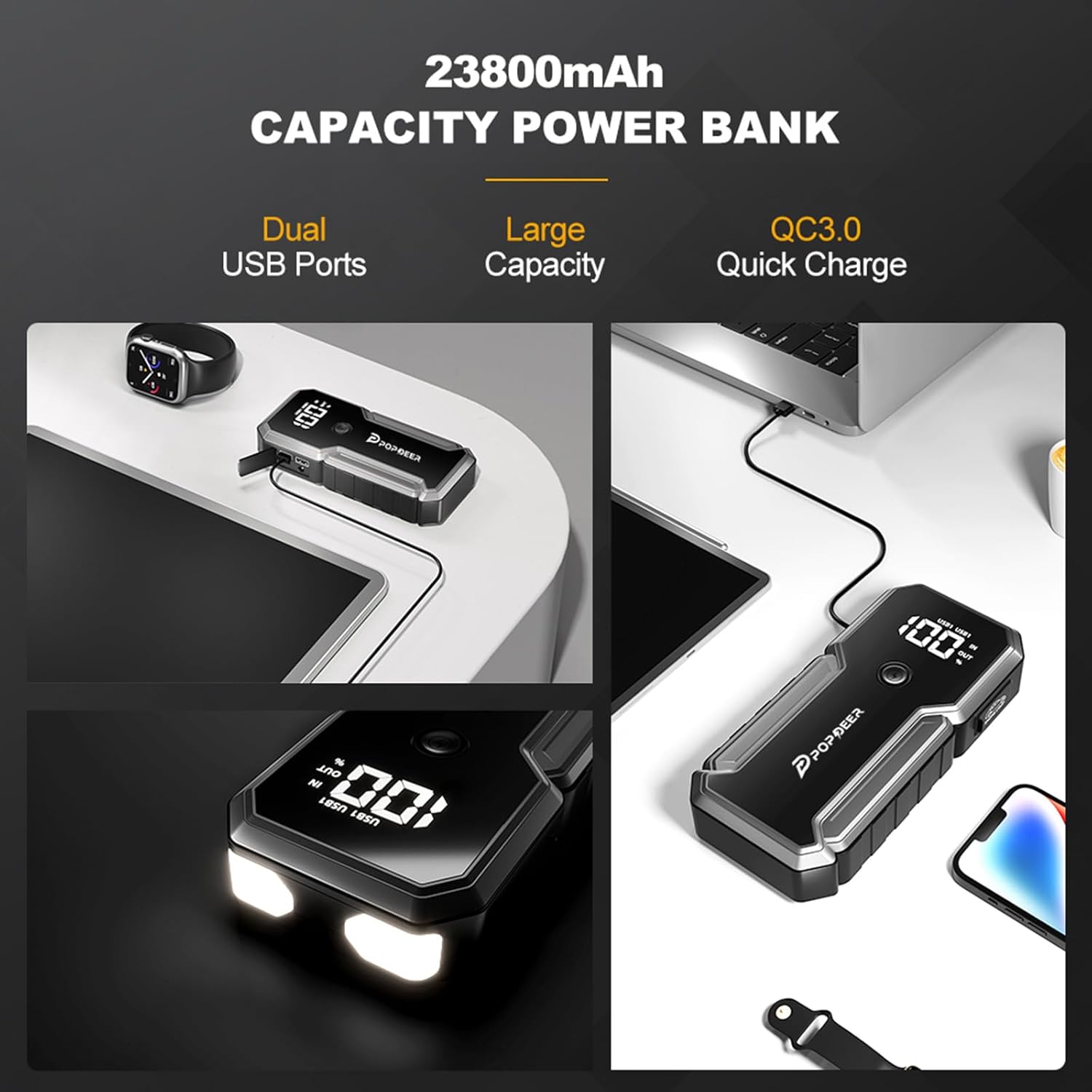
- Portable Power Bank: 23800mAh capacity provides multiple charges for smartphones, tablets, and other mobile devices via dual USB Quick Charge ports.
- DC Output: Includes a DC output for powering 12V accessories like car inflators, vacuum cleaners, or car wash guns.
- Integrated LED Flashlight: Features an ultra-bright LED light with 3 modes: SOS, Spotlight, and Strobe for emergency situations.
- Advanced Safety Protections: Incorporates spark-proof technology, reverse polarity protection, low-temperature protection, and overload protection.
- User-Friendly Display: A 3.3-inch smart screen provides clear operational status and battery percentage.
- Durable Design: Constructed from high-quality PC+ABS flame-retardant materials, offering waterproof, dustproof, and shockproof capabilities.
- Wide Compatibility: Suitable for 12V cars, trucks, motorcycles, snowmobiles, SUVs, lawnmowers, yachts, and more.


5. Setup and Charging
5.1 Initial Charging
Before first use, fully charge your POPDEER PD-J02 Jump Starter. Connect the provided Type-C charging cable to the device's charging input and a suitable USB power adapter (not included). The display screen will show the charging status. A full charge is indicated when the screen shows 100%.
5.2 Charging External Devices
The jump starter can act as a power bank. Connect your smartphone, tablet, or other mobile device to the USB output ports (USB1 or USB2) using a compatible USB cable. The device will automatically begin charging. For 12V accessories, use the DC output port with the provided DC cigarette adapter.
6. Operating Instructions: Jump Starting a Vehicle
Ensure the jump starter is at least 20% charged before attempting to jump start a vehicle. For optimal performance, a higher charge is recommended.
- Connect Smart Jumper Cable: Insert the blue plug of the smart jumper cable into the "Start the output interface" on the jump starter.
- Attach Clamps to Battery:
- Connect the red (positive +) clamp to the positive terminal of the vehicle battery.
- Connect the black (negative -) clamp to the negative terminal of the vehicle battery or a solid, unpainted metal part of the vehicle's chassis.
The smart jumper cable's indicator light will show the connection status. A solid green light indicates a correct connection and readiness to jump start. A red light or flashing light indicates an error (e.g., reverse polarity, short circuit, low voltage) and safety features will prevent operation.
- Start Vehicle: Once the smart jumper cable shows a solid green light, start your vehicle's engine.
- Remove Jump Starter: After the vehicle starts, immediately remove the smart jumper cable from the jump starter, then disconnect the clamps from the vehicle battery (negative first, then positive).

6.1 Using the LED Flashlight
Press the power button on the jump starter to turn on the LED flashlight. Press the button again to cycle through the modes: Spotlight, Strobe, SOS. Press and hold the button to turn off the flashlight.

6.2 Safety Protections
The smart jumper cable and the jump starter unit are equipped with multiple safety features to protect against common errors and hazards:
- Overload Protection
- Spark-Proof
- Reverse Charge Protection
- Reverse Polarity Protection
- Over Current Protection
- Low Temperature Protection
- Over Charge Protection
- Short Circuit Protection
- Over Voltage Protection
- High Temperature Protection

7. Maintenance
- Regular Charging: To prolong battery life, fully charge the jump starter every three months, even if not in use.
- Cleaning: Use a soft, dry cloth to clean the device. Do not use abrasive cleaners or solvents.
- Storage: Store the device and its accessories in the provided portable storage box in a cool, dry place.
8. Troubleshooting
- Device not turning on: Ensure the battery is charged. If fully charged, contact customer support.
- No charging: Check if the charging cable is correctly connected to the charger and the device. Ensure the wall outlet or car charger is functioning.
- Cannot start vehicle:
- Ensure the jump starter has sufficient charge (above 20%).
- Verify that the smart jumper cable is correctly connected to the battery terminals (solid green light).
- If the engine does not start after 10 seconds, wait at least 1 minute before attempting again.
- Check for severely corroded battery terminals and clean them if necessary.
- Smart Jumper Cable indicator light is red/flashing: This indicates a safety protection is active. Recheck connections for reverse polarity, short circuit, or other issues.
9. Specifications
| Feature | Detail |
|---|---|
| Model | PD-J02 |
| Peak Current | 3000 Amps |
| Battery Capacity | 23800mAh |
| Engine Compatibility | All Gas / 8.0L Diesel |
| DC Output | 12V |
| USB Output 1 | 5V/2.4A |
| USB Output 2 | 5V/2.4A, 9V/2A, 12V/1.5A (Quick Charge) |
| Type-C Input | 5V/2A, 9V/2A |
| Operating Temperature | -4°F to 140°F (-20°C to 60°C) |
| Dimensions | 5.1"D x 9.3"W x 3.1"H |
| Item Weight | 1.95 Pounds |
10. Warranty and Support
Your POPDEER PD-J02 Car Battery Jump Starter comes with an 18-month warranty. For any questions, troubleshooting assistance, or warranty claims, please contact POPDEER customer support.
Manufacturer: POPDEER Shenzhen Kalaifu Technology Co.,Ltd.
Contact information may be found on the product packaging or the official POPDEER website.
11. Official Product Videos
POPDEER Car Battery Jump Starter PD-J01 and PD-J02 Overview
Video: An official overview of the POPDEER PD-J01 and PD-J02 Car Battery Jump Starters, highlighting their features, differences, and general usage. This video is provided by the manufacturer, POPDEER.