
Introduction
This manual provides instructions for the installation and maintenance of Ymimi replacement foam and felt filters, designed for various Shark Navigator Zero-M Self-Cleaning Brushroll Pet Pro Upright Vacuum models. Regular filter replacement is essential for maintaining optimal vacuum performance and air quality.
These filters are compatible with the following Shark Navigator models: ZU100, NV181, ZU55, NV150, NV151, NV250, NV255, ZU51, ZU60, ZU62, ZU62C, ZU102.
Package Contents
Your package includes:
- 4 x Foam Filters
- 4 x Felt Filters
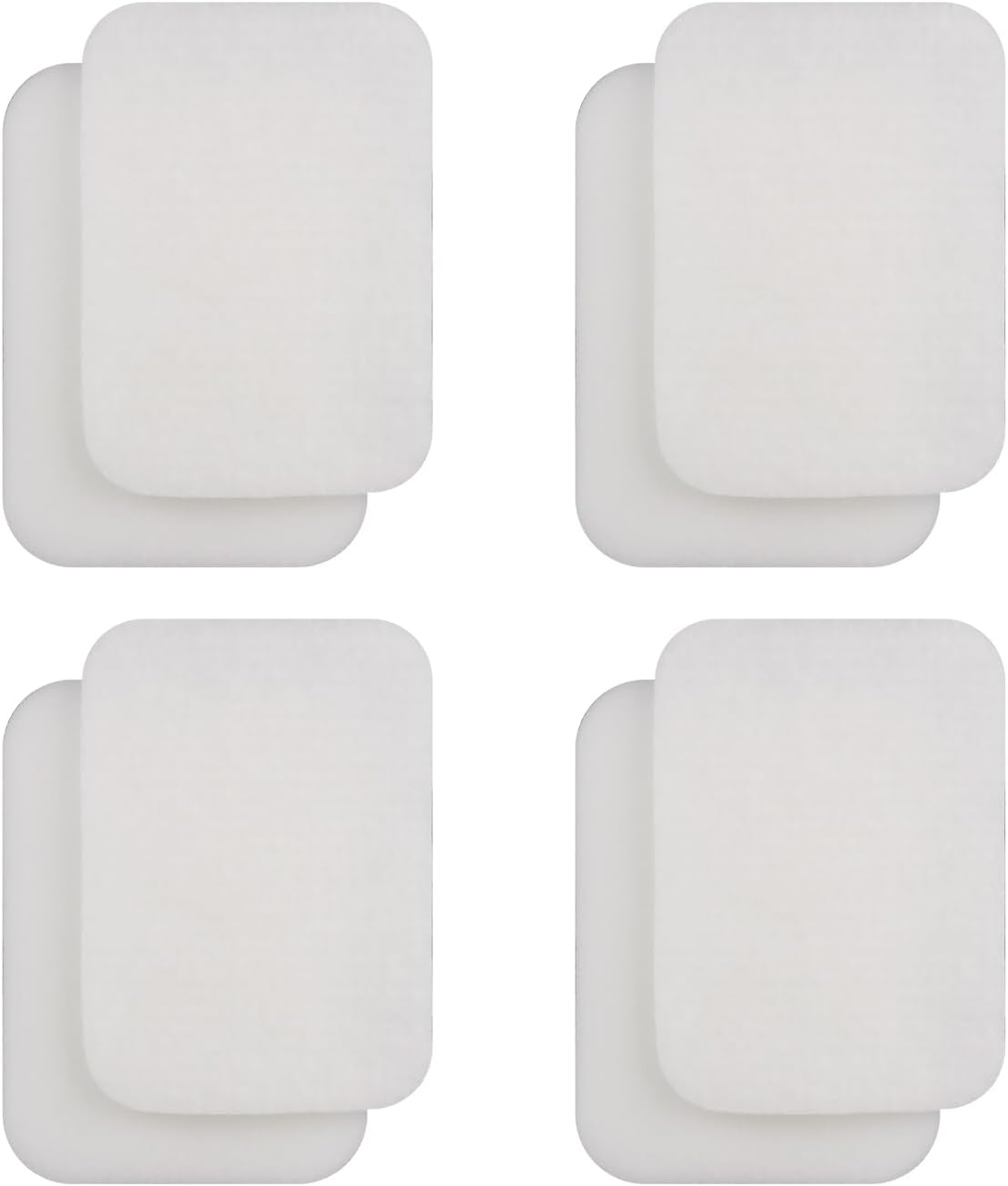
Image: Four white rectangular foam and felt vacuum filters, as included in the package.
Installation Instructions
Follow these steps to replace the filters in your Shark Navigator vacuum:
- Power Off and Unplug: Ensure your vacuum cleaner is turned off and unplugged from the power outlet before beginning any maintenance.
- Access Filter Compartment: Refer to your Shark vacuum's user manual for specific instructions on how to open the filter compartment. Typically, this involves removing the dust cup.
- Remove Old Filters: Carefully remove the old foam and felt filters from their designated slots. Note their orientation for correct placement of the new filters.
- Insert New Filters: Place the new felt filter first, followed by the foam filter, ensuring they fit snugly into the compartment. The rough side of the felt filter should typically face upwards.
- Reassemble: Close the filter compartment and reattach the dust cup securely.
Video: Demonstration of replacing foam and felt filters in a Shark Navigator vacuum.
Video: Visual guide on replacing filters in a Shark ZU62 vacuum, including foam and felt filters.
Maintenance
For optimal performance, it is recommended to replace your vacuum filters every 3-6 months, depending on usage. The foam and felt filters are washable and reusable. To clean them:
- Remove filters from the vacuum.
- Rinse the filters under running water until the water runs clear.
- Squeeze out excess water and allow filters to air dry completely for at least 24 hours before reinserting them into the vacuum. Do not use a dryer or heat to dry.

Image: Hands washing a white foam vacuum filter under running water in a kitchen sink.

Image: A Shark upright vacuum cleaner with a visual reminder to replace filters every 3-6 months.
Video: Instructions on how to clean and maintain vacuum filters for optimal performance.
Specifications
- Brand: Ymimi
- Model Number: 1239FT60
- Material: Foam
- Item Weight: 3.84 ounces
- Product Dimensions: 5.6 x 4 x 1.18 inches
- Reusability: Reusable (washable)
- Compatible Devices: Shark Navigator Zero-M Self-Cleaning Brushroll Pet Pro Upright Vacuum (ZU60, ZU62, ZU62C, ZU102, NV150, NV151, NV250, NV255, ZU51)

Image: Visual representation of filter compatibility with various Shark vacuum models.

Image: Dimensions of the foam and felt filters.
Video: Close-up view of the foam and felt filters, highlighting their material and flexibility.
Video: Detailed look at the foam and felt filters, including measurements for verification.
Troubleshooting
If you experience reduced suction or unusual odors after replacing filters:
- Check Filter Placement: Ensure both foam and felt filters are correctly seated in their compartments.
- Verify Dryness: If filters were recently washed, confirm they are completely dry before use. Damp filters can hinder performance and cause odors.
- Inspect Other Components: Check for blockages in the hose, brushroll, or dust cup.
- Consider HEPA Filter: If your vacuum uses a HEPA filter (not included in this specific product), ensure it is also clean or replaced as needed according to your vacuum's manual.
Warranty and Support
For any product-related inquiries or if you encounter issues with compatibility or quality, please contact the manufacturer directly. They are committed to providing customer satisfaction and will assist you within 24 hours.