Introduction
This instruction manual provides detailed guidance for the installation, operation, and maintenance of your Brick Loot Deluxe LED Lighting Kit, specifically designed for the Disney Castle 43222 model. This kit is intended to enhance the visual appeal of your building brick model by adding custom illumination. Please read all instructions carefully before beginning installation.
What's in the Box
Verify that all components are present before starting the installation process.
- Lighting Kit (various LED lights and connecting wires)
- USB Power Cable
Safety Information
Warning:
- This product is recommended for ages 15 and up.
- Small parts may pose a choking hazard. Keep out of reach of young children.
- Do not expose the lighting components to water or excessive moisture.
- Ensure the USB power source meets the kit's power requirements to prevent damage.
Setup
The Brick Loot Deluxe LED Lighting Kit features an effortless plug-and-play design. For optimal results, it is recommended to follow the detailed PDF manual and tip sheet provided with your kit. These resources offer specific, step-by-step instructions tailored to the Disney Castle 43222 model.
- Prepare Your Model: Ensure your Disney Castle 43222 model is fully assembled and stable.
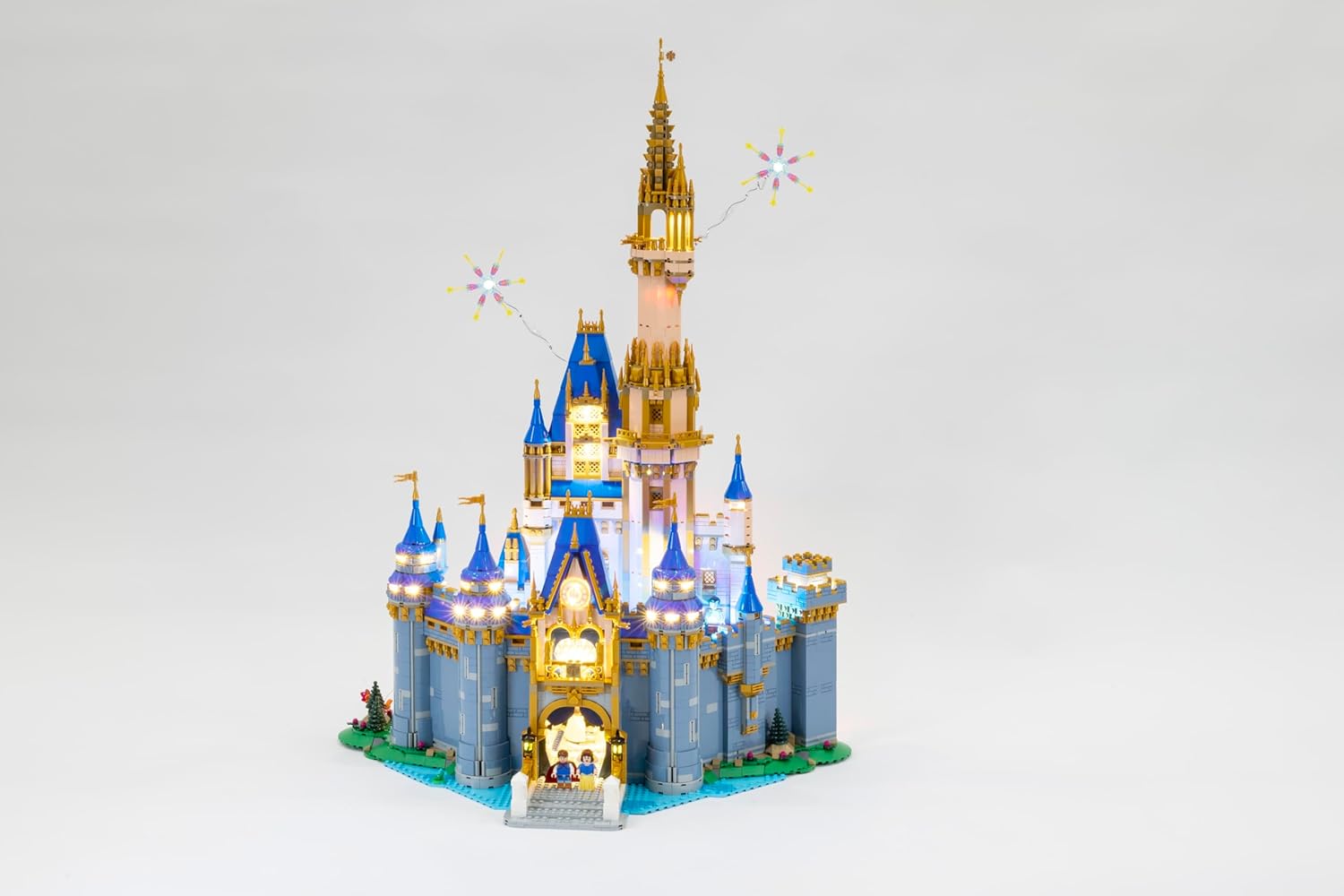
- Identify Lighting Points: Refer to the included manual to locate the designated areas for light placement, such as turrets, windows, and intricate features.
- Install Lights: Carefully integrate the LED lights and wires into your model, ensuring wires are neatly tucked away to maintain the model's aesthetic.
- Connect to USB: Once all lights are in place, connect the lighting kit to the provided USB power cable.
- Power On: Plug the USB cable into a compatible USB power source (e.g., a USB wall adapter, power bank, or computer USB port).
Note: The Disney Castle 43222 model is not included with this lighting kit.
Operating the Lighting Kit
Once installed and powered, your Brick Loot LED Lighting Kit will illuminate your Disney Castle 43222, bringing its details to life. The kit provides bright, consistent illumination designed to highlight the model's iconic turrets, windows, and intricate features.
- Activation: The lights will activate automatically upon connection to a powered USB source.
- Customization: The kit is designed to offer a specific lighting arrangement for the Disney Castle 43222. While direct adjustment of individual light effects is not typically available, the strategic placement of lights creates a dazzling and enchanting display.
- Power Off: To turn off the lights, simply disconnect the USB power cable from its source.
Maintenance
Proper care will ensure the longevity and performance of your lighting kit.
- Cleaning: Gently dust the LED components and wires with a soft, dry cloth. Avoid using liquid cleaners directly on the lights or wiring.
- Handling: Handle the wires and LED components with care to prevent damage. Avoid excessive bending or pulling of wires.
- Storage: If disassembling the kit for storage, carefully coil wires and store components in a dry, cool place away from direct sunlight.
Troubleshooting
If you encounter issues with your lighting kit, refer to the following common solutions:
- Lights Not Turning On:
- Ensure the USB cable is securely connected to both the lighting kit and the power source.
- Verify that the USB power source is functional (e.g., try plugging in another device).
- Check for any visible damage to the wires or LED components.
- Flickering Lights:
- Check all connections for looseness.
- Ensure the power source provides stable power.
- Individual Lights Not Working:
- Inspect the specific light and its connection for any dislodged wires or damage.
If troubleshooting steps do not resolve the issue, please contact Brick Loot customer support for further assistance.
Specifications
| Feature | Detail |
|---|---|
| Product Dimensions | 9 x 5 x 0.5 inches |
| Item Weight | 0.64 ounces |
| ASIN | B0CNH91R88 |
| Manufacturer Recommended Age | 15 years and up |
| Manufacturer | Brick Loot |
Warranty and Support
For information regarding product warranty, returns, or technical support, please refer to the official Brick Loot website or contact their customer service directly. Contact details are typically available on the product packaging or the manufacturer's website.
Product Images