
1. Introduction
This manual provides essential instructions for the proper installation, operation, and maintenance of your SHIMANO CanEW-EX310 SD300 Port X2 Adapter. Please read this manual thoroughly before use to ensure correct handling and to prevent damage to the product or other components.
2. Safety Information
- Always wear appropriate safety gear when working on your bicycle.
- Ensure all connections are secure before riding. Loose connections can lead to system malfunction.
- Do not attempt to modify the adapter. Unauthorized modifications can void the warranty and cause system failure.
- Keep the adapter away from extreme temperatures, moisture, and corrosive substances.
3. Package Contents
Verify that all items are present in the package:
- SHIMANO CanEW-EX310 SD300 Port X2 Adapter
- Instruction Manual (this document)
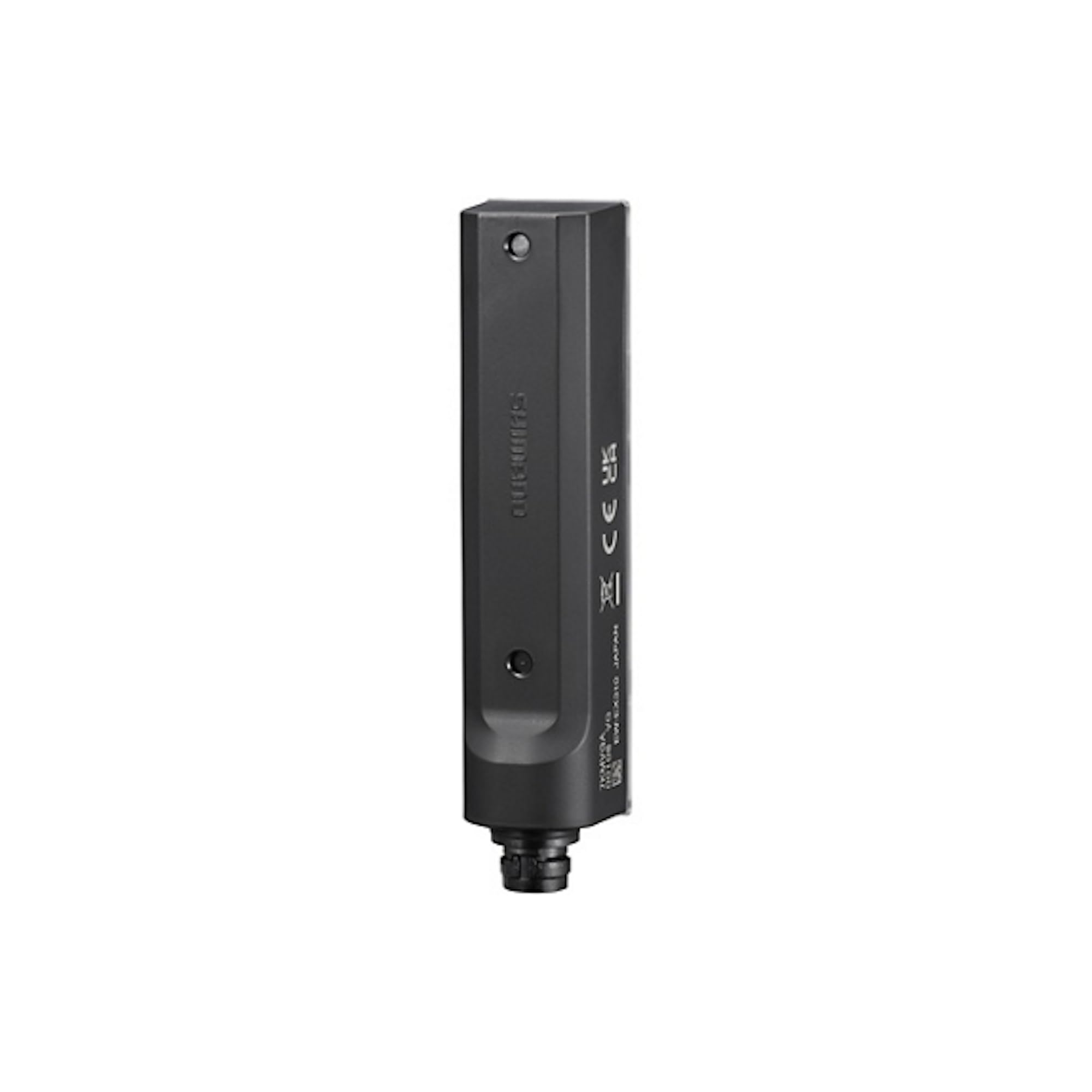
Image 1: The SHIMANO CanEW-EX310 SD300 Port X2 Adapter. This image displays the compact, multi-colored electronic adapter with its two SD300 ports, designed for expanding connectivity in SHIMANO electronic shifting systems.
4. Setup and Installation
The SHIMANO CanEW-EX310 adapter is designed to expand the connectivity of your SHIMANO electronic shifting system. Installation is required and should be performed carefully.
4.1. Tools Required
- Appropriate SHIMANO E-Tube tool (TL-EW02 or similar) for connecting/disconnecting E-Tube wires.
- Cable ties or mounting tape for securing the adapter.
4.2. Installation Steps
- Identify Connection Points: Locate an available SD300 port on your existing SHIMANO electronic system (e.g., on the battery, junction box, or other compatible components).
- Connect the Adapter: Using the SHIMANO E-Tube tool, carefully connect one end of an SD300 wire (not included) to an available SD300 port on your system and the other end to one of the two ports on the CanEW-EX310 adapter. Ensure the connection is firm and fully seated.
- Connect Components: Connect your desired SHIMANO electronic components (e.g., shifters, derailleurs, display units) to the two available SD300 ports on the CanEW-EX310 adapter using additional SD300 wires.
- Secure the Adapter: Mount the adapter securely to your bicycle frame or another suitable location using cable ties or mounting tape. Ensure it is protected from moving parts and potential impact.
- Cable Management: Route all E-Tube wires neatly and securely, avoiding kinks or sharp bends.
- System Check: After installation, power on your SHIMANO electronic system and verify that all connected components are functioning correctly. Refer to your system's main manual for specific diagnostic procedures.
5. Operating Instructions
The SHIMANO CanEW-EX310 SD300 Port X2 Adapter functions as an expansion hub for your SHIMANO electronic shifting system. It does not require direct user interaction beyond initial installation.
- Once installed, the adapter automatically facilitates communication between the connected SD300 components and the main system.
- Ensure all connected components are compatible with the SD300 standard and your overall SHIMANO electronic system.
- For system configuration, firmware updates, or diagnostic checks, use the SHIMANO E-Tube Project software on a compatible device. The adapter itself does not have user-configurable settings.
6. Maintenance
Proper maintenance ensures the longevity and reliable performance of your adapter.
- Cleaning: Periodically wipe the adapter with a clean, damp cloth to remove dirt and grime. Avoid using harsh chemicals or abrasive cleaners.
- Inspection: Regularly inspect the adapter and its connections for any signs of damage, wear, or corrosion. Ensure all wires are securely connected and not frayed.
- Storage: If removing the adapter for storage, keep it in a dry, cool place away from direct sunlight and extreme temperatures.
7. Troubleshooting
If you experience issues with your SHIMANO electronic system after installing the CanEW-EX310 adapter, consider the following:
- No Communication: Check all SD300 wire connections to ensure they are fully seated and not damaged. Use the SHIMANO E-Tube tool to ensure proper connection.
- Intermittent Function: Inspect wires for any signs of crimping, cuts, or damage. Ensure the adapter is securely mounted and not subject to excessive vibration.
- System Error: Connect your system to the SHIMANO E-Tube Project software to run diagnostics and identify specific error codes.
- Component Not Recognized: Verify that the component connected to the adapter is compatible with your SHIMANO electronic system and that its firmware is up to date.
If problems persist, consult a professional bicycle mechanic or contact SHIMANO customer support.
8. Specifications
| Feature | Specification |
|---|---|
| Model Number | IEWEX310 |
| Brand | SHIMANO |
| Item Type | Electronic Adapter |
| Number of Ports | 2 (SD300) |
| Item Weight | 0.04 Kilograms |
| Color | Multi-Coloured |
| Finish Type | Matte |
| GTIN | 04550170305734 |
9. Warranty Information
SHIMANO products are covered by a limited warranty against defects in materials and workmanship. Specific warranty terms and conditions may vary by region and product. Please refer to the warranty card included with your purchase or visit the official SHIMANO website for detailed warranty information and registration procedures.
10. Support
For further assistance, technical support, or to find authorized service centers, please visit the official SHIMANO website:
You may also contact SHIMANO customer service directly through the contact information provided on their website.