
Introduction
The Black Shark Lucifer T10 Wireless Earbuds are designed for an optimized audio experience, featuring low latency for gaming and dual modes for music and gaming. This manual provides essential information for setting up, operating, and maintaining your earbuds.
What's in the Box
Verify that all items are present in your package:
- Black Shark Lucifer T10 Wireless Earbuds
- USB-C Charging Case
- S/M/L Ear Tips (various sizes for optimal fit)
- USB-C Charging Cable
- User Manual

Image: Contents of the Black Shark Lucifer T10 Earbuds package.
Video: An unboxing demonstration of the Black Shark Lucifer T10 Wireless Earbuds, showing all included components.
Product Overview
The Lucifer T10 earbuds feature an ergonomic design with LED emoji indicators on the charging case. They are equipped with 10mm dynamic drivers for audio output.

Image: Black Shark Lucifer T10 Wireless Earbuds in their charging case.

Image: Detailed view of the earbuds and charging case.
Video: A promotional video showcasing the various color options and LED lighting display of the Black Shark Lucifer T10 Wireless Earbuds.
Setup
Pairing the Earbuds
- Ensure the earbuds are charged.
- Open the charging case. The earbuds will automatically enter pairing mode.
- On your device (smartphone, tablet, laptop), enable Bluetooth.
- Search for available devices and select "Black Shark Lucifer T10" from the list.
- Once connected, the earbuds will automatically pair with this device in the future when taken out of the case.

Image: One-step pairing process shown on a smartphone.
Operating Instructions
Touch Controls
The earbuds feature multiple function touch controls:
- Power On: Press and hold for 3 seconds.
- Power Off: Press and hold for 5 seconds.
- Play/Pause Music: Double-tap either earbud.
- Next Track: Press and hold the right earbud for 2 seconds.
- Previous Track: Press and hold the left earbud for 2 seconds.
- Volume Up: Single-tap the right earbud.
- Volume Down: Single-tap the left earbud.
- Answer/End Call: Double-tap either earbud.
- Reject Call: Press and hold either earbud for 2 seconds.
- Toggle Gaming Mode: Triple-tap the right earbud (green indicator).
- Toggle Music Mode: Triple-tap the left earbud (white indicator).
- Toggle Indicators On/Off: Quadruple-tap either earbud.

Image: Hands-free call and buttonless controls diagram.
Dual Modes (Music and Gaming)
The earbuds offer distinct modes for music and gaming. In gaming mode, they provide an ultra-low latency of 45ms, ensuring audio-video synchronization for an immersive gaming experience. Switch between modes using the touch controls as described above.

Image: Dual-mode design for music and gaming.
Battery Information
The Black Shark Lucifer T10 earbuds offer extended playtime and convenient charging:
- Earbud Playtime: Up to 6 hours on a single charge (at 50% volume).
- Total Playtime with Charging Case: Up to 24 hours.
- Charging Case Charging Time: Approximately 1.5 hours via USB-C.
- Single Earbud Use: You can use one earbud while the other is charging in the case.
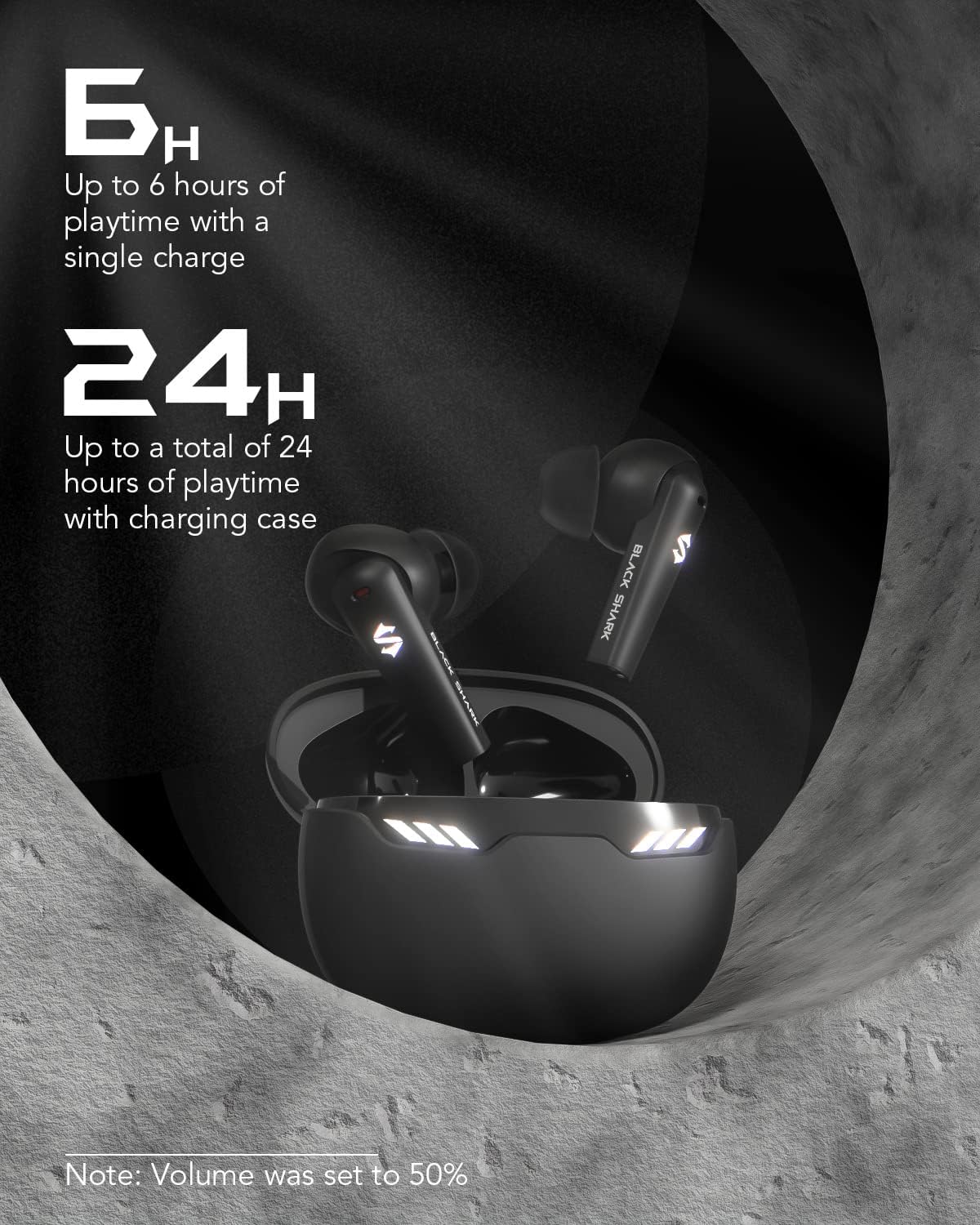
Image: Battery life details for the earbuds and charging case.
Maintenance and Care
- Water Resistance: The earbuds are IPX5 waterproof, meaning they are resistant to sweat and light splashes. Do not submerge them in water.
- Cleaning: Regularly clean the earbuds and charging case with a soft, dry cloth. Avoid using harsh chemicals.
- Storage: Store the earbuds in their charging case when not in use to protect them and keep them charged.
- Ear Tips: Use the provided S/M/L ear tips to ensure a secure and comfortable fit, which also helps optimize sound quality.
Troubleshooting
- No Sound: Ensure earbuds are charged, paired correctly, and volume is adjusted on both the earbuds and the connected device.
- Pairing Issues: Turn off Bluetooth on other nearby devices. Place earbuds back in the case, close, then reopen to re-enter pairing mode.
- Unstable Connection: Ensure you are within the 10-meter Bluetooth range and there are no significant obstructions between the earbuds and your device.
- Charging Problems: Check the USB-C cable and charging port for any damage. Ensure the charging case has power.
Specifications
| Model Name | Lucifer T10 |
| Connectivity Technology | Wireless (Bluetooth 5.1) |
| Audio Driver Type | Dynamic Driver |
| Audio Driver Size | 10 Millimeters |
| Audio Latency | 45 Milliseconds |
| Battery Life (Earbuds) | 6 Hours |
| Total Playtime (with Case) | 24 Hours |
| Charging Time (Case) | 1.5 Hours |
| Bluetooth Range | 10 Meters |
| Water Resistance Level | IPX5 |
| Control Type | Multiple Function Touch Control |
| Included Components | Black Shark Lucifer T10 Wireless Earbuds, Eartip, USB-C Charging Case, User Manual |
Warranty and Support
For warranty information and customer support, please refer to the warranty card included in your product package or visit the official Black Shark website. Keep your purchase receipt for any warranty claims.