
Important Safety Information
Please read and understand all safety instructions before operating the dehumidifier. Failure to follow these instructions may result in electric shock, fire, or serious injury.
- Always connect the unit to a grounded electrical outlet.
- Do not operate the unit with a damaged power cord or plug.
- Ensure the unit is placed on a stable, level surface to prevent tipping.
- Do not block the air intake or exhaust vents.
- Keep children and pets away from the unit during operation.
- Unplug the unit before cleaning or performing any maintenance.
- Do not use the unit in areas where flammable liquids or gases are stored.
Package Contents
Verify that all items are included in the package:
- 155 Pints Dehumidifier with Built-in Pump
- 3.28 ft Drain Hose
- 16.4 ft Pump Hose
- User Manual
- Removable & Washable Filter
Product Overview
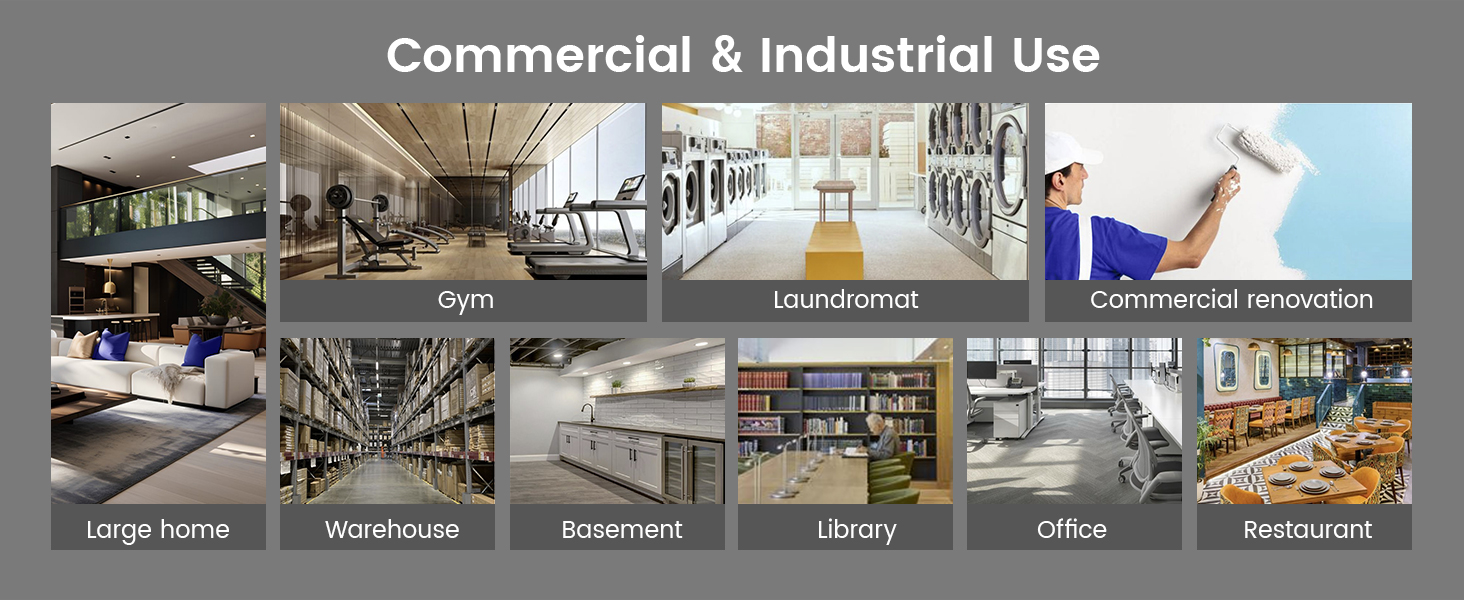
The Yaufey DP605C Commercial Dehumidifier is designed for efficient moisture removal in large spaces. It features a robust construction, intelligent humidity control, and versatile drainage options.

Front view of the Yaufey 155 Pints Commercial Dehumidifier.
Key Features:
- High airflow of 164.7 CFM for maximum drying performance.
- Removes up to 155 pints of water per day at saturation (95°F, 90%RH).
- Covers areas up to 8000 square feet.
- Built-in condensate pump with 16.4 ft lift distance.
- Automatic defrost system for efficient operation.
- Integrated humidity and temperature sensor.
- Adjustable humidity range (10%RH-90%RH).
- 24-hour timer.
- Portable design with swivel and brakable front wheels, oversized rear wheels, and a push-pull handle.
Internal components of the dehumidifier, including the smart sensor, heat exchange tubes, pump, and fan.
Setup
Handle Installation
The unit comes with a detachable heavy-duty handle for easy transport. To install the handle, align the handle bars with the designated slots on the top rear of the unit. Secure them by tightening the knobs on each side. Ensure the handle is firmly attached before moving the unit.
Wheel Assembly
The dehumidifier is equipped with oversized rear wheels and swivel, brakable front wheels for mobility. No assembly is typically required for the wheels as they come pre-installed. Ensure the front wheels are unlocked when moving the unit and locked when stationary.
Initial Placement
Place the dehumidifier in the desired location, ensuring adequate space around the unit for proper airflow. Avoid placing it directly against walls or furniture. For optimal performance, ensure the unit is on a level surface.

The unit's ergonomic design includes large wheels and handles for easy movement.
Operating Instructions
Control Panel Overview
The dehumidifier features an intuitive digital display and control panel:

Detailed view of the intelligent control panel.
- Power Button: Turns the unit ON or OFF.
- Up/Down Buttons: Adjust the desired humidity level or timer settings.
- OK Button: Confirms settings.
- Timer Button: Sets the 24-hour timer for automatic ON/OFF operation.
- Purge Button: Manually activates the condensate pump to drain water.
Setting Desired Humidity
Use the Up/Down buttons to set your desired humidity level between 10%RH and 90%RH. The unit will automatically operate to maintain this level.
Timer Function
Press the Timer button to set a specific operating duration (up to 24 hours). The unit will turn off automatically once the set time expires.
Automatic Defrost
The dehumidifier is equipped with an automatic defrost system. If frost builds up on the coils, the unit will temporarily stop dehumidifying and run the fan to melt the frost, ensuring continuous efficient operation.

Additional features include auto-defrost, overload protection, and a temperature/humidity sensor.
Drainage Options
The Yaufey dehumidifier offers two convenient drainage methods:
Built-in Condensate Pump Drainage
The unit features a built-in condensate pump capable of lifting water up to 16.4 feet. Connect the provided 16.4 ft pump hose to the pump outlet. The pump will automatically activate when the reservoir is full, or you can manually activate it using the


