
1. Introduction
Thank you for choosing the Vornado ARA® Oscillating Tower Fan. This manual provides detailed instructions for the safe and efficient use of your new fan. The ARA® fan combines powerful airflow with independent ambient lighting, offering customizable comfort for various indoor environments. Please read this manual thoroughly before operation and retain it for future reference.
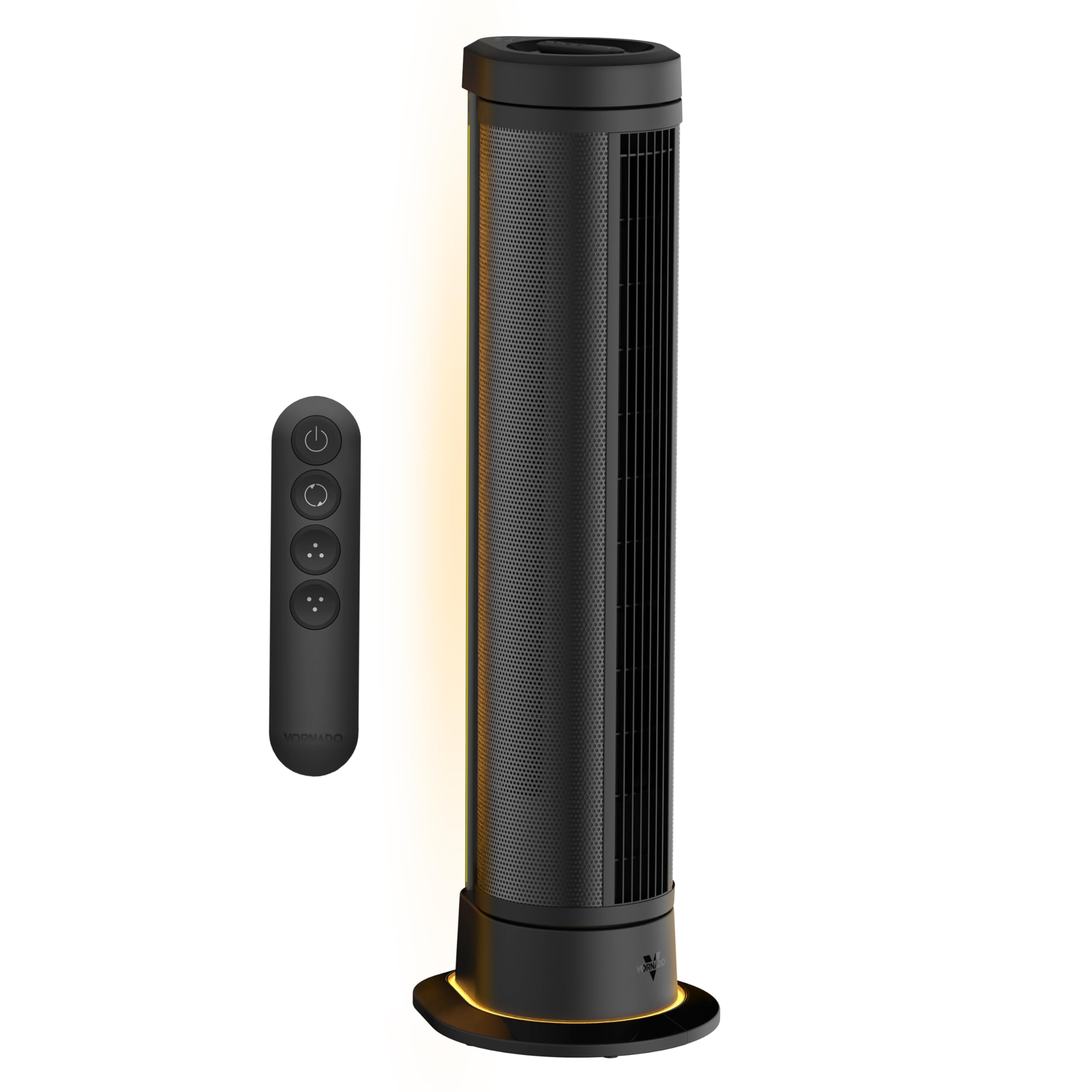
Figure 1: Vornado ARA® Tower Fan with ambient light in a bedroom setting.
2. Important Safety Instructions
READ ALL INSTRUCTIONS BEFORE USING THIS FAN.
- This appliance has a polarized plug (one blade is wider than the other). To reduce the risk of electric shock, this plug is intended to fit into a polarized outlet only one way. If the plug does not fit fully into the outlet, reverse the plug. If it still does not fit, contact a qualified electrician. Do not attempt to defeat this safety feature.
- Do not operate any fan with a damaged cord or plug. Discard fan or return to an authorized service facility for examination and/or repair.
- Do not run cord under carpeting. Do not cover cord with throw rugs, runners, or similar coverings. Do not route cord under furniture or appliances. Arrange cord away from traffic area and where it will not be tripped over.
- To disconnect fan, first turn controls to the OFF position, then remove plug from outlet.
- Do not insert or allow fingers or foreign objects to enter any ventilation or exhaust opening as this may cause an electric shock or fire, or damage the fan.
- Do not block air intakes or exhaust in any manner. Do not use on any soft surface, like a bed, where openings may become blocked.
- This fan is intended for indoor use only.
- This product employs overload protection (fuse). A blown fuse indicates an overload or short-circuit situation. If the fuse blows, unplug the product from the outlet. Replace the fuse as per the servicing instructions (follow product marking for proper fuse rating) and check the product. If the replacement fuse blows, a short-circuit may be present and the product should be discarded or returned to an authorized service facility for examination and/or repair.
- Do not use this fan near water, such as in a wet basement, near a swimming pool, or in a bathroom.
- Do not use this fan with any solid-state speed control device.
3. Setup
3.1 Unpacking
Carefully remove the Vornado ARA® Tower Fan from its packaging. Ensure all components, including the fan unit, remote control, and owner's guide, are present. Inspect the fan for any signs of damage during transit.
3.2 Placement
Place the fan on a firm, level surface. For optimal air circulation, position the fan in an area where its airflow will not be obstructed. The fan is designed for indoor use in rooms such as bedrooms, home offices, or living rooms.

Figure 2: Proper placement of the Vornado ARA® Tower Fan in a room.
4. Operation
4.1 Controls Overview
The Vornado ARA® Tower Fan can be operated using the digital touch controls located on the top of the unit or via the omnidirectional RF remote control.
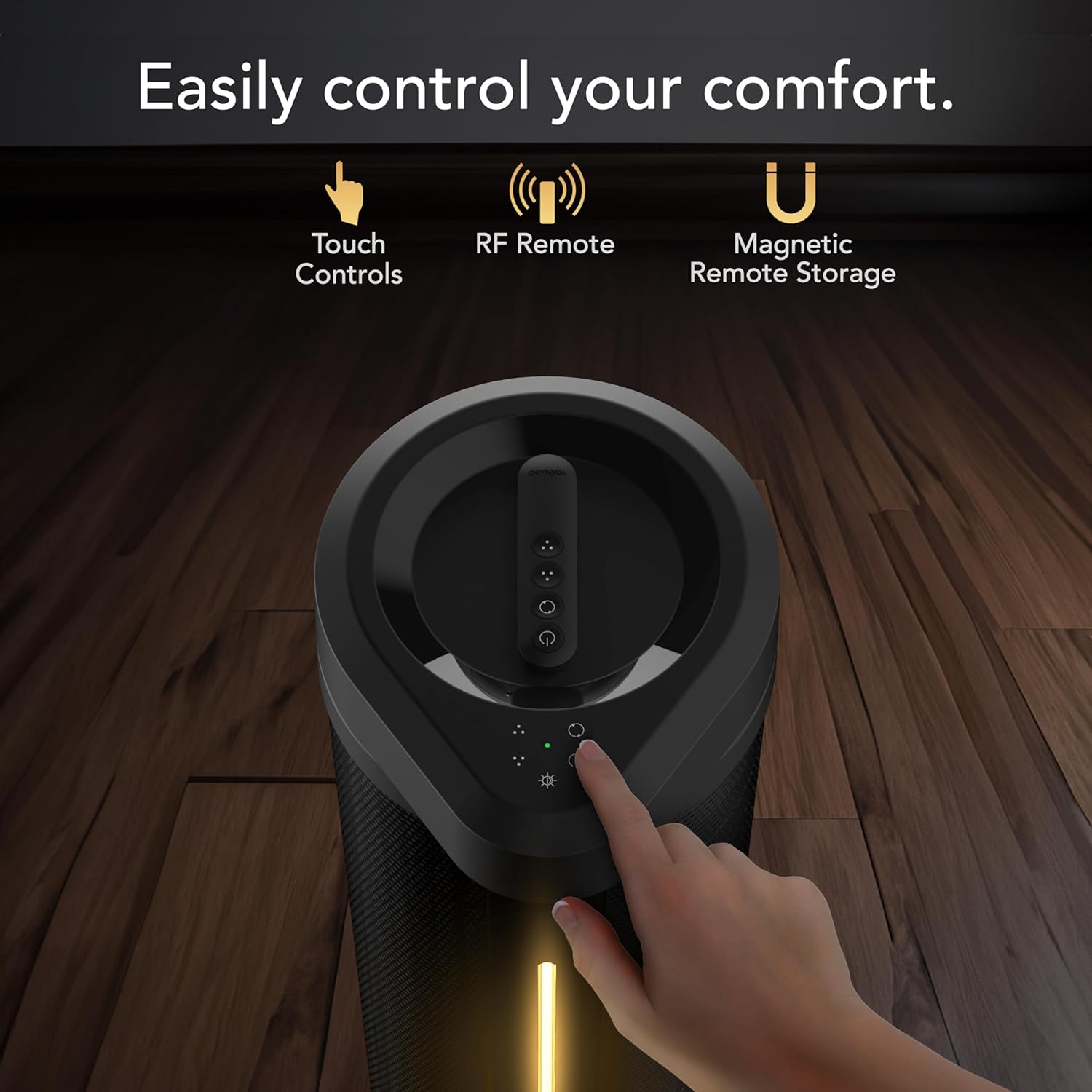
Figure 3: Top panel showing touch controls and remote control.
4.2 Power On/Off
Plug the fan into a standard electrical outlet. Press the power button on the control panel or remote to turn the fan on or off.
4.3 Fan Speed Settings
The fan features 5 speed settings. Use the fan speed control buttons on the unit or remote to adjust the airflow intensity.

Figure 4: Illustration of the fan's powerful whole-room air circulation.
4.4 Oscillation Modes
The ARA® fan offers two oscillation modes: 90° and 180° panoramic oscillation. Press the oscillation button on the control panel or remote to cycle through the modes or turn oscillation off.

Figure 5: Visual representation of the fan's oscillation range options.
4.5 Ambient Light Function
Activate the independent ambient light feature using the light button on the control panel or remote. There are 4 brightness settings available.

Figure 6: The fan's ambient lighting feature in use.
4.6 Remote Control
The omnidirectional RF remote allows control from anywhere in the room. When not in use, the remote can be magnetically docked to the top of the fan for convenient storage.

Figure 7: Remote control magnetically docked on top of the fan.
4.7 Official Product Video
Video 1: Overview of the Vornado ARA® Premium Tower Fan with Ambient Light, demonstrating its features and operation.
5. Maintenance
Regular cleaning and maintenance will ensure optimal performance and longevity of your Vornado ARA® Tower Fan.
5.1 Cleaning the Fan
- Always unplug the fan before cleaning.
- Use a soft, damp cloth to wipe the exterior surfaces of the fan.
- Do not use gasoline, thinners, solvents, ammonia, or other chemicals for cleaning.
- Use a vacuum cleaner with the brush attachment to clean any dust from the air intake and exhaust grilles.
- The fan blades are not designed to be removed for cleaning.
5.2 Storage
When not in use for extended periods, store the fan in its original packaging or cover it to protect it from dust. Store in a cool, dry place.
6. Troubleshooting
Before contacting customer support, please refer to the following troubleshooting guide for common issues.
| Problem | Possible Cause | Solution |
|---|---|---|
| Fan fails to power on. |
|
|
| Airflow is weak or restricted. |
|
|
| Remote control not working. |
|
|
7. Specifications
| Feature | Detail |
|---|---|
| Model Name | ARA® |
| Model Number | FA1-0208-06 |
| Brand | Vornado |
| Dimensions (D x W x H) | 13.3" x 11.81" x 39.55" |
| Item Weight | 12.4 Pounds |
| Number of Speeds | 5 |
| Wattage | 64 watts |
| Air Flow Capacity | 1650 Cubic Feet Per Minute |
| Max Speed | 1300 RPM |
| Voltage | 12.0 V |
| Controller Type | Remote Control, Electronic Touch Controls |
| Special Features | LED Light, Oscillating, Remote Controlled |
| Motor Type | DC |
| Material | Metal (body), Plastic (blades) |
| Included Components | ARA Fan Unit, Owner's Guide, Remote Control |
| Indoor/Outdoor Usage | Indoor |
8. Warranty & Support
8.1 Product Warranty
Vornado stands by the quality of its products. The Vornado ARA® Tower Fan is backed by a 5-year satisfaction guarantee. If the product does not meet your expectations within this period, Vornado will replace it. This warranty is valid for use only in the U.S. and covers products designed and supported in Andover, KS.
8.2 Customer Support
For technical assistance, warranty claims, or general inquiries, please contact Vornado Customer Service. Refer to the official Vornado website or the included owner's guide for current contact information.
Online Support: www.vornado.com/support


