
1. Introduction
Thank you for choosing LENCENT Wireless Earbuds. This manual provides detailed instructions on how to set up, operate, and maintain your new earbuds. Please read this manual carefully before use to ensure optimal performance and longevity of your device.

Image: LENCENT Wireless Earbuds in their charging case, displaying the LED power indicator.
2. Package Contents
Please check the box for the following items:
- LENCENT Wireless Earbuds (Left and Right)
- Charging Case
- USB-A to USB-C Charging Cable
- Multiple Sets of Ear Tips (various sizes)
- User Manual
3. Setup
3.1 Initial Charging
Before first use, fully charge the earbuds and the charging case. Place the earbuds into the charging case and connect the USB-C cable to the charging port on the case. Connect the other end of the cable to a USB power source (e.g., computer, wall adapter).
- The LED display on the charging case will show the battery percentage.
- Charging time for the case and earbuds is approximately 2 hours.
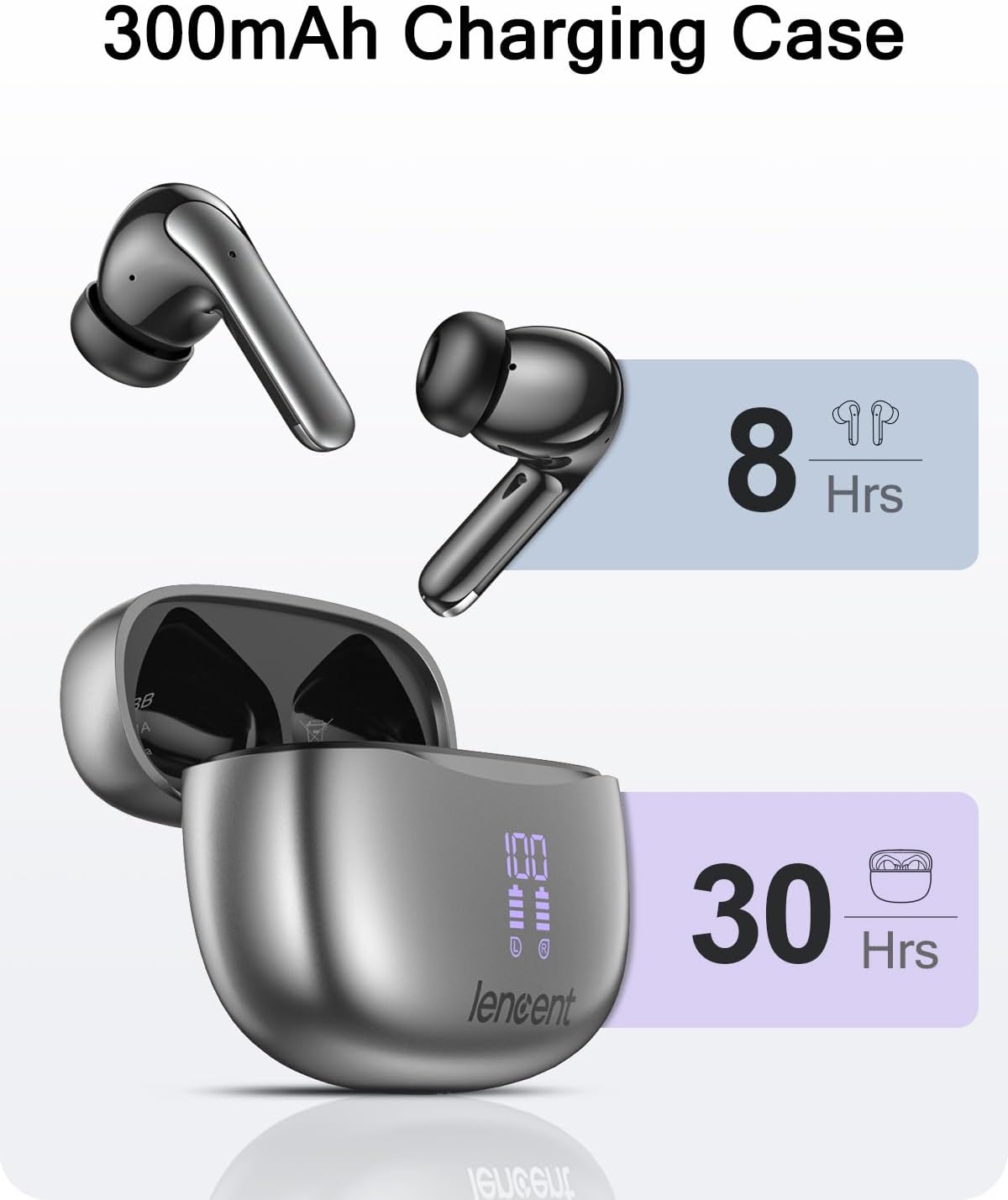
Image: Diagram illustrating 8 hours of playtime for earbuds and 30 hours total with the 300mAh charging case.

Image: Close-up of the charging case with its LED digital display showing battery percentages for the case and individual earbuds.
3.2 Bluetooth Pairing
- Ensure the earbuds are charged and placed in the charging case.
- Open the charging case. The earbuds will automatically enter pairing mode.
- On your device (smartphone, tablet, etc.), enable Bluetooth.
- Search for "LENCENT S52-SB" or similar in the list of available Bluetooth devices.
- Select the device name to connect. Once connected, you will hear a confirmation tone.
The earbuds will automatically reconnect to the last paired device when taken out of the case, if Bluetooth is enabled on the device.
4. Operating Instructions
4.1 Smart Touch Controls
The LENCENT Wireless Earbuds feature smart touch controls on each earbud. The Multi-Function Button (MFB) area is typically located on the outer surface of the earbud.

Image: Diagram showing the touch control area (MFB) and microphone location on the earbud, along with icons for various touch functions.
| Action | Function |
|---|---|
| Single Tap (L/R) | Play/Pause Music, Answer/End Call |
| Double Tap (L) | Previous Track |
| Double Tap (R) | Next Track |
| Triple Tap (L) | Volume Down |
| Triple Tap (R) | Volume Up |
| Long Press (2s) (L/R) | Reject Call, Activate Voice Assistant |
4.2 Audio Quality
These earbuds are equipped with a built-in 13mm driver and composite diaphragm, designed to deliver enhanced sound details and a Hi-Fi audio experience.

Image: Exploded view of an earbud showing internal components like the 13mm driver and composite diaphragm, emphasizing Hi-Fi sound capabilities.
4.3 Wearing the Earbuds
The earbuds feature a lightweight and compact design for ergonomic fit. Choose the ear tips that provide the best seal and comfort for your ears.

Image: A person wearing the LENCENT earbuds, highlighting their lightweight and compact design for ergonomic comfort.
5. Maintenance
5.1 Cleaning
- Regularly clean the earbuds and charging case with a soft, dry, lint-free cloth.
- Remove ear tips and clean them with mild soap and water, then dry thoroughly before reattaching.
- Ensure charging contacts on both earbuds and case are clean and free of debris.
5.2 Water Resistance
The earbuds are IPX5 waterproof, meaning they are resistant to splashing water and sweat. They are suitable for sports and light rain.

Image: A woman exercising while wearing the earbuds, with text indicating IPX5 waterproof rating. A caution advises against wearing them for bathing or swimming.
Caution: Do not wear the earbuds while bathing or swimming. IPX5 rating does not mean they are fully submersible.
5.3 Storage
When not in use, store the earbuds in their charging case to protect them and keep them charged. Store in a cool, dry place away from extreme temperatures.
6. Troubleshooting
- Earbuds not pairing: Ensure earbuds are charged. Turn off and on Bluetooth on your device. Forget the device in your Bluetooth settings and try pairing again.
- Only one earbud working: Place both earbuds back into the charging case, close the lid, wait a few seconds, then open the lid and try again. Ensure both earbuds are charged.
- No sound: Check volume levels on both your device and the earbuds. Ensure earbuds are properly connected to your device.
- Charging issues: Ensure the charging cable is securely connected. Clean the charging contacts on both the earbuds and the case. Try a different charging cable or power source.
- Touch controls unresponsive: Ensure your finger is clean and dry. Try restarting the earbuds by placing them in the case and taking them out again.
7. Specifications
| Feature | Detail |
|---|---|
| Model Name | Bluetooth earphones (S52-SB) |
| Connectivity Technology | Wireless (Bluetooth 5.3) |
| Ear Placement | In Ear |
| Waterproof Rating | IPX5 |
| Playtime (Earbuds) | Up to 8 hours |
| Total Playtime (with Case) | Up to 30 hours |
| Charging Time | Approx. 2 hours |
| Material | Plastic |
| Item Weight | 1.59 ounces (45.2 Grams) |
| Product Dimensions | 2.56 x 1.97 x 0.87 inches |
| Manufacturer | LENCENT Technology Co.,Ltd. |
8. Warranty and Support
For warranty information and customer support, please refer to the contact details provided on the product packaging or visit the official LENCENT website. Keep your purchase receipt for warranty claims.