
1. Introduction
Thank you for choosing the Radtel RT-600 Air Band Portable Two-Way Radio. This device is designed for reliable communication across various bands, offering advanced features for both amateur and professional use. This manual provides essential information for the safe and efficient operation of your radio.
The RT-600 features include interband repeater functionality, wireless frequency copying, automatic and manual emergency alerts, 8-group encryption, frequency/DCS/CTCSS scanning, dual-band standby, multiband transmission and reception, a large capacity 2200 mAh battery for extended standby, dual frequency and channel display, and a repeater transfer confirmation function.
2. Safety Information
Please read and understand all safety precautions before using the radio. Failure to follow these instructions may result in injury, damage to the radio, or void the warranty.
- Battery Safety: Use only the specified battery and charger. Do not disassemble, crush, or expose the battery to extreme temperatures or fire.
- Antenna: Do not touch the antenna during transmission.
- Hearing Protection: Keep the volume at a moderate level to avoid hearing damage, especially when using earphones.
- Interference: Turn off the radio in areas where it may cause interference, such as hospitals, aircraft, or near blasting sites.
- Water Resistance: This device is not water-resistant. Avoid exposure to water or moisture.
- Cleaning: Use a soft, dry cloth for cleaning. Do not use harsh chemicals.
3. Package Contents
Carefully unpack the box and ensure all items are present. If any items are missing or damaged, contact your retailer.
- Radtel RT-600 Two-Way Radio Unit
- Lithium-ion Battery (2200 mAh)
- Antenna
- Desktop Charger with Power Adapter
- Belt Clip
- Hand Strap
- User Manual (this document)

Figure 3.1: Contents of the Radtel RT-600 package. Includes the radio unit, battery, antenna, charger, and other accessories.
4. Product Overview
The Radtel RT-600 is a compact and robust portable two-way radio. Familiarize yourself with its components and controls for optimal use.
4.1. Radio Components
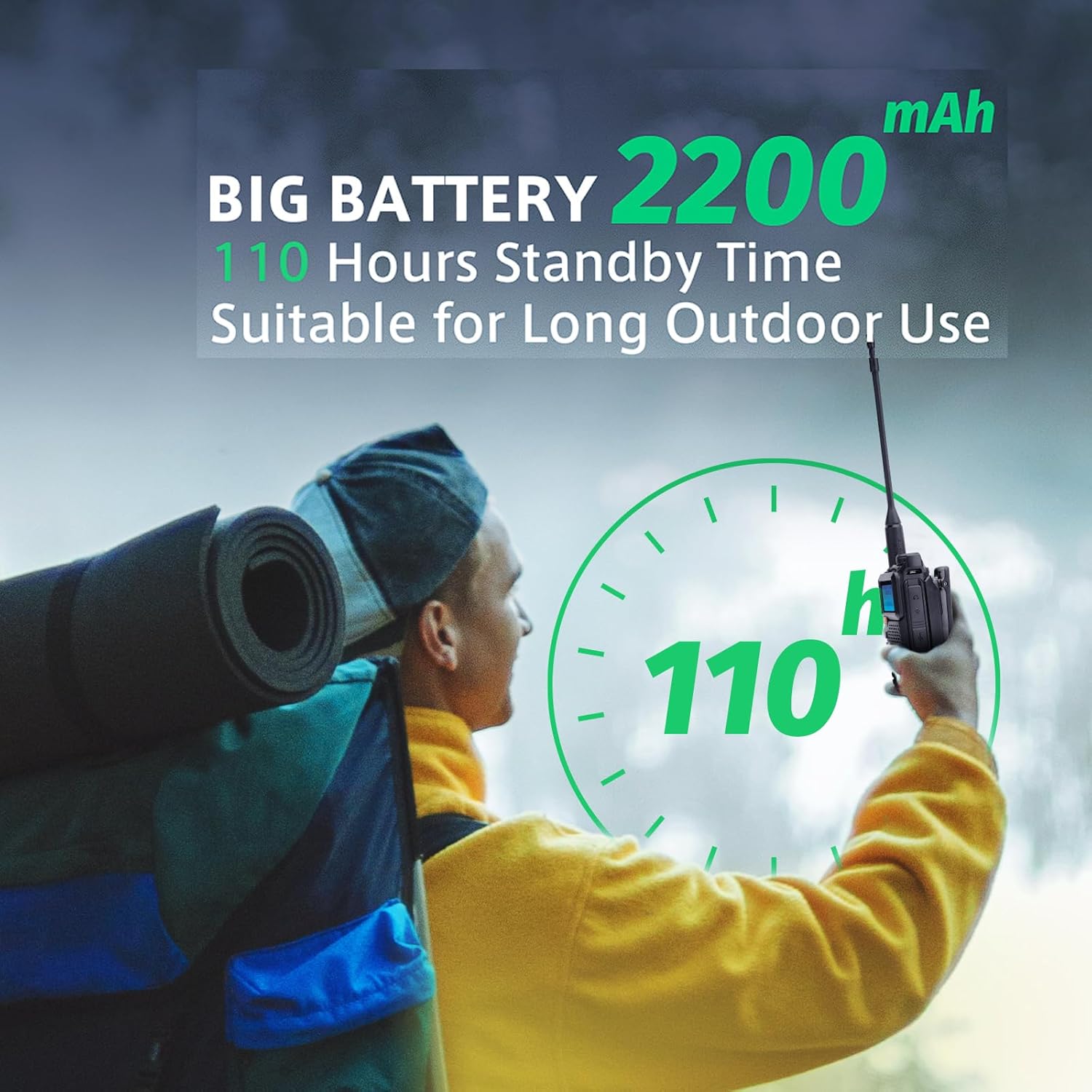
Figure 4.1: Front view of the RT-600 radio, displaying the screen, keypad, and main function buttons.

Figure 4.2: Side view of the RT-600 radio, highlighting the Push-to-Talk (PTT) button and accessory port.
4.2. Dimensions

Figure 4.3: Physical dimensions of the Radtel RT-600 radio, including antenna length.
5. Setup
5.1. Battery Installation
- Align the battery pack with the grooves on the back of the radio.
- Slide the battery upwards until it clicks into place.
- To remove, press the battery release latch (if present) and slide the battery downwards.
5.2. Antenna Attachment
- Screw the antenna into the connector on the top of the radio clockwise until it is finger-tight.
- Do not overtighten.
5.3. Charging the Battery
Before first use, fully charge the battery. The RT-600 uses a 2200 mAh Lithium-ion battery, providing long standby time.
- Connect the power adapter to the desktop charger.
- Plug the power adapter into an AC outlet.
- Place the radio (with battery installed) into the charging slot.
- The charging indicator light will show the charging status (e.g., red for charging, green for fully charged).

Figure 5.1: The Radtel RT-600 features a 2200 mAh battery, offering up to 110 hours of standby time for extended outdoor use.
6. Operating Instructions
6.1. Power On/Off and Volume Control
- Power On: Rotate the Power/Volume knob clockwise until you hear a click. The display will light up.
- Volume Adjustment: Continue rotating the Power/Volume knob to adjust the listening volume.
- Power Off: Rotate the Power/Volume knob counter-clockwise until you hear a click. The display will turn off.
6.2. Channel and Frequency Selection
The RT-600 supports dual frequency and channel display, with 200 channel memory.
- Channel Mode: Use the dedicated channel buttons or keypad to select a stored channel.
- Frequency Mode: Enter frequencies directly using the keypad. The radio operates within the 136-174 MHz VHF spectrum.
- Dual Display: The radio can display two frequencies/channels simultaneously, allowing for dual-band standby.
6.3. Transmitting and Receiving
- Receiving: When a signal is detected on the selected frequency/channel, the radio will automatically open the squelch and output audio.
- Transmitting: Press and hold the Push-to-Talk (PTT) button on the side of the radio. Speak clearly into the microphone. Release the PTT button to return to receive mode.
6.4. Advanced Features
- Interband Repeater Function: Allows the radio to act as a cross-band repeater. Refer to the detailed programming guide for setup.
- Wireless Frequency Copy: Enables copying frequencies from other radios wirelessly.
- Emergency Alert: Activate automatic or manual emergency alerts for critical situations.
- 8-Group Encryption: Provides secure communication through 8 distinct encryption groups.
- Frequency/DCS/CTCSS Scan: Scan for active frequencies or tones (DCS/CTCSS) to find ongoing communications.
- Multiband Emissions and Receptions: Supports communication across multiple frequency bands.
- Repeater Transfer Confirmation: Confirms successful transfer through a repeater.
7. Maintenance
Proper maintenance ensures the longevity and optimal performance of your Radtel RT-600 radio.
- Cleaning: Wipe the radio's surface with a soft, slightly damp cloth. Do not use solvents or abrasive cleaners.
- Battery Care: Avoid fully discharging the battery regularly. Recharge the battery when the low battery indicator appears. Store the radio and battery in a cool, dry place when not in use for extended periods.
- Antenna: Ensure the antenna is securely attached. Do not bend or force the antenna.
- Storage: Store the radio in a dry, dust-free environment away from direct sunlight and extreme temperatures.
8. Troubleshooting
If you encounter issues with your RT-600, refer to the following common problems and solutions:
| Problem | Possible Cause | Solution |
|---|---|---|
| Radio does not power on | Battery is low or not installed correctly. | Charge the battery or re-install it securely. |
| Cannot transmit or receive | Incorrect frequency/channel, antenna not attached, or out of range. | Verify frequency/channel settings. Ensure antenna is attached. Move closer to the other radio. |
| Poor audio quality | Low battery, weak signal, or incorrect squelch setting. | Charge battery. Adjust squelch level. Move to an area with better signal reception. |
| Battery drains quickly | Frequent transmission, old battery, or high power setting. | Reduce transmission time. Consider replacing the battery if it's old. Use lower power settings when possible. |
9. Specifications
Technical specifications for the Radtel RT-600 portable two-way radio:
| Feature | Specification |
|---|---|
| Brand | Radtel |
| Model Number | RT-600 |
| Manufacturer | Xiamen Radtel Electronics Co.,Ltd |
| Walkie-talkie Type | Portable |
| Output Power (W) | 3-5 W |
| Frequency Spectrum | 136-174 MHz (VHF) |
| Maximum Talk Range | 3 km - 5 km |
| Number of Channels | 200 Channel Memory |
| Battery Capacity | 2200 mAh |
| Battery Type | Lithium-ion (Rechargeable) |
| Product Dimensions | 3.75 x 6 x 3.75 cm |
| Item Weight | 470 g |
| Water Resistance Level | Not water resistant |
| Compatible Devices | Radtel VHF two-way radio, Radtel RT-600 portable units, Radtel RT-600 switch stations, other long-range devices using VHF and 3 channels |
| Additional Features | Interband repeater, wireless frequency copy, emergency alert, 8-Group Encryption, Frequency/DCS/CTCSS Scan, Dual band STANDBY, Multiband emissions/receptions, Dual frequency/channel display, Repeater transfer confirmation. |
10. Warranty Information
Radtel products are manufactured to high-quality standards. For specific warranty terms and conditions, please refer to the warranty card included with your purchase or contact your retailer. Keep your proof of purchase for any warranty claims.
11. Customer Support
If you have any questions, require technical assistance, or need further support regarding your Radtel RT-600 radio, please contact the retailer from whom you purchased the product. You may also visit the official Radtel website for additional resources and contact information.


