Introduction
The Braun Skin i·Expert Pro 7 is an advanced Intense Pulsed Light (IPL) hair removal system designed for safe and effective at-home use. This device features smart technology that adapts to your skin tone and provides real-time guidance through a dedicated mobile application, aiming for permanent hair reduction. It is dermatologically and gynecologically approved, and eye-safe, eliminating the need for protective glasses during use.
Safety Information
Before using the Braun Skin i·Expert Pro 7, please read all safety warnings and instructions. This device is intended for hair removal on suitable skin and hair types. It is crucial to perform a skin compatibility test as guided by the app before your first full treatment.
- Skin Tone Compatibility: The device features a SensoAdapt™ sensor that automatically adjusts light intensity to your skin tone. IPL is most effective on light to medium skin tones with dark hair. It is not suitable for very dark skin tones or very light (blonde, red, grey, white) hair, as it may not be effective or could cause skin irritation. Refer to the skin tone chart in the app or manual for guidance.
- Eye Safety: The device is designed to be eye-safe, and protective glasses are not required. However, avoid direct eye exposure to the flash.
- Skin Condition: Do not use the device on irritated, sunburned, tattooed, or broken skin. Avoid areas with moles, birthmarks, or permanent makeup.
- Pregnancy/Breastfeeding: Consult a healthcare professional before use if pregnant or breastfeeding.
- Medication: Inform your doctor about any medications you are taking, especially those that may increase skin sensitivity to light.
If you experience any discomfort or adverse reactions, discontinue use immediately and consult a healthcare professional.

Image: Skin tone and hair color suitability chart. Shows various skin tones from light to dark, indicating which are suitable and not suitable for IPL. Also shows hair colors from black to light blonde, indicating suitability.
Package Contents
Your Braun Skin i·Expert Pro 7 package includes the following items:
- Braun Skin i·Expert Pro 7 IPL Device
- Standard Head
- Precision Head (for face and delicate areas)
- Wide Head (for larger body areas like upper legs, chest, and back)
- Venus Razor (for pre-treatment shaving)
- Premium Pouch/Travel Case
- Power Supply Cord
- User Manual

Image: The Braun Skin i-Expert Pro 7 IPL device shown with its power cord, three different attachment heads (standard, precision, wide), a Venus razor, and a storage pouch.
Setup
Follow these steps to set up your Braun Skin i·Expert Pro 7 for first-time use:
- Unbox and Inspect: Carefully remove all components from the packaging. Inspect the device and accessories for any damage.
- Charge Device (if applicable): While the device is corded electric, ensure it is properly connected to the power supply.
- Download the App: Download and install the Braun Skin i·Expert IPL app on your smartphone from the App Store or Google Play.
- Connect to App: Open the app and follow the on-screen instructions to connect your device via Bluetooth/Wi-Fi.
- Skin Assessment: The app will guide you through an initial skin assessment to determine your skin tone and suitability for IPL treatment. This step is crucial for safe and effective use.
- Personalized Plan: Based on your assessment, the app will create a personalized treatment plan tailored to your hair and skin needs.
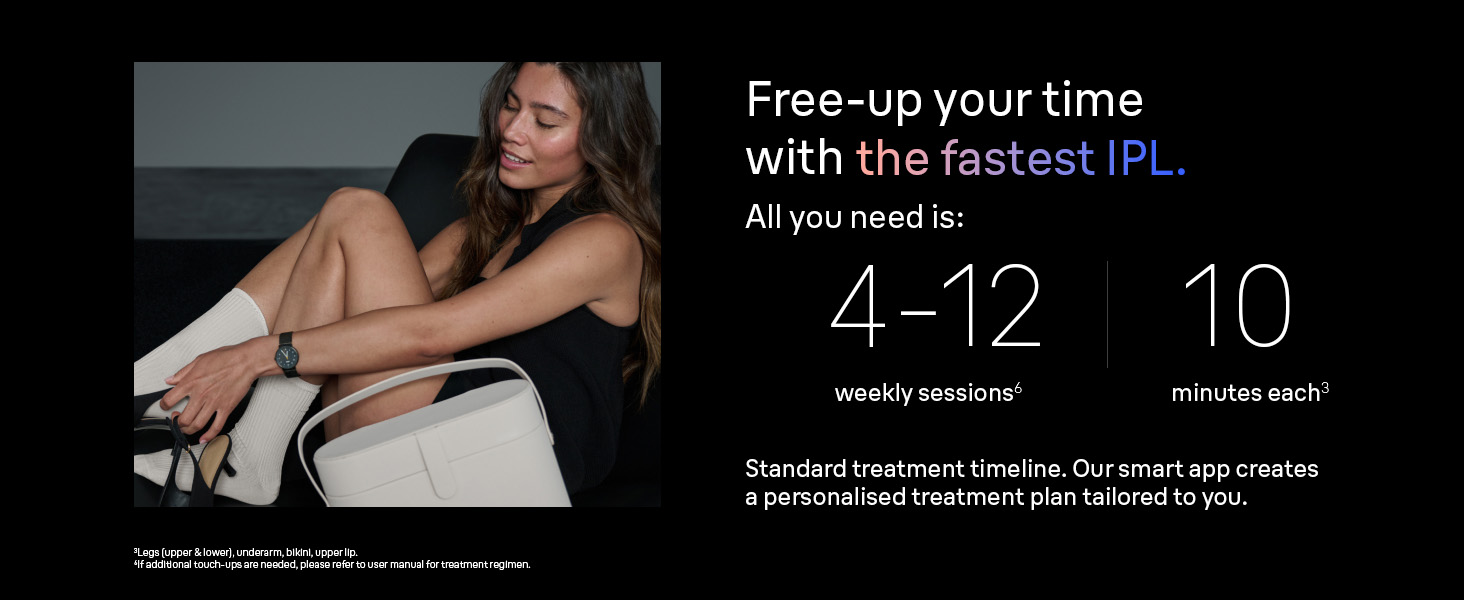
Image: Close-up of the Braun IPL device on skin, showing blue light indicators for skin tone detection and automatic power adjustment.
Operating Instructions
For optimal results, follow these operating guidelines:
- Prepare Skin: Ensure your skin is clean, dry, and freshly shaved before each treatment. Do not wax, epilate, or pluck hair from the treatment area, as the IPL needs the hair follicle to target.
- Select Attachment: Choose the appropriate attachment head for the body part you intend to treat. The app will recommend the best head for each area.
- Power On: Connect the device to a power outlet. The indicator lights will illuminate.
- Skin Contact: Place the device window firmly against your skin. The SensoAdapt™ sensor will detect your skin tone and automatically adjust the light intensity. The indicator lights on the side of the device will show the detected intensity level.
- Apply Flash: Press the flash button. A flash of light will be emitted. Move the device to the next adjacent area without overlapping.
- Treatment Modes: The device offers different comfort modes (Standard, Gentle, Extra Gentle) which can be selected via the app or device controls to suit your sensitivity.
- Follow App Guidance: Use the Braun Skin i·Expert IPL app for real-time step-by-step guidance, coverage tracking, and progress monitoring to ensure no missed spots and consistent results.

Image: A woman using the Braun IPL device on her lower leg, demonstrating proper application.

Image: A visual representation of the different attachment heads for the Braun IPL device, labeled for underarm & lower legs, face, upper legs, chest & back, and intimate area.
Official Product Video: Braun Skin i-expert IPL
Video Description: This official product video demonstrates the features and usage of the Braun Skin i-Expert IPL device, including its smart app connectivity, skin tone adaptation, and application on various body parts for both men and women.
Maintenance
Proper maintenance ensures the longevity and optimal performance of your device:
- Cleaning: After each use, ensure the device is unplugged. Clean the treatment window and the outer surfaces with a dry, lint-free cloth. Do not use abrasive cleaners or solvents.
- Storage: Store the device and its accessories in the provided premium pouch in a cool, dry place, away from direct sunlight and moisture.
- Inspection: Regularly inspect the device and power cord for any signs of damage. Do not use if damaged.
Troubleshooting
If you encounter any issues with your Braun Skin i·Expert Pro 7, please refer to the following general advice:
- Device Not Flashing: Ensure the device is firmly pressed against the skin and the skin tone sensor is fully covered. The device will only flash if proper skin contact is detected and your skin tone is suitable.
- App Connectivity Issues: Check your smartphone's Bluetooth/Wi-Fi settings and ensure the device is within range. Restart both the app and the device if necessary.
- Skin Irritation: If you experience excessive redness, swelling, or pain, stop treatment immediately. Ensure you are using the correct intensity level for your skin tone and not overlapping flashes.
- Hair Regrowth: IPL results vary by individual. Consistent use according to the recommended schedule is key for effective hair reduction.
For more detailed troubleshooting or persistent problems, consult the comprehensive troubleshooting section within the Braun Skin i·Expert IPL app or visit the official Braun support website.
Specifications
| Feature | Detail |
|---|---|
| Model Number | PL7219 |
| Brand | Braun |
| Power Source | Corded Electric |
| Item Weight | 280 Grams |
| Water Resistance Level | Not Water Resistant |
| Package Dimensions | 13.86 x 8.35 x 4.21 inches |
| Manufacturer | Procter & Gamble |
Warranty and Support
For warranty information, product registration, or technical support, please refer to the official Braun website or contact Braun customer service. The Braun Skin i·Expert Pro 7 is backed by dedicated support, including personalized assistance and hassle-free logistics for any service needs.
You can find additional resources and contact information on the Braun website: www.braun.com


