1. Introduction
Thank you for choosing the SKG Cordless Knee Massager W3 Pro. This device is designed to provide targeted heat and vibration massage for knee pain relief, muscle tension, and improved blood circulation. Please read this manual thoroughly before use to ensure safe and effective operation.

Figure 1: SKG Cordless Knee Massager W3 Pro (Pair)
2. Safety Information
- Use the device only in dry conditions.
- Discontinue use immediately if you experience pain or discomfort.
- Ensure proper body positioning during use to avoid strain.
- Do not use if the device shows any signs of electrical leakage or damage.
- Consult a physician before use if you have pre-existing medical conditions.
3. Package Contents
Upon unpacking your SKG Cordless Knee Massager W3 Pro, please ensure all items listed below are present:
- SKG Cordless Knee Massager (2 units)
- USB Charging Cable
- User Manual
- Extender Strap (for larger areas)
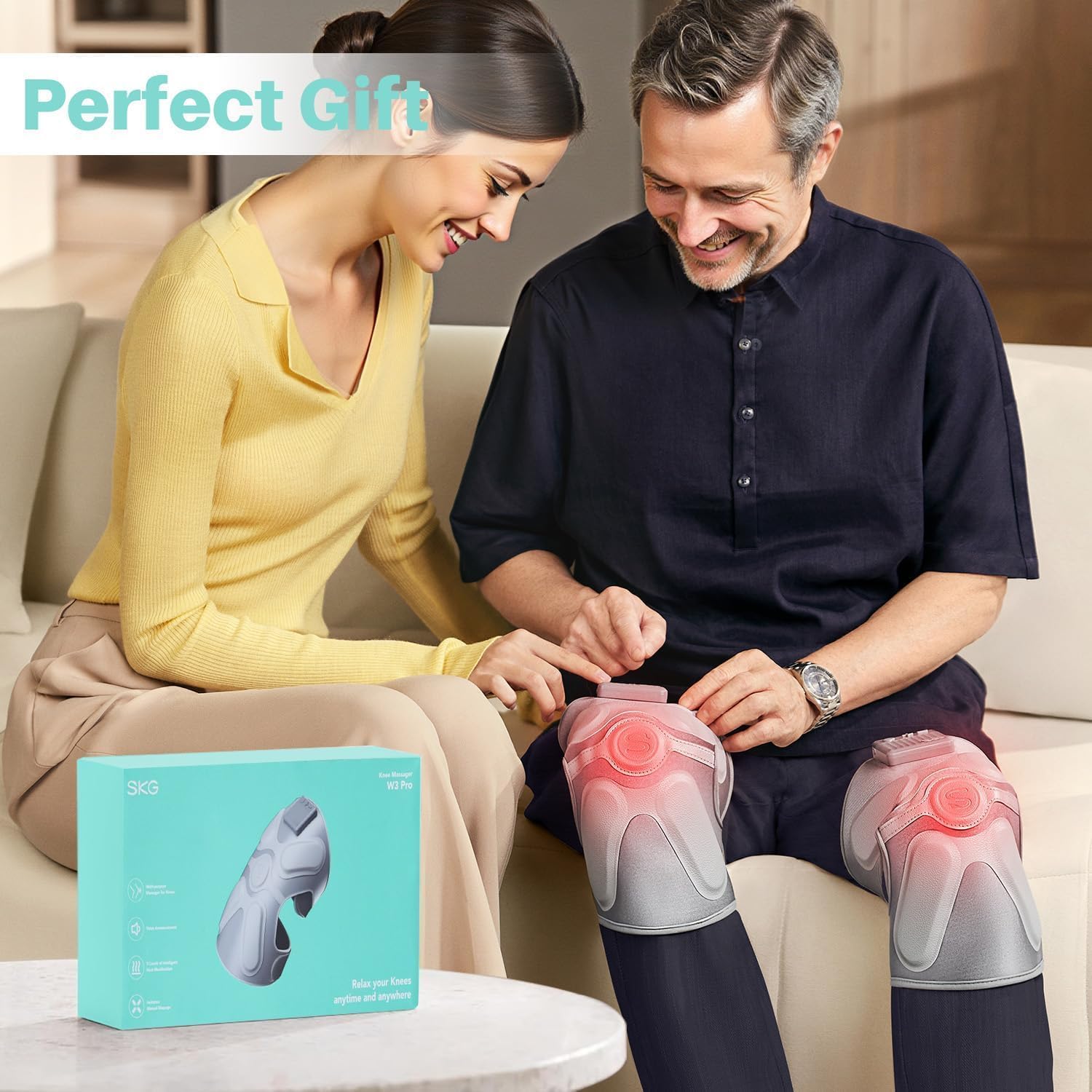
Figure 2: Product packaging and contents.
4. Product Overview
The SKG Cordless Knee Massager W3 Pro combines advanced features for comprehensive knee care:
- Unique 4 Vibration Motors: Equipped with four high-performance vibration motors and three massage modes for a robust and precise massage experience.
- Large Area Heating: Ergonomically designed for 100% coverage of the knee region, offering four heating levels (104°F-131°F) to promote blood circulation and relieve muscle tension.
- Certified Quality: CE and FCC-certified, ensuring high standards of quality and safety.
- Ergonomic Design: Features an ergonomic cut for a snug fit and is made with skin-friendly, breathable polyurethane material with adjustable Velcro straps.
- Voice Broadcast: Provides voice prompts for mode and setting changes.
- 15-Minute Auto-Off: Automatically shuts off after 15 minutes of continuous use.

Figure 3: Key features of the knee massager.
5. Setup
- Charge the Device: Before first use, fully charge the massager using the provided USB charging cable. The charging port is located on the control panel.
- Connect Massagers: If using both massagers simultaneously, connect the secondary massager to the main massager's control unit using the small connecting cable.
- Positioning: Place the massager around your knee, ensuring the central heating and vibration elements are directly over the kneecap.
- Secure with Straps: Use the adjustable Velcro straps to secure the massager firmly but comfortably around your knee. An extender strap is included for larger leg sizes.

Figure 4: Control panel for easy operation.
6. Operating Instructions
The massager features intuitive controls for a personalized experience:
- Power On/Off: Press and hold the power button on the control panel to turn the device on or off.
- Select Massage Mode: Short press the massage mode button to cycle through the 3 available vibration modes. The device will announce the selected mode.
- Adjust Heat Level: Short press the heat button to cycle through the 4 available heat levels (104°F, 113°F, 122°F, 131°F). The device will indicate the current heat setting.
- Automatic Shut-off: For safety and optimal use, the massager will automatically turn off after 15 minutes. You may restart it if desired.

Figure 5: Large heating area with adjustable temperature settings.
Video 1: Demonstration of the SKG Knee Massager with Heat and Vibration.
7. Usage Scenarios
While primarily designed for the knees, the flexible design and adjustable straps allow for use on other body parts:
- Knee: Ideal for post-workout recovery, joint pain, and muscle stiffness.
- Elbow: Can be wrapped around the elbow for targeted relief.
- Shoulder/Arm: Use the extender strap to secure the massager on the shoulder or other parts of the arm for comfort.
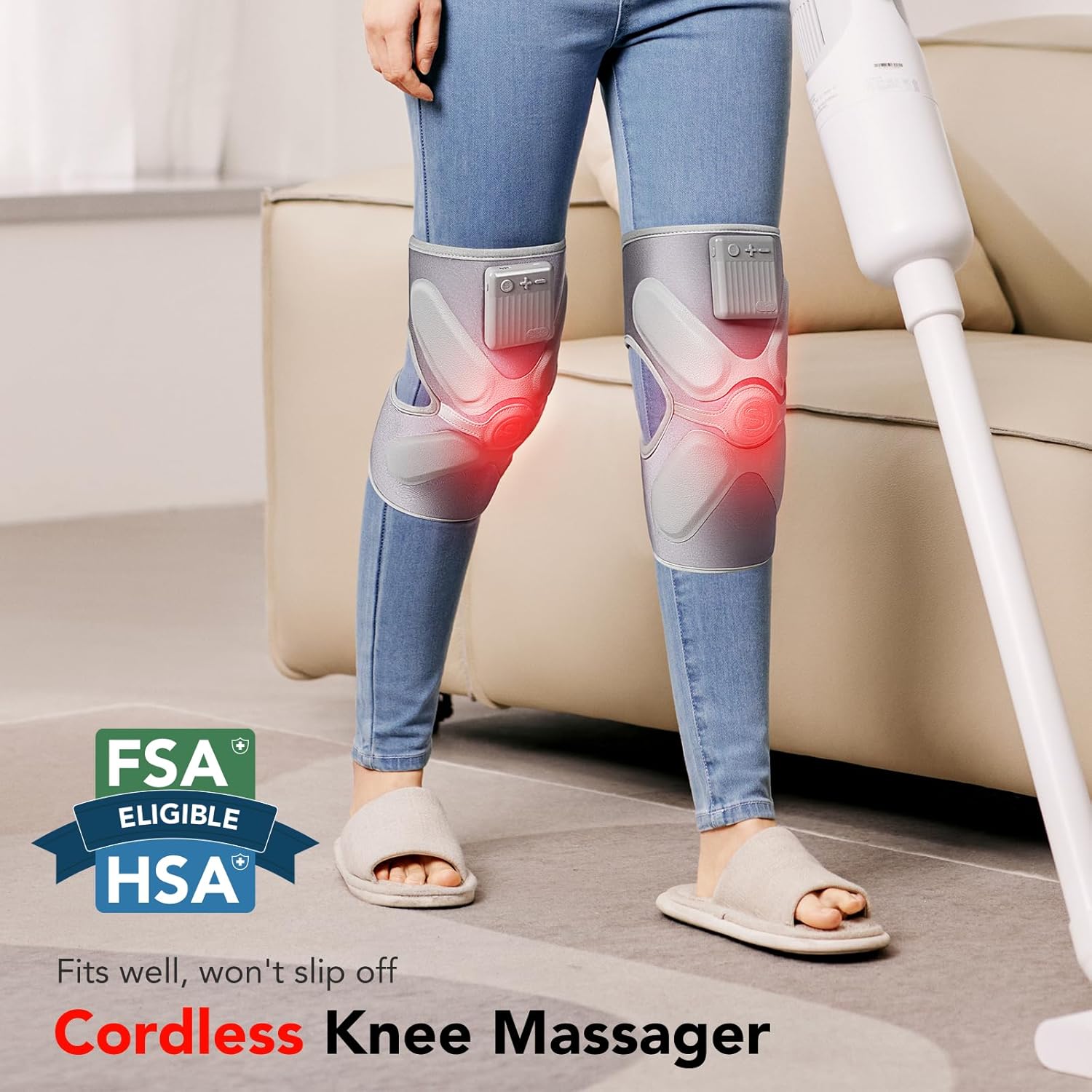
Figure 6: Cordless design allows for use during light activities.
8. Maintenance
- Cleaning: Wipe the surface of the massager with a soft, damp cloth. Do not immerse the device in water.
- Storage: Store the massager in a cool, dry place away from direct sunlight and extreme temperatures.
- Battery Care: To prolong battery life, avoid fully discharging the device frequently. Charge regularly even if not in constant use.
9. Troubleshooting
- Device not turning on: Ensure the device is fully charged. If the issue persists, contact customer support.
- No heat/vibration: Check if the respective functions are activated via the control panel. If the device is charged and functions are on but not working, contact customer support.
- Unusual operation/discomfort: Discontinue use immediately. If you suspect an electrical issue or malfunction, cease use and contact customer support.
10. Specifications
| Feature | Detail |
|---|---|
| Product Dimensions | 12.32 x 6.81 x 3.36 inches |
| Item Model Number | W3 PRO |
| Batteries | 1 AA batteries required (included) |
| Item Weight | 1.28 Pounds (580 Grams) |
| Material | Polyurethane |
| Power Source | Battery Powered |
| Manufacturer | SKG |
11. Warranty and Support
For warranty information, technical support, or any product-related inquiries, please refer to the contact details provided with your purchase documentation or visit the official SKG website. Protection plans are available for purchase separately.


