
Introduction
This manual provides detailed instructions for the safe and efficient use of your COZOO RGB Table Lamp. Please read this manual thoroughly before operating the device and retain it for future reference. This portable, rechargeable lamp offers versatile lighting options with its RGB color display and dimmable features, suitable for various indoor and outdoor settings.
What's Included
- COZOO RGB Table Lamp (Main Unit)
- USB Charging Cable
- User Manual
Setup
Initial Charge
Before first use, fully charge the lamp using the provided USB cable. Connect the USB cable to the charging port located on the base of the lamp and plug the other end into a compatible USB power adapter (not included).

Image: Close-up of the lamp's base showing the USB charging port.
Placement
The COZOO RGB Table Lamp is designed for versatile placement, suitable for bedside tables, living rooms, patios, or any indoor/outdoor area where portable lighting is desired. Its lightweight and portable design allows for easy relocation.
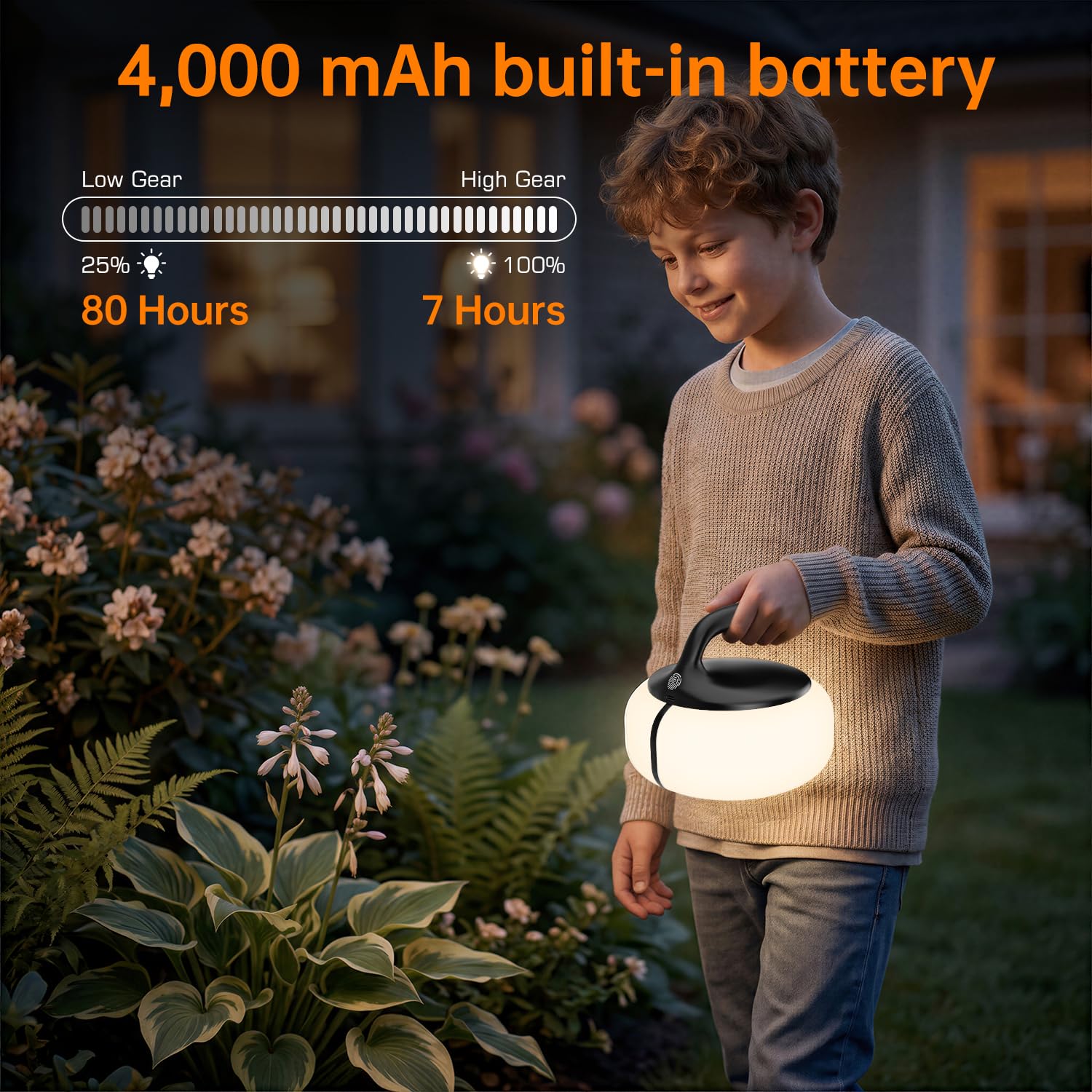
Image: The COZOO RGB Table Lamp placed on a bedside table, illustrating its use as a night light.
Operating Instructions
Power On/Off and Brightness Adjustment
The lamp features a touch-sensitive control for power and brightness. To power on or off, gently tap the designated touch control area on the top of the lamp. To adjust brightness, press and hold the touch control area to cycle through the four dimmable levels (25%, 50%, 75%, 100%).

Image: Visual representation of the lamp's four adjustable brightness levels (25%, 50%, 75%, 100%).
Color Mode Selection
The lamp offers 13 distinct colors and 4 lighting modes, including a multi-color setting with over 256 colors. To change colors or modes, tap the touch control area. Continue tapping to cycle through the available options, which include a breathing gradient mode and a continuous flow mode.

Image: The lamp displaying various RGB colors and illustrating the touch control button for mode selection.
Maintenance
- Cleaning: Wipe the lamp with a soft, dry cloth. Do not use abrasive cleaners, harsh chemicals, or solvents, as these may damage the finish or electronic components.
- Battery Care: To prolong battery life, avoid fully discharging the lamp frequently. Recharge the lamp when the light dims significantly.
- Storage: If storing the lamp for an extended period, ensure it is fully charged before storage. Store in a cool, dry place. Recharge the lamp every 3-6 months to maintain optimal battery health.
Troubleshooting
| Problem | Possible Cause | Solution |
|---|---|---|
| Lamp does not turn on. | Battery is discharged. | Charge the lamp using the provided USB cable. |
| Light is dim or flickers. | Low battery. | Recharge the lamp. |
| Cannot change colors/modes. | Incorrect touch operation. | Ensure you are tapping the touch control area correctly. Try a firm, brief tap. |
| Lamp does not charge. | Faulty cable or power adapter. | Try a different USB cable and a compatible power adapter. Ensure the cable is securely connected. |
Specifications
- Model Number: T36
- Brand: COZOO
- Power Source: Battery Powered (Rechargeable)
- Battery: 1 Lithium Polymer battery (included), 6000 mAh
- Light Source: LED
- Light Color: Multicolor (RGB)
- Control Method: Touch Control
- Brightness Levels: 4-way Dimmable
- Product Dimensions: 14.99 x 14.99 x 12.55 cm
- Item Weight: 0.38 Kilograms
- Material: Acrylonitrile Butadiene Styrene, Polycarbonate
- Voltage: 5 Volts
- Wattage: 4 watts
- Indoor/Outdoor Usage: Indoor, Outdoor
- Special Features: Cordless, LED, Portable, Rechargeable
Warranty and Support
The COZOO RGB Table Lamp comes with a 2-year warranty. This warranty covers manufacturing defects and ensures reliable performance under normal use. For any support needs, technical assistance, or warranty claims, please contact COZOO customer service through the retailer where the product was purchased or visit the official COZOO website.
Contact Information: Please refer to your purchase documentation or the COZOO brand store for the most up-to-date contact details.