Product Overview
The Mepplzian Lighted Medicine Cabinet is a versatile and functional addition to any bathroom. This wall-mounted cabinet features an integrated mirror with adjustable 3-color LED lighting and a defogging function, providing both illumination and clear reflection. It also offers ample internal storage to help organize your bathroom essentials.
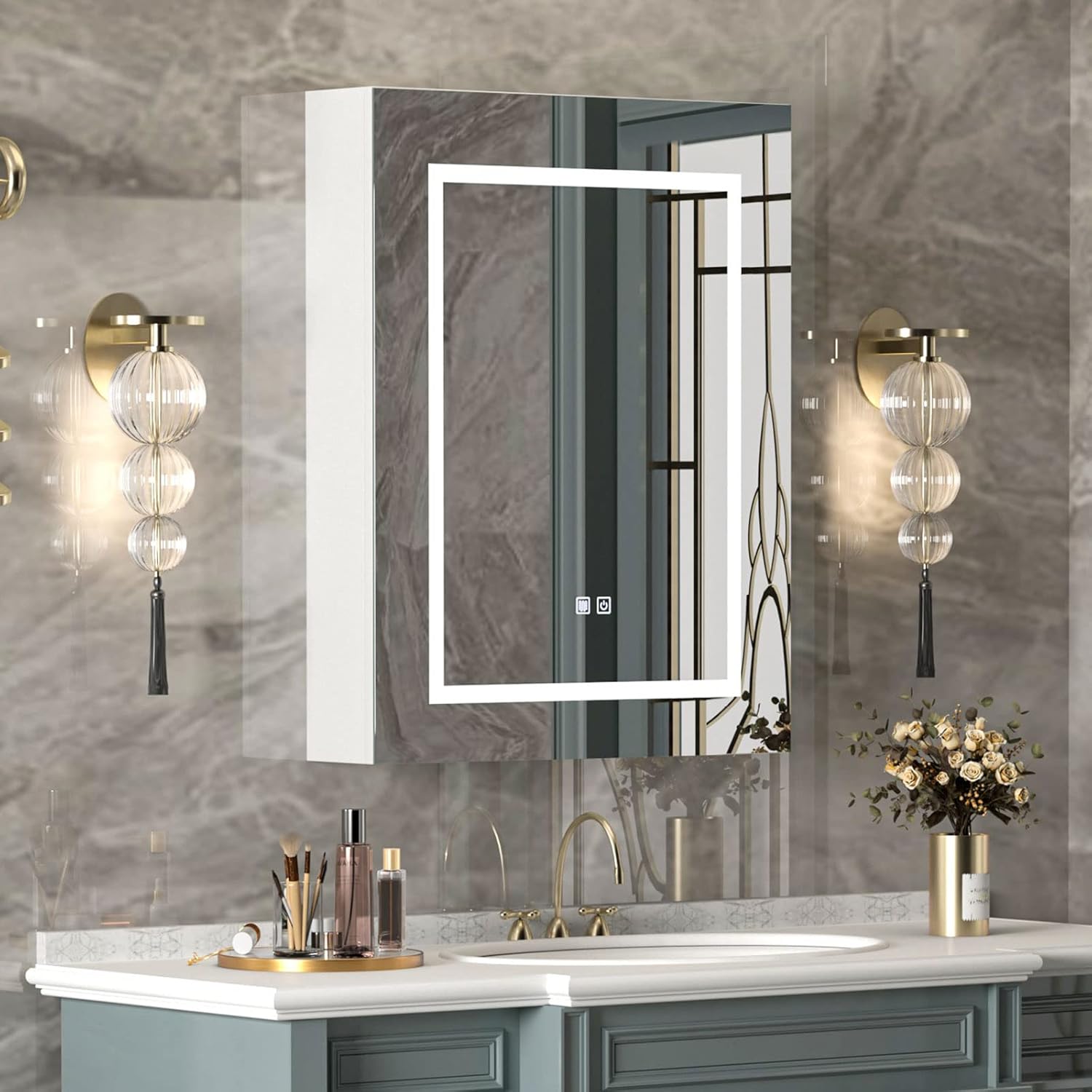
Image: Mepplzian Lighted Medicine Cabinet with illuminated mirror, installed above a bathroom sink with decorative elements.
Important Safety Information
Please read and understand all instructions before installation and use. Failure to follow these instructions may result in electric shock, fire, or serious injury.
- Do not use the LED lights for primary room illumination.
- Ensure proper installation to avoid accidents. Professional installation is recommended if you are unsure.
- Do not exceed the maximum weight capacity of 15 KG (approximately 33 lbs) for the cabinet shelves.
- Keep electrical connections dry and away from water sources.
Key Product Features
- High-Quality Construction: Made of E1 grade particle board and high-density MDF board for enhanced stability, moisture resistance, and easy cleaning, suitable for bathroom environments.
- 3-Color Adjustable LED Lighting: Integrated lighted mirror with three adjustable light colors (3000K Warm Light, 4500K Neutral Light, 6500K Day Light) for various needs like makeup application or creating ambiance. Features an energy-saving mode.
- Defogging Function: Newly upgraded defogging feature clears the mirror quickly after showers, ensuring a clear reflection.
- Ample Storage: Adjustable shelves provide three layers of storage space for toiletries, cosmetics, and other bathroom items, helping to keep your space tidy.
- FSC-Certified Wood Frame: The cabinet frame is constructed from FSC-certified wood, promoting responsible forest management.
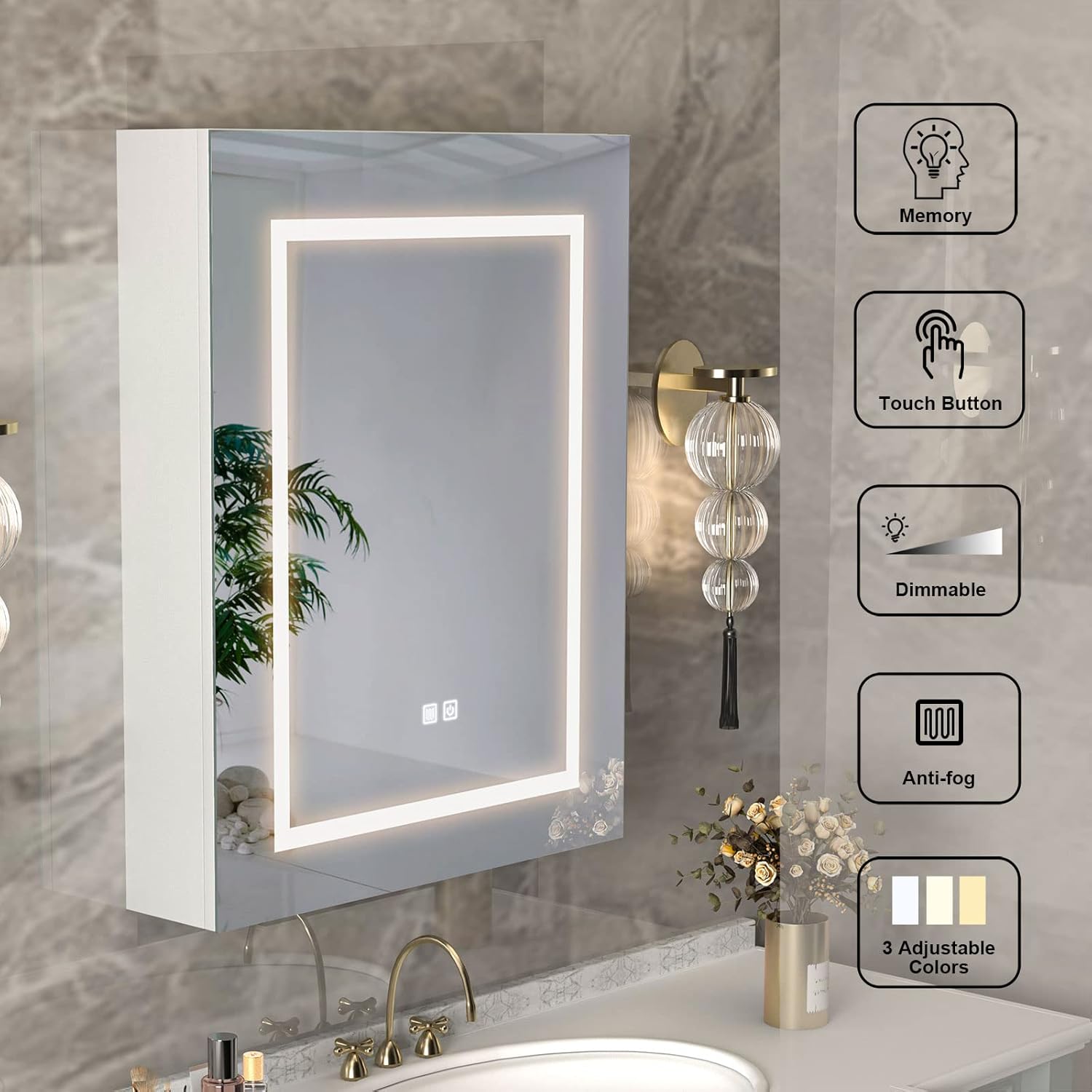
Image: Visual representation of the cabinet's key features: memory function, touch button control, dimmable lighting, anti-fog capability, and 3 adjustable color temperatures.
Package Contents
Before beginning installation, please verify that all components are present and undamaged.
- Lighted Medicine Cabinet Unit
- Adjustable Shelves (Quantity: 3)
- Mounting Hardware (screws, anchors, etc.)
- Detailed Installation Instructions Manual

Image: An exploded view diagram illustrating the cabinet components and included hardware for assembly.
Setup and Installation
The Mepplzian Lighted Medicine Cabinet is designed for quick and easy wall-mounted installation. Refer to the detailed instructions provided in the package for specific steps. An installation video is also available for visual guidance.
General Installation Steps:
- Prepare the Wall: Choose a suitable location on your bathroom wall, ensuring it can support the cabinet's weight (approx. 17 kg / 37.4 lbs) and contents. Mark drilling points accurately.
- Mount the Cabinet: Securely attach the cabinet to the wall using the provided mounting hardware. Ensure it is level and stable.
- Connect Power: Connect the electrical cord for the lighting and defogging functions. It is recommended to have a qualified electrician perform electrical connections if you are not familiar with electrical wiring.
- Install Shelves: Place the adjustable shelves inside the cabinet at your desired heights.
- Door Adjustment: If needed, adjust the door hinges to ensure proper alignment and smooth operation. Refer to the "Door Adjustment/Removal" section in your printed manual for detailed instructions.
Video: Mepplzian LED medicine cabinet detailed installation steps. This video provides a visual guide for mounting the cabinet, connecting power, and adjusting components.

Image: Product dimensions (23.6"W x 29.9"H x 5.3"D) and load bearing capacity (44 lbs) for the cabinet, with an open door showing internal shelves.

Image: Diagrams illustrating how to adjust or remove the cabinet door using hinge screws for proper alignment.
Operating Instructions
LED Lighting Control:
The mirror features a touch sensor switch for controlling the LED lighting.
- Short Press: Tap the light icon on the mirror to cycle through the three color temperatures (3000K Warm Light, 4500K Neutral Light, 6500K Day Light).
- Long Press: Press and hold the light icon to adjust the brightness level (dimmable from 5% to 100%).

Image: Visual guide to the LED touch sensor switch, demonstrating the three color temperature options (3000K, 4500K, 6000K) and the dimming function from 5% to 100% brightness.
Defogging Function:
The cabinet mirror includes an anti-fog feature to maintain clarity in humid conditions.
- Activate Defogger: Touch the defogging switch icon on the mirror to activate the defogging function. The mirror will quickly clear.
- Deactivate Defogger: Touch the defogging switch icon again to turn off the function.

Image: A comparison showing the mirror before and after activating the one-touch anti-fog feature, demonstrating its effectiveness in clearing condensation.
Maintenance
- Cleaning the Mirror: Use a soft, lint-free cloth and a non-abrasive glass cleaner to clean the mirror surface. Avoid harsh chemicals that may damage the mirror or LED components.
- Cleaning the Cabinet: Wipe the cabinet surfaces with a damp cloth and mild detergent. Dry immediately with a clean cloth. Avoid excessive moisture.
- Electrical Components: Ensure all electrical connections remain dry. Do not spray water directly onto the cabinet or electrical parts.
- Hinge Care: Periodically check the door hinges for tightness. If they become loose, gently tighten the screws.
Troubleshooting
| Problem | Possible Cause | Solution |
|---|---|---|
| LED lights not working or stopped working. | Power supply issue, loose connection, or internal component failure. | Check if the cabinet is properly plugged in. Ensure the power outlet is functional. Verify all electrical connections are secure. If the issue persists, contact customer support. |
| Mirror is not defogging. | Defogger function not activated or electrical issue. | Ensure the defogging switch is pressed. Check power connection. |
| Cabinet door is misaligned or not closing properly. | Loose hinges or improper installation. | Adjust the hinge screws as shown in the installation diagrams. Ensure the cabinet is securely mounted and level. |
| Cabinet feels unstable after installation. | Insufficient mounting hardware or improper wall anchors. | Ensure appropriate wall anchors are used for your wall type. Verify all mounting screws are tightened securely. If necessary, reinforce mounting points. |
Product Specifications
| Attribute | Detail |
|---|---|
| Brand | Mepplzian |
| Model Number | BC0 |
| Dimensions (D x W x H) | 4.5"D x 23.6"W x 29.9"H |
| Color | White (24x30 Inch variant) |
| Mounting Type | Wall Mount |
| Material | E1 grade particle board, High density MDF board, Engineered Wood (Frame) |
| Weight Limit (Shelves) | 15 Kilograms (approx. 33 lbs) |
| Item Weight | 17 Kilograms (approx. 37.4 lbs) |
| Number of Shelves | 3 (adjustable) |
| Special Feature | Illuminated (3-color control, dimmable), Defogging |
| Assembly Required | Yes |
Warranty and Support
Mepplzian is committed to providing high-quality products and customer satisfaction. For any issues, questions, or concerns regarding your Lighted Medicine Cabinet, please contact Mepplzian customer service.
While specific warranty details are not provided in this manual, standard manufacturer warranties typically cover defects in materials and workmanship for a limited period from the date of purchase. Please retain your proof of purchase for warranty claims.
For assistance, please visit the Mepplzian Store on Amazon or refer to the contact information provided in your product packaging.


