
TOZO X1
TOZO Golden X1 Wireless Earbuds User Manual
Model: X1
Product Overview
The TOZO Golden X1 Wireless Earbuds are designed to deliver a high-fidelity audio experience with advanced features such as Hybrid Dynamic Driver and Balanced Armature Driver technology, LDAC HD Audio-decoding, and Active Noise Cancellation. These earbuds offer a comfortable fit and extended battery life, making them suitable for various uses including music listening, calls, and travel.

Image: TOZO Golden X1 Wireless Earbuds in their charging case, showcasing the champagne color and digital battery display.
Setup Guide
1. Package Contents
Ensure all items are present in the package:
- TOZO Golden X1 Wireless Earbuds
- Wireless Charging Case
- Eartips (various sizes)
- USB-C (A to C) cable (30cm)
- User Manual
2. Initial Charging
Before first use, fully charge the earbuds and the charging case. The case supports both USB-C wired charging and wireless charging.
- Wired Charging: Connect the provided USB-C cable to the charging case and a power source. The LED digital display on the case will show the battery level.
- Wireless Charging: Place the charging case on a compatible wireless charging pad. The digital display will indicate charging status.
A full charge for the carrying case takes approximately 2 hours. The earbuds charge automatically when placed inside the case.
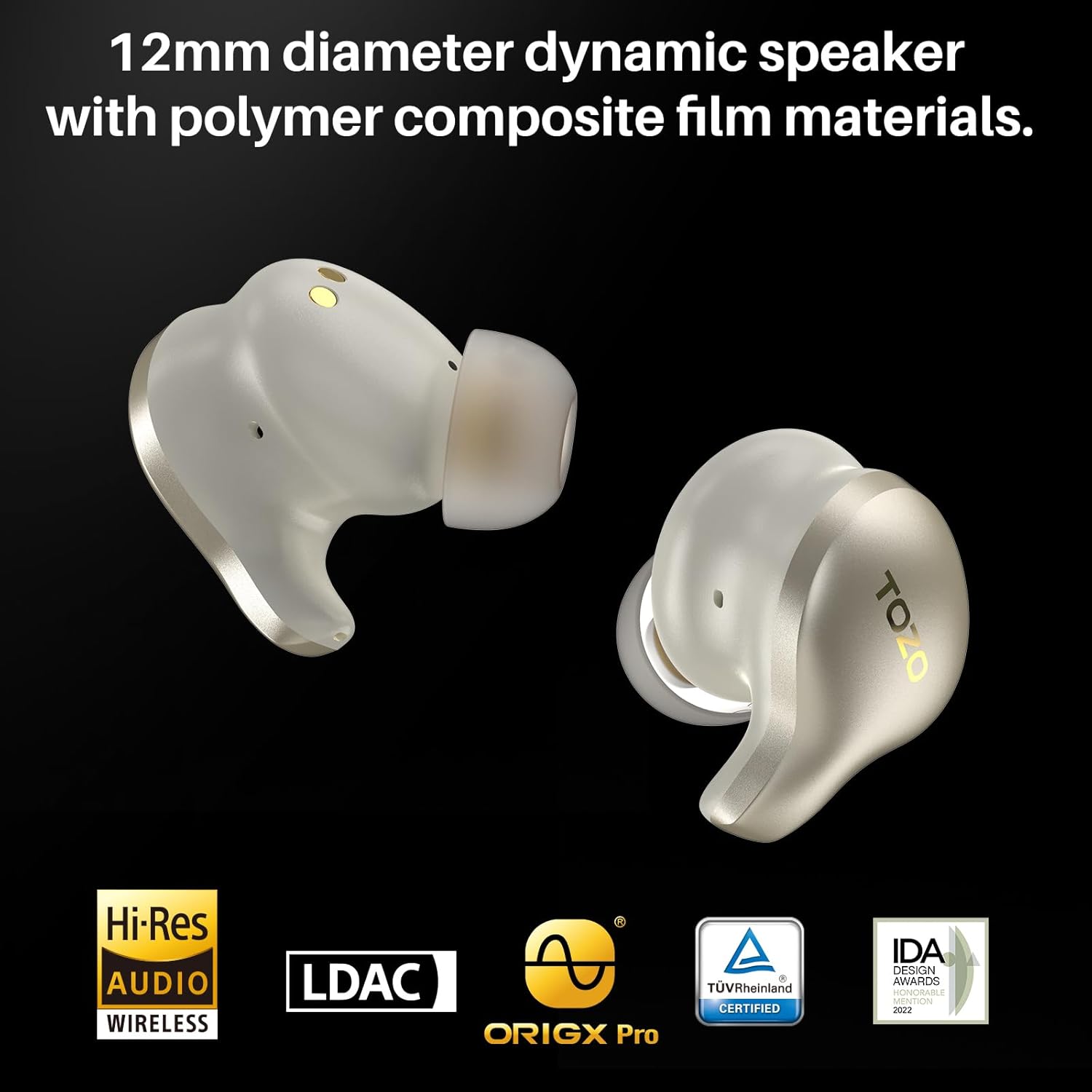
Image: The TOZO Golden X1 earbuds in their charging case, displaying "100%" battery level, indicating a full charge.
3. Pairing with Your Device
- Open the charging case. The earbuds will automatically enter pairing mode.
- On your device (smartphone, tablet, etc.), enable Bluetooth.
- Search for "TOZO Golden X1" in the list of available Bluetooth devices and select it to connect.
- Once connected, a voice prompt will confirm successful pairing.
The earbuds utilize Bluetooth 5.3 technology for stable and efficient connection.
4. Optimal Fit and Eartip Selection
For the best sound quality and noise cancellation, select the eartips that provide a snug and comfortable seal in your ear canal. Experiment with different sizes included in the package.

Image: A visual representation of the different eartip sizes provided with the TOZO Golden X1 earbuds, illustrating how to choose the best fit for personalized audio.
5. TOZO App Installation
Download the official TOZO App from your device's app store. The app allows for firmware updates, EQ customization, noise cancellation mode adjustments, and personalized sound settings via the EarTune AI Technology.

Image: Screenshots of the TOZO app interface, demonstrating the 32 preset EQ modes and 6 noise reduction modes available for customization.
Operating Instructions
1. Touch Controls
The TOZO Golden X1 earbuds feature intuitive touch controls on each earbud. Specific functions can be customized via the TOZO App.
| Action | Left Earbud | Right Earbud |
|---|---|---|
| Play/Pause | Single Tap | Single Tap |
| Next Track | Double Tap | |
| Previous Track | Triple Tap | |
| Volume Up | Long Press | |
| Volume Down | Long Press | |
| Answer/End Call | Single Tap | Single Tap |
| Reject Call | Long Press | Long Press |
| Switch ANC/Transparency Mode | Triple Tap |
2. Active Noise Cancellation (ANC) and Transparency Mode
The TOZO Golden X1 features Active Noise Cancellation (ANC) to reduce ambient noise by up to 42dB, providing an immersive listening experience. Transparency Mode allows you to hear your surroundings without removing the earbuds.
- Switching Modes: Use the touch controls (as per the table above) or the TOZO App to cycle between ANC On, Transparency Mode, and Normal Mode.
- Environmental Noise Reduction: The 6 built-in microphones enhance call clarity by blocking background noise.
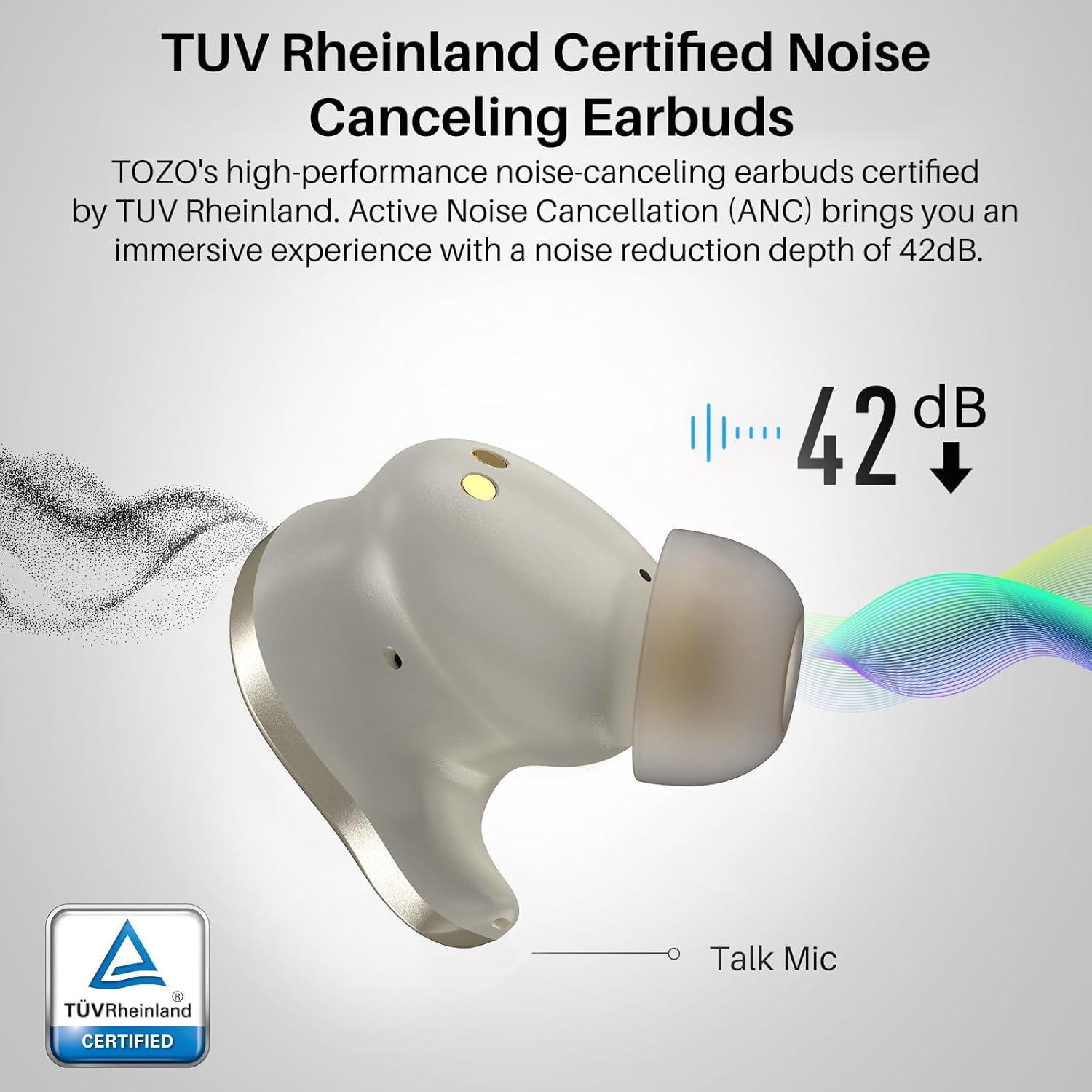
Image: A diagram illustrating the 42dB noise reduction capability of the TOZO Golden X1 earbuds, highlighting the active noise cancellation feature.
3. LDAC HD Audio-decoding and Hi-Res Audio Wireless
The Golden X1 supports LDAC technology, enabling high-resolution audio streaming up to 990 kbit/s, which is significantly higher than standard Bluetooth codecs. This ensures a rich and detailed sound experience, meeting Hi-Res Audio Wireless certification standards.
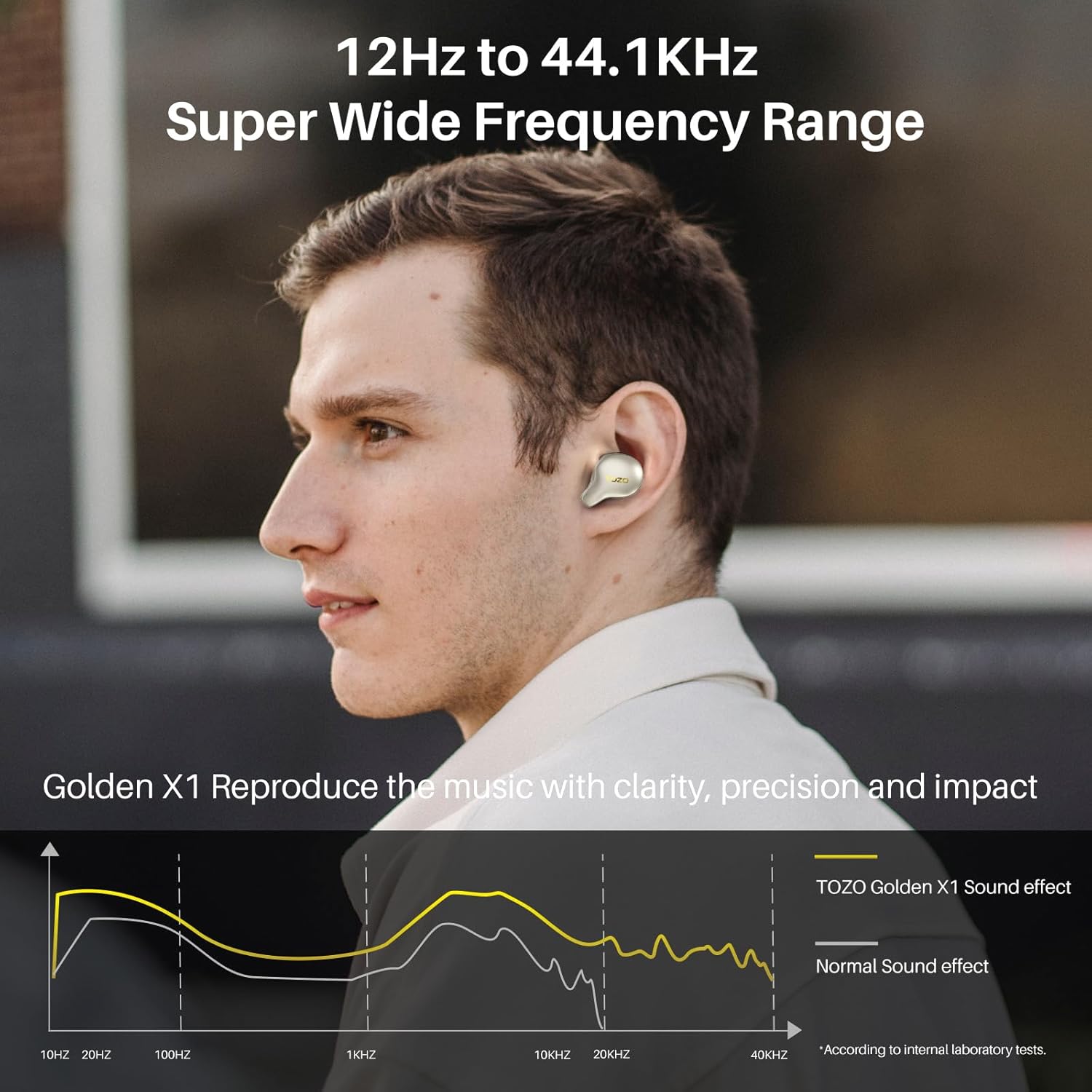
Image: A graph demonstrating the super wide frequency range of the TOZO Golden X1, from 12Hz to 44.1KHz, indicating its capability to reproduce music with clarity and impact.
4. Battery Life and Charging Indicators
The earbuds provide up to 8 hours of listening time on a single charge. With the fully charged wireless charging case, the total listening time extends up to 32 hours.
- The charging case features an LED digital display that shows the remaining battery percentage of the case and the charging status of each earbud.
- When earbuds are placed in the case, they will automatically begin charging.

Image: An infographic detailing the ultra-long battery life of the TOZO Golden X1, showing 8 hours on a single charge and 32 hours total with the 500mAh charging case.
Maintenance
1. Cleaning Your Earbuds and Case
Regular cleaning helps maintain optimal performance and hygiene.
- Earbuds: Gently wipe the earbuds, especially the eartips and charging contacts, with a soft, dry, lint-free cloth. Do not use abrasive materials or harsh chemicals.
- Eartips: Remove the silicone eartips and clean them with mild soap and water. Ensure they are completely dry before reattaching them to the earbuds.
- Charging Case: Use a soft, dry cloth to clean the inside and outside of the charging case. Ensure the charging pins inside the case are free of dust and debris.
2. Storage
Always store the earbuds in their charging case when not in use to protect them from dust, damage, and to keep them charged.
3. Water Resistance
The TOZO Golden X1 earbuds are rated as "Waterproof". While they can withstand splashes and sweat, it is not recommended to submerge them in water for extended periods or expose them to strong jets of water. Ensure earbuds are dry before placing them back in the charging case.

Image: Close-up of TOZO Golden X1 earbuds with water droplets, illustrating their waterproof design.
Troubleshooting
If you encounter issues with your TOZO Golden X1 earbuds, please refer to the following common solutions:
1. Earbuds Not Pairing or Connecting
- Ensure both earbuds are fully charged.
- Place both earbuds back into the charging case, close the lid, wait a few seconds, then open it again.
- Turn off and then turn on Bluetooth on your device.
- Forget "TOZO Golden X1" from your device's Bluetooth list and attempt to pair again.
- If issues persist, try resetting the earbuds. (Note: Specific reset instructions may vary. Refer to the TOZO App or official TOZO support for detailed steps.)
2. No Sound or Low Volume
- Check the volume level on both your device and the earbuds.
- Ensure the earbuds are properly seated in your ears and that the eartips provide a good seal.
- Verify that the earbuds are connected to the correct audio output on your device.
- Clean any debris from the earbud speaker meshes.
3. Charging Issues
- Ensure the USB-C cable is securely connected to both the case and the power source.
- If using wireless charging, ensure the case is correctly positioned on the charging pad.
- Clean the charging contacts on both the earbuds and inside the case.
- Try a different charging cable or power adapter.
Technical Specifications
| Model Name | X1 |
| Connectivity Technology | Wireless (Bluetooth 5.3) |
| Noise Control | Active Noise Cancellation |
| Audio Driver Type | Hybrid Driver (Balanced Armature & 12mm Dynamic) |
| Frequency Response | 12Hz - 44.1kHz (OrigX Pro, Hi-Res Audio Wireless) |
| LDAC Support | Yes |
| Battery Life (Earbuds) | Up to 8 hours (single charge) |
| Battery Life (with Case) | Up to 32 hours |
| Charging Time (Case) | 2 Hours |
| Charging Compatibility | USB-C, Wireless Charging |
| Water Resistance Level | Waterproof |
| Control Type | Touch Control, App Control |
| Included Components | User Manual, TOZO Golden X1 Wireless Earbuds, USB-C (A to C) cable (30cm), Wireless Charging Case, Eartips |
Warranty and Support
Warranty Information
TOZO products typically come with an 18-month warranty from the date of purchase. Please retain your proof of purchase for warranty claims. The warranty covers manufacturing defects and issues arising from normal use. It does not cover damage caused by misuse, accidents, or unauthorized modifications.
Customer Support
For further assistance, technical support, or warranty inquiries, please visit the official TOZO website or contact their customer service team. You can often find contact details and FAQs on the TOZO brand store page on Amazon or their dedicated support portal.
TOZO Official Website: www.tozostore.com
TOZO Brand Store (Amazon): Visit TOZO Store
Related documentsX1


Ask a question about this manual
Ask about setup, troubleshooting, compatibility, parts, safety, or missing instructions. Manuals+ will review the question and use this page’s manual context to help answer it.